# Pausing a campaign
Want to stop any further emails from being sent? Mailmeteor lets you pause your campaigns temporarily or cancel them permanently. Here's how to do it.
## How to pause a campaign?
1. Open [Mailmeteor Dashboard](https://dashboard.mailmeteor.com/).
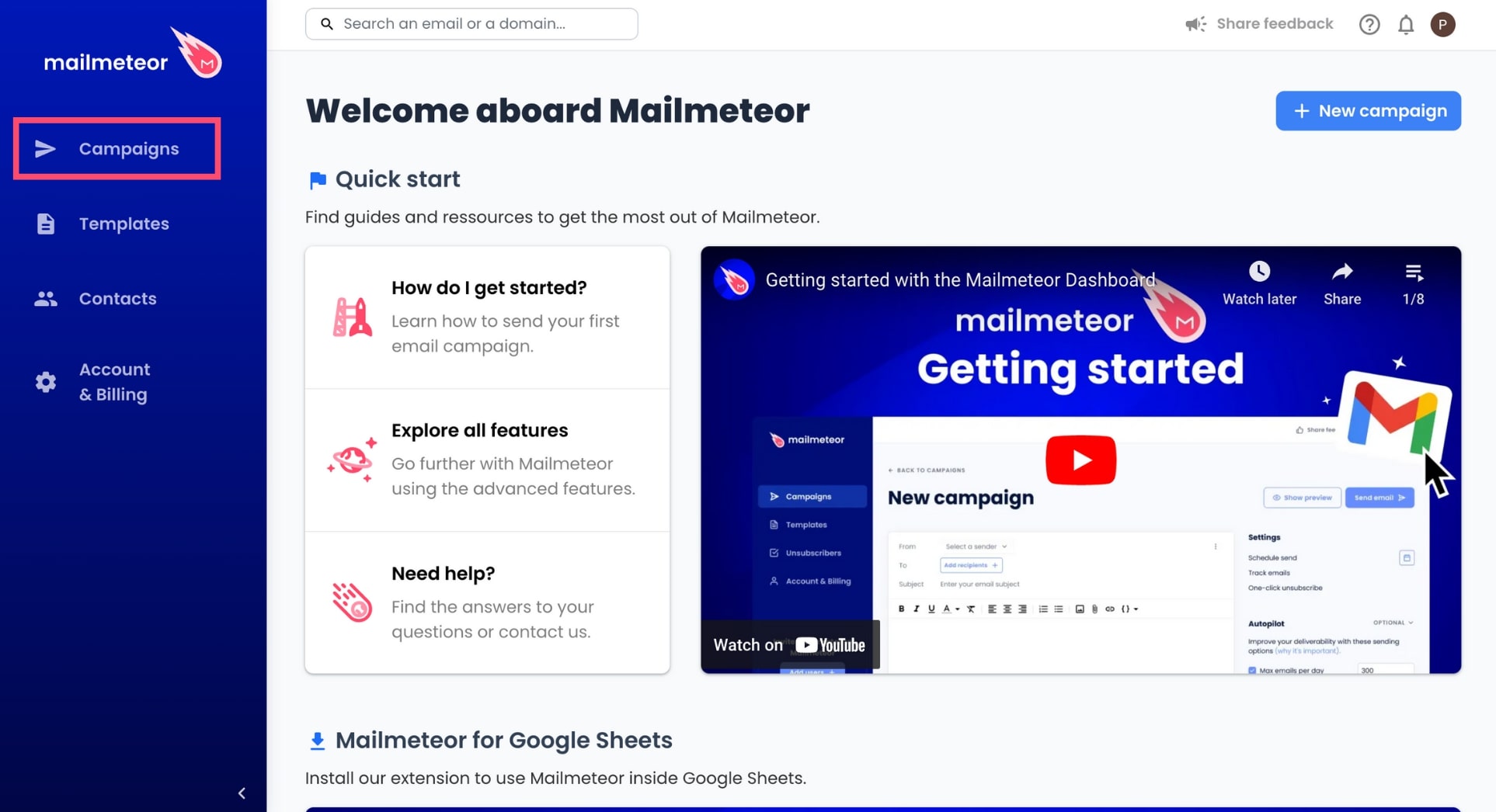
2. Go to **Campaigns**.
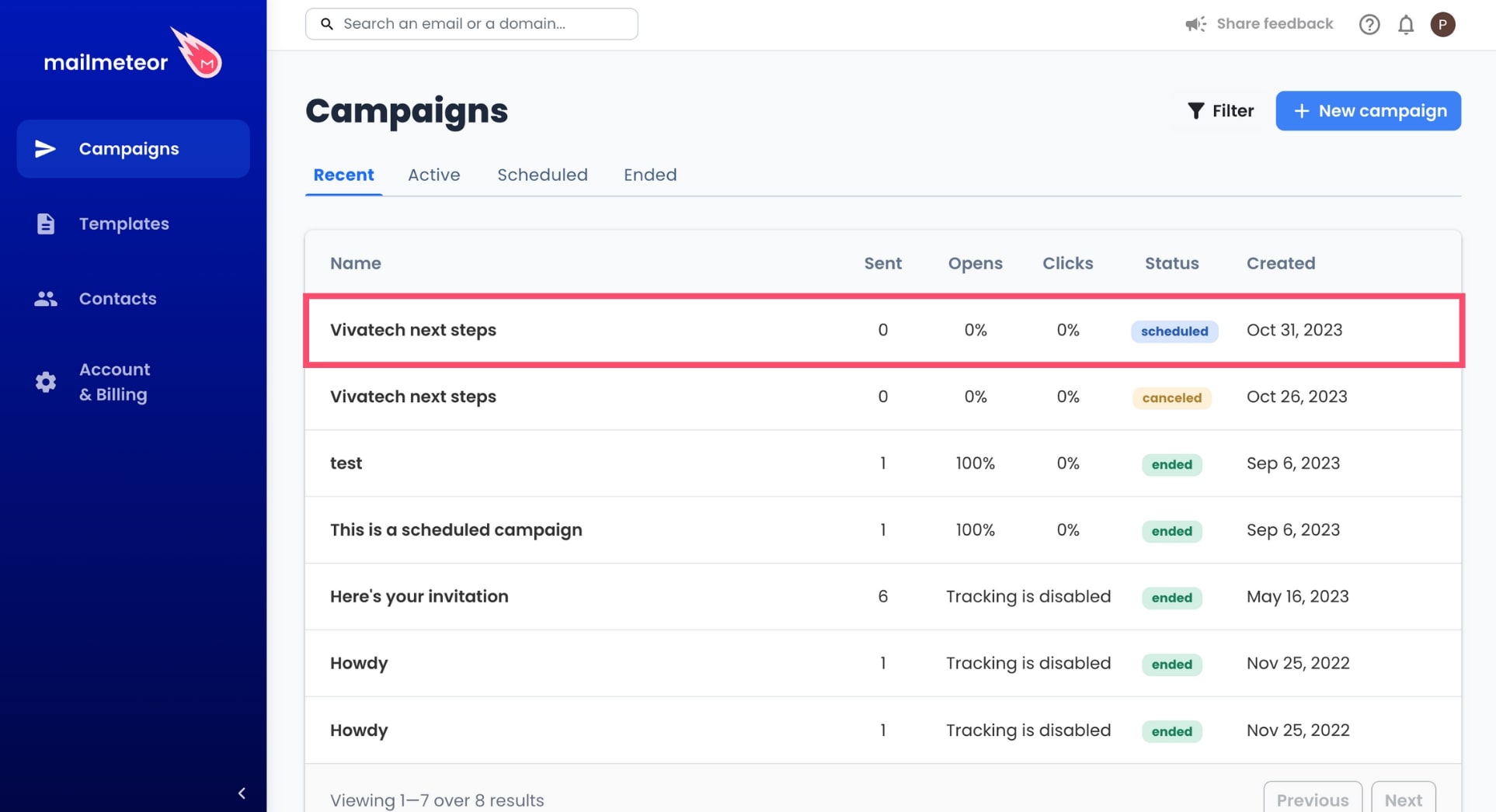
3. Select an ongoing or scheduled campaign.
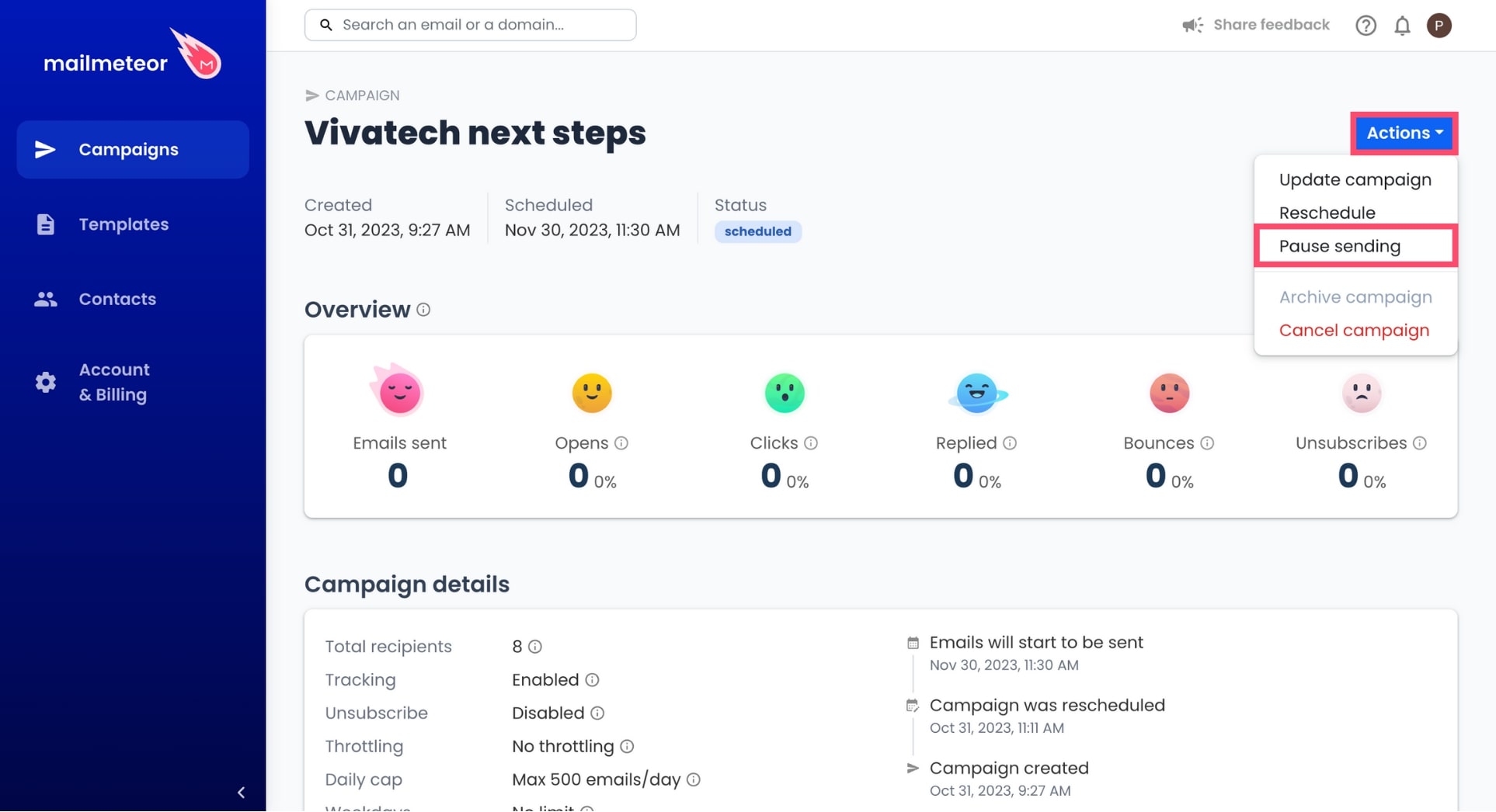
4. Go to **Actions** and select **Pause sending**.
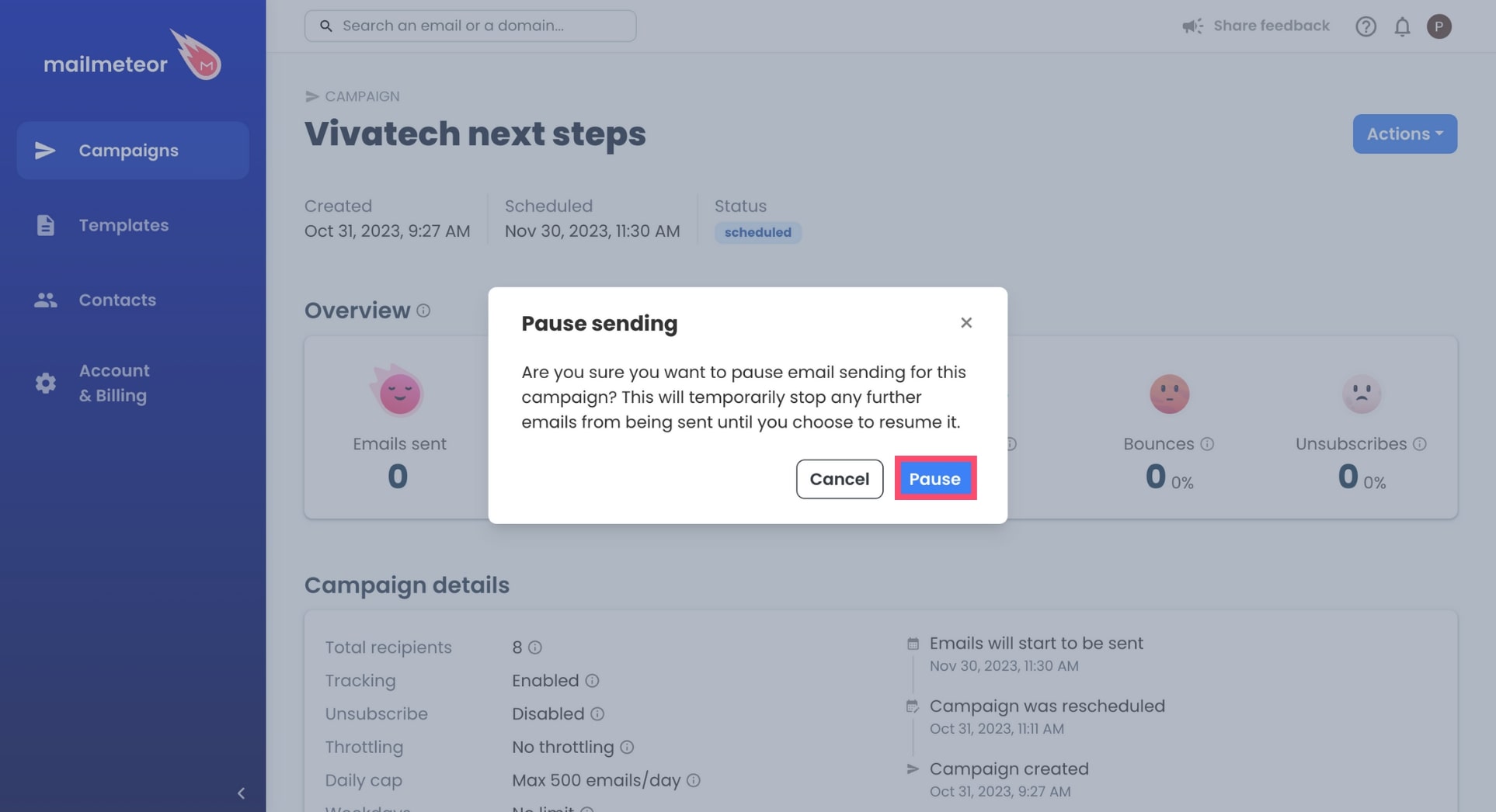
5. To confirm, click **Pause**.
Confirm to pause campaign
{% hint style="info" %}
If your campaign contains follow-ups, please read the next section on [what happens when you pause a campaign](#what-happens-when-you-pause-a-campaign).
{% endhint %}
## What happens when you pause a campaign?
All emails in this campaign are paused and will not be sent until the campaign is resumed.
If your campaign contains **follow-ups**, please consider the following:
* When you pause a campaign, follow-ups are paused and won't be sent.
* When you resume, follow-ups that are scheduled in the future will be sent.
* However, follow-ups that missed their deadlines (e.g., 3 days later) won't be sent.
The reason behind this is that when you define a delay (e.g., 3 days later), if that period of time has passed, Mailmeteor is uncertain of what to do with the follow-up and defaults to cancel it.
## How to resume a campaign?
You can resume a paused campaign whenever you want. To do so, open your campaign and click the **Actions** button. From there, select **Resume sending** and click **Resume campaign** to confirm.