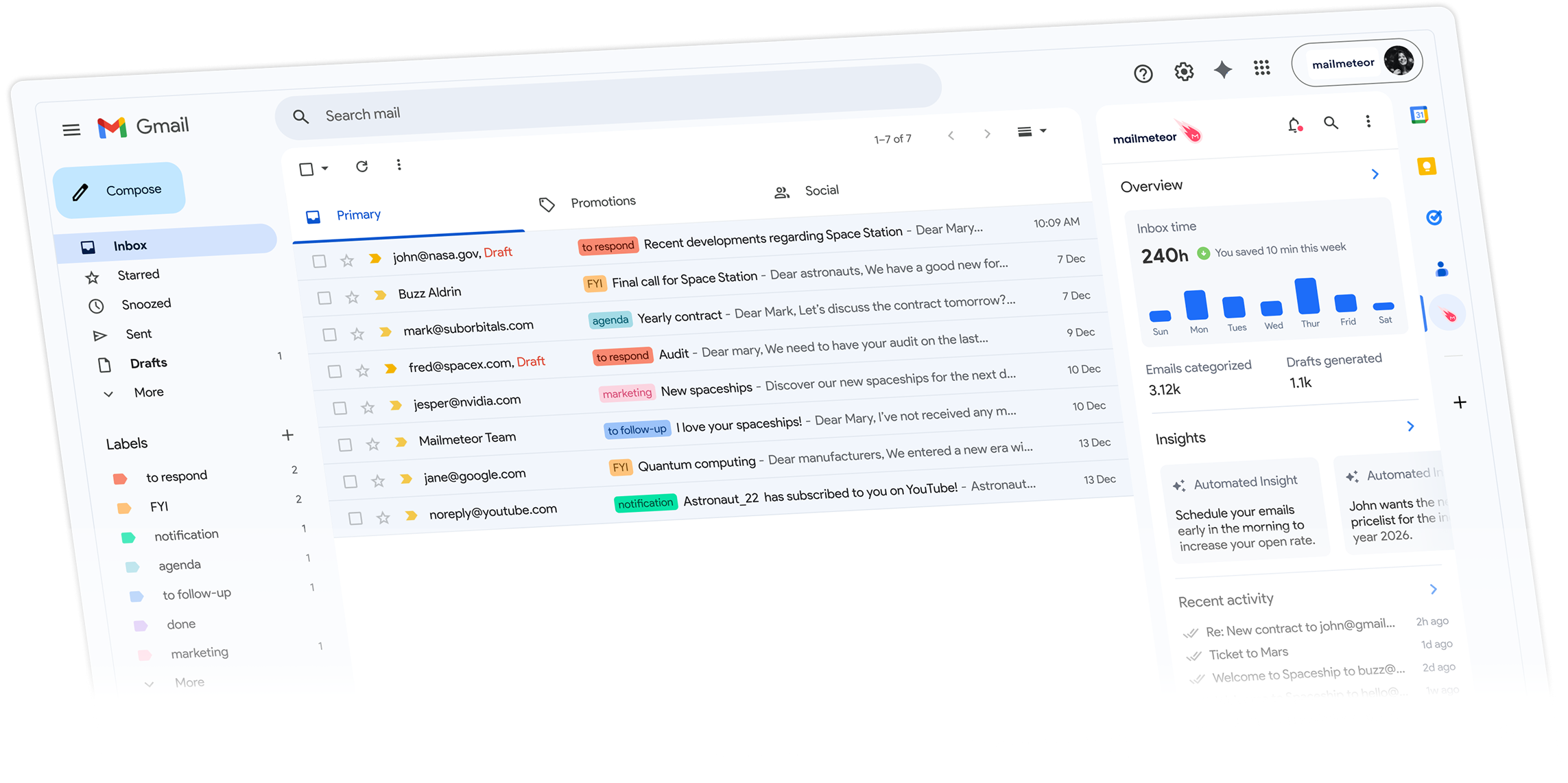
Mailmeteor is the GMass alternative trusted by 6 million professionals. Mail merge, email tracking,
and automated follow-ups. Simpler to use and up to 80% cheaper.
See how Mailmeteor compares to GMass, feature by feature and price by price.
Mailmeteor
|
GMass
|
|
|---|---|---|
| Free plan | ✅ 50 emails/day, no branding | ⚠️ 50 emails/day (footer added) |
| Starting price | ✅ $9.99 per month | ❌ $25 per month |
| Pricing for individuals (annual) | ✅ $49 per year | ❌ $225 per year (4× more expensive) |
| Pricing for teams (10 users, annual) | ✅ $289 per year | ❌ $2,650 per year (9× more expensive) |
| Mail merge from Google Sheets | ✅ Yes | ✅ Yes |
| Email open & click tracking | ✅ Yes | ✅ Yes |
| Automated follow-ups | ✅ Yes | ✅ Yes |
| AI email writing assistant | ✅ Yes | ❌ No |
| Gmail inbox permissions required | ✅ Minimal | ❌ Full inbox read access |
| Reviews on Google Workspace Marketplace | ✅ 4.9/5 across 10,000+ reviews | 4.7/5 across 5,000+ reviews |
| GDPR compliant | ✅ Yes | ✅ Yes |
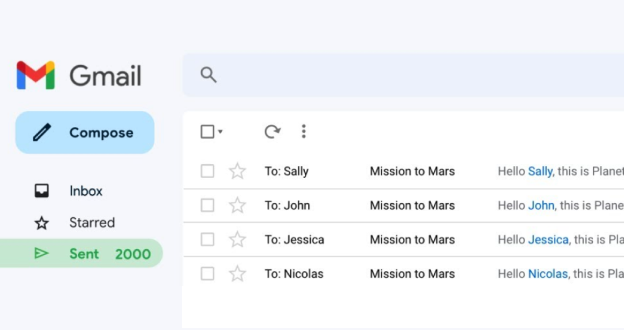
Craft one email, send it to hundreds. Each message personalized with the recipient's name, company, or any custom field. All from Gmail, all without a learning curve.
Merge fields from Google Sheets in one click
Preview every email before sending
Send from Gmail, Google Sheets, or the dashboard
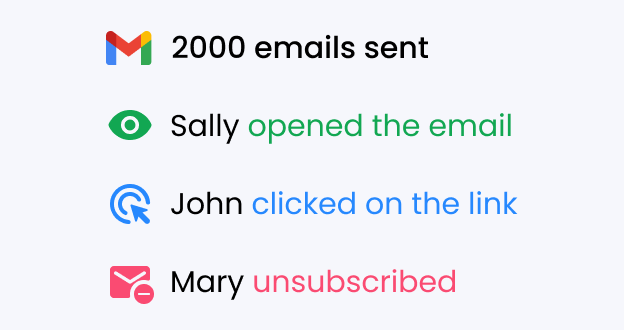
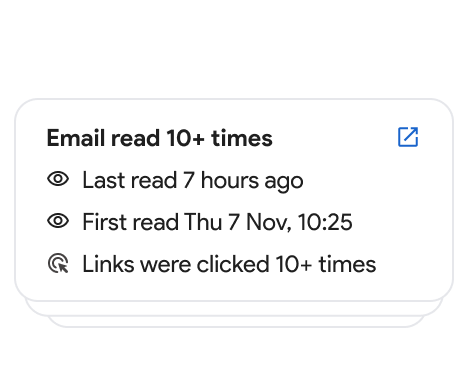
See exactly who opened your email, when, and how many times. Individual open and click tracking on every campaign you send.
Real-time open and click notifications
Per-recipient tracking in your campaign report
No tracking pixel watermark or branding
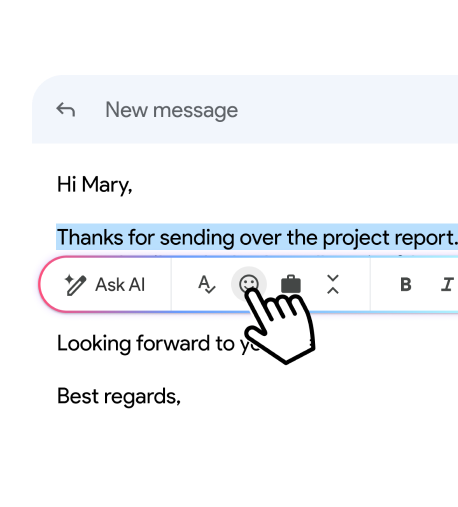
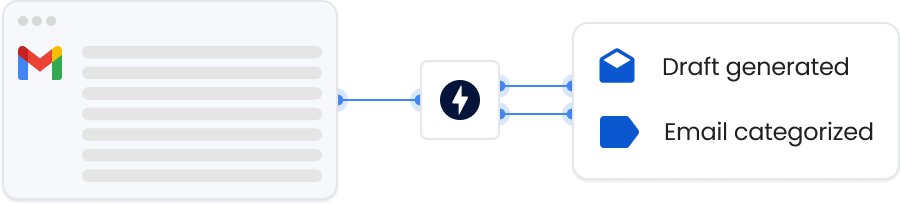
Mailmeteor goes beyond mail merge. An AI writing assistant lives inside Gmail to help you draft, refine, and polish every email. Something GMass doesn't offer.
Generate full drafts from a short prompt
Fix grammar, tone, and length in one click
AI-powered reply suggestions for incoming emails
From sales teams to nonprofits, professionals who need reliable mail merge at a fair price choose Mailmeteor over GMass.
Send personalized outreach at scale, track every open and click, and follow up automatically. Without paying GMass's premium price.
Run polished email campaigns from Gmail or Google Sheets, with real-time analytics and no forced branding in your emails.
Send personalized outreach to candidates at scale, track who engages, and trigger follow-ups automatically.
Reach investors, partners, and customers with personalized emails that feel 1-to-1. Takes minutes to set up.
Send bulk updates, announcements, and follow-ups to your customers without switching tools or learning a new interface.
Send professional client campaigns with mail merge and tracking, at a price that makes sense for a one-person operation.
Companies & organizations, from all over the world trust Mailmeteor. Read all 10,000+ reviews.
I recently started using Mailmeteor for my email campaigns, and I couldn't be happier with the results! The user interface is incredibly intuitive, making it easy to personalize and send emails in bulk. The integration with Google Sheets is seamless, allowing me to manage my contacts efficiently. I particularly appreciate the tracking features, which provide valuable insights into open rates and engagement. This has helped me refine my approach and improve my overall communication strategy. Overall, Mailmeteor has significantly streamlined my email marketing efforts. I highly recommend it to anyone looking for an effective and user-friendly solution!
Chrome Web Store
Mailmeteor is super easy to use and really helps me send personalized emails quickly and professionally. Highly recommended!
Chrome Web Store
Thanks guys, because publipostage with Word and Excel doesn't connect correctly to Outlook and I don't know why. With your extension, everything is clearcut.
Capterra
I’ve been using MailMeteor for a while now. I originally signed up when they launched through a Lifetime Deal (LTD) on AppSumo. From past experience, I’ve noticed that companies often let their customer service slide over time, especially for LTD users. But with MailMeteor, it’s been the exact opposite. Their customer service has been consistently excellent (definitely 5-star), and the tool itself is solid, reliable, and packed with useful features.
Chrome Web Store
I have tried others like mailchimp, however i found mailmeteor easier to configure and get the campaign run quickly and doesn't need expertise. I have been using this for last 3 years. Recommend you to try it out.
Capterra
so smooth to use!!
Trustpilot
Mailmeteor is very convenient to use. We saved a lot of time using it. highly recommended!
Trustpilot
So far found this tool very useful. It allows me to quickly export to Excel all the emails I've sent so I can see who I've emailed (and don't need to email again) and who I've not yet emailed.
Chrome Web Store
Common questions from people looking for a GMass alternative.
Mailmeteor is the best-rated GMass alternative on the Google Workspace Marketplace, with 4.9/5 across 10,000+ reviews. It offers the same core mail merge and email tracking features as GMass but is significantly cheaper, requires minimal Gmail permissions, and adds an AI email writing assistant that GMass doesn’t offer. Learn more about Mailmeteor for Gmail.
Yes, significantly. Mailmeteor starts at $9.99 per month (or $49/year for individuals), compared to GMass at around $25/month ($225/year). For a team of 10, GMass costs roughly $2,650/year versus Mailmeteor’s $289/year. That’s up to 9× more expensive for equivalent features. See Mailmeteor’s pricing.
Yes, and more. Mailmeteor covers all core GMass features: mail merge from Google Sheets, personalization, email tracking, open and click reporting, and automated follow-ups. On top of that, Mailmeteor adds an AI email writing assistant, email warmup, and CRM integrations that GMass doesn’t provide.
Yes. GMass requires read access to your entire Gmail inbox and Google Drive files. Mailmeteor requests only the permissions it actually needs to send emails and does not read your inbox. This makes Mailmeteor a significantly safer choice for individuals and teams concerned about data privacy. View our security practices.
Yes. Mailmeteor integrates directly with Google Sheets. You can store your recipient list and merge fields in a spreadsheet and send personalized emails with one click. The same workflow GMass users know, but simpler to set up.
Yes. Mailmeteor tracks opens and clicks for every email in your campaign, with per-recipient reporting in your campaign dashboard. Unlike GMass, there’s no forced branding or watermark on tracked emails. Learn about email tracking.
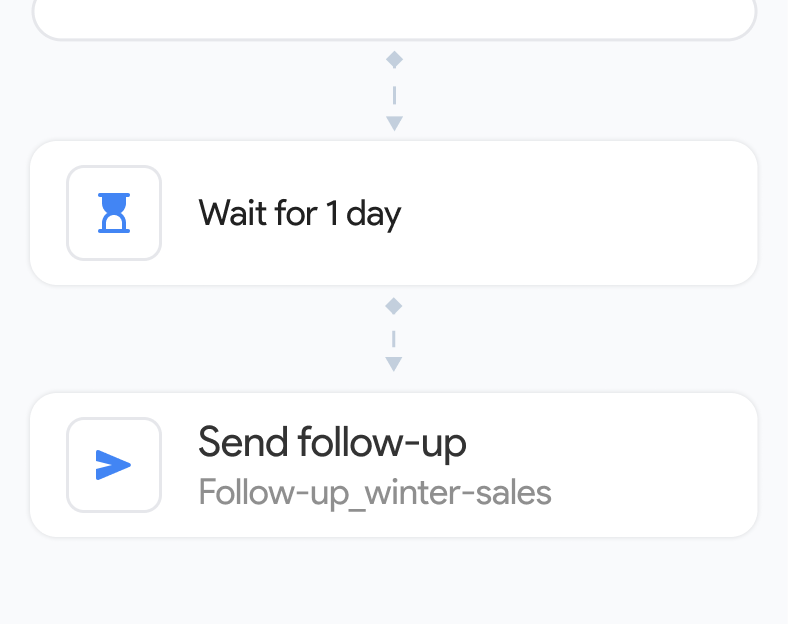
Yes. Mailmeteor can automatically send follow-up emails to recipients who didn’t open or reply to your first message. You control the timing, conditions, and content of each follow-up sequence. Learn about follow-ups.
No. GMass is focused on mail merge and does not include AI writing features. Mailmeteor includes a full AI email assistant that can draft replies, categorize your inbox, and refine your writing inside Gmail, at no extra cost on paid plans. Learn about Mailmeteor’s AI Email Assistant.
Install Mailmeteor from the Google Workspace Marketplace and sign in with your Google account. If you used GMass with a Google Sheets contact list, your existing spreadsheet works with Mailmeteor immediately. No migration needed. You can then uninstall the GMass extension from Chrome.
Yes. Mailmeteor’s free plan lets you send up to 50 emails per day, the same free quota as GMass. Unlike GMass’s free tier (which historically added a footer to outgoing emails), Mailmeteor’s free plan sends emails without any forced branding. See what’s included in the free plan.
Join 6 million professionals who chose Mailmeteor over GMass.
Free plan available. No credit card required.