Cleaning your email list is one of the fastest ways to boost your deliverability — yet it’s something most senders overlook. In this guide, we’ll compare the best email list cleaning services of 2026, break down how they work, and help you choose the tool that’s right for your workflow.
Email list decays. People change jobs, abandon inboxes, mistype their address, or sign up with disposable emails. Keep emailing those bad contacts and your bounce rate climbs, your reputation drops, and before you know it, Gmail and Outlook start pushing your messages straight to spam.
That’s where email list cleaning services like Mailmeteor, Hunter or ZeroBounce come in. These simple tools scan your list, filter out invalid or risky addresses, and help you send only to real, active inboxes. The result? Fewer bounces, stronger deliverability, and email campaigns that actually reach people.
But with so many tools on the market, it’s not always obvious which one to pick. Some services focus on accuracy, others on speed, integrations, pricing, or GDPR compliance — and not all of them are equally reliable. In this guide, we cut through the noise and review the best email list cleaning services of 2026.
Here’s what we’ll cover:
- What is an Email List Cleaning Service?
- Why Should You Clean Your Email List?
- How Does Email List Cleaning Work?
- 9 Best Email List Cleaning Services (2026 Edition)
- How to Choose the Right Email List Cleaning Tool
- How often should you clean your email list?
Sounds good? Then let’s dive in.
What is an Email List Cleaning Service?
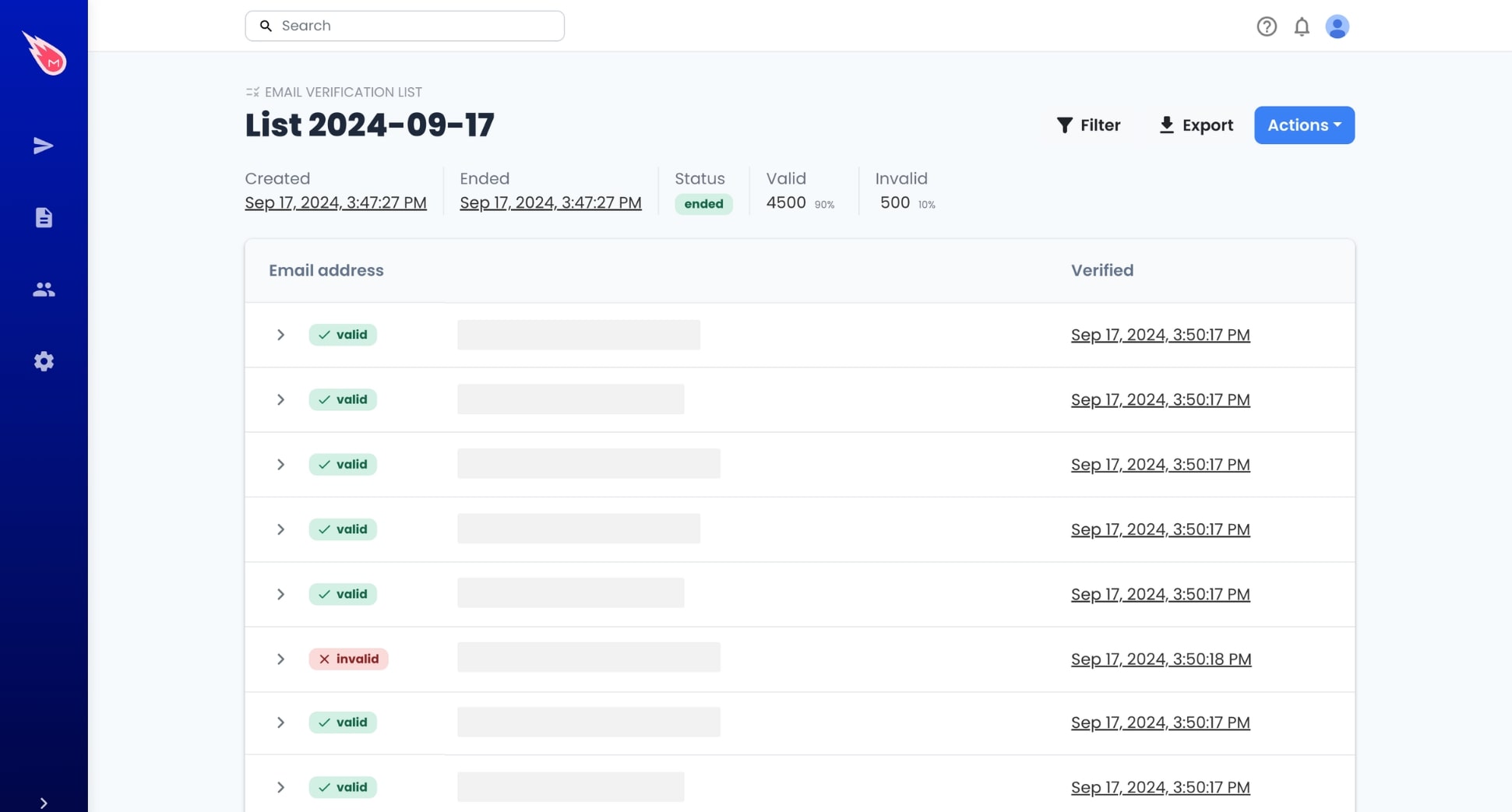
An email list cleaning service is a tool that scans the email addresses in your database and determines which ones are safe to send to. These services analyze your list and flag emails that are invalid, inactive, temporary, or risky.
They help you identify addresses that could cause bounces, distort your metrics, or put your domain reputation at risk. In most cases, the service then categorizes each email and generates a cleaned, ready-to-use version of your list.
Why Should You Clean Your Email List?
A clean email list isn’t just good for deliverability — it impacts almost every part of your email performance. When your list is full of valid contacts, your metrics become more reliable, your campaigns cost less, and your messages reach more of the people you actually want to talk to.
Cleaning your list typically leads to:
- Higher open rates: regularly cleaning your list can lift open rates by 10–15%, simply by focusing on active inboxes.
- Lower bounce rates: removing invalid emails often reduces bounce rates by 30–50%, depending on how outdated the list is.
- Better inbox placement: clean lists can improve deliverability by 15–25%, helping your emails reach the inbox instead of spam.
- Improved engagement: eliminating dead contacts sharpens your metrics and generates stronger engagement signals.
- Reduced sending costs: you avoid paying to email addresses that will never interact with your brand.
- Safer cold outreach: clean lists help avoid spam traps and high-risk contacts that can damage your domain.
How Does Email List Cleaning Work?
Email list cleaning tools run a series of automated checks to determine whether each address on your list is safe to send to. The goal is simple: identify invalid, inactive, or risky emails before they harm your deliverability.
While each provider uses its own systems, most cleaning tools rely on the same core steps:
- Syntax validation: The tool checks whether the email is correctly formatted — no typos, missing symbols, or impossible character combinations.
- Domain & DNS checks: It verifies that the domain exists, is configured correctly, and can receive mail (via DNS and MX record lookups).
- Mail server (SMTP) checks: The tool “pings” the recipient’s mail server to confirm whether the inbox is active — without sending an actual email.
- Disposable & temporary email detection: Addresses from services that generate one-time inboxes are flagged, since they rarely engage.
- Role-based email detection: Emails like info@, support@, or sales@ are marked as risky because they often lead to lower engagement and higher spam complaints.
- Catch-all domain analysis: Some domains accept all email (even fake ones). Tools analyze these to estimate whether the address is likely valid.
- Spam trap & high-risk email screening: Advanced systems compare addresses against known patterns used by ISPs and anti-spam organizations.
Once the scan is complete, your list is categorized into groups such as:
🔴 Invalid — hard bounce guaranteed 🟠 Risky — catch-all, role-based, or low-quality 🟡 Unknown — server didn’t respond 🟢 Valid — safe to send
You can then download a “clean” version of your list or sync it directly with your email platform. Some tools — like Mailmeteor — even let you verify emails in real time, so your list stays clean automatically.
9 Best Email List Cleaning Services (2026 Edition)
With dozens of verification tools out there, finding the right one can feel overwhelming. To make things easier, we’ve handpicked the best email list cleaning services of 2026 — based on accuracy, speed, pricing, and deliverability impact.
Here are the top tools worth considering this year ⤵️
| Tool | Accuracy | G2 Rating | Integrations | Price (1,000 emails) | Free Credits |
|---|---|---|---|---|---|
| Mailmeteor | ~99% | 4.9 | Gmail, Sheets, Zapier | $10 | 50/mo |
| ZeroBounce | 99% | 4.7 | 60+ | $10 | 100 |
| NeverBounce | 99% | 4.2 | 80+ | $8 | 10 |
| Clearout | 94% | 4.7 | 110+ | $7 | 100 |
| Hunter | 95% | 4.4 | 25+ | $12.25 | 50/mo |
| Kickbox | 99% | 4.5 | 20+ | $10 | 100 |
| Emailable | 99% | 4.8 | 80+ | $7.60) | 250 |
| DeBounce | 98% | 4.5 | 115+ | $2 | 100 |
1. Mailmeteor
Rating: 4.9 on Google’s Marketplace
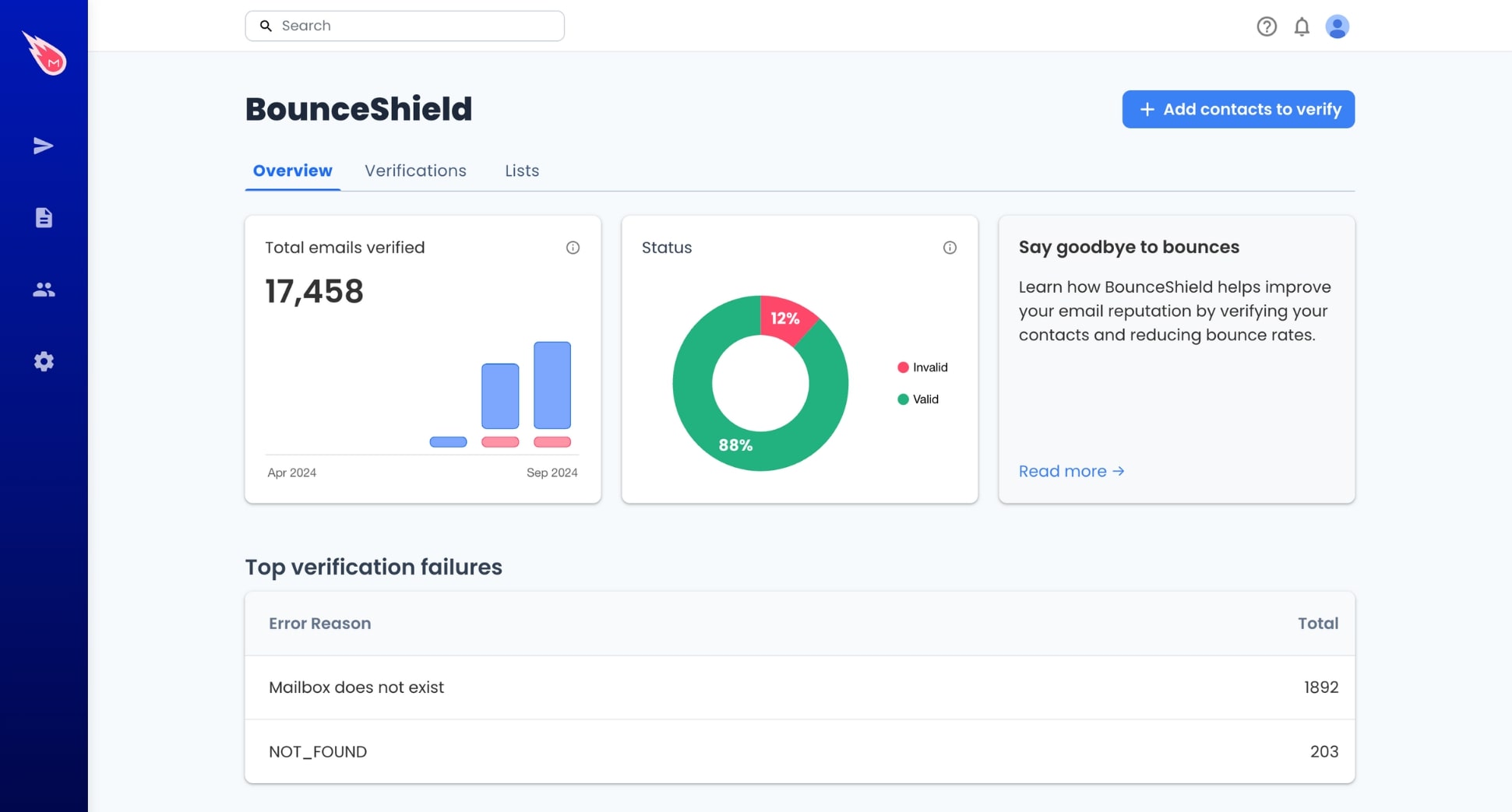
Mailmeteor is a powerful email verification tool built for Google Workspace users. It focuses on speed and workflow simplicity, making it ideal if you manage contacts in Google Sheets or send campaigns directly from Gmail.
Verification is built into Google Sheets and the Mailmeteor Dashboard, so you can clean lists without exporting files. Each email is verified in ~400 ms on average, and Mailmeteor provides up to 99% deliverability on verified emails.
One of its strongest differentiators is real-time verification while sending. Mailmeteor checks every email before delivery and automatically skips invalid addresses, preventing bounces before they happen.
Key features:
- Fast and accurate verification (under ~400 ms per email)
- GDPR-compliant and recommended by Google Workspace
- Bulk verification via Google Sheets or Dashboard upload
- Real-time verification when sending campaigns
- 50 free verifications per month
Pricing: Pay-as-you-go starts at $0.01 per verification, with 50 free checks each month. Mailmeteor Pro ($24.99/month) includes automatic verification, email warmup, email tracking, auto follow-ups, and more.
Best for: Users who want a fast, accurate, and budget-friendly solution — especially Gmail and Google Sheets users who want verification built directly into their workflow.
2. ZeroBounce
Rating: 4.7 on G2
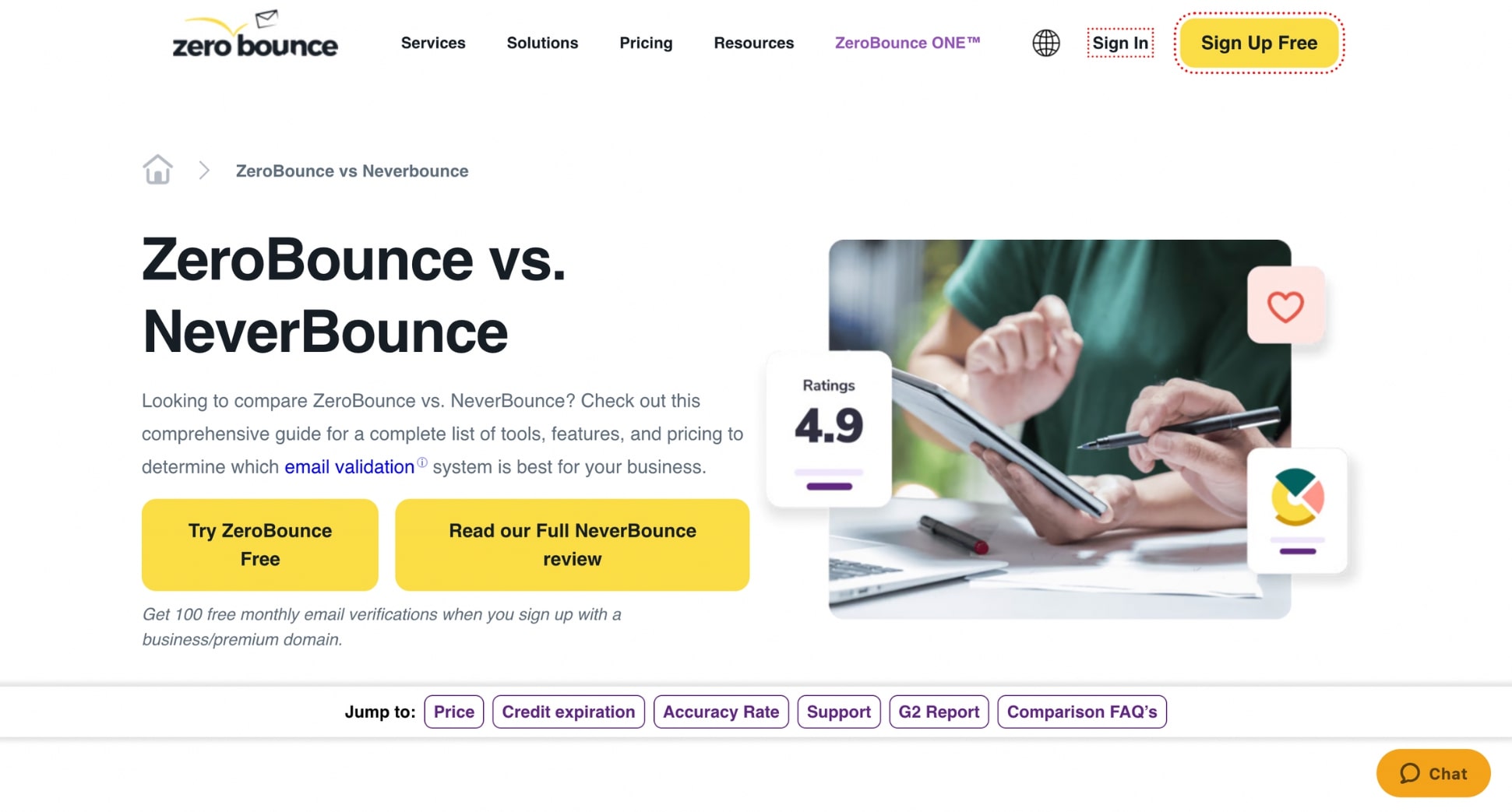
ZeroBounce is one of the most established email verification platforms, known for its high accuracy and strong security standards. It identifies 30+ types of email addresses (including disposable, role-based, catch-all, and abuse emails) and offers one of the lowest unknown rates in the industry at 1.69%.
ZeroBounce provides a real-time validation API that blocks invalid emails automatically at signup, making it a solid choice for teams that want to verify addresses before they enter their database. It’s also one of the most compliance-focused tools on the market, with SOC 2 Type II, ISO-27001, and full GDPR / HIPAA / CCPA protection — plus Cloudflare Enterprise, WAF, and DDoS mitigation.
Key features:
- 99/6% accuracy rate
- Detects 30+ email types (spam traps, disposable, abuse, catch-all, and more)
- 1.69% unknown rate — among the lowest on the market
- Real-time API to block invalid emails automatically
- Enterprise-grade security: SOC 2 Type II, ISO-27001, GDPR, HIPAA, CCPA
- Cloudflare Enterprise, WAF, and DDoS protection
Pricing: Pay-as-you-go at $0.01 per credit, or monthly plans starting at $99 for 25,000 credits (with rollover).
Best for: Businesses that need (very) high accuracy, advanced risk categorization, and strict enterprise-grade security for large or sensitive email lists.
3. NeverBounce
Rating: 4.2 on G2
NeverBounce is a long-established email list cleaning service known for its speed and high-volume processing. It’s built for teams that handle large lists or need fast turnaround times, with a verification engine that can check 100,000+ emails per hour.
One of NeverBounce’s strengths is its 8-category classification system, which goes beyond simple “valid/invalid” labels. It flags accept-all domains, disposable emails, temporary servers, and risky role-based addresses.
Real-time email verification is also available via API, helping prevent bad addresses from entering your CRM or signup forms. NeverBounce integrates with 80+ ESPs and CRMs, including Mailchimp, HubSpot, ActiveCampaign, and Salesforce.
Key features:
- High-volume engine (100k+ verifications/hour)
- Detailed 8-status classification system
- Real-time verification API
- 80+ native integrations
- Supports bulk, single, and automated cleaning
Pricing: Pay-as-you-go starts around $8 for 1,000 emails. Monthly subscription tiers are available if you verify lists frequently. Credits expire after 1 year.
Best for: Teams that send large campaigns and need fast, high-volume verification with detailed classification — especially marketers working across major ESPs and CRMs.
4. Clearout
Rating: 4.6 on G2

Clearout is one of the most affordable email list cleaning services on the market. It’s built for teams that need fast, accurate list verification at scale, with a guarantee to bring your bounce rate down to 3% or less after cleaning.
The platform performs 20+ verification checks, including greylisting handling, spam-trap detection, syntax correction, catch-all identification, mailbox quota checks, DNS/MX lookups, and disposable email filtering.
This helps Clearout deliver highly reliable results even for providers that many tools struggle with — including 96%+ accuracy on Yahoo and AOL addresses. Clearout’s real-time API can also validate emails directly in your signup forms, blocking bots and invalid contacts before they enter your CRM.
Key features:
- Affordable verification (as low as ~$0.007/email)
- Google Sheets add-on for in-sheet verification
- 40+ integrations (HubSpot, Mailchimp, Zoho, Zapier)
- Bulk, real-time API, and automated cleaning
- Detects disposable, role-based, spam traps, and catch-all emails
Pricing: Starts at $35 for 5,000 emails, with discounts on larger credit packs. Pay-as-you-go and monthly subscriptions available.
Best for: Small teams and budget-focused senders who want solid accuracy, a Google Sheets add-on, and wide integrations without paying enterprise-level prices.
5. Hunter
Rating: 4.4 on G2

Kickbox is a simple email list cleaning service known for its accuracy, real-time verification API, and strong deliverability focus. It classifies emails into deliverable, risky, and undeliverable categories, helping senders prevent bounces, filter out disposable or role-based addresses, and detect typos.
Kickbox also comes with a real-time verification API, which blocks invalid or fake emails at signup. Companies such as Reddit and AnyVan report major reductions in bounce rates after integrating Kickbox. The platform is also SOC 2 compliant, GDPR-ready, and part of M3AAWG.
Key features:
- High-accuracy verification with detailed risk segmentation
- Real-time validation API to block invalid emails instantly
- Detects disposable, temporary, role-based, and accept-all domains
- Strong security (SOC 2, GDPR, CCPA compliance)
Pricing: Pay-as-you-go starting at $0.01 per email, with 100 free credits for new users. No monthly plans.
Best for: Businesses that need accurate verification, strong API capabilities, and enterprise-grade security — especially SaaS, e-commerce, and high-volume senders focused on reducing bounces.
7. Emailable
Rating: 4.8 on G2
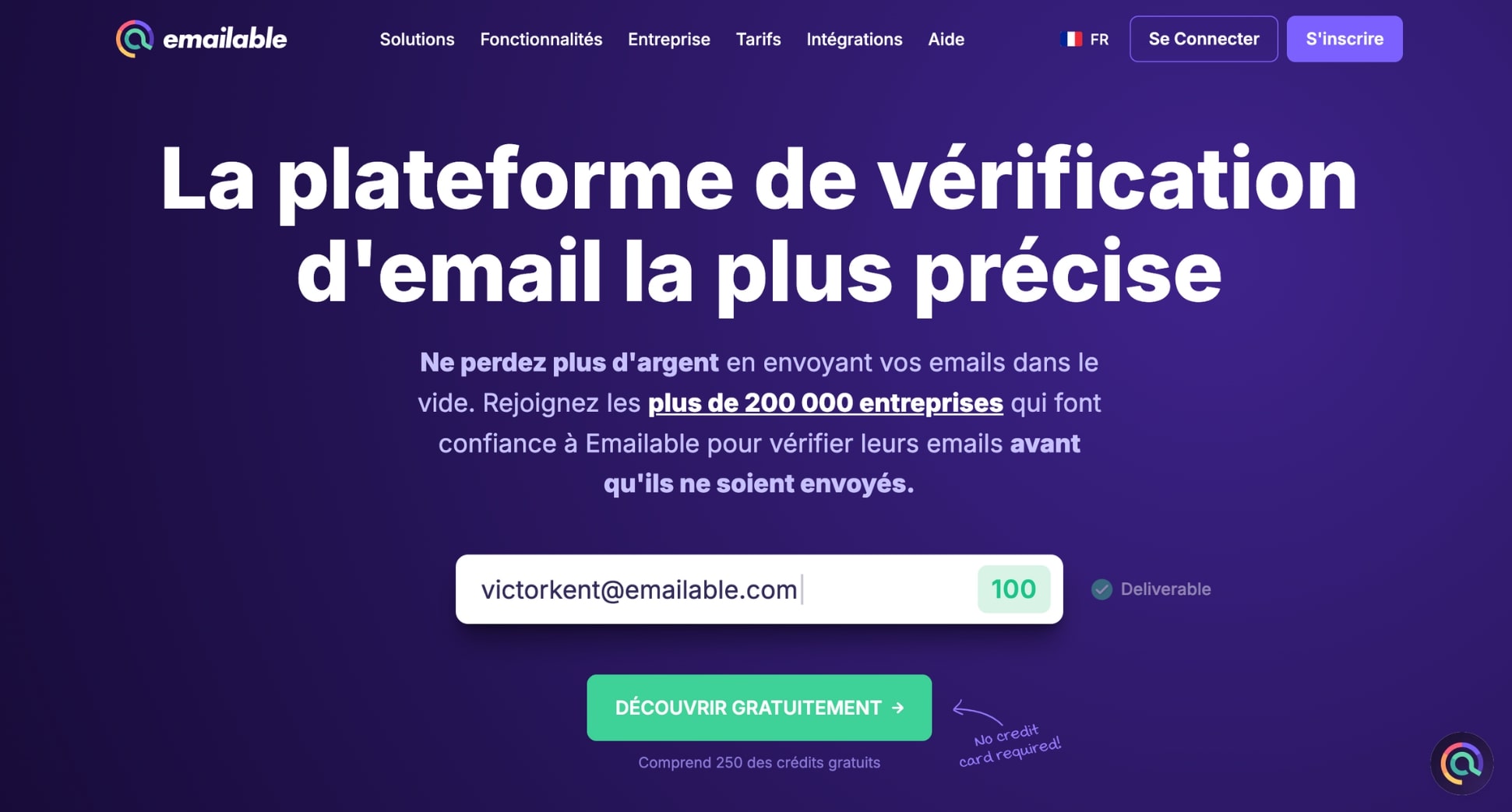
Emailable is one of the fastest email list cleaning services, built for teams that want real-time validation and detailed reporting. It processes up to 30,000 emails per minute and offers a 99% deliverability guarantee.
The platform provides granular breakdowns (deliverable, undeliverable, risky, disposable, accept-all, role-based, etc.) and enriches data with details like SMTP provider, domain info, and typo corrections.
Its real-time widget and developer-friendly API make it easy to block invalid emails at signup, while bulk list uploads offer customizable exports and clean dashboards. Emailable is also SOC 2 Type II certified and fully GDPR compliant.
Key features:
- 99% deliverability guarantee on verified lists
- Fast verification: 100,000 emails in under 3 minutes
- Inbox placement metrics and blacklist monitoring
- Real-time API and on-form validation widget
- 50+ integrations (HubSpot, Mailchimp, Salesforce, Brevo, ActiveCampaign…)
Pricing: Pay-as-you-go credits start from $38 for 5,000 credits. Emailable offers 250 free credits for new users. Monthly plans start from $149.
Best for: Teams needing ultra-fast verification, real-time blocking of bad emails, and enterprise-level security — especially SaaS companies, agencies, and high-volume senders.
8. Mailgun
Rating: 4.2 on G2
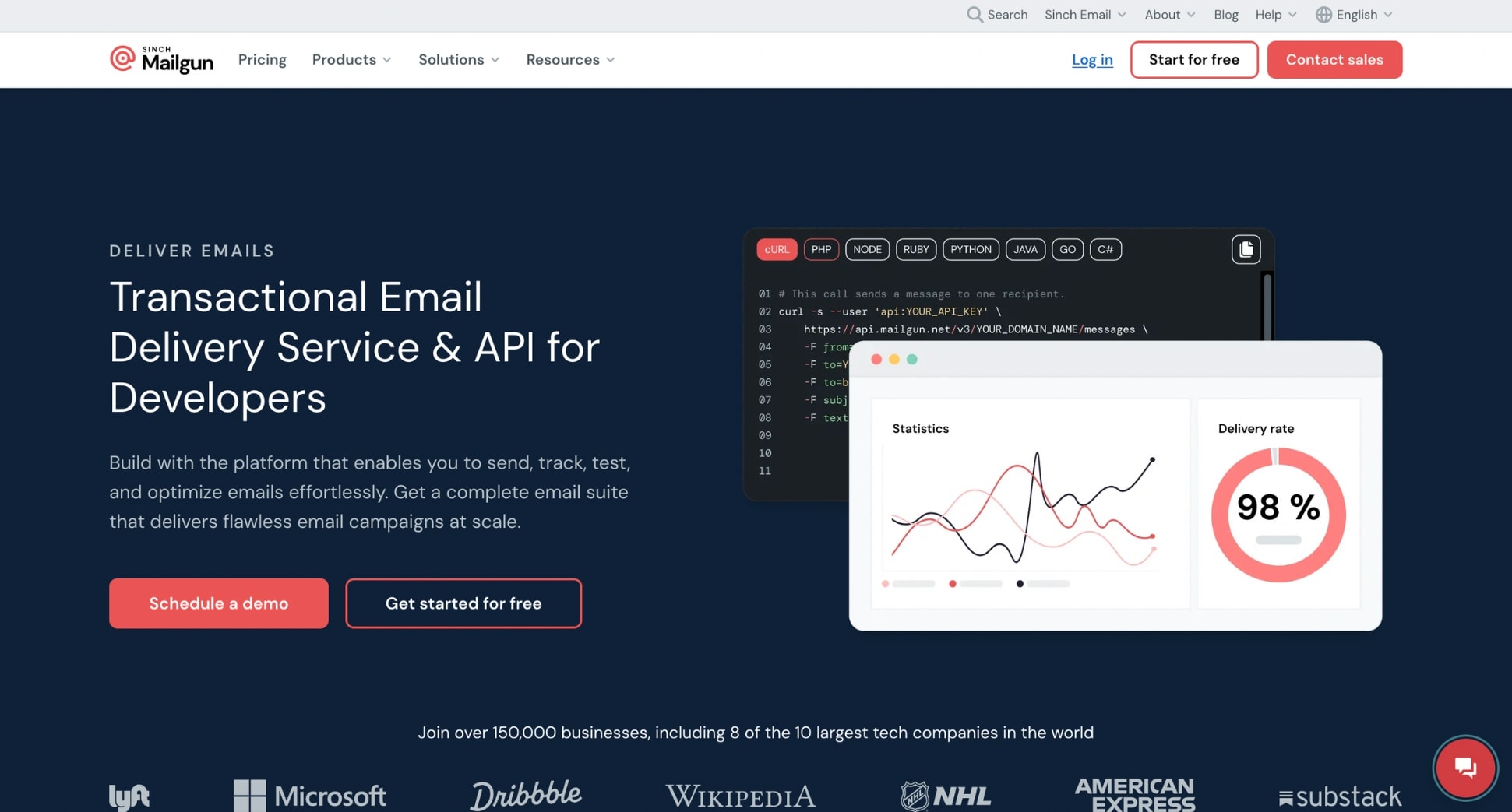
Mailgun is an email delivery platform, but it includes a strong built-in email verification tool that’s well-suited for technical teams and developers. Instead of focusing on list cleaning alone, Mailgun offers validation alongside inbox placement tests, blacklist monitoring, domain reputation insights, and sending analytics — making it a good fit if you want verification and email delivery under one roof.
Its verifier checks syntax, MX records, mailbox existence, disposable emails, and common risk factors. Results are detailed and API-friendly, but the UI is less intuitive than competitors and bulk uploads can feel more technical. Because validation credits are tied to Mailgun’s sending plans, it’s not the cheapest option if you only need list cleaning.
Key features:
- Developer-friendly validation API
- Detects syntax errors, disposable emails, risky domains, and mailbox status
- Built-in deliverability tools (inbox placement, reputation monitoring)
- 30+ integrations and a robust ecosystem for technical workflows
- Strong security and infrastructure (99.99% uptime)
Pricing: Credits are included in sending plans. Extra validation requires custom pricing. Not ideal if you want standalone list cleaning.
Best for: Developers or teams already using Mailgun for sending and looking for built-in verification plus deeper deliverability diagnostics.
9. DeBounce
Rating: 4.5 on G2
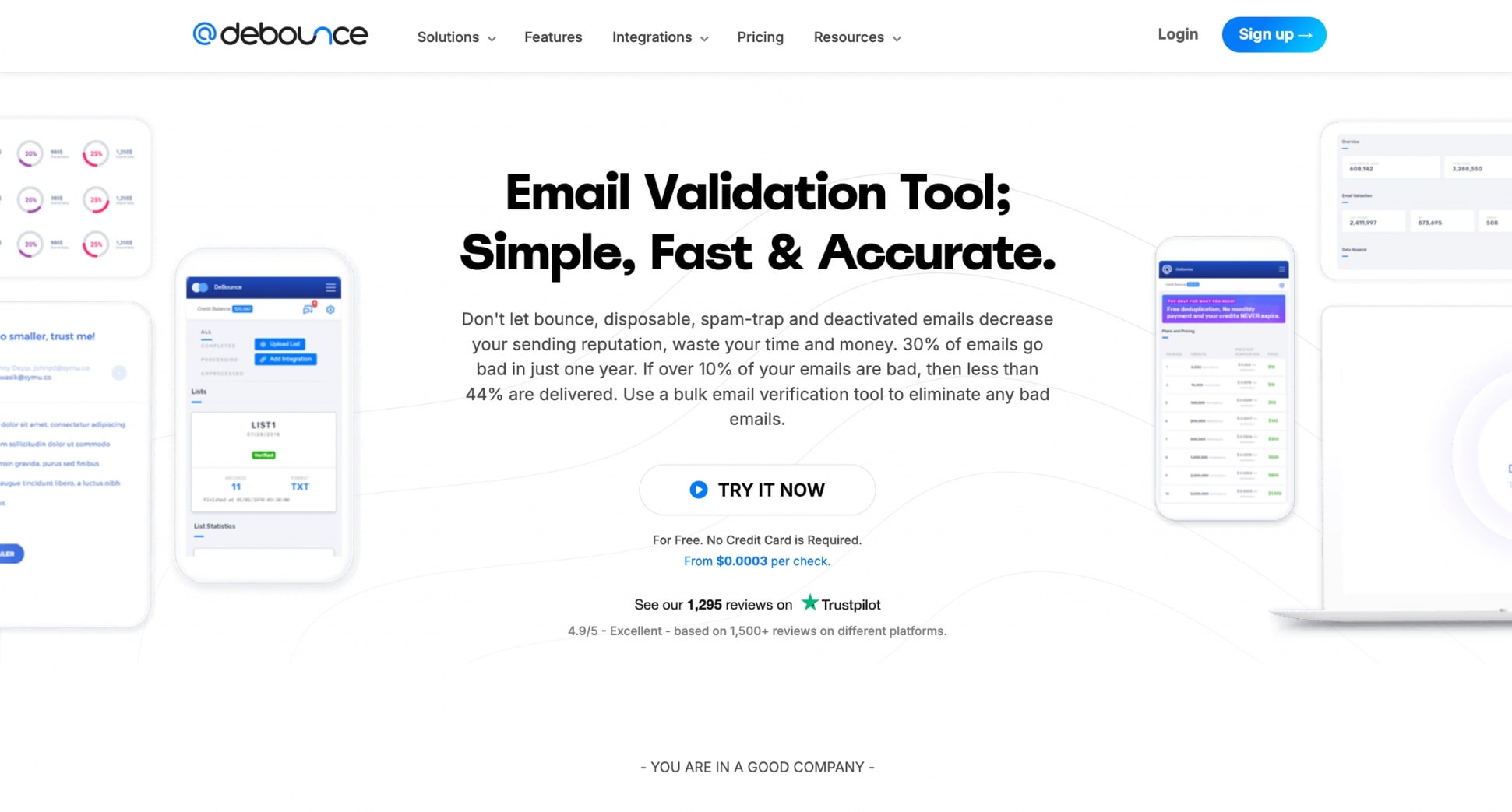
DeBounce is a popular email list cleaner. It supports bulk verification, a real-time API, and continuous list monitoring — a feature that automatically re-checks your list daily so your data stays clean without manual uploads.
The platform performs multi-layered checks, including catch-all detection, disposable email identification, SMTP verification, and spam-trap filtering. It integrates with 115+ ESPs and CRMs, making it easy to sync lists across your tools.
Key features:
- Bulk cleaning and real-time API
- Continuous list monitoring for automated hygiene
- 115+ native integrations (Mailchimp, HubSpot, Brevo, and more)
- Detects disposable, catch-all, role-based, and high-risk emails
Pricing: Very affordable — around $10 for 5,000 emails. Includes 100 free credits when you create an account.
Best for: Small to mid-size teams looking for a low-cost email verification tool with broad integrations and optional automated list monitoring.
How to Choose the Right Email List Cleaning Tool
Not all email list cleaning services work the same way — and choosing the wrong one can waste money or, worse, fail to protect your deliverability. The best tool for you depends on your list size, how often you send campaigns, and whether you need automation, integrations, or real-time verification.
Accuracy and Detection Capabilities
Accuracy is the factor that matters most. Look for tools that consistently hit 95–99%+ accuracy and keep their unknown rate below 2–3%. The best services go beyond simple syntax checks: they detect catch-all domains, disposable emails, spam traps, role-based addresses, and abuse emails. Solid SMTP, DNS, and MX validation is essential, as is a system that can flag high-risk patterns rather than only “valid/invalid”.
Pricing and Credit Structure
Prices vary widely, so focus on how the tool bills rather than just the headline rate. Pay-as-you-go works well for occasional cleaning; monthly plans suit teams that verify emails continuously or use real-time API checks. Compare whether credits expire, how much you’re paying per 1,000 verifications, and whether real-time checks use separate credits. Some tools look cheap upfront but become expensive at scale.
Deliverability Impact
A good cleaning tool should reduce bounces, but a great one also supports long-term deliverability. Features like real-time verification, automatic bounce prevention, engagement or activity scoring, and spam-trap detection make a noticeable difference to inbox placement. If you regularly run large campaigns, choose a service that gives you clear deliverability insights — not just a CSV with “valid” and “invalid”.
GDPR and Privacy Compliance
Because you’re processing personal data, privacy is non-negotiable. Prioritize tools that are GDPR-compliant, transparent about how long they store data, and ideally certified (SOC 2 Type II, ISO-27001). If you collect emails in regulated sectors, check for HIPAA or CCPA compliance. Data deletion policies and secure infrastructure are must-haves, not nice-to-haves.
Speed and Ease of Use
Some tools verify emails in 300–500 ms each or process hundreds of thousands per hour. Others are painfully slow. Choose a platform with a clean interface, fast import/export, readable reports, and integrations with your workflow — whether that’s Gmail, Google Sheets, HubSpot, or a custom API. Automation features like scheduled cleaning or real-time verification can save huge amounts of time.
How often should you clean your email list?
Most senders should clean their email list (at least) once every 3 to 6 months, depending on how quickly they collect new contacts and how frequently they send emails. Over time, even legitimate lists naturally accumulate invalid, inactive, or risky addresses — which can hurt deliverability and increase bounce rates.
But timing isn’t everything. Certain situations call for an extra cleanup, even if you’ve recently verified your list:
- Before sending a large campaign (especially after months of inactivity)
- After importing a new batch of leads from events, forms, or CRMs
- Any time you see deliverability warnings from your ESP
- If your open rates drop unexpectedly
- If your bounce rate starts to rise
- Before starting cold outreach
For ongoing protection, some platforms — like Mailmeteor — can verify emails automatically when you send campaigns, ensuring you never contact invalid or risky addresses again. This set-and-forget safeguard keeps your list clean and helps you achieve deliverability rates of up to 99%.
FAQs
How to clean my email list?
To clean your email list, export your contacts as a CSV and upload the file to an email list cleaning service. The tool will scan your list and flag invalid, disposable, spam-trap, and risky addresses. Once the report is ready, remove the bad contacts from your list and re-import the cleaned version into your email platform. If you use Gmail or Google Sheets, Mailmeteor lets you clean your list directly from your workspace — no CSV needed.
Can I clean an email list for free?
Yes, to an extent. Mailmeteor gives you 50 free email verifications every month, which is great for small lists or quick cleanups. If you only need to check a few emails, you can also use Mailmeteor’s free Email Checker to verify addresses one by one — no signup required. For full list cleaning or advanced checks like spam traps and catch-all detection, you’ll need a paid plan, since most free tools are limited in accuracy and scope.
What’s the best email list cleaning tool?
The best email list cleaning tool depends on what you need. ZeroBounce, NeverBounce, and Clearout are strong options for large datasets. If you work inside Gmail or Google Sheets, Mailmeteor is one of the best choices because it lets you verify emails directly in your workflow, clean entire lists in one go, and even includes 50 free verifications each month.
Does email list cleaning improve deliverability?
Yes. Removing invalid and risky emails reduces bounce rates, which is one of the main signals inbox providers use to judge your sender reputation. A clean list leads to fewer bounces, fewer spam complaints, better engagement, and ultimately more emails reaching the inbox instead of spam. Most users see a noticeable improvement in deliverability after a single cleanup.
Is email list cleaning safe?
Yes, as long as you choose a reputable provider. Look for tools that are GDPR-compliant, don’t store your data longer than necessary, and use secure processing. Avoid “free unlimited verification” websites — they often harvest emails or resell data. Trusted services like Mailmeteor, ZeroBounce, and Bouncer clean your list securely, respect data privacy, and never store your contacts without permission.


