EMAIL PRODUCTIVITY

Meet the AI Email Assistant your Gmail has been waiting for

Meet the AI that makes email effortless. Mailmeteor helps you send, reply,
and organize your inbox. All without leaving Gmail.

Get started for free No credit card required

Trusted by the world's leading companies

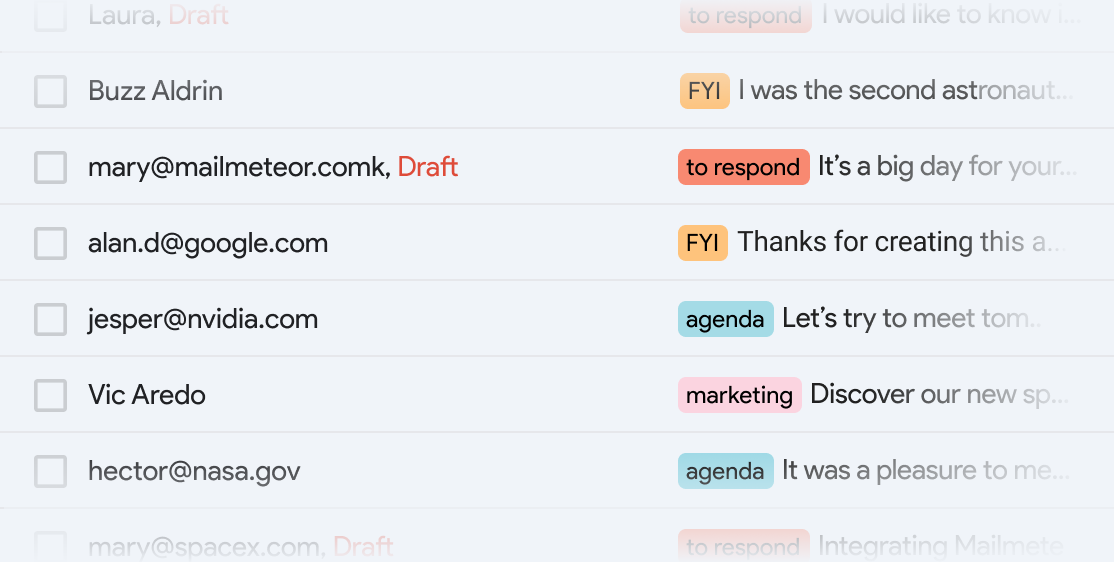
Organize your inbox so you can focus

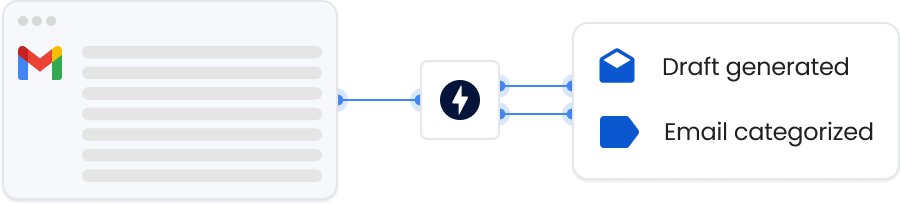
Add an assistant to your inbox that keeps everything in order and highlights what truly needs your attention.

  • check-icon

    Automatically organize emails with smart labels

  • check-icon

    Manage both incoming and outgoing messages

  • check-icon

    Work 24/7. Even when you sleep.
AI Email Assistant Features
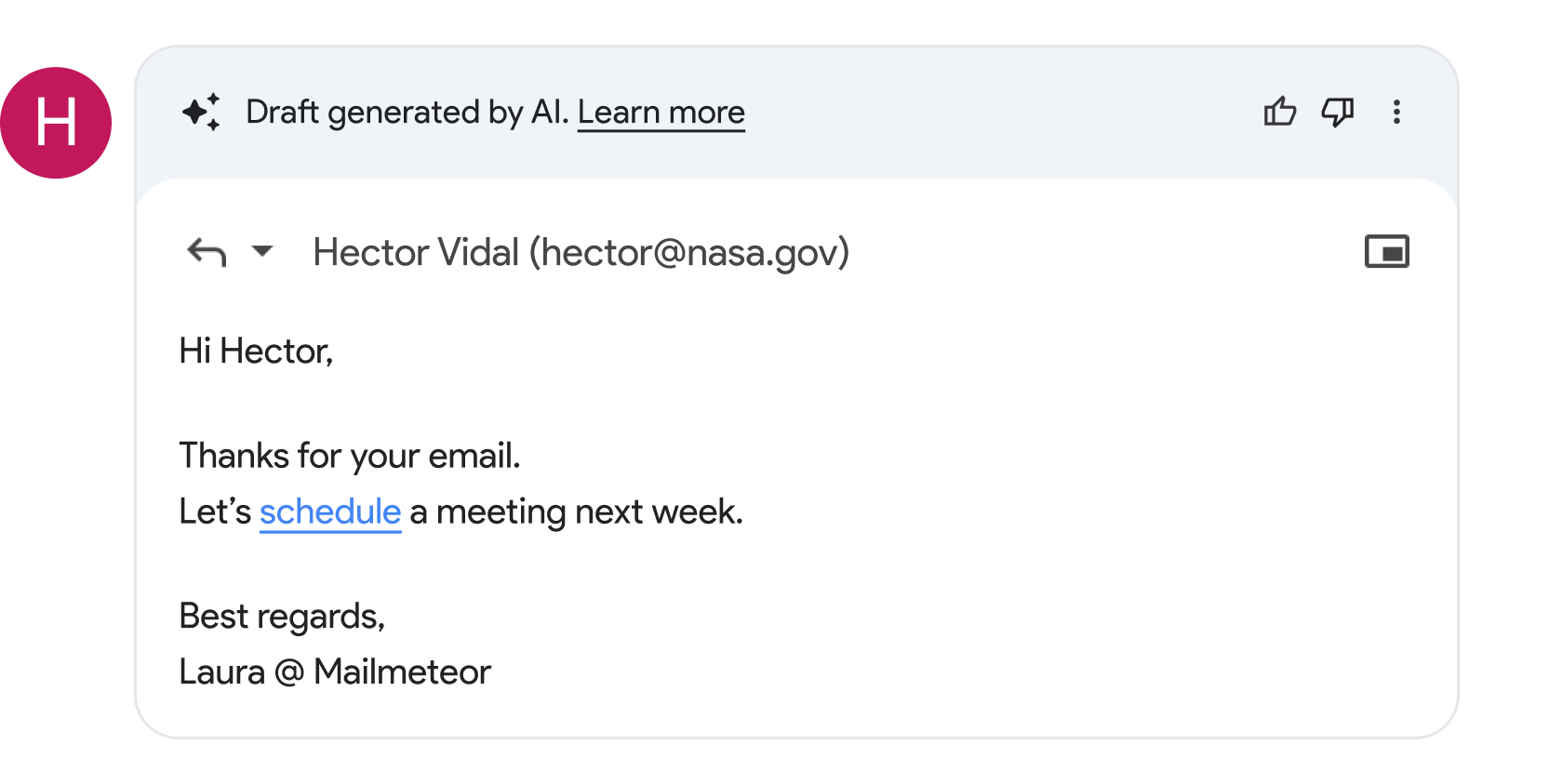
AI Email Assistant Drafts

Write replies that sound like you

Every email that needs a response comes with a ready-to-send draft, written in your voice.

  • check-icon

    Instantly adjust tone and wording

  • check-icon

    Uses conversation history for full context

  • check-icon

    Turn it on or off whenever you want

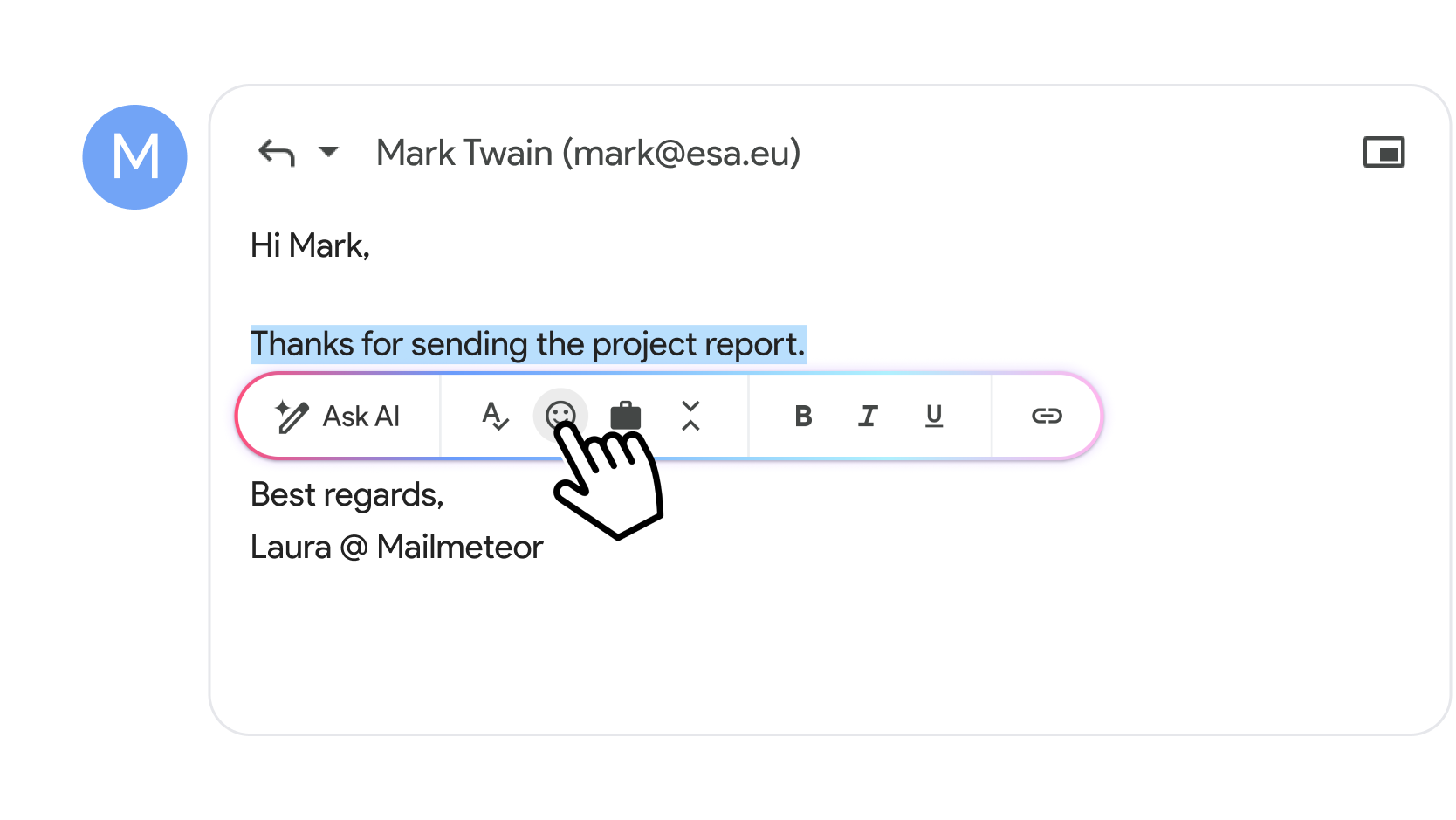
Edit and refine emails in seconds

Make quick improvements as you write. Highlight any text in your draft to open an AI toolbar that helps you polish your message instantly.

  • check-icon

    Fix typos and improve grammar

  • check-icon

    Shorten selected text with one click

  • check-icon

    Adjust tone to be more formal or more friendly

AI Email Assistant Writer

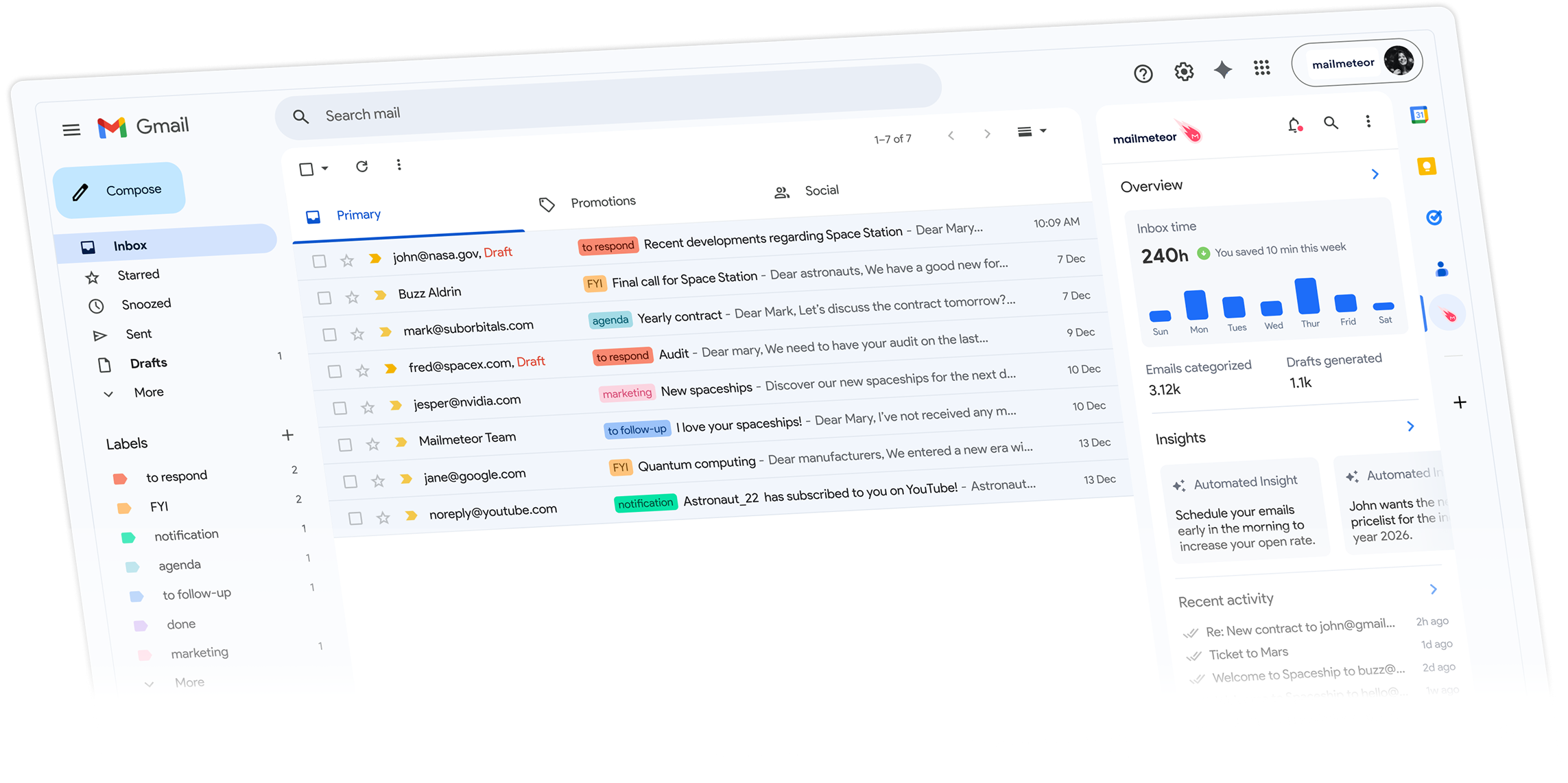
Your entire email workflow,
integrated directly in Gmail

AI Email Assistant for Gmail Demo

Made for startup speed. Connect Gmail and see for yourself.

Get started for free →
image showing Gmail integration with Mailmeteor AI Email Assistant

Who uses the AI Email Assistant?

From busy professionals to growing teams, our AI assistant helps anyone manage their inbox more efficiently.

Sales teams

Sales teams

Draft personalized outreach emails quickly and follow up with leads without missing a beat.

Marketers

Marketers

Keep your inbox organized and create compelling email content faster with AI-powered writing assistance.

Recruiters

Recruiters

Manage candidate communications efficiently and respond to applications with professional, context-aware replies.

Founders

Founders

Stay on top of investor communications, partnerships, and customer emails without getting overwhelmed.

Customer support

Customer support

Generate consistent, professional responses and keep support emails organized by priority.

Freelancers

Freelancers

Maintain professional client communication with AI-powered drafts and smart inbox organization.

Recommended by Google to help you get work done

Learn more →
Illustration describing Mailmeteor's recommendation by Google on the Workspace Marketplace

Built with data security in mind

Meet our 7 million users

Companies & organizations, from all over the world trust Mailmeteor. Read all 10,000+ reviews.

Frequently Asked Questions

Get answers to common questions about the AI Email Assistant for Gmail.

The AI Email Assistant integrates directly into Gmail through our Chrome extension. It provides smart email categorization, AI-powered writing assistance, and automated reply suggestions - all without leaving your Gmail interface.

The assistant automatically organizes emails into smart labels like ‘to respond’ (urgent emails requiring replies), ‘FYI’ (informational content), ‘notification’ (app alerts and updates), ‘agenda’ (meeting invites), and ‘marketing’ (promotional content). You can customize which categories to enable. Learn more about email categorization.

Yes! The AI writer helps you compose new emails from scratch by describing what you want to write, and it can generate context-aware replies based on previous messages in the email thread. Simply click the AI icon in Gmail’s compose or reply toolbar. Read the full AI writer guide.

Absolutely. We prioritize your privacy and security. The AI Email Assistant processes your emails securely and we follow strict data protection standards. Your email content is never stored permanently or used for training purposes. View our security practices.

After installing the Chrome extension, go to Gmail Settings → Add-ons → Open Mailmeteor settings, then toggle on ‘Email categorization’ and select which smart labels you’d like to use. The AI will start organizing new and existing emails automatically. See step-by-step setup guide.

Yes, you can adjust the writing style by highlighting any text in your email draft and using our enhancement tools to make it more formal, casual, concise, or correct grammar. The AI learns to match your preferred communication style. Learn about text enhancement features.

The smart labels created by email categorization are visible and functional in Gmail’s mobile apps (iOS and Android). However, the AI writing features are currently available through the Chrome extension on desktop only.

Yes, the AI Email Assistant includes free tiers that let you try the key features at no cost. You can start organizing your inbox and writing better emails immediately after installation. View pricing plans.

You can easily correct any misclassified emails by manually moving them to the right category or removing labels entirely. The system learns from your corrections to improve accuracy over time. You can also disable specific categories that aren’t working well for your workflow.

Yes, the AI Email Assistant works with multiple Gmail accounts. Simply switch between your accounts in Gmail as usual, and the extension will apply the same smart features to each inbox. You can configure different settings for each account if needed.

The AI analyzes the entire email thread when generating replies, understanding previous messages, sender relationships, and conversation tone. This context awareness helps create more relevant and appropriate responses that maintain conversation flow.

No, the AI Email Assistant is designed to work seamlessly in the background. Email categorization happens automatically without interrupting your workflow, and the AI writing tools only activate when you choose to use them. The extension is optimized for performance and minimal impact on Gmail’s loading speed.

Try Mailmeteor AI Email Assistant

Find answers to common queries below or in our documentation.

Note icon No credit card required.