Woodpecker is a solid cold email tool. It’s built around deliverability, with warm-up, email verification, and adaptive sending included. But its pricing grows with every prospect you contact, LinkedIn outreach is a paid add-on, and there’s no free plan to start with.
So if your outreach is growing — or if you just want something simpler or cheaper — it makes sense to look around.
In this guide, we compare 7 Woodpecker alternatives on features, pricing, and the type of user each one fits best. We built Mailmeteor, which is on this list, so we’ll be upfront about where it shines and where another tool will serve you better.
- Mailmeteor – best for personal cold emails sent from your own Gmail or Outlook account.
- Instantly – best for high-volume cold email across many inboxes.
- Smartlead – best for agencies running campaigns for several clients.
- Saleshandy – best budget cold email platform with unlimited sending accounts.
- lemlist – best for multichannel outreach with advanced personalization.
- GMass – best for advanced cold email campaigns inside Gmail.
- Mailshake – best for small sales teams that want email and a phone dialer.
Here’s what we’ll cover:
- Why Look for a Woodpecker Alternative?
- Woodpecker Alternatives at a Glance
- 1. Mailmeteor
- 2. Instantly
- 3. Smartlead
- 4. Saleshandy
- 5. lemlist
- 6. GMass
- 7. Mailshake
- How to Choose the Right Woodpecker Alternative
- Frequently Asked Questions
Sounds good? Then let’s dive in.
Why Look for a Woodpecker Alternative?
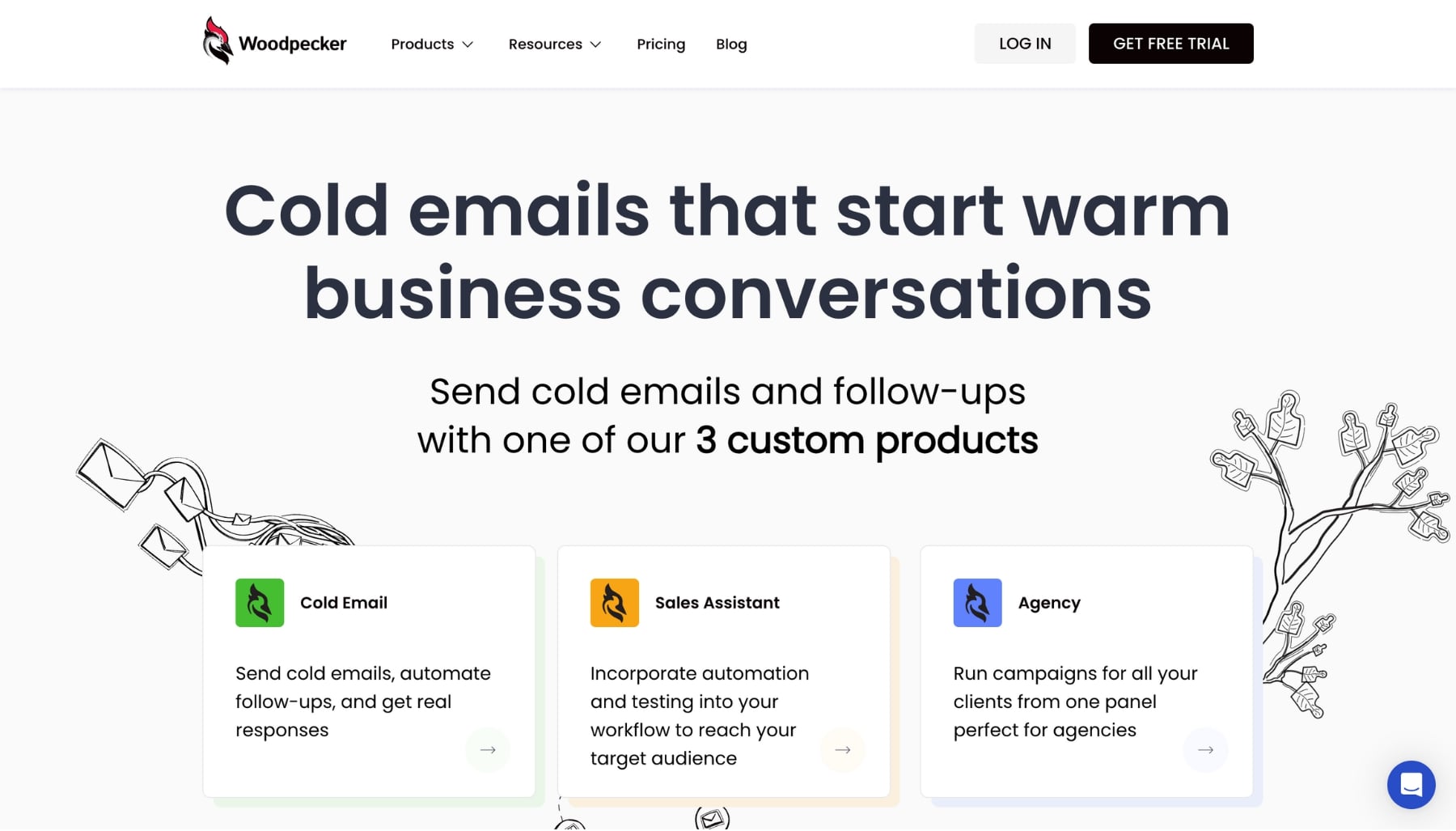
Woodpecker is a cold email platform founded in Poland in 2015. It’s rated 4.5/5 on Capterra and is known for protecting your sender reputation with features like warm-up, email verification, and bounce protection.
Its pricing works differently from most tools. Instead of paying per user or per email, you pay for the number of prospects you contact each month — about $7 per 100 contacted prospects. The entry level, 500 contacted prospects per month, costs around $35/month, with a discount on annual billing.
That model works well for small, targeted campaigns. But a few limits push teams to look elsewhere:
- Costs grow with your prospect list: the more people you contact each month, the more you pay, even if you send the same number of emails per person.
- LinkedIn is an add-on: connecting a LinkedIn account costs extra, at around $29/month per account.
- No free plan: you can try Woodpecker for free, but you’ll need a paid plan to keep sending.
- Email-first: if you want calls, LinkedIn steps, and email in one sequence, other platforms go further.
If one of those sounds familiar, here are the alternatives worth considering.
Woodpecker Alternatives at a Glance
Here’s how the 7 alternatives compare ⤵️
| Tool | Best for | Pricing model | Starts at |
|---|---|---|---|
| Mailmeteor | Personal cold emails from Gmail or Outlook | Flat, per account | Free plan; paid from $4.99/month |
| Instantly | High-volume sending | By sending volume | $47/month |
| Smartlead | Agencies and high volume | By contacts and sends | $39/month |
| Saleshandy | Budget cold email at scale | By prospects and sends | $36/month |
| lemlist | Multichannel personalization | Flat (Email) or per user (Multichannel) | $69/month |
| GMass | Cold email inside Gmail | Per account | $29.95/month |
| Mailshake | Small sales teams | Per user | $29/user/month |
1. Mailmeteor
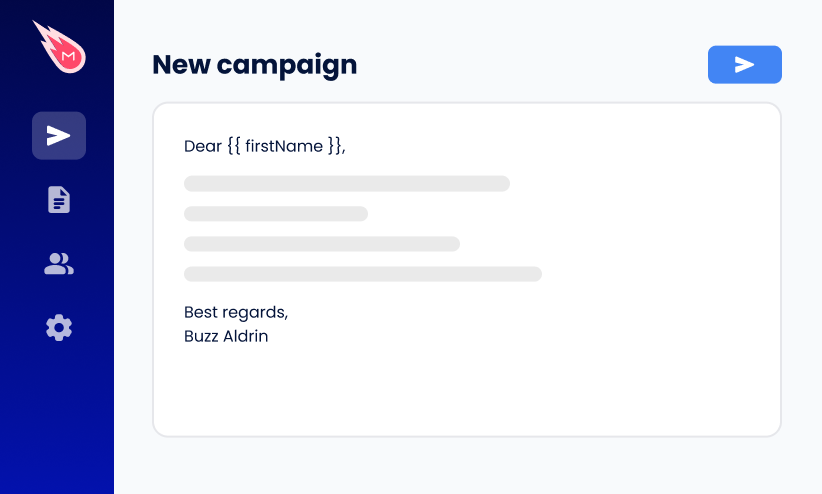
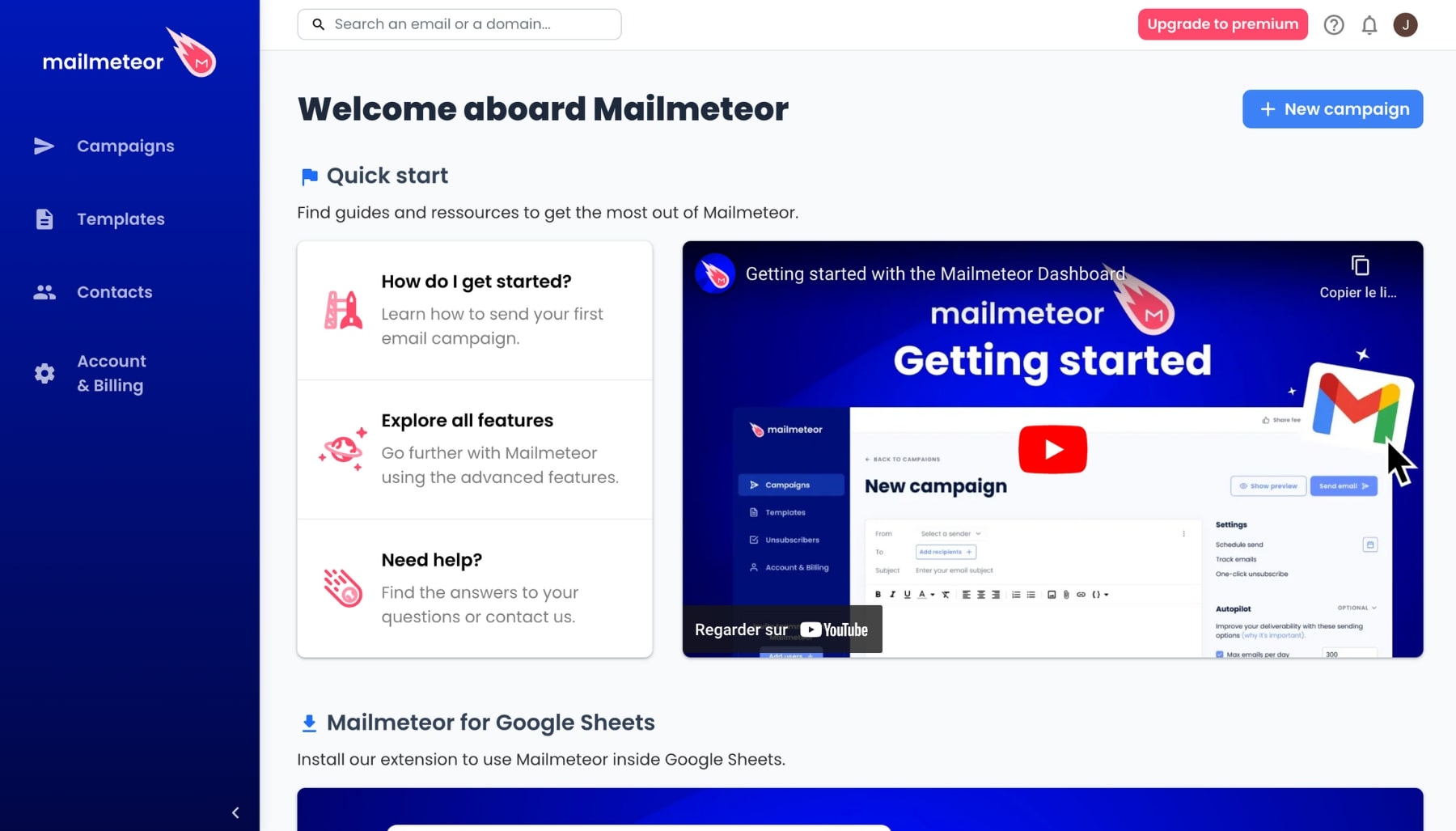
Mailmeteor is a mail merge and email outreach tool that sends personalized emails straight from your own Gmail or Outlook account. It’s trusted by more than 7 million users, rated 4.9/5 across 10,000+ reviews on the Google Workspace Marketplace, and recommended by Google for Google Workspace.
Mailmeteor wasn’t built as a cold email “machine” with dozens of inboxes. It’s built for people who want their outreach to look and feel like a real one-to-one email — which is exactly what makes it a good fit for freelancers, founders, and small sales teams leaving Woodpecker.
Best for: freelancers, founders, and small teams sending personalized cold emails from their own inbox.
Pricing: the free plan lets you send up to 50 emails per day, with no time limit and no credit card required. Paid plans start at $4.99/month. See all plans on our pricing page.
Pros of Mailmeteor
- Emails sent from your own account: your messages come from your Gmail or Outlook inbox, so they look like personal emails, not bulk campaigns.
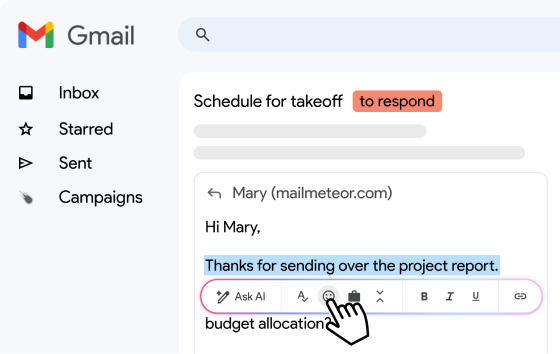
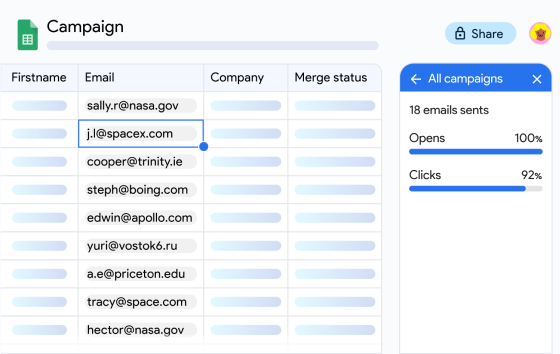
- Works where you already work: send campaigns from Google Sheets, Gmail, Google Docs, Outlook, or Excel.
- Built-in email verification: BounceShield checks every address in your campaign and removes likely bounces before you send.
- Automatic follow-ups and tracking: follow up with contacts who haven’t replied, and track opens, clicks, and replies in real time.
- Built-in email warm-up: warm up a new or dormant address with a network of real inboxes that open, reply to, and engage with your emails before you launch your outreach.
- Inbox rotation: on the Pro plan, spread a campaign across up to 10 senders to keep the volume on each address low.
- Easy to learn: you can set up your first campaign in a few minutes.
Cons of Mailmeteor
- Bound by your provider’s sending limits: each sender can’t exceed its own Gmail or Outlook daily limit. Learn more about Mailmeteor’s email quota.
- Not built for massive volume: inbox rotation is capped at 10 senders per campaign, so agencies juggling dozens of mailboxes and domains will be better served by Instantly or Smartlead.
- Email only: there are no LinkedIn steps or phone dialer in Mailmeteor sequences. If you want multichannel outreach, look at lemlist or Mailshake.
2. Instantly
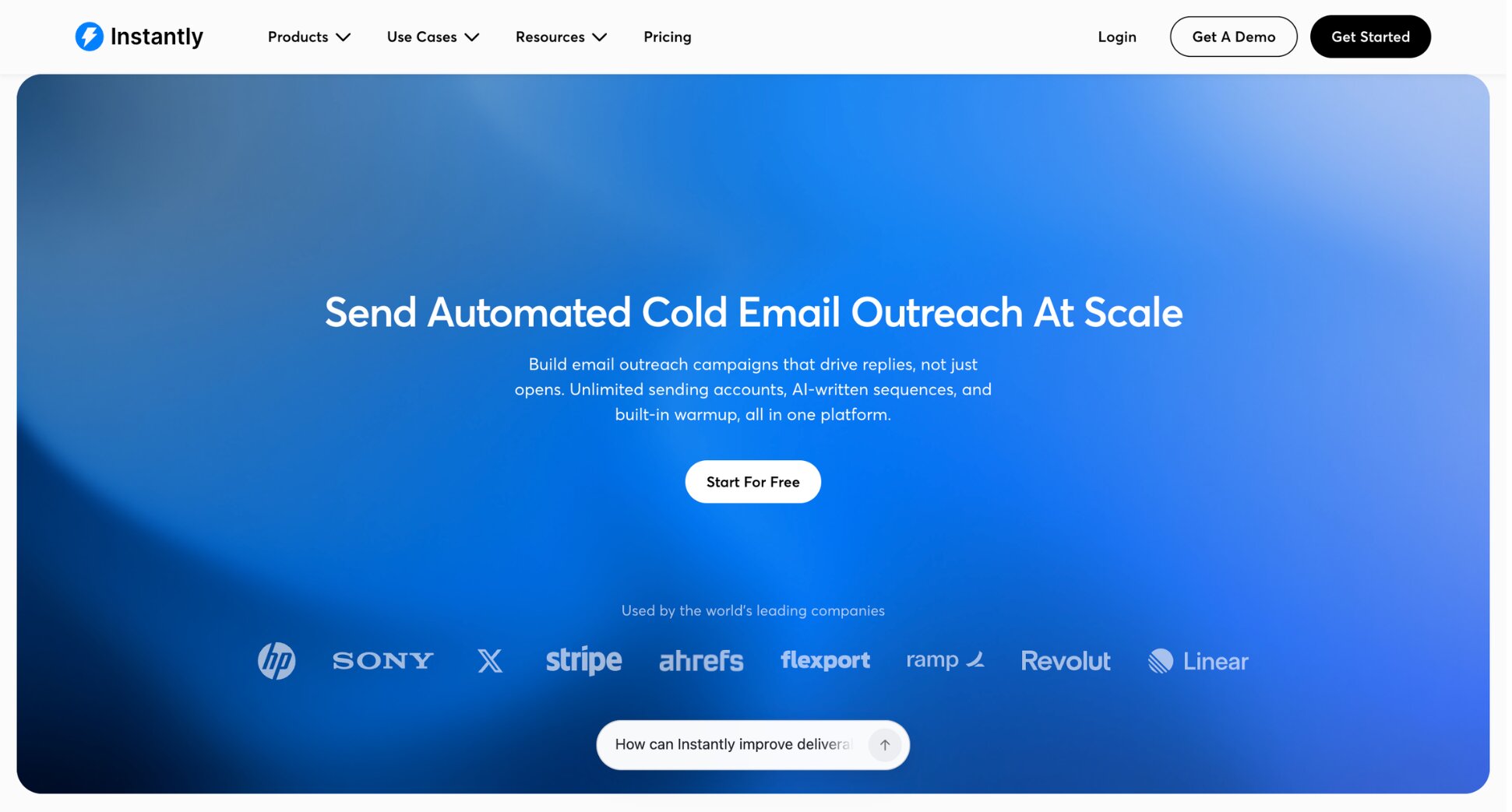
Instantly is a cold email platform designed for volume. You connect as many mailboxes as you need, warm them up automatically, and rotate sends across them. It also offers a large B2B lead database, sold separately. Compared with Woodpecker, the biggest difference is the pricing model: Instantly charges by sending volume, not by the number of prospects you contact.
Best for: sales teams and agencies sending thousands of cold emails per day.
Pricing: the Growth plan costs $47/month. Hypergrowth costs $97/month and Light Speed costs $358/month. There’s no free plan, but you can start with a free trial.
Pros of Instantly
- Unlimited email accounts: connect as many sending inboxes as you want on every plan.
- Built-in warm-up: helps new inboxes build their reputation before your campaigns go out.
- Unlimited team seats: you pay for volume, not for each user.
Cons of Instantly
- Extra costs for leads and CRM: the lead database and CRM features are billed separately.
- Requires a sending setup: you’ll get the most out of it with separate domains and mailboxes, which takes time to set up.
- Too much for small senders: if you contact a few hundred people per month, simpler tools will do the job for less.
3. Smartlead
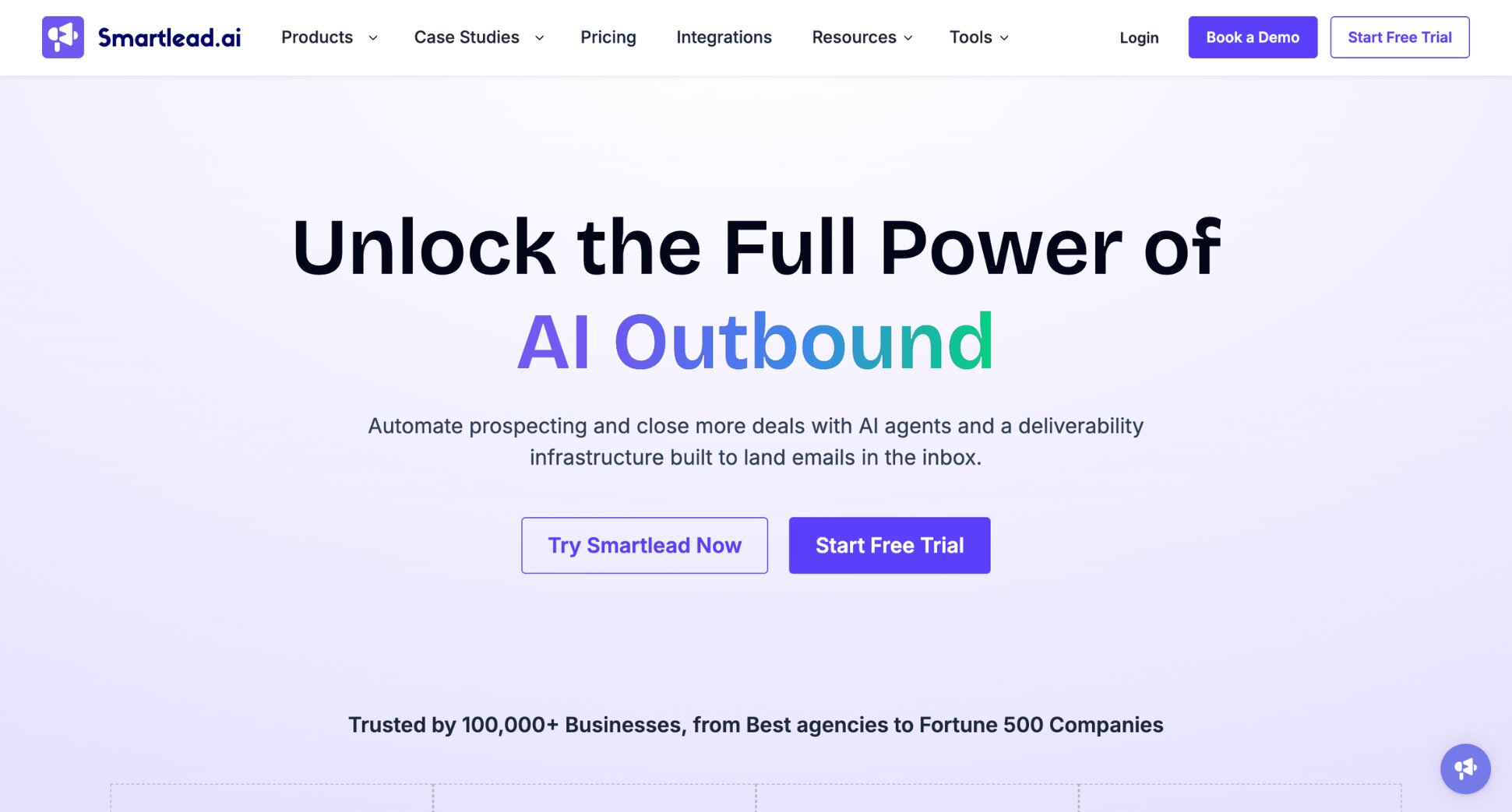
Smartlead is a cold email platform popular with lead generation agencies. Like Instantly, it lets you connect many sending accounts and rotate between them, with client workspaces for agencies.
Best for: agencies running cold email campaigns for several clients.
Pricing: the Base plan costs $39/month for up to 2,000 contacts and 6,000 emails per month. Pro costs $94/month for up to 30,000 contacts. Unlimited plans start at $174/month. Client workspaces cost $29/month each, from the Pro plan. Every plan includes a free trial, and no credit card is needed to start.
Pros of Smartlead
- Unlimited email accounts: connect as many mailboxes as you need, within Smartlead’s fair use policy.
- Agency features: separate client workspaces and white-label options.
- API access: available from the Pro plan for custom integrations.
Cons of Smartlead
- Add-ons stack up: extra verification credits, inbox placement tests, and client workspaces are billed separately.
- Small entry plan: Base covers only 2,000 contacts per month, so most teams quickly move to Pro.
- Learning curve: built for cold email specialists rather than beginners.
4. Saleshandy
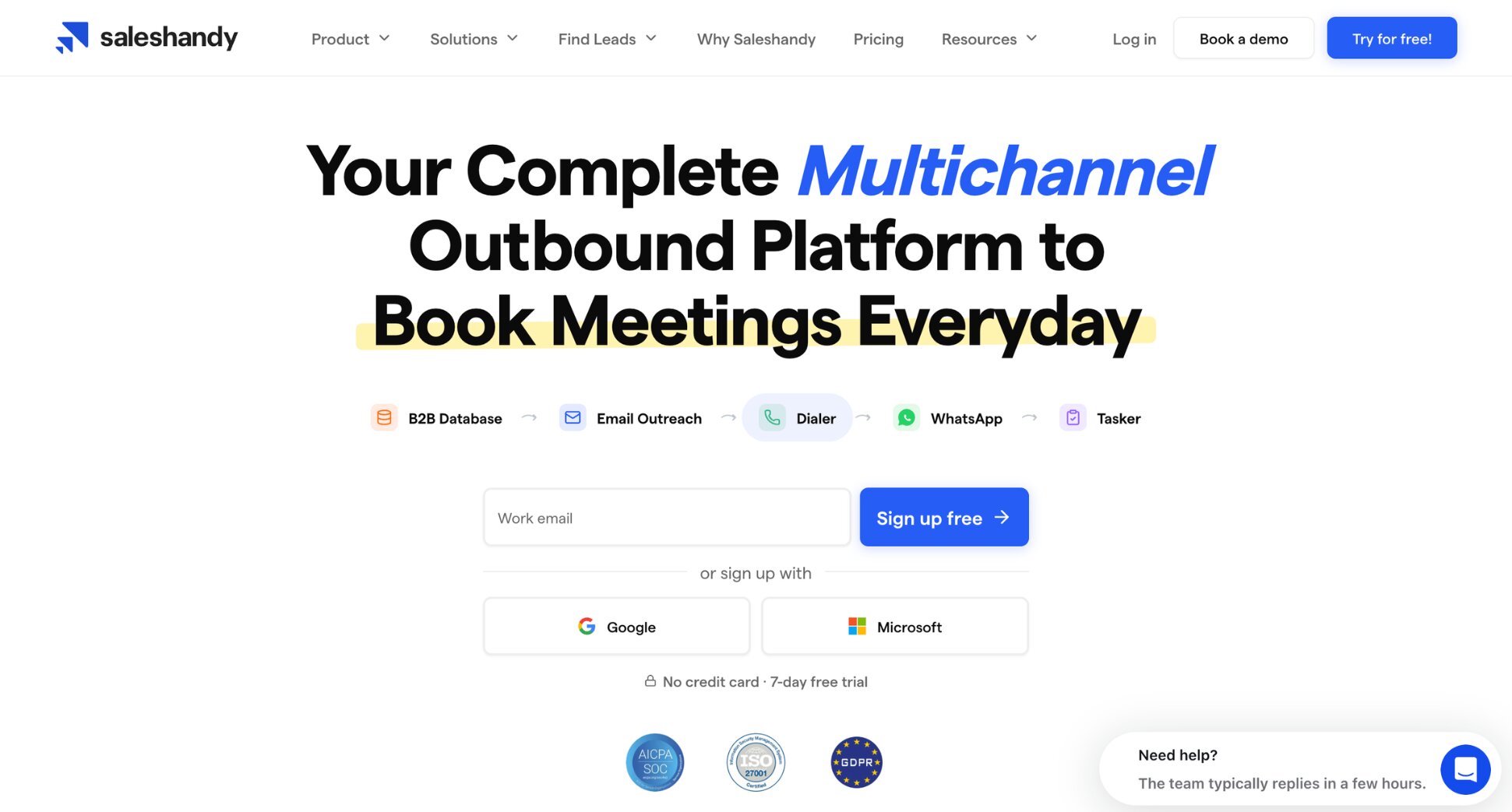
Saleshandy is a cold email platform with a strong focus on value. Every plan lets you connect unlimited sending accounts and warm-up accounts, and email verification is built in, with 1,000 to 10,000 credits depending on your plan. You can also use its lead finder to source B2B contacts without leaving the platform, and sender rotation to spread each sequence across several inboxes. It’s a good fit for small teams that want the unlimited-inbox setup of Instantly or Smartlead at a lower entry price.
Best for: small teams that want a full cold email platform on a tight budget.
Pricing: Outreach Starter costs 36/month(25/month billed annually) for up to 2,000 active prospects and 6,000 emails per month. Outreach Pro costs 99/month(69/month billed annually) and adds unlimited team members and CRM integrations. Read our full guide to Saleshandy pricing.
Pros of Saleshandy
- Low entry price: one of the cheapest full cold email platforms on the market.
- Unlimited email accounts: connect as many sending accounts as you need on every plan.
- Email verification included: every plan comes with verification credits.
Cons of Saleshandy
- Starter is limited: one user only, with no CRM integrations.
- Best value on annual plans: monthly billing costs noticeably more.
- No free plan: you’ll need a paid plan after the trial.
Want to see how it compares? Read our Mailmeteor vs. Saleshandy comparison.
5. lemlist
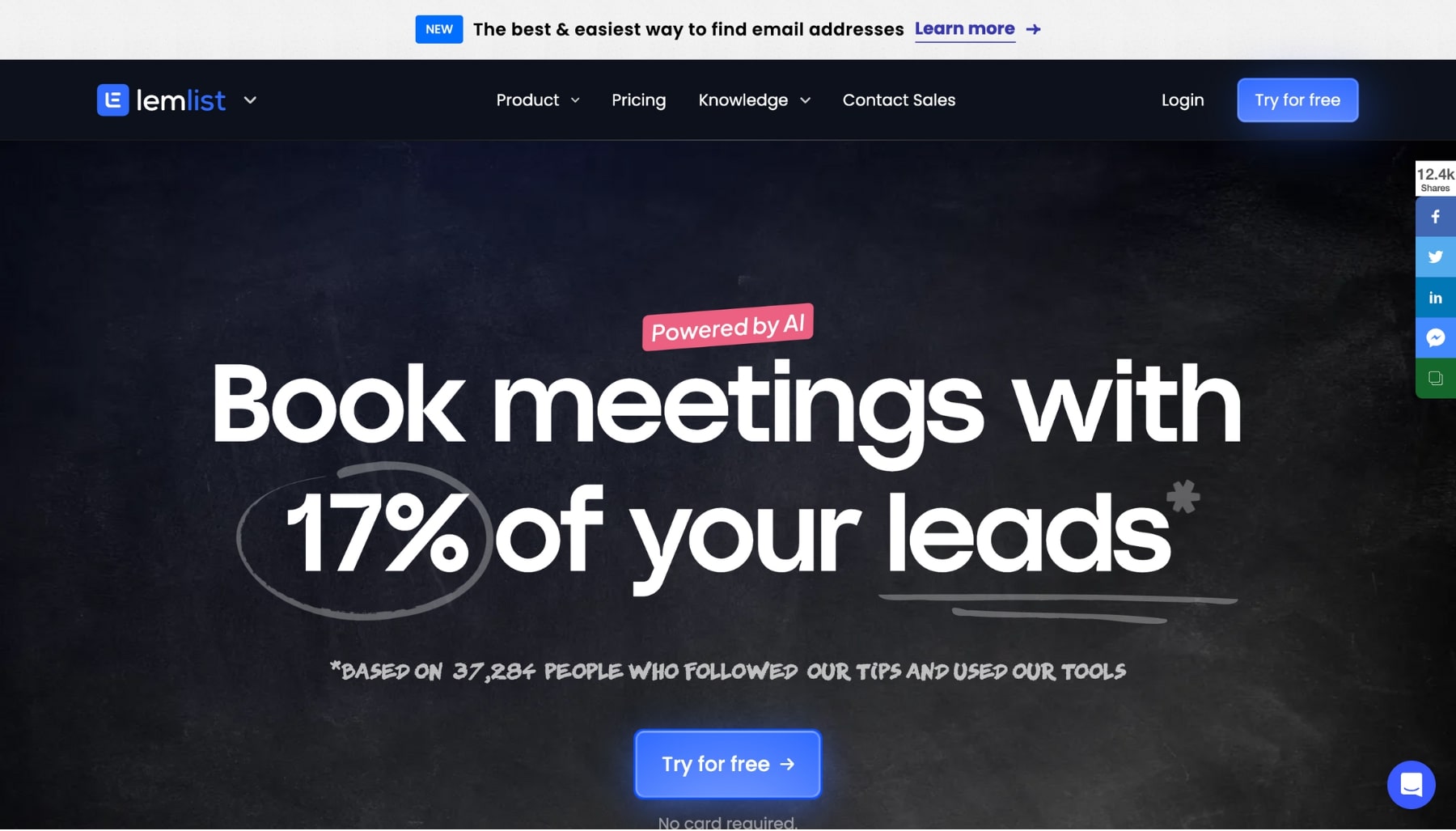
lemlist is a sales engagement platform known for personalization: custom images, videos, and landing pages for each prospect. It combines cold email with LinkedIn steps, calls, and a lead database. Where Woodpecker charges extra for LinkedIn, lemlist builds multichannel outreach into its main plan.
Best for: sales teams that want multichannel sequences with heavy personalization.
Pricing: the Email plan costs $69/month. The Multichannel plan, which adds LinkedIn and calling steps, costs $109/user/month. There’s a 14-day free trial. See our guide to lemlist pricing to learn more.
Pros of lemlist
- Advanced personalization: add custom images, videos, and text to every email.
- Multichannel sequences: combine emails, LinkedIn messages, and calls in one campaign.
- Warm-up included: deliverability tools come with the paid plans.
Cons of lemlist
- Expensive for teams: the Multichannel plan is billed per user.
- Learning curve: the number of features can be overwhelming if you only need email.
For a closer look, read our Mailmeteor vs. lemlist comparison.
6. GMass
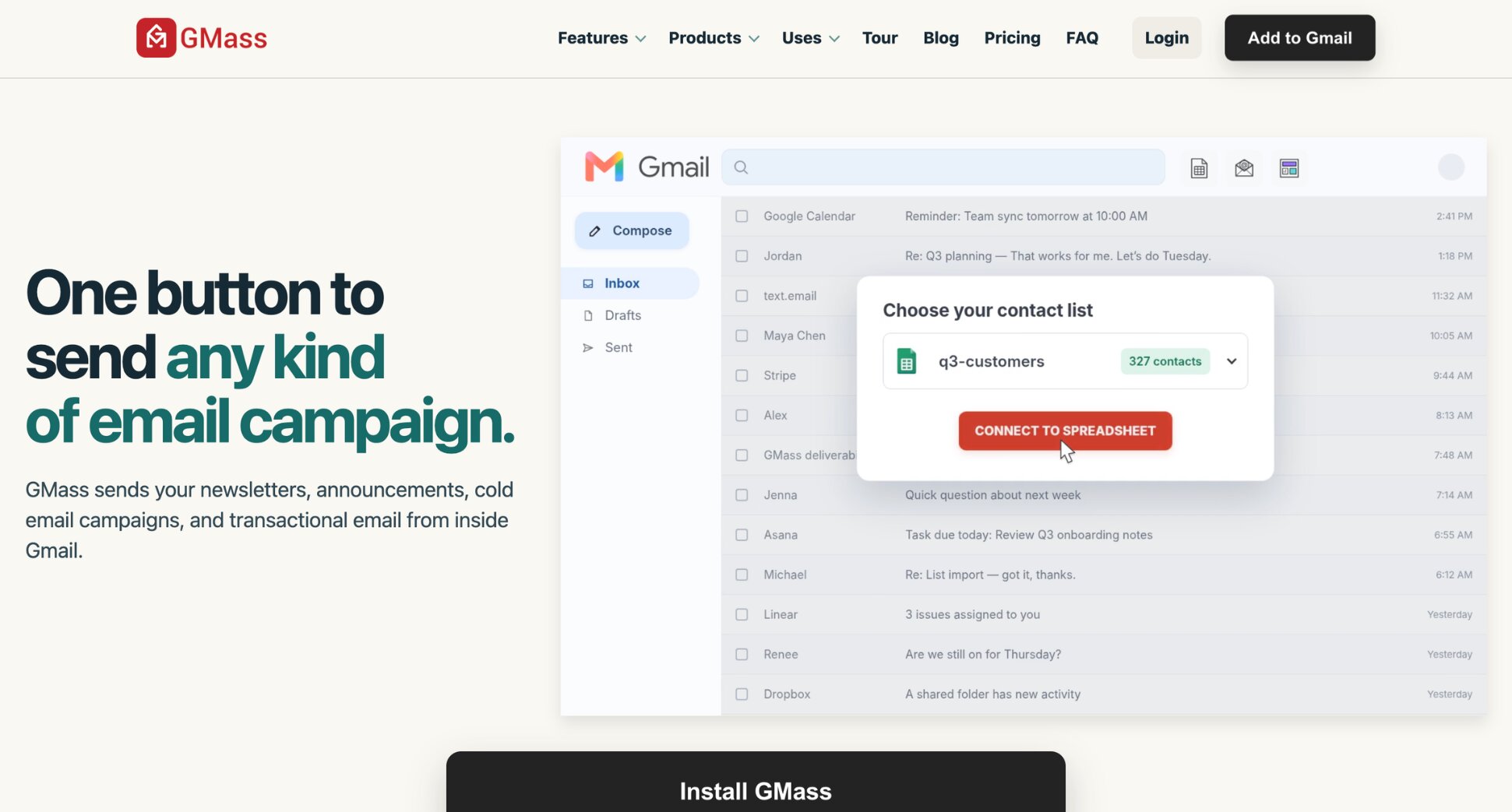
GMass is a Chrome extension that turns Gmail into a cold email platform. You build campaigns from the Gmail compose window, pull personalization data from Google Sheets, and send from your own Gmail or Google Workspace account. Email verification and a Spam Solver tool come on every plan, along with custom tracking links with SSL.
Follow-up sequences, A/B testing, triggered emails, and API access start on the Premium plan, and inbox rotation across several Gmail accounts is on Professional. Because GMass sends through Gmail, you’re still bound by Gmail’s daily limits, but it can spread large campaigns over several days or route them through an SMTP server.
Best for: Gmail users who want advanced cold email features without leaving their inbox.
Pricing: Standard costs 29.95/month(249/year). Premium, which adds follow-up sequences, A/B testing, and API access, costs $39.95/month. Professional, which adds inbox rotation, costs $59.95/month.
Pros of GMass
- Works inside Gmail: no new platform to learn.
- Advanced campaign options: A/B testing, triggered emails, and inbox rotation on higher plans.
- Email verification included: on every plan.
Cons of GMass
- Gmail only: there’s no version for Outlook.
- Sequences cost more: automated follow-ups start on the Premium plan.
See how it stacks up in our Mailmeteor vs. GMass comparison.
7. Mailshake
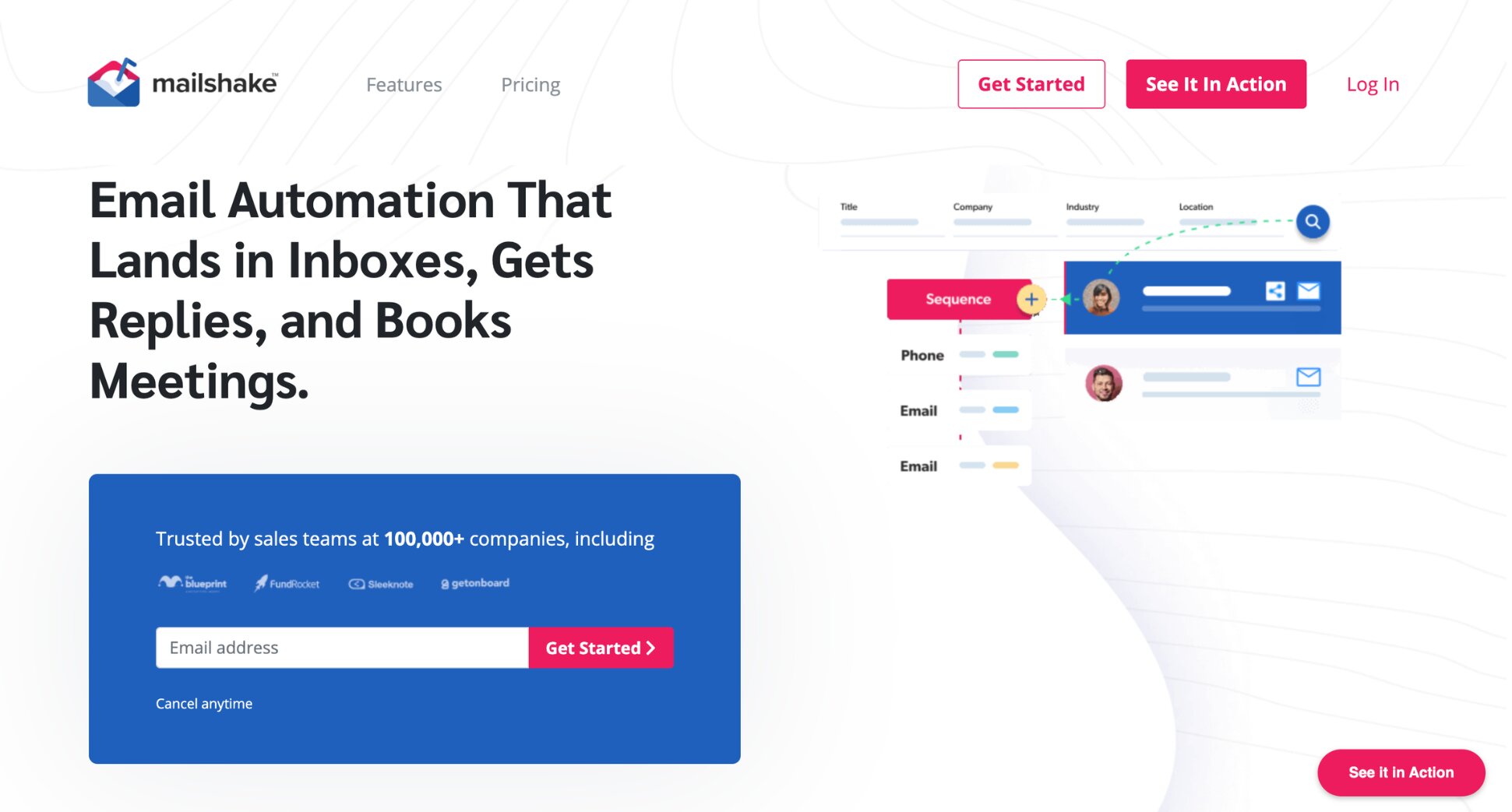
Mailshake is a sales engagement tool built for small sales teams. It’s a close match to Woodpecker for simple cold email sequences: you build multi-step campaigns, personalize each email with merge fields, and let Mailshake handle the follow-ups. Warm-up and email verification are included, along with an AI writing assistant and A/B testing, and the Email Outreach plan adds email rotation across your sending addresses.
The top plan, Sales Engagement, adds a phone dialer and LinkedIn automation, plus room for up to ten sending addresses per user. One rep can run email, calls, and LinkedIn from the same dashboard.
Best for: small sales teams that want email outreach and calls in one place.
Pricing: plans are billed per user. Starter costs $29/user/month, Email Outreach costs around $49 to $59/user/month depending on billing, and Sales Engagement costs $99/user/month.
Pros of Mailshake
- Simple to use: easy sequence builder for multi-step campaigns.
- AI writing assistant: helps you draft and improve outreach emails.
- Phone dialer and LinkedIn steps: available on the Sales Engagement plan.
Cons of Mailshake
- Per-user pricing: costs grow with every new team member.
- Limited entry plan: Starter includes one email address and a capped number of monthly sends.
How to Choose the Right Woodpecker Alternative
Start with the reason you’re leaving Woodpecker. Then pick the tool that solves that problem:
- You want to cut costs and send from your own inbox: go with Mailmeteor.
- You need to send at high volume across many inboxes: go with Instantly or Smartlead.
- You run an agency with several clients: go with Smartlead.
- You want a full cold email platform at the lowest price: go with Saleshandy.
- You want LinkedIn and calls in your sequences: go with lemlist or Mailshake.
- You live in Gmail and want advanced features: go with GMass.
Keep in mind that more volume doesn’t always mean more replies. If you contact a few hundred well-chosen prospects per month, a personal email from your own inbox often performs better than a high-volume sequence sent from a pool of new domains.
Why Mailmeteor Is a Strong Choice for Smaller Teams
If your cold emails go to a focused list of prospects, Mailmeteor gives you everything you need without the cost or complexity of a full cold email platform:
📬 Mail merge from Google Sheets, Gmail, Google Docs, Outlook, or Excel
✍️ Personalized emails using any column from your spreadsheet
🔁 Automatic follow-ups for prospects who haven’t replied
🛡️ Built-in email verification with BounceShield to reduce bounces
🔥 Email warm-up to build your sender reputation before you launch
📊 Real-time tracking of opens, clicks, and replies
⏰ Scheduling and Autopilot to spread your sends over time
The free plan lets you send up to 50 emails per day, no credit card required. Try Mailmeteor for cold email today (it’s free!) and send your first campaign in minutes.
FAQs
What is the cheapest Woodpecker alternative?
If you send from your own Gmail or Outlook account, Mailmeteor is the cheapest option, with a free plan and paid plans from $4.99/month. Among full cold email platforms, Saleshandy is the most affordable, starting at $25/month on annual billing.
Is there a free alternative to Woodpecker?
Yes. Mailmeteor offers a free plan that lets you send up to 50 personalized emails per day, with no time limit. Most cold email platforms, including Woodpecker, Instantly, Smartlead, and lemlist, only offer free trials.
How does Woodpecker pricing work?
Woodpecker charges based on the number of prospects you contact each month, at around $7 per 100 contacted prospects. The entry level covers 500 contacted prospects for about $35/month. Add-ons like LinkedIn automation cost extra.
Which Woodpecker alternative is best for agencies?
Smartlead is a popular choice for agencies, thanks to client workspaces, white-label options, and unlimited sending accounts. Instantly also works well for agencies that need high sending volume.
Which Woodpecker alternative is best for linkedin and email outreach?
lemlist is the strongest option for combining email, LinkedIn, and calls in one sequence. Mailshake’s Sales Engagement plan also includes LinkedIn steps and a phone dialer.
Can I use Mailmeteor for cold email?
Yes. Mailmeteor lets you send personalized cold emails from your own inbox, with automatic follow-ups, tracking, email verification, and email warm-up. On the Pro plan, you can also rotate sends across up to 10 senders. It works best for focused campaigns to a few hundred or a few thousand prospects, since each sender is limited by its email provider’s daily quota.