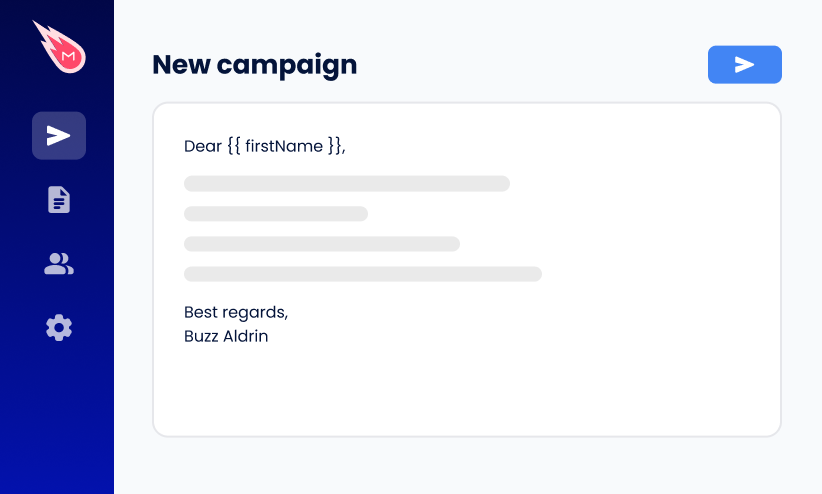
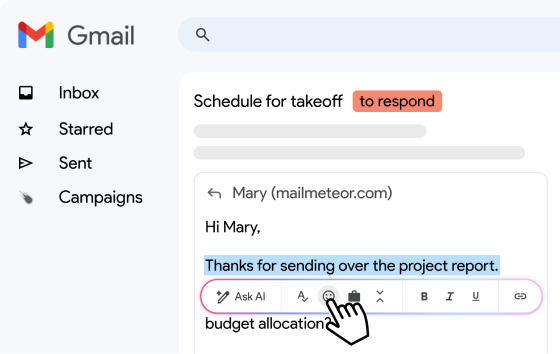
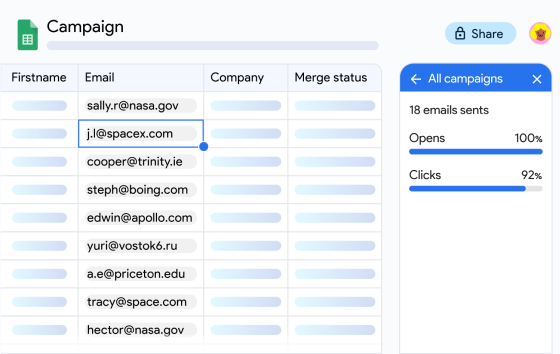
The best email tool for recruiters depends on what you need it to do: find candidates, send outreach at scale, or manage communication with people already in your pipeline.
Some tools are built for sourcing and contact data. Others are built for cold email, follow-ups, and automation. Pick the wrong one and you’re either paying for a database you don’t need, or stuck with a basic sender when what you actually need is better sourcing.
This guide compares the 10 best email tools for recruiters in 2026 — sourcing platforms, outreach tools, and all-in-ones — evaluated on how well each fits real recruiting workflows.
TL;DR: The best email tools for recruiters:
- Mailmeteor — best for finding and sending in one place
- GMass — best for high-volume cold outreach
- ContactOut — best for sourcing inside LinkedIn
- Wiza — best for bulk list building
- Gem — best for in-house talent teams
- Hunter.io — best for finding and verifying at moderate volume
Here’s what we’ll cover:
- The 10 Best Email Tools for Recruiters
- What to Look for in a Recruiting Email Tool
- Which Emailing Tool Do You Actually Need As a Recruiter?
Sounds good? Then let’s dive in.
The 10 Best Email Tools for Recruiters
We weighed how well each tool covers finding addresses and sending at volume, how it fits a recruiter’s actual workflow, how it handles candidate data and inbox permissions, how transparent its pricing is, and its value at typical team sizes.
Here’s the shortlist, then the full breakdown below ⤵️
| # | Tool | Best for | Category | Starting price |
|---|---|---|---|---|
| 1 | Mailmeteor | Finding and sending in one place | Finder + sender | Free |
| 2 | GMass | High-volume cold outreach | Sender | $29.95/month |
| 3 | ContactOut | Sourcing inside LinkedIn | Finder | Free |
| 4 | Wiza | Bulk list building | Finder | Free |
| 5 | Gem | In-house talent teams | Sourcing + CRM | Quote only |
| 6 | Hunter.io | All-in-one finder and verifier | Finder + sender | Free |
| 7 | Lemlist | Multichannel outreach | Sender | $69/month |
| 8 | SourceWhale | Recruitment agencies | Sourcing + CRM | Quote only |
| 9 | YAMM | Budget mail merge | Sender | Free |
| 10 | Workable | ATS with built-in email | ATS | $360/month |
1. Mailmeteor — Best for Finding and Sending in One Place
⭐ Rating: 4.9 on Google Workspace Marketplace.
Combines email finding and mail merge in one workflow, so recruiters sourcing from multiple channels don’t need a separate tool for each half of the job. Works from Gmail and Google Sheets — no new platform to learn if that’s already how you work.
✅ Why recruiters like it:
- Find candidate emails — search by name and company, or paste a LinkedIn profile URL. Free email finder, no account required.
- Check a list before you send — the Email Verifier add-on scans a whole spreadsheet at once and flags dead addresses.
- Personalize without writing each email — merge tags pull name, role, or any custom field from your own columns.
- See who’s engaged — track opens, clicks and replies in real-time to know who’s worth a follow-up.
- Your data stays yours — sends through your own Gmail or Outlook inbox rather than a third-party server, which matters when your list holds candidates’ personal details.
🎯 Best for: Recruiting teams working out of Gmail and Google Sheets, especially without an ATS.
❌ Limitations: Sending runs through your own Gmail account, so you’re bound by Google’s daily limits.
💰Price: Free plan sends 50 emails/day. Starter $5.99/user/month, Premium $17.99, Professional $35.99.
🚫 Not the right fit if: You need a full candidate database or ATS-level pipeline management.
2. GMass — Best for High-Volume Cold Outreach
⭐ Rating: 4.7 on G2.
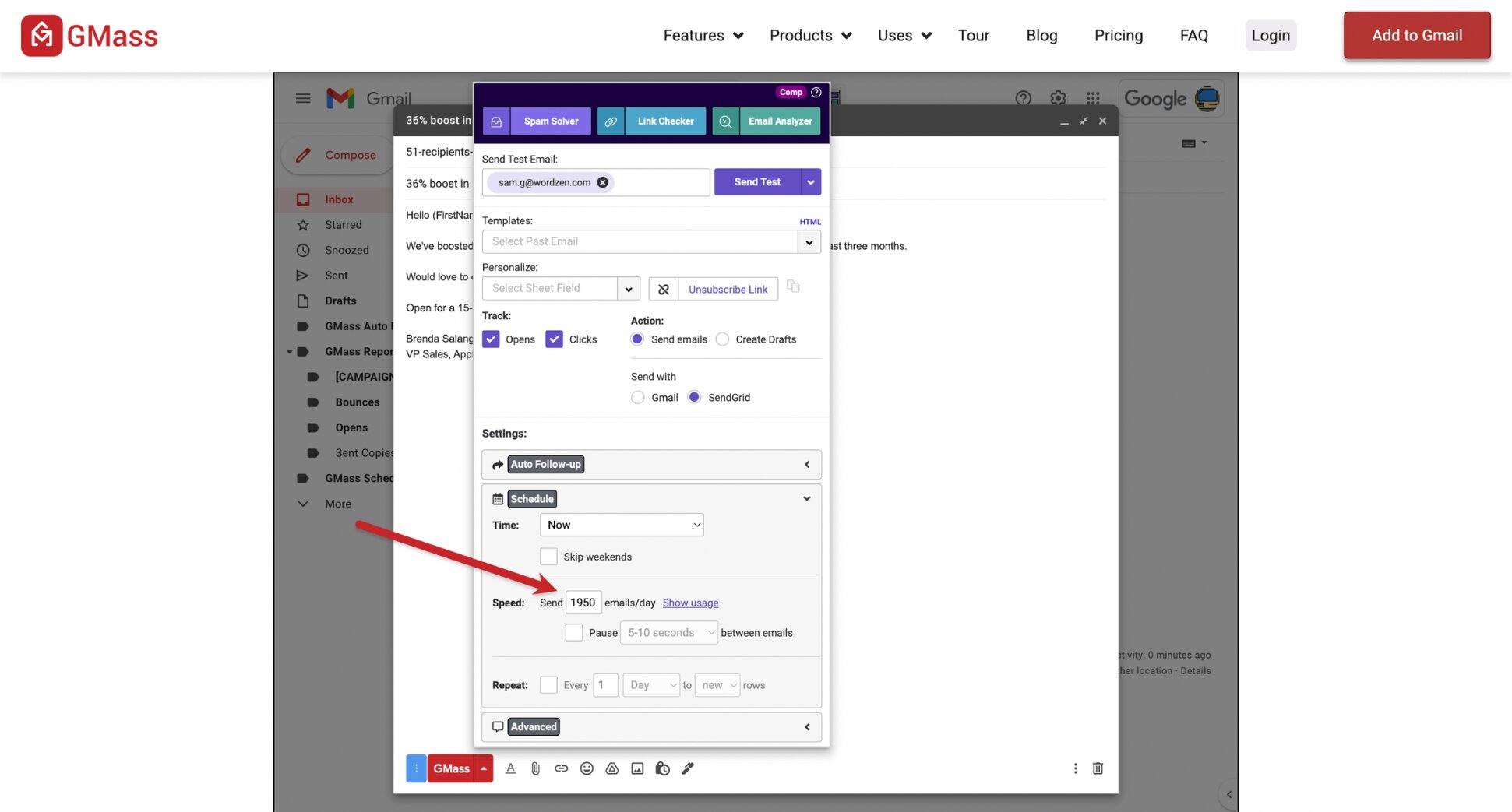
The other major Gmail-native option, built more squarely around cold outreach at real volume. Uses proprietary tech to send past Gmail’s normal sending limits, which is the main reason recruiters running heavy passive-candidate outreach outgrow a standard mail merge and land here.
✅ Why recruiters like it:
- Break past Gmail’s sending limits — proprietary tech lets you send well beyond what a normal Gmail account allows, useful for sourcing at volume.
- Chase replies automatically — set unlimited auto follow-up stages that keep going until a candidate responds.
- Check deliverability before you send — real-time SPF checks and a Spam Solver flag issues that would otherwise land you in spam.
- Pull straight from Google Sheets — auto-send to new rows as they’re added, so a live candidate list can trigger its own outreach.
- Test what actually works — A/B test subject lines or full email variants, and GMass auto-deploys the winner to the rest of your list.
🎯 Best for: Agencies or high-volume in-house sourcing where dozens of cold emails go out every day.
❌ Limitations: Starts at $29.95/month with no free tier, and needs deeper access to your Gmail account than a standard mail merge.
💰 Price: Standard $29.95/month. Premium $39.95/month. Professional $59.95/month. Team plans from $175/month for 5 seats.
🚫 Not the right fit if: You’re mostly emailing people who already applied — you’ll pay for cold-outreach features you won’t use.
3. ContactOut — Best for Sourcing Inside LinkedIn
⭐ Rating: 4.5 on G2.
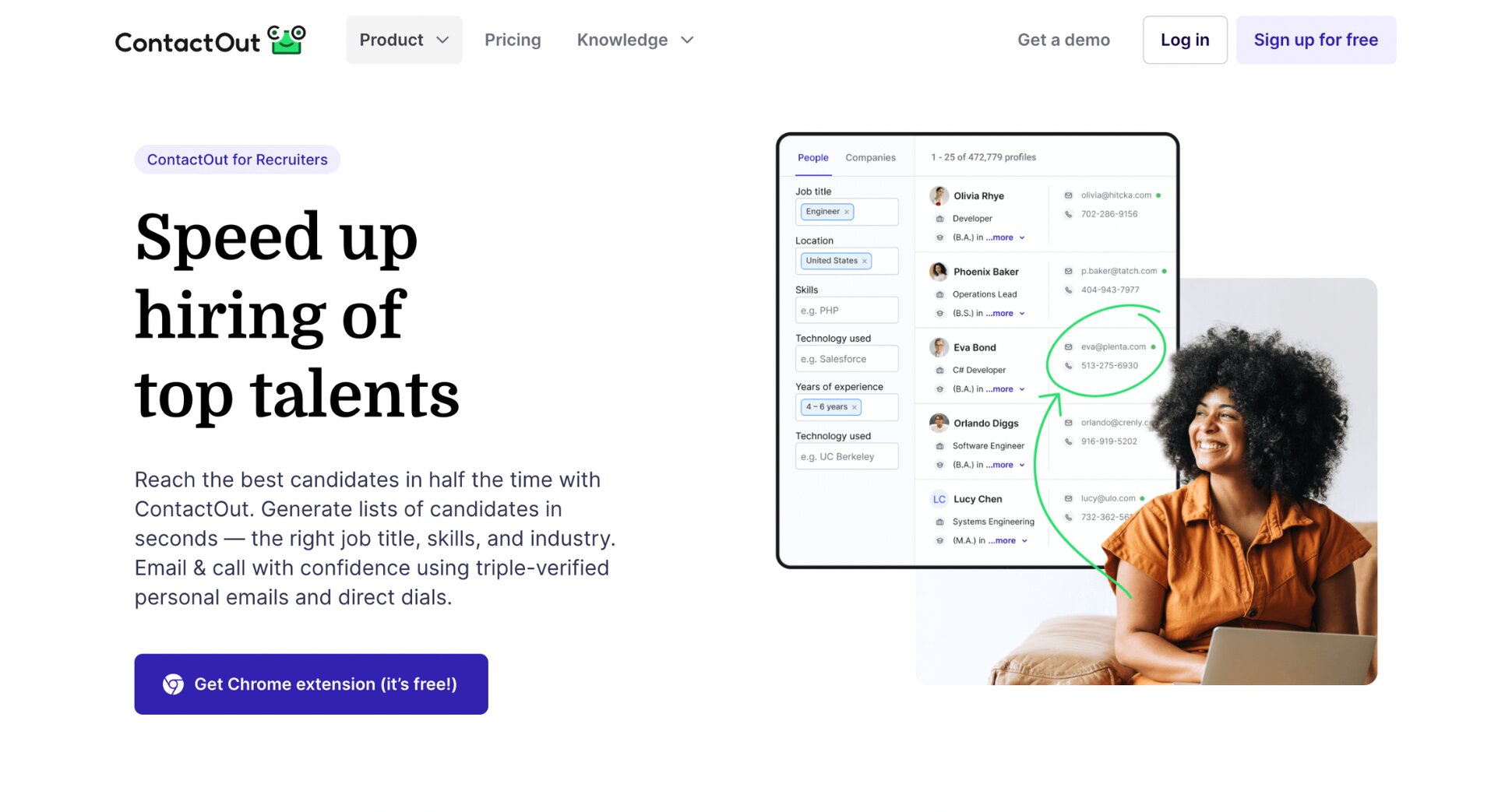
A Chrome extension that surfaces contact details directly on LinkedIn and Sales Navigator profiles as you browse. Its standout feature for recruiting specifically is personal email access, useful for reaching passive candidates who don’t check a work inbox for outside opportunities.
✅ Why recruiters like it:
- See contact info right on the profile — emails and phone numbers appear in an overlay the moment you open a LinkedIn profile, no separate search step.
- Reach personal inboxes, not just work ones — unlike most B2B-focused finders, it surfaces Gmail, Yahoo and other personal addresses alongside corporate ones.
- Search beyond LinkedIn — a standalone search portal lets you filter a broader database by job title, company size, and 20+ other data points.
- Send without leaving the tool — a built-in Email Campaigns feature lets you run outreach directly from ContactOut, though it’s lighter than a dedicated sender.
- A plan built for recruiting specifically — a dedicated Recruiter tier adds ATS integrations on top of the standard sourcing features.
🎯 Best for: Sourcers who live in LinkedIn and want contact details without switching tools.
❌ Limitations: sending features are basic. Free tier is credit-limited to a handful of lookups a day, and independent bounce testing has found real-world accuracy below the marketed confidence figure.
💰 Price: Free plan available (5 emails per day). Email plan $49/month. Email + Phone $99/month.
🚫 Not the right fit if: you already have your candidates’ addresses. You’re paying for a sourcing tool you don’t need.
4. Wiza — Best for Bulk List Building
⭐ Rating: 4.5 on G2.
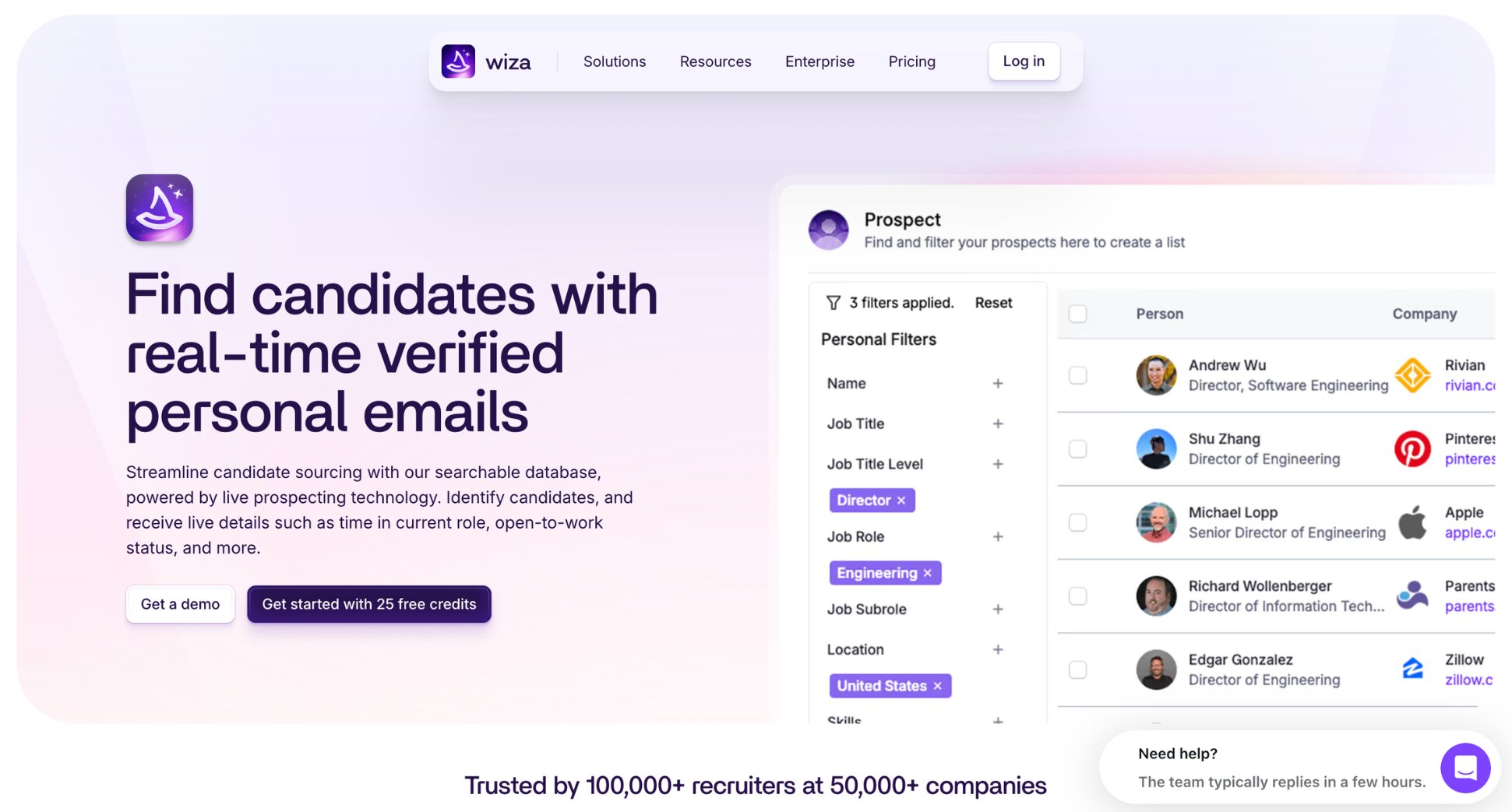
Point Wiza at a LinkedIn Sales Navigator or LinkedIn Recruiter search and export the entire list with verified emails attached, rather than working through profiles one at a time. Every contact is verified in real time against live sources rather than pulled from a cached database, which is why its accuracy tends to hold up better than lookup-based finders on older or less common profiles.
✅ Why recruiters like it:
- Turn a search into a list in one click — export up to 2,500 contacts from a single Sales Navigator or Recruiter search, verified as they come in.
- Built for LinkedIn Recruiter specifically — supports exports from Recruiter and Recruiter Lite, not just Sales Navigator, which most competing finders don’t offer.
- No stale data — contacts are verified live at the moment of export, rather than matched against a database that might be months out of date.
- Sync straight to your existing tools — native integrations with Salesforce, HubSpot, Outreach and Pipedrive, so exported lists don’t need manual re-uploading.
🎯 Best for: Building large candidate lists in a single pass, especially from LinkedIn Recruiter.
❌ Limitations: Requires a separate LinkedIn Sales Navigator or Recruiter subscription to function at all. That’s a real added cost on top of Wiza’s own price.
💰 Price: Free plan (20 emails/month). Email plan $99/month. Email + Phone plan $199/month.
🚫 Not the right fit if: You don’t have a Sales Navigator or Recruiter subscription. Wiza can’t work without one.
5. Gem — Best for In-House Talent Teams
⭐ Rating: 4.7 on G2.
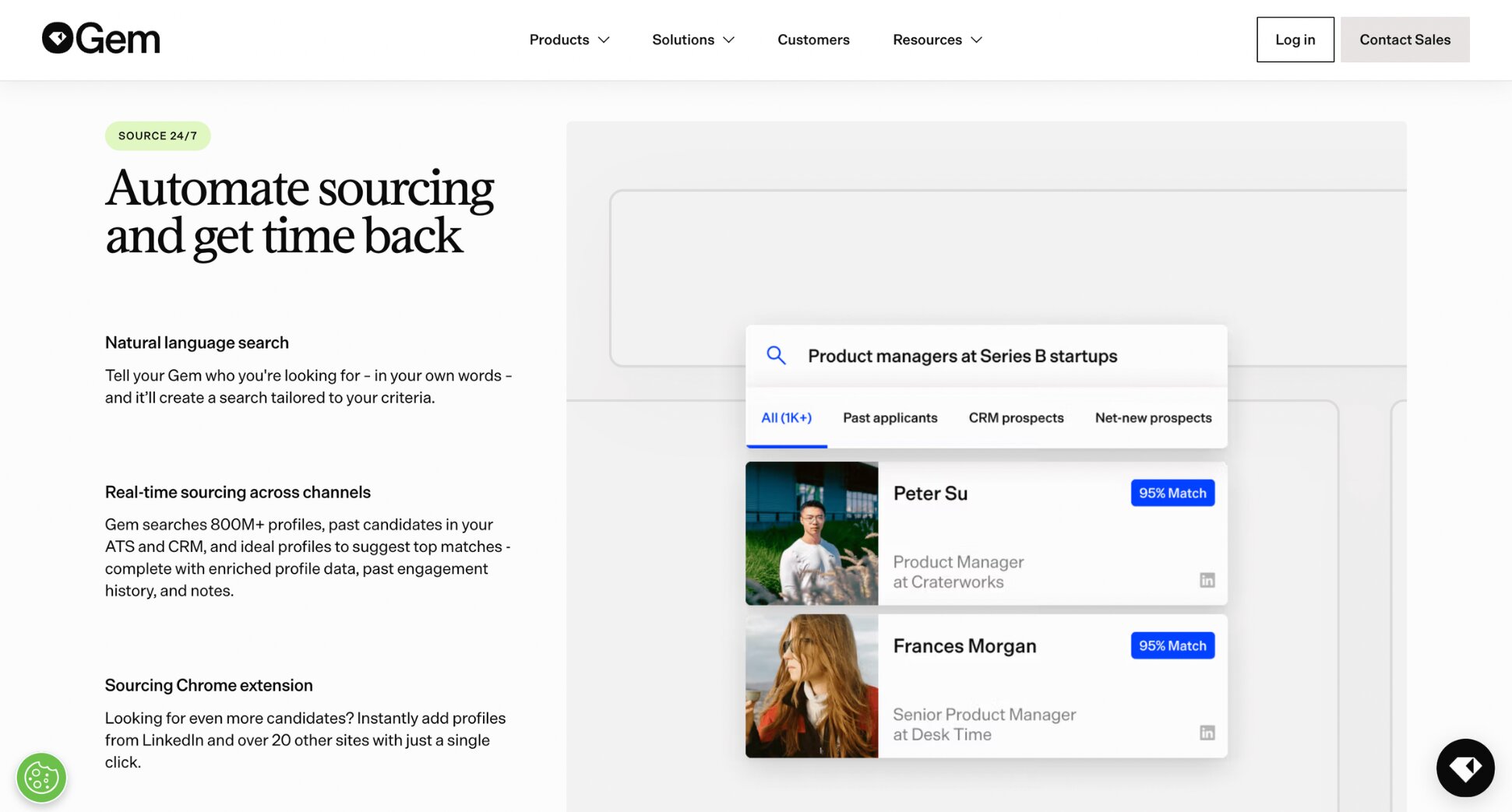
An AI-native CRM built specifically for talent acquisition, combining sourcing, candidate pipeline management, and multi-touch outreach sequences with two-way ATS sync. Its standout feature is talent rediscovery — surfacing past silver-medalist candidates already sitting in your own historical data, rather than starting every search from zero.
✅ Why recruiters like it:
- Rediscover candidates you already have — surfaces past applicants and near-misses from your own database who might fit a new role.
- Syncs with your existing ATS — two-way integration with Greenhouse, Lever, Ashby and others, so candidate data and hiring-stage changes stay current in both systems.
- Multi-channel sequences — email, LinkedIn messages and InMails from one automated cadence, with A/B testing built in.
- Reporting beyond opens and clicks — sourcing-channel attribution, time-to-fill, and team activity dashboards.
- One place for the whole pipeline — kanban-style views, tags, and full activity history per candidate, so nothing lives only in someone’s inbox.
🎯 Best for: In-house teams with consistent hiring volume who want sourcing, CRM, and analytics in one system.
❌ Limitations: Multiple reviewers describe the UI as cluttered — worth a demo before committing.
💰 Price: pricing isn’t public and requires a sales conversation.
🚫 Not the right fit if: You’re a small team without steady hiring volume.
6. Hunter.io — Best All-in-One Finder and Verifier
⭐ Rating: 4.4 on G2.
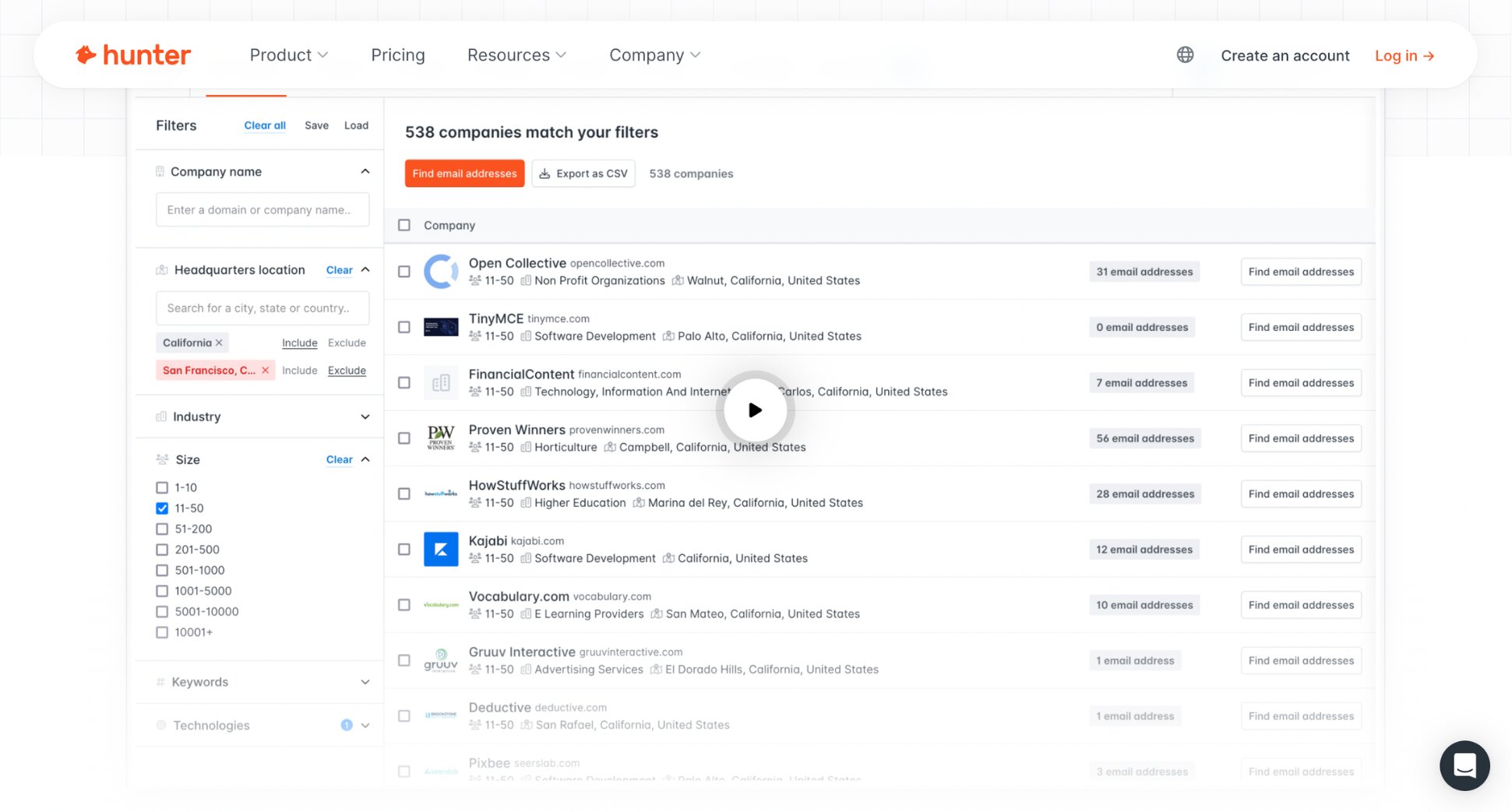
A domain-based email finder built for a slightly different search than LinkedIn-first tools — you start from a company name rather than a profile, which works well when you know where a candidate works but not their exact contact details. Finding and verification live in the same tool.
✅ Why recruiters like it:
- Search by company, not just by person — find every email pattern at a given domain, useful when you’re targeting a company rather than one specific candidate.
- Verify as you go — built-in verification flags risky or invalid addresses before you send, without needing a separate tool.
- Send without leaving the tool — Sequences lets you email your list directly through your own Gmail or Outlook account, with follow-ups and tracking built in.
- Bulk options for larger lists — CSV upload for verifying or finding at scale, rather than one address at a time.
🎯 Best for: Recruiters who know the target company and want a lightweight way to find and verify addresses in one place.
❌ Limitations: Built for general B2B use, not recruiting specifically — no candidate-pipeline features, ATS integration, or recruiting-specific workflow. Sending features, where they exist, are lighter than dedicated outreach platforms.
💰 Price: Free plan (50 credits). Starter $49/month (2,000 credits). Growth $149/month (10,000 credits). Scale $299/month (25,000 credits). Enterprise (custom pricing).
🚫 Not the right fit if: You’re mostly sourcing from LinkedIn profiles rather than known companies — a LinkedIn-first finder like ContactOut or Wiza will fit that workflow more directly.
7. Lemlist — Best for Multichannel Outreach
⭐ Rating: 4.6 on G2.
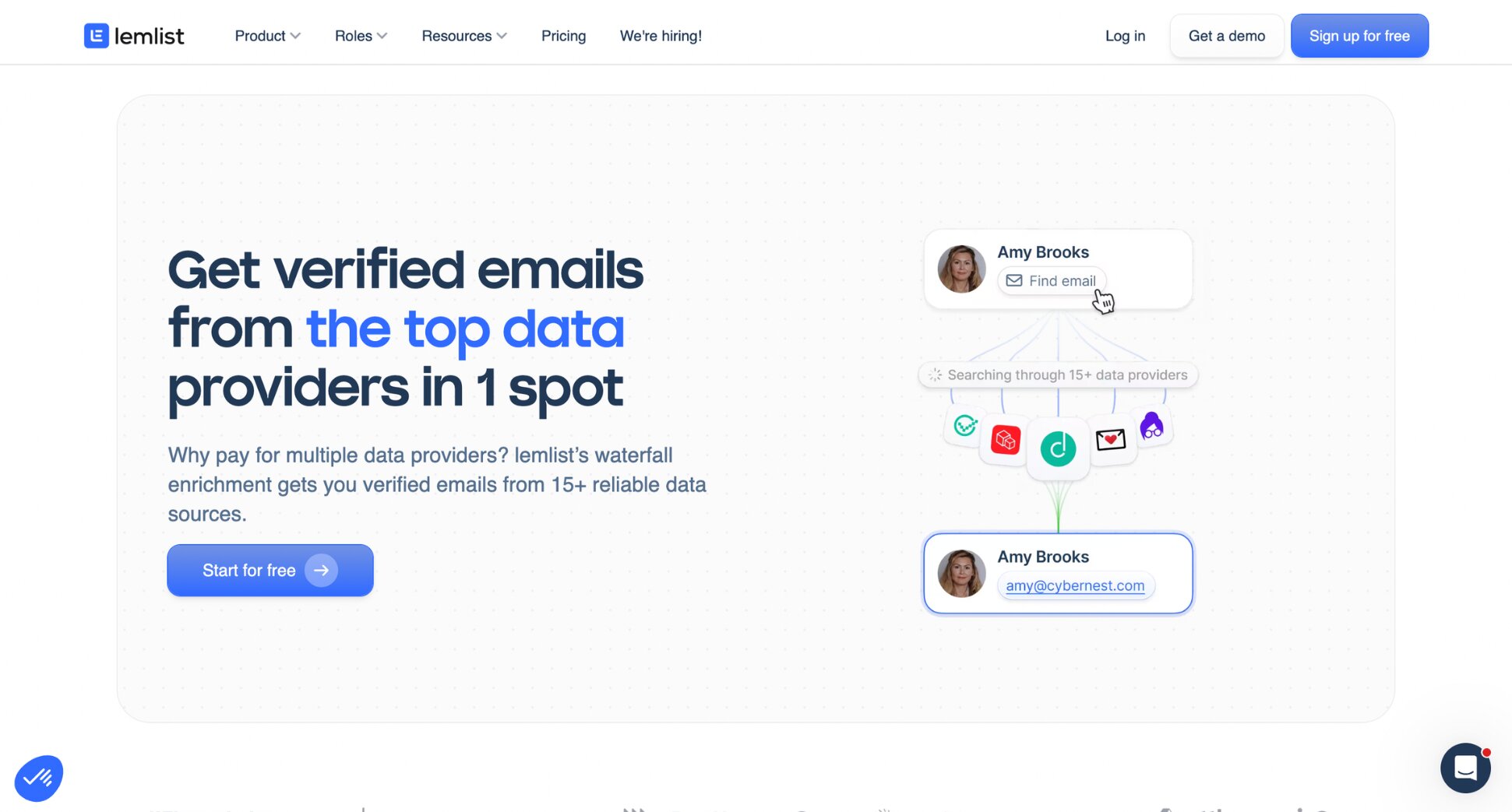
A full outreach platform built around the multichannel sequence — one candidate, one timeline, with steps across email, LinkedIn, and calls executed automatically and branching based on how they respond. Its signature feature is personalized images and video embedded directly in emails, which nothing else on this list offers.
✅ Why recruiters like it:
- Reach candidates on more than one channel — a sequence can combine an email, a LinkedIn connection request, and a follow-up call.
- Stand out with visual personalization — dynamic images or video with the candidate’s name or details, which drives higher reply rates than text alone.
- Warm-up included — Lemwarm, a mailbox warm-up tool, comes with every plan rather than as a paid add-on.
- Built-in contact database — find and verify emails and phone numbers without a separate tool, though credits are metered separately from your subscription.
🎯 Best for: agency recruiters or sourcers running genuinely multichannel campaigns for competitive, passive candidates.
❌ Limitations: priced per seat, which scales badly for teams. LinkedIn automation runs through a Chrome extension rather than natively. No real CRM for pipeline management.
💰 Price: Email plan $69/month. Multichannel plan $109/month.
🚫 Not the right fit if: Most of your email is candidate logistics rather than competitive sourcing — this is real overkill, and the per-seat cost adds up fast for a team of more than one or two recruiters.
8. SourceWhale — Best for Recruitment Agencies
⭐ Rating: 4.8 on G2.
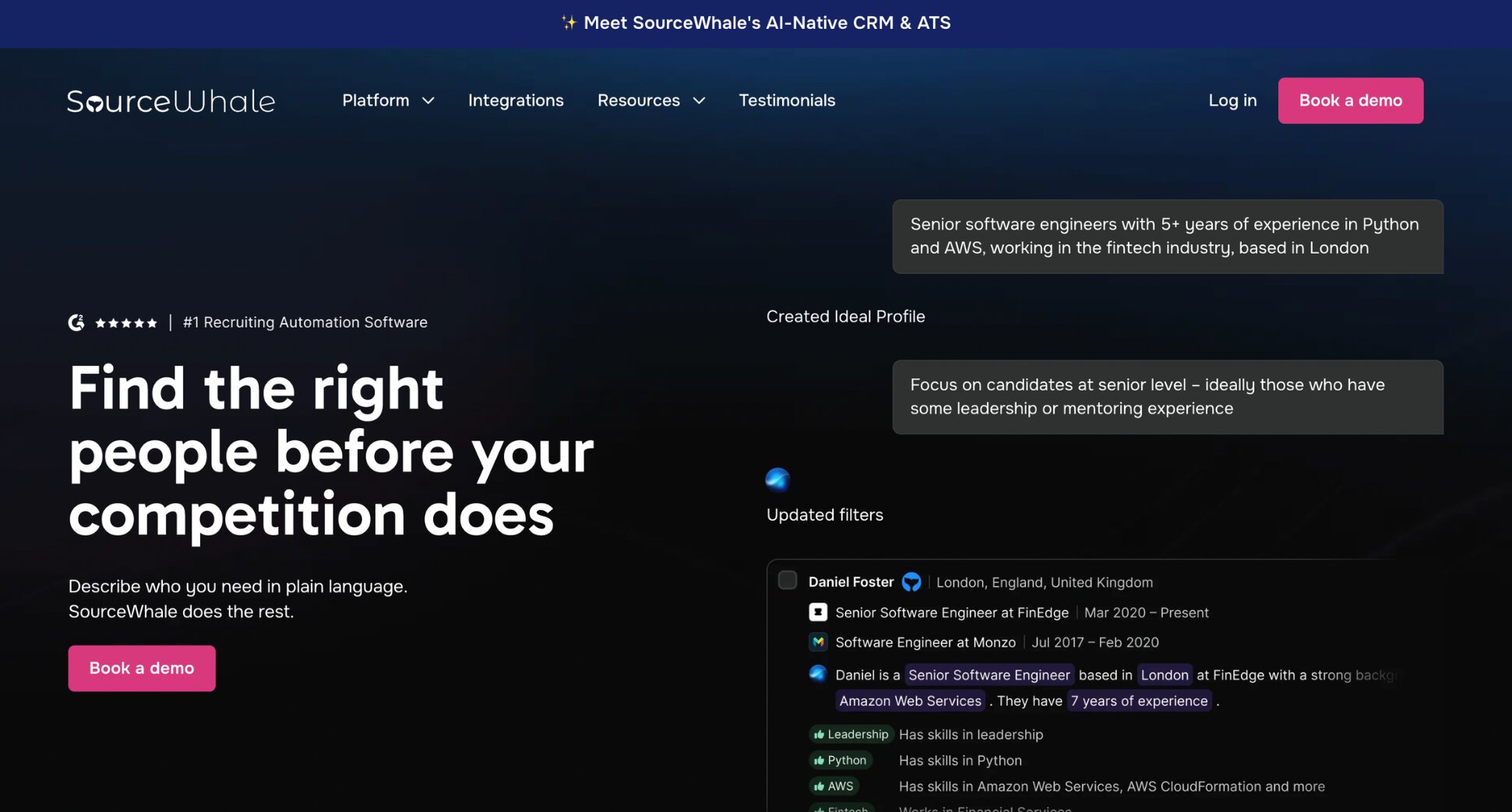
An AI-native recruitment platform built specifically for agencies and executive search — sourcing, multichannel outreach (email, LinkedIn, SMS, calls), and a Chrome extension, with deep write-back into Bullhorn, the dominant ATS/CRM used by staffing and recruitment agencies.
✅ Why recruiters like it:
- Everything flows into Bullhorn automatically — no manual logging between your outreach tool and your ATS.
- True multichannel from one system — email, LinkedIn, SMS and phone calls in coordinated sequences, not just email with a LinkedIn bolt-on.
- Contact data doesn’t just sit and rot — Data Refresh continuously checks records against third-party providers and flags what’s gone stale.
- A native dialer with call transcription — Conversations records and logs calls directly into the candidate’s record, so there’s no separate call-tracking tool needed.
- Broad integration beyond Bullhorn — also connects with Vincere, Greenhouse, Lever, Gmail and Outlook, so it’s not purely a single-ATS tool.
🎯 Best for: Agencies and executive search teams whose ATS is the system of record and who want outreach to write back into it automatically.
❌ Limitations: Built for agency workflows, so an in-house team with no ATS gets little value here relative to the cost.
💰 Price: Quote only. Contact SourceWhale directly.
🚫 Not the right fit if: you’re not already running Bullhorn or a similar agency ATS — the core value proposition depends on the write-back.
9. YAMM — Best Budget Mail Merge
⭐ Rating: 4.5 on Capterra.
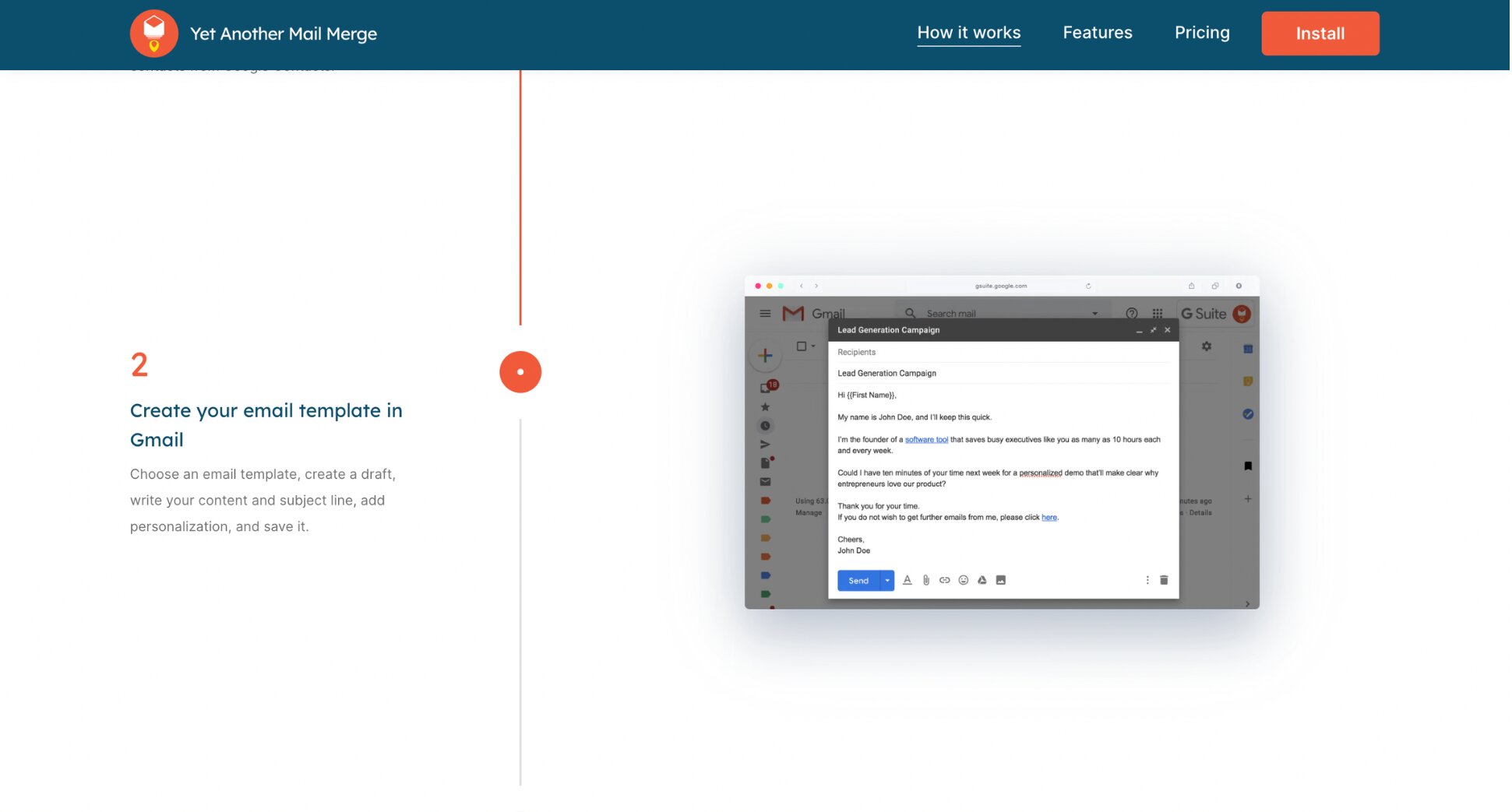
One of the oldest Gmail mail merge add-ons — over a decade in the market, with 10M+ installs. Like Mailmeteor, it sends personalized emails from your own Gmail account using a Google Sheet as the data source, with real-time open, click, reply, bounce and unsubscribe tracking.
✅ Why recruiters like it:
- Genuinely cheap — paid plans run in the tens of dollars a year, not per month, making it the lowest-cost option on this list by a wide margin.
- Filter before you send — skips hidden or filtered rows automatically, so you can target one group without a separate export.
- Track everything in one place — opens, clicks, replies, bounces and unsubscribes update live in your Google Sheet.
- Follow-ups included — launch a filtered follow-up campaign to just the people who didn’t respond to get more replies.
🎯 Best for: Occasional, simple candidate mailings on the tightest possible budget.
❌ Limitations: The free plan caps at 20 recipients a day. No AI drafting, no dedicated candidate-pool or recruiting-specific features.
💰 Price: Free plan (20 emails/day). Pro Gmail plan $3/month. Pro Google Workspace plan $6/month.
🚫 Not the right fit if: You want AI-assisted drafting, built-in candidate pool tracking, or any sourcing features. YAMM only sends, it doesn’t find candidates.
10. Workable — Best ATS with Built-In Email
⭐ Rating: 4.5 on G2.
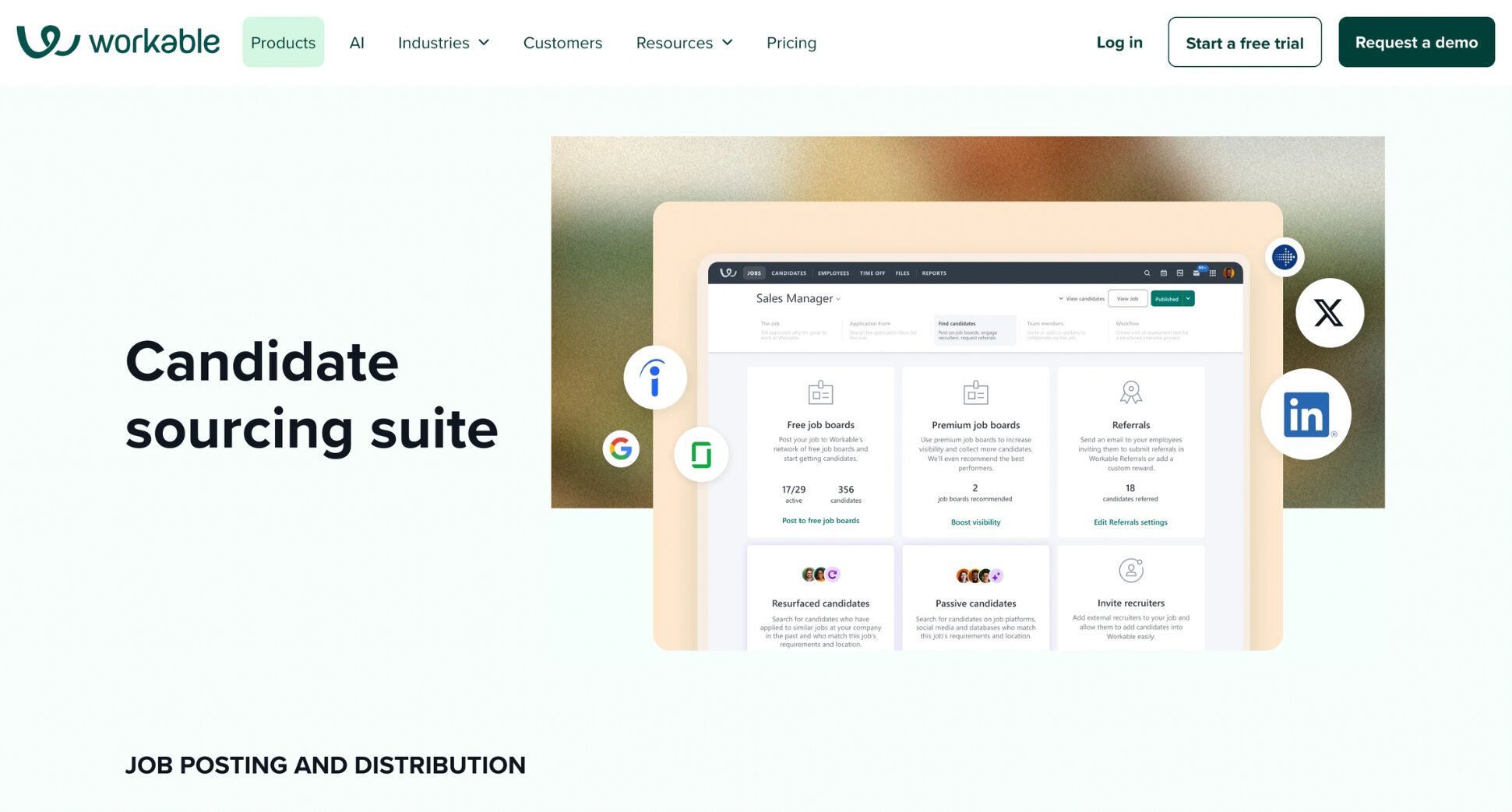
An applicant tracking system with recruiting communication built into the pipeline rather than bolted on — job posting to 200+ boards, AI-assisted candidate sourcing from a 400M+ profile database, and automated candidate emails, all logging against the candidate’s record automatically.
✅ Why recruiters like it:
- Every message logs to the candidate automatically — the one thing no standalone sender on this list does, since it’s built around the pipeline rather than a separate inbox. That also makes it easier to keep communication consistent from the first interview through to the new-hire onboarding email.
- AI-assisted outreach included — automated sourcing and personalized outreach emails are bundled into every paid tier.
- Broad job board reach — post to 200+ boards from one dashboard, useful if candidate communication is only half the workflow you’re trying to consolidate.
- Fast to get running — reviewers consistently note it’s live within hours, not weeks, without needing an IT team involved.
🎯 Best for: Teams already on Workable who want candidate communication to live inside the pipeline rather than in a separate tool.
❌ Limitations: priced by total company headcount, not just recruiter seats, so cost climbs even if your hiring team stays small. There’s no built-in way to move an existing applicant into a talent pool — only new candidates can be added.
💰 Price: Standard $360/month. Premier $599/month. Enterprise $719/month. Add-ons like texting, video interviews and assessments sold separately.
🚫 Not the right fit if: Most of your email goes to people outside an active process — past applicants, referrals, your talent pool. Workable’s messaging only reaches candidates in the pipeline.
What to Look for in a Recruiting Email Tool
Five things matter most when choosing a recruiting email tool ⤵️
- What job it actually does — Every tool here solves finding, sending, or both. Know which one you need before you look at features — the wrong category costs more than the wrong brand.
- How deep the personalization goes — Merge tags covering name and role are table stakes. Some tools go further with dynamic content or AI-drafted copy — useful for messages such as interview reminder emails, where you may want to personalize the candidate’s name, interview time, interviewer, and meeting link.
- What it does for deliverability — Sending limits, inbox rotation, warm-up, verification before sending — these determine whether your emails land in the inbox or get flagged as spam.
- Whether it logs against the candidate’s record — A send-and-forget tool leaves no trace once the email goes out. An ATS with built-in email attaches every message to that candidate’s profile automatically.
- Cost per seat, not cost per tool. A tool at $30 per user per month is a very different proposition at two seats than at ten, and several platforms here price in brackets that jump sharply.
Which Emailing Tool Do You Actually Need As a Recruiter?
Three questions determine which recruiting email tool you actually need ⤵️
- Do you already have the addresses? If yes — past applicants, referrals, your talent pool — skip the finder category entirely and go straight to a sender like GMass, or to Mailmeteor, which handles both finding and sending. If no, ContactOut, Wiza, or Hunter.io are built for bulk sourcing specifically.
- Are you emailing people in a process, or outside one? Candidates in an active pipeline are best served by your ATS — for instance, Workable — where messages log against their record automatically. Everyone else usually isn’t reachable there, and that’s the gap a mail merge like Mailmeteor or YAMM fills.
- Is cold sourcing your main job or your occasional one? Daily, sustained sourcing justifies a dedicated platform — Gem for in-house teams, SourceWhale for agencies on Bullhorn, Lemlist for multichannel. Occasional logistics for people who already know who you are doesn’t need any of that.
For most lean recruiting teams the honest answer is a combination: free finder tools for occasional lookups, Mailmeteor for the volume work, and an ATS if and when hiring volume justifies one.
Wrapping Up
Finding candidates and reaching them shouldn’t need two different tools. Mailmeteor does both — straight from the Google Sheet you’re already using.
🔍 Find and verify addresses for free — email finder, LinkedIn finder and verification, no signup required.
📊 Your candidate list is already the tool — merge straight from Google Sheets, no import, no new platform.
🏷️ Every email reads like it was written for one person — name, role and stage pulled from your own columns.
🔒 Candidate data stays yours — sends through your own inbox, with minimal permissions.
🔔 Know what landed — track opens and clicks in real-time to see who’s actually engaging, so you know who’s worth a follow-up.
Mailmeteor’s free plan covers up to 50 personalized emails a day, no credit card required — enough to find, verify, and send your first batch today. Try Mailmeteor now.
FAQs
What is the best free email tool for recruiters?
For finding addresses, Mailmeteor’s finder tools are free with no signup — email finder, LinkedIn email finder, reverse lookup and verification. For sending, its free plan covers 50 emails a day, enough for a typical hiring round. Hunter.io also offers a limited free monthly allowance for finding and verifying.
How do recruiters find candidate email addresses?
Three main methods: a finder that predicts and verifies an address from a name and company domain, a LinkedIn email finder working from a profile URL, or a bulk export tool pulling verified addresses from a Sales Navigator search. Always verify predicted addresses before sending, since bounces damage your sending reputation.
Do recruiters need an ATS to send bulk emails?
No. An ATS (Applicant Tracking System) is useful for tracking candidates through an active process, but bulk email works fine from a spreadsheet using a mail merge tool. Many lean teams run both — the ATS for pipeline, a mail merge for everyone outside it, including past applicants and talent pools.
What is the best way to email a rejected candidate?
A clear, timely email is usually better than leaving candidates waiting. If you’re handling a high volume of applicants, a template or mail merge can help keep rejection messages consistent while still allowing for personalization. See our guide to writing a candidate rejection email.
Is it legal to email candidates you found through a sourcing tool?
It depends on jurisdiction. Under GDPR, sourcing a professional address doesn’t grant permission for ongoing marketing — you need a lawful basis, disclosure of how you got their data, and a way out. Under CAN-SPAM in the US, requirements are lighter but still include a working opt-out and a physical address. Include an unsubscribe link in anything that isn’t a direct reply to an application.