Mailmeteor is the Superhuman alternative that stays inside Gmail. AI inbox triage, smart drafts,
and writing tools. No new interface to learn, no $30/month subscription.
See how Mailmeteor compares to Superhuman, feature by feature and price by price.
Mailmeteor
|
Superhuman
|
|
|---|---|---|
| Free plan | ✅ Free plan included | ❌ No free plan |
| Starting price | ✅ $9.99 per month | ❌ $30 per user per month |
| Works inside Gmail | ✅ Yes | ❌ Replaces Gmail's interface |
| AI inbox triage | ✅ Yes | ✅ Yes |
| AI-generated draft replies | ✅ Yes | ✅ Yes |
| AI writing assistant | ✅ Yes | ✅ Yes |
| Email tracking | ✅ Yes | ✅ Yes |
| Mail merge & bulk campaigns | ✅ Yes | ❌ No |
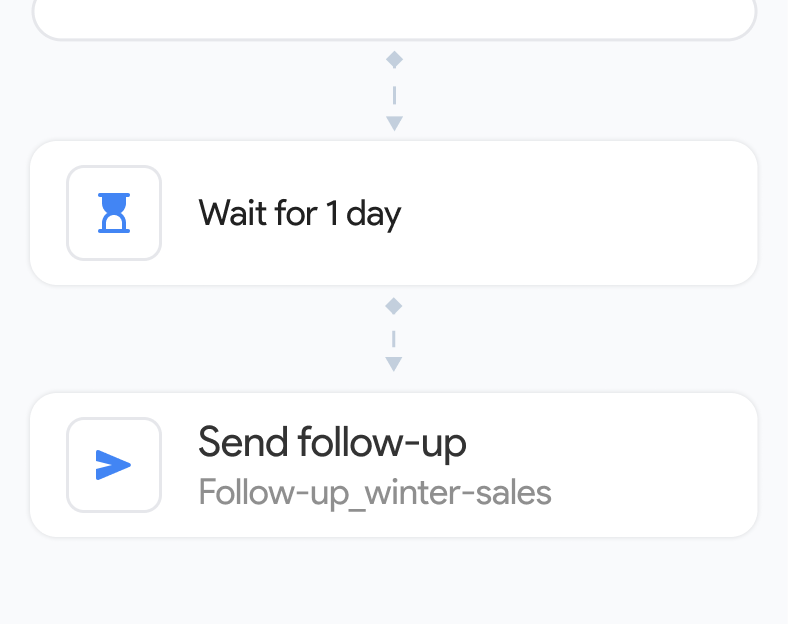
| Automated follow-ups | ✅ Yes | ❌ No |
| Works with Google Sheets | ✅ Yes | ❌ No |
| GDPR compliant | ✅ Yes | ✅ Yes |
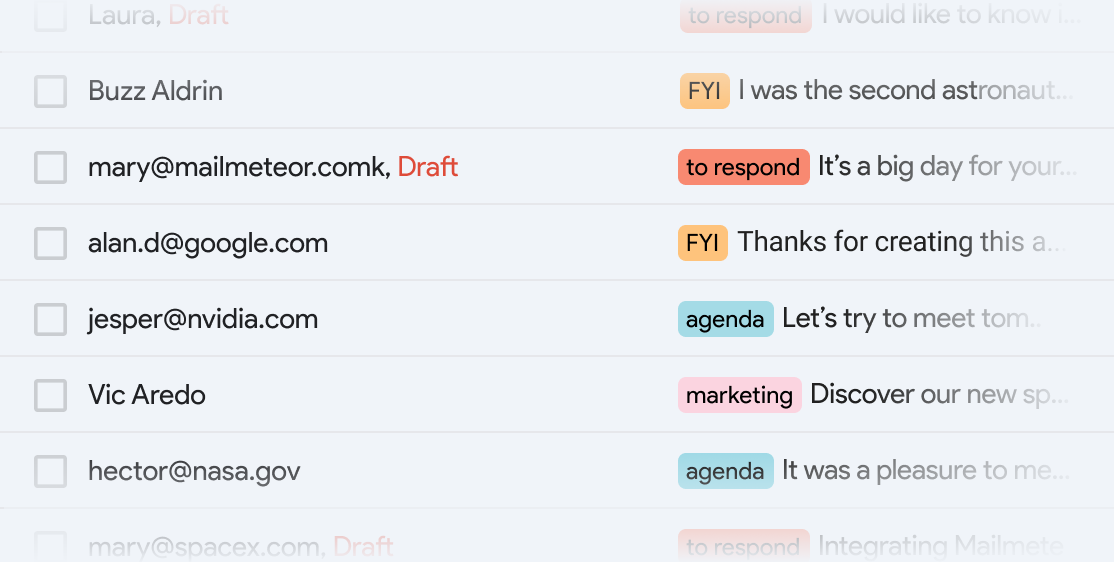
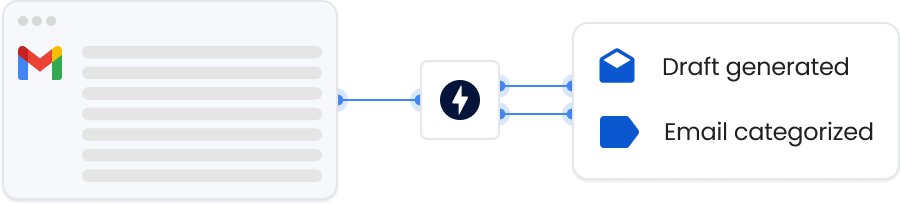
Smart Gmail labels land in your inbox automatically, surfacing what actually needs a reply. Works as a Chrome extension on top of Gmail, so your team's existing workflows stay exactly as they are.
Automatically organize emails with smart labels
No new email client to install or onboard to
Works 24/7. Even when you sleep.
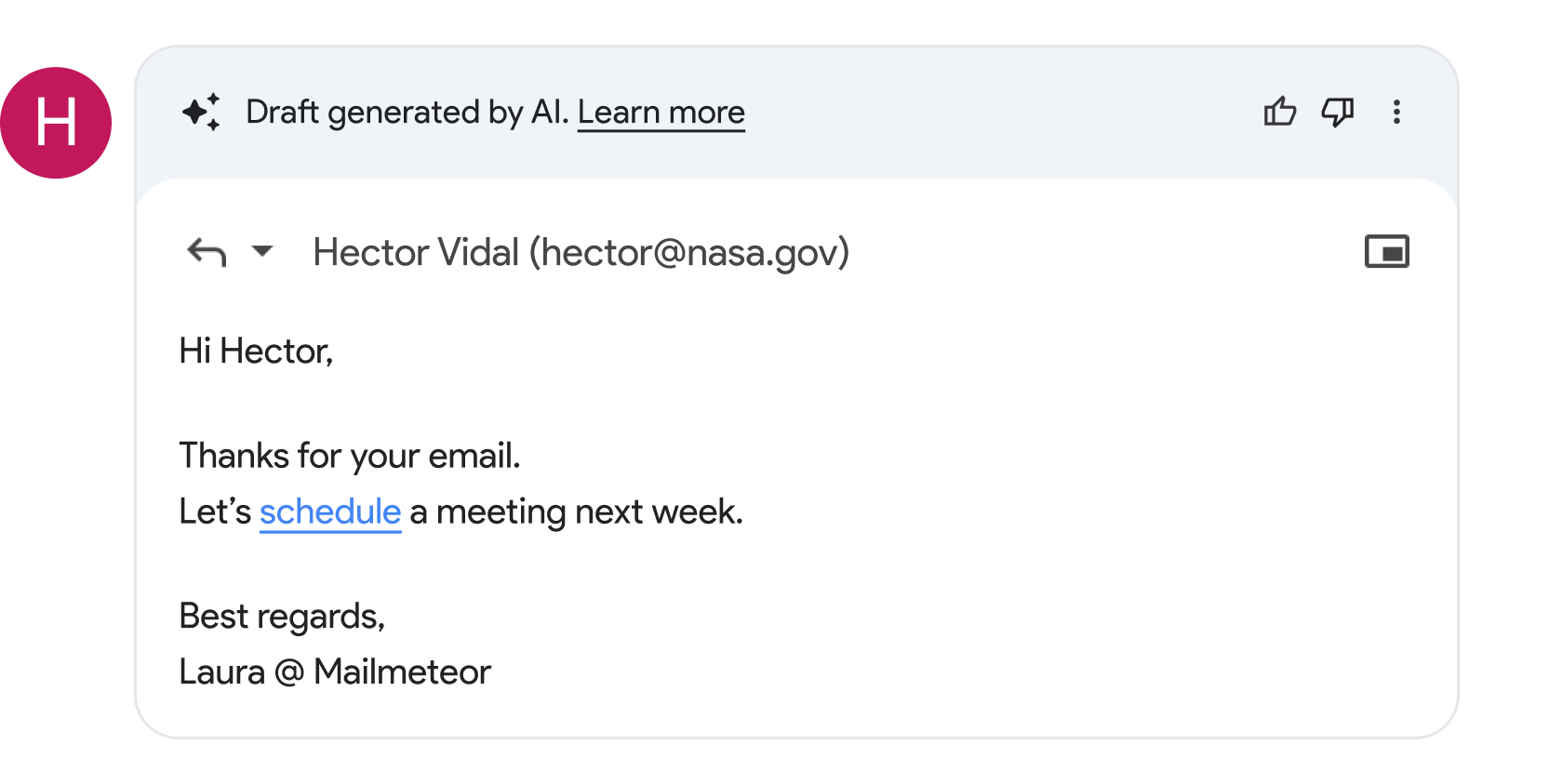
Open any thread that needs a reply and a context-aware draft is already waiting, inside Gmail's compose window. Same writing flow, same send button. Starting at a third of Superhuman's price.
Instantly adjust tone and wording
Uses conversation history for full context
Starts at $9.99/month, free plan included
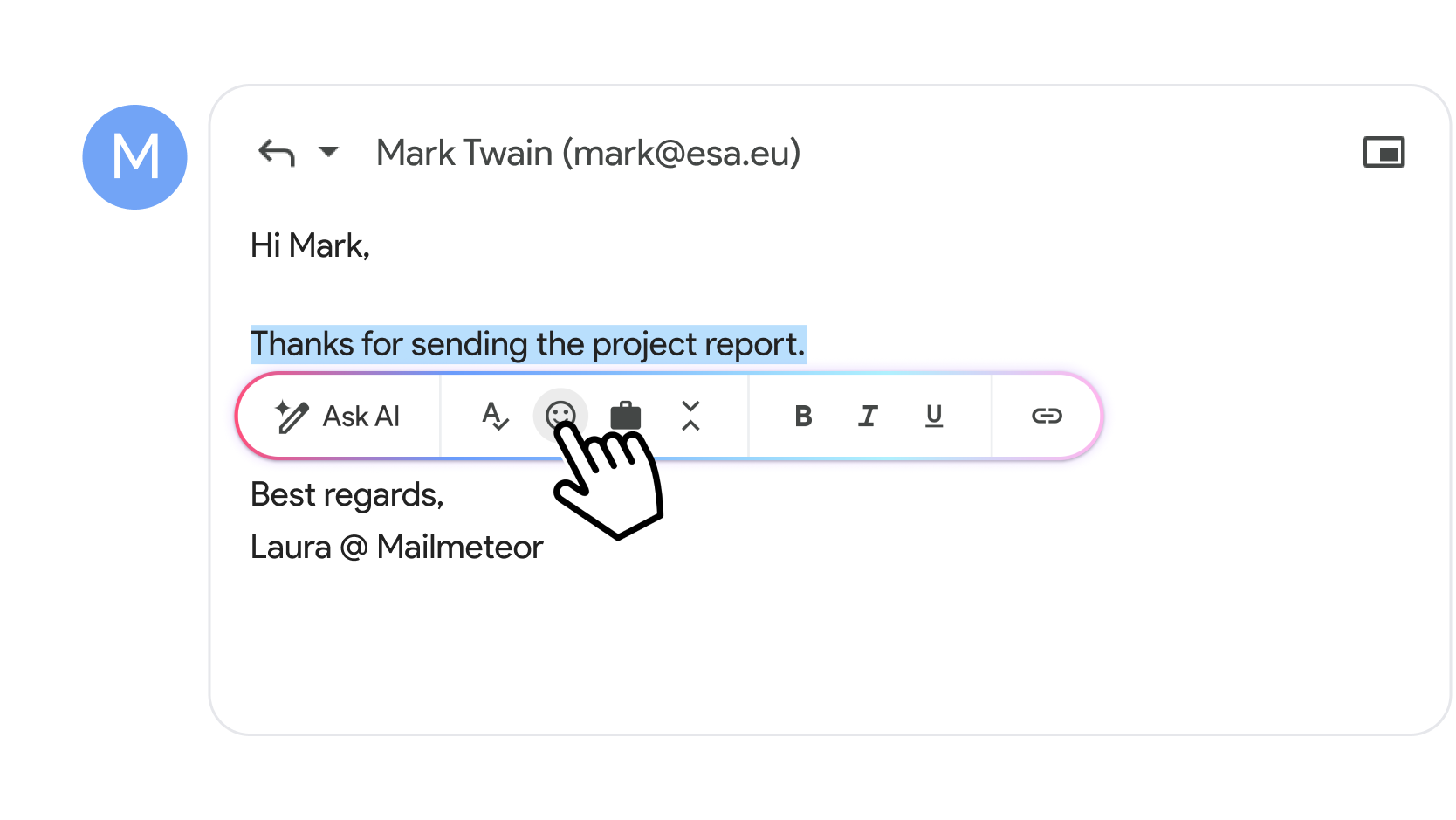
Select any text in Gmail's compose window and the AI toolbar opens instantly. Rewrite, shorten, or fix tone in one click, inside the Gmail interface your team already uses.
Fix typos and improve grammar
Shorten selected text with one click
Adjust tone to be more formal or more friendly
Professionals who want AI-powered email without giving up Gmail or paying $30/month choose Mailmeteor over Superhuman.
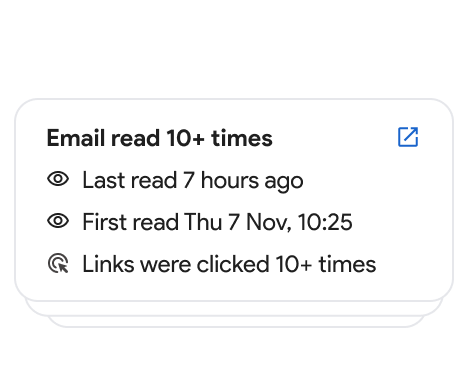
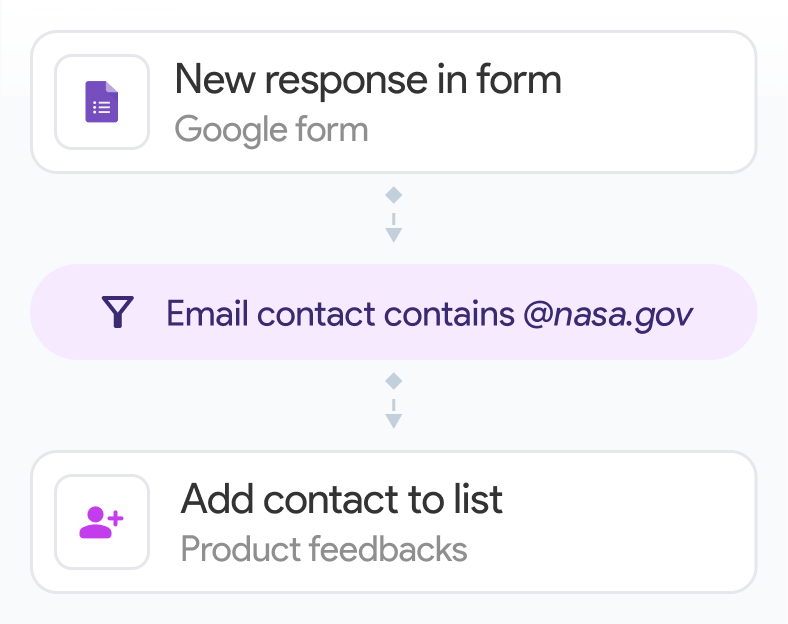
Send personalized outreach, track opens, and automate follow-ups. All the features Superhuman lacks, at a fraction of the price.
Run personalized email campaigns with mail merge, track engagement, and manage your inbox. None of which Superhuman supports.
Manage candidate pipelines efficiently with AI-drafted replies and smart inbox organization, without switching email clients.
Stay on top of investor updates, customer emails, and partnerships, using Gmail's familiar interface, supercharged with AI.
Generate consistent, professional responses organized by priority, inside Gmail, at a cost that scales with your team.
Get AI email features starting for free. No $30/month commitment, no new email client to learn.
Companies & organizations, from all over the world trust Mailmeteor. Read all 10,000+ reviews.
I recently started using Mailmeteor for my email campaigns, and I couldn't be happier with the results! The user interface is incredibly intuitive, making it easy to personalize and send emails in bulk. The integration with Google Sheets is seamless, allowing me to manage my contacts efficiently. I particularly appreciate the tracking features, which provide valuable insights into open rates and engagement. This has helped me refine my approach and improve my overall communication strategy. Overall, Mailmeteor has significantly streamlined my email marketing efforts. I highly recommend it to anyone looking for an effective and user-friendly solution!
Chrome Web Store
Mailmeteor is super easy to use and really helps me send personalized emails quickly and professionally. Highly recommended!
Chrome Web Store
Thanks guys, because publipostage with Word and Excel doesn't connect correctly to Outlook and I don't know why. With your extension, everything is clearcut.
Capterra
I’ve been using MailMeteor for a while now. I originally signed up when they launched through a Lifetime Deal (LTD) on AppSumo. From past experience, I’ve noticed that companies often let their customer service slide over time, especially for LTD users. But with MailMeteor, it’s been the exact opposite. Their customer service has been consistently excellent (definitely 5-star), and the tool itself is solid, reliable, and packed with useful features.
Chrome Web Store
I have tried others like mailchimp, however i found mailmeteor easier to configure and get the campaign run quickly and doesn't need expertise. I have been using this for last 3 years. Recommend you to try it out.
Capterra
so smooth to use!!
Trustpilot
Mailmeteor is very convenient to use. We saved a lot of time using it. highly recommended!
Trustpilot
So far found this tool very useful. It allows me to quickly export to Excel all the emails I've sent so I can see who I've emailed (and don't need to email again) and who I've not yet emailed.
Chrome Web Store
Common questions from people looking for a Superhuman alternative.
Mailmeteor is the top Superhuman alternative for Gmail users. It adds AI inbox triage, smart draft replies, and a writing assistant directly inside Gmail, without replacing your email client or charging $30 per month. It also includes mail merge, email tracking, and automated follow-ups that Superhuman doesn’t offer. Learn more about the Mailmeteor AI Email Assistant.
The best Superhuman alternatives for Gmail users are tools that add AI email features without forcing you to abandon Gmail. Mailmeteor is the top pick: it brings AI inbox categorization, smart draft replies, and a writing assistant directly inside Gmail at $9.99/month (a third of Superhuman’s cost). Other popular Superhuman alternatives include Shortwave (inbox-zero focused, also replaces Gmail’s UI) and Google Gemini (built into Gmail, but limited AI writing features). If you need outreach features like mail merge, email tracking, and automated follow-ups alongside AI email assistance, Mailmeteor is the only Superhuman alternative that covers all of it in one tool.
Yes. Mailmeteor has a permanent free plan with no credit card required. Superhuman has no free plan: it starts at $30 per user per month with no trial. See Mailmeteor’s free and paid plans.
Significantly. Mailmeteor starts at $9.99 per month (with a free plan), compared to Superhuman’s $30 per user per month. For a team of 10, that’s $100 vs $300 per month for the same core AI email features.
No, and that’s a key advantage. Mailmeteor is a Chrome extension that adds AI features directly inside Gmail. You keep the interface you already know. Superhuman replaces Gmail’s interface entirely, which means a new UI to learn and your team to onboard.
Yes. Mailmeteor’s AI categorizes your inbox into smart labels: ‘to respond’, ‘FYI’, ‘notification’, ‘agenda’, and ‘marketing’. Labels sync across Gmail’s desktop and mobile apps automatically. Learn about email categorization.
Yes. Mailmeteor generates context-aware draft replies based on your email thread history and lets you refine any text (adjust tone, fix grammar, shorten) with one click. Read the AI writer guide.
Mailmeteor includes mail merge for personalized bulk email campaigns, email tracking (Superhuman also has this), automated follow-ups, email warmup, and email automation. None of the outreach and campaign features are available in Superhuman.
Superhuman is a fully redesigned email client with a strong focus on keyboard shortcuts and speed. If you spend most of your day in email and prefer a completely new interface built for power users, Superhuman’s UX may appeal to you. Mailmeteor, by contrast, enhances Gmail rather than replacing it.
Yes. Mailmeteor is GDPR-compliant and follows strict data protection standards. The key difference from Superhuman is that Mailmeteor is a Chrome extension: your emails stay in Gmail and are never migrated to a third-party email client. Your email content is never stored permanently or used for AI training. View our security practices.
Install the Mailmeteor Chrome extension and sign in with your Google account. Setup takes under two minutes. You can then cancel your Superhuman subscription and revoke its Gmail access from your Google account security settings.
Join 6 million professionals who get AI email features without the Superhuman price tag.
Free plan available. No credit card required.