Meet Mailmeteor

The best Shortwave alternative for Gmail

Mailmeteor is the Shortwave alternative that stays inside Gmail. AI inbox triage, smart drafts,
and writing tools. No migration, no new interface, no learning curve.

Get started for free No credit card required

Mailmeteor AI Email Assistant for Gmail - Shortwave alternative

Trusted by the world's leading companies

Mailmeteor vs Shortwave

See how Mailmeteor compares to Shortwave, feature by feature.

Mailmeteor logo Mailmeteor Shortwave logo Shortwave
Free plan ✅ Free plan included ✅ Limited free tier
Starting price $9.99 per month $9 per month (AI features capped)
Works inside Gmail ✅ Yes (via a browser extension) ❌ Replaces Gmail's interface
Zero migration required ✅ Yes, install and go ❌ New client to learn and adopt
AI inbox organization ✅ Yes, smart labels in Gmail ✅ Yes, bundles
AI-generated draft replies ✅ Yes ✅ Yes
AI writing assistant ✅ Yes ✅ Yes
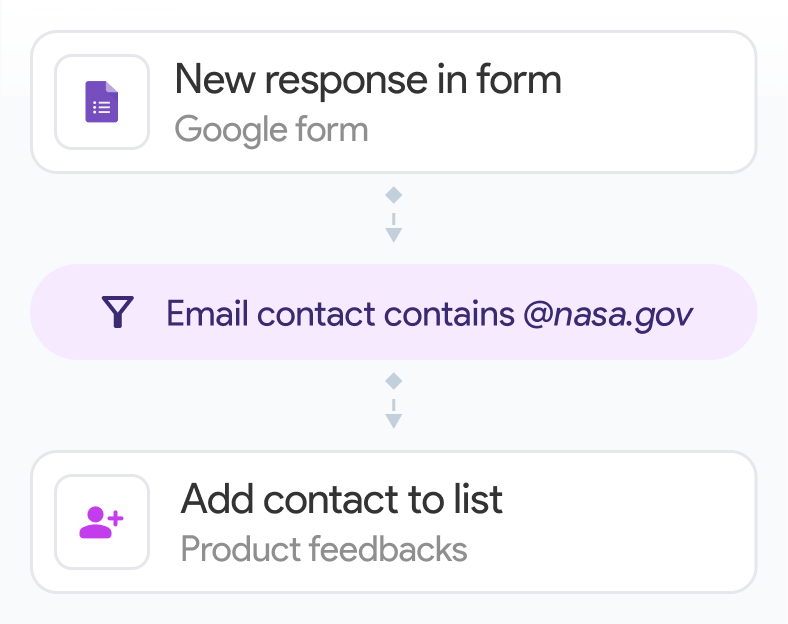
Mail merge & bulk campaigns ✅ Yes ❌ No
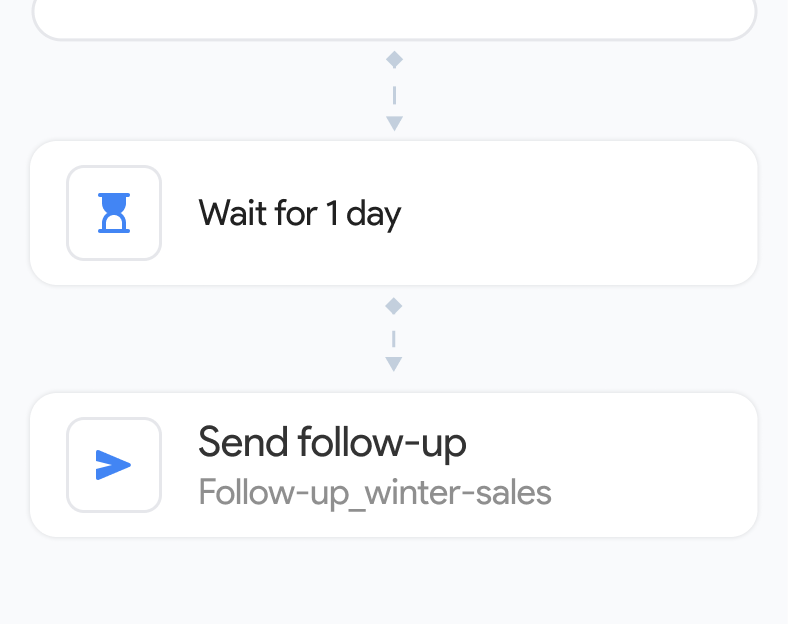
Email tracking & follow-ups ✅ Yes ❌ No
Works with Google Sheets ✅ Yes ❌ No
GDPR compliant ✅ Yes ✅ Yes

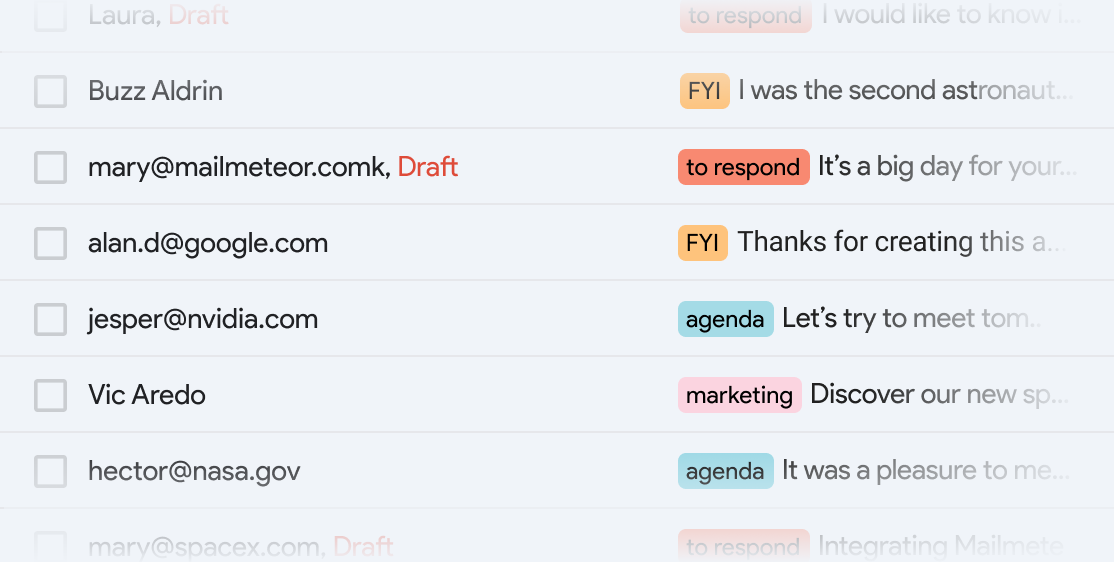
Organize your inbox so you can focus

Native Gmail labels sort your inbox automatically, flagging what needs your attention and muting what doesn't. No email migration, no new app. Your existing Gmail setup stays intact.

  • check-icon

    Automatically organize emails with smart labels

  • check-icon

    Labels sync across Gmail desktop and mobile

  • check-icon

    Works 24/7. Even when you sleep.

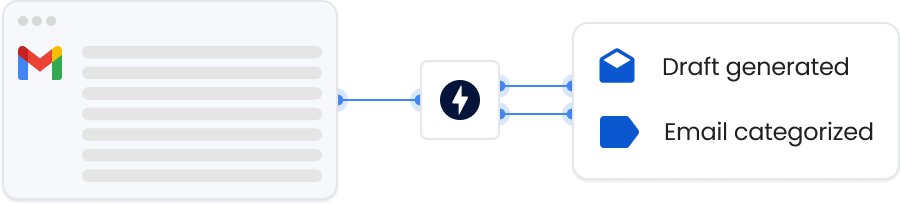
Mailmeteor AI inbox categorization - Shortwave alternative
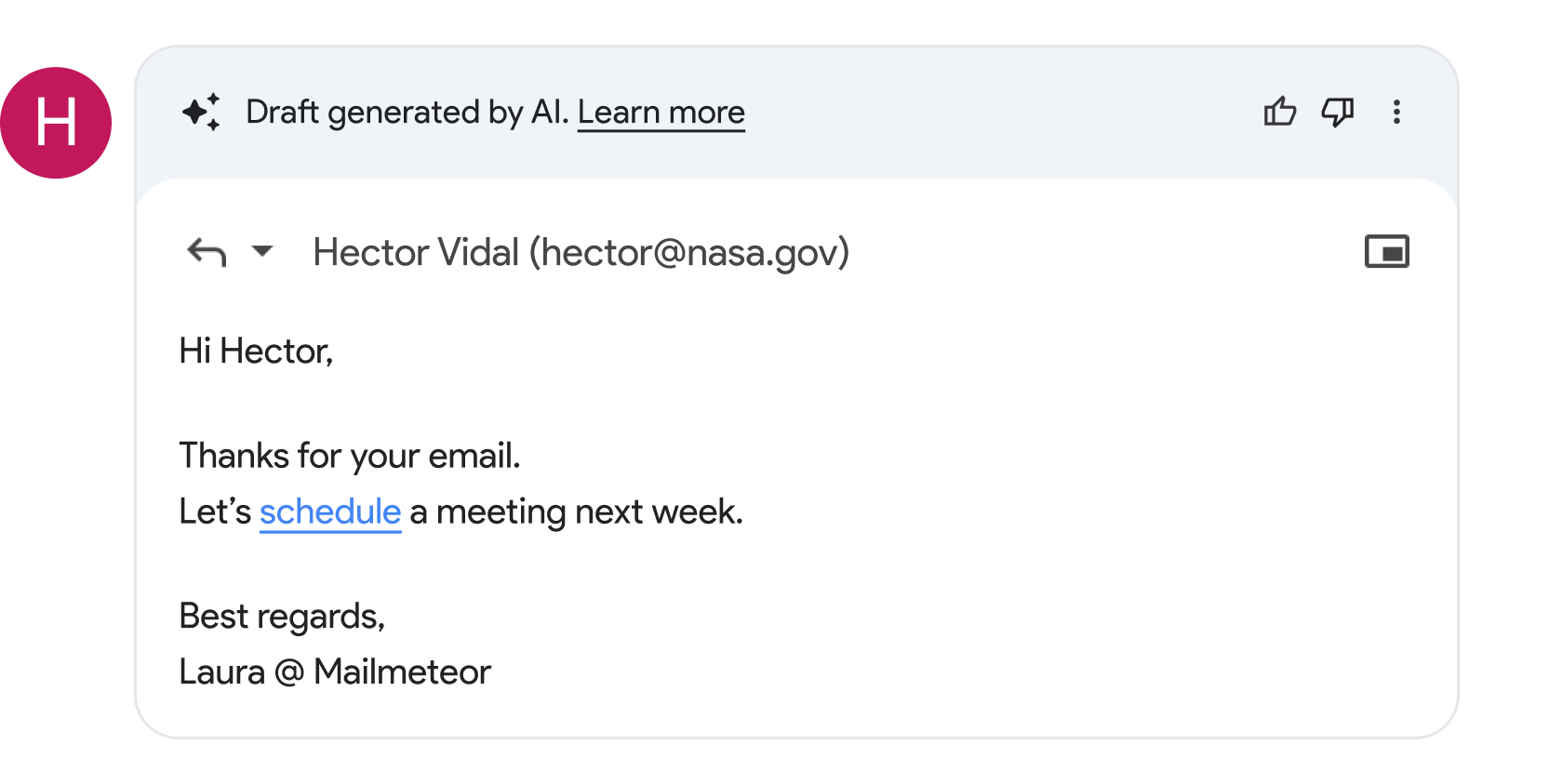
Mailmeteor AI email drafts - Shortwave alternative

Write replies that sound like you

Emails that need a reply come with a draft already in Gmail's compose window, informed by the full conversation. Your email stays in Gmail, your workflow stays familiar.

  • check-icon

    Instantly adjust tone and wording

  • check-icon

    Uses conversation history for full context

  • check-icon

    Email data stays in Google's ecosystem

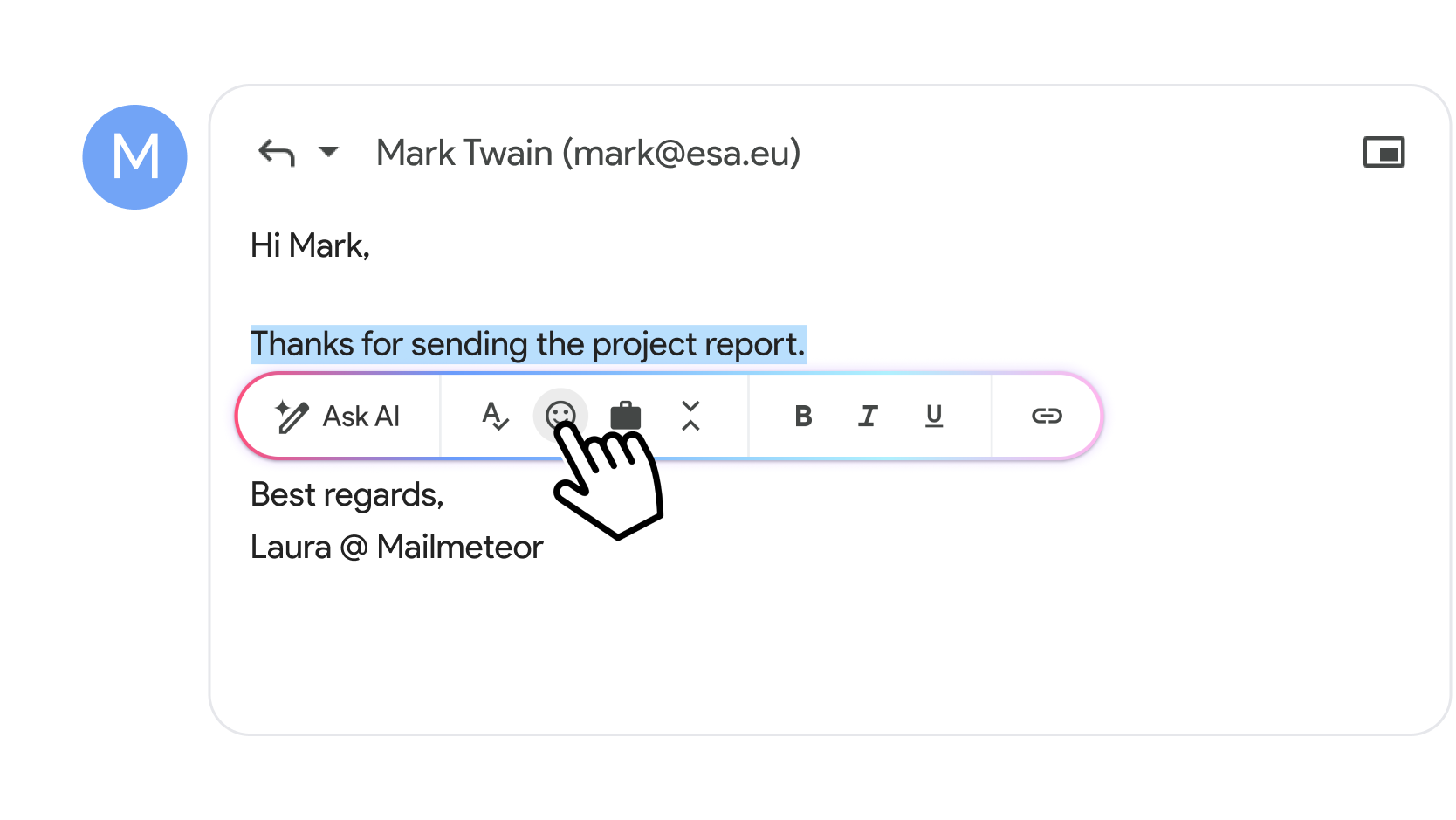
Edit and refine emails in seconds

Select any text in Gmail's compose window to open the AI writing toolbar. Fix grammar, adjust tone, shorten in one click. Without migrating to a new writing interface.

  • check-icon

    Fix typos and improve grammar

  • check-icon

    Shorten selected text with one click

  • check-icon

    Adjust tone to be more formal or more friendly

Mailmeteor AI email writer - Shortwave alternative

Your entire email workflow,
integrated directly in Gmail

Made for Gmail. Works where you already work.

Get started for free →
Gmail integration with Mailmeteor AI Email Assistant - Shortwave alternative

Who switches from Shortwave to Mailmeteor?

Gmail users who want AI-powered email features without migrating to a new email client choose Mailmeteor over Shortwave.

Sales teams

Sales teams

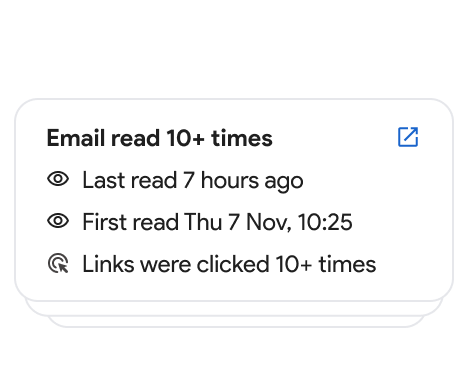
Send personalized outreach, track opens, and automate follow-ups. Outreach features Shortwave doesn't offer, all inside Gmail.

Marketers

Marketers

Run personalized email campaigns with mail merge, track engagement, and manage your inbox with AI. Without switching email clients.

Recruiters

Recruiters

Manage candidate pipelines efficiently with AI-drafted replies and smart inbox organization. In the Gmail interface your team already knows.

Founders

Founders

Stay on top of investor updates, customer emails, and partnerships with AI assistance. Without asking your whole team to migrate to a new tool.

Customer support

Customer support

Generate consistent, professional responses organized by priority, inside Gmail. No new client for your team to onboard to.

Freelancers

Freelancers

Get AI inbox organization and smart drafts starting for free. No migration, no learning curve, just Gmail with superpowers.

Recommended by Google to help you get work done

Learn more →
Illustration describing Mailmeteor's recommendation by Google on the Workspace Marketplace

Built with data security in mind

Meet our 7 million users

Companies & organizations, from all over the world trust Mailmeteor. Read all 10,000+ reviews.

Shortwave Alternative: Frequently Asked Questions

Common questions from people looking for a Shortwave alternative.

Mailmeteor is the top Shortwave alternative for Gmail users. It adds AI inbox categorization, smart draft replies, and a writing assistant directly inside Gmail. So you get the AI features without migrating to a new email client. It also includes mail merge, email tracking, and automated follow-ups that Shortwave doesn’t offer. Learn more about the Mailmeteor AI Email Assistant.

Yes. Mailmeteor has a permanent free plan with no credit card required. Shortwave also has a free tier, but caps AI usage heavily. Mailmeteor’s free plan lets you start using AI email features right away. See Mailmeteor’s free and paid plans.

No, and that’s the key advantage. Mailmeteor is a Chrome extension that adds AI features directly inside Gmail. You keep the interface you already know, all your Gmail settings, filters, and labels stay intact. Shortwave is a separate email client built on top of your Gmail account, which means learning a new interface and migrating your workflow.

Yes. Mailmeteor’s AI automatically categorizes your inbox into smart labels: ‘to respond’, ‘FYI’, ‘notification’, ‘agenda’, and ‘marketing’. Unlike Shortwave’s bundle system, these labels live natively in Gmail and sync across desktop and mobile automatically. Learn about email categorization.

Yes. Mailmeteor generates context-aware draft replies based on the full email thread history and lets you refine any text with one click (adjust tone, fix grammar, shorten), all inside Gmail’s compose window. Read the AI writer guide.

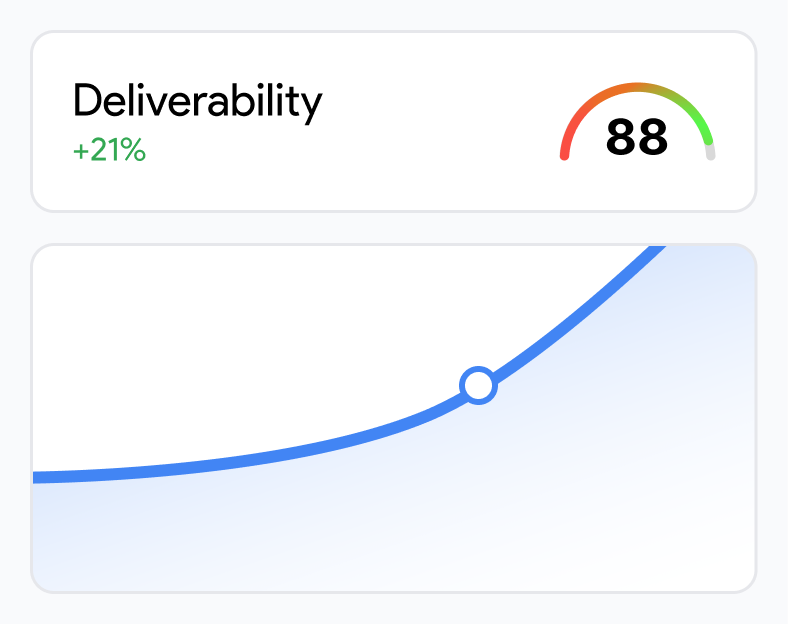
Mailmeteor includes mail merge for personalized bulk email campaigns, email tracking to monitor opens and clicks, automated follow-ups, and email warmup for better deliverability. Shortwave is focused on inbox management and AI summarization. It has no outreach or campaign features.

For individuals the pricing is comparable, but Mailmeteor includes a more generous free plan and adds a full suite of outreach tools (mail merge, tracking, follow-ups) that would require separate paid tools if you use Shortwave. For teams, Mailmeteor’s pricing scales more affordably. Compare Mailmeteor plans.

No. Mailmeteor is a Chrome extension that sits inside Gmail. Your team keeps using Gmail exactly as before. With Shortwave, everyone needs to migrate to a new email client, update their email workflows, and spend time onboarding. Mailmeteor adds AI features with zero disruption.

Yes. Mailmeteor is GDPR-compliant and follows strict data protection standards. The key difference from Shortwave is that Mailmeteor doesn’t migrate your emails to a new platform. Your data stays in Gmail. Mailmeteor reads your inbox to provide AI features but never creates a copy of your messages elsewhere, and your email content is never used for AI training. View our security practices.

Install the Mailmeteor Chrome extension and sign in with your Google account. Setup takes under two minutes. Since Mailmeteor works inside Gmail, there’s nothing to migrate. You can keep using Gmail.com as your primary interface immediately.

Try Mailmeteor for free. No credit card needed.

Join 6 million professionals who get AI email features without switching email clients.

Note icon Free plan available. No credit card required.