Fyxer is a popular AI email assistant — it organizes your inbox, drafts replies in your tone, and takes meeting notes without asking you to change how you work. For a lot of professionals, that’s genuinely useful.
But it’s not the right fit for everyone. There’s no free plan — only a 7-day trial. The starting price is $22.50/month, and important features like analytics, advanced security, and multi-inbox support are locked behind higher tiers.
Whether you’re looking to cut costs, unlock more powerful AI features, or find a tool that actually scales with your team — there’s a better option out there. We’ve tested the 7 best Fyxer alternatives to help you pick the right one.
Here’s what we found ⤵️
TL;DR: The 7 best Fyxer AI alternatives in 2026:
- Mailmeteor — Best Gmail-native alternative.
- Superhuman — Best for speed and AI combined.
- Shortwave — Best for Gmail power users.
- Jace AI — Best for automating email workflows.
- Gmelius — Best for small teams running on Gmail.
- alfred_ — Best for email, calendar, and AI meeting notes combined.
- Missive — Best for team email collaboration.
Here’s what we’ll cover:
- What Fyxer does (and where it falls short)
- The 7 best Fyxer alternatives
- Which Fyxer alternative is right for you?
Sounds good? Then let’s dive in.
What Fyxer Does (And Where It Falls Short)
Fyxer is an AI assistant layer that sits on top of Gmail or Outlook — not a new email client, but an add-on that works inside the inbox you already use. Once connected, it handles the repetitive parts of your communication workflow:
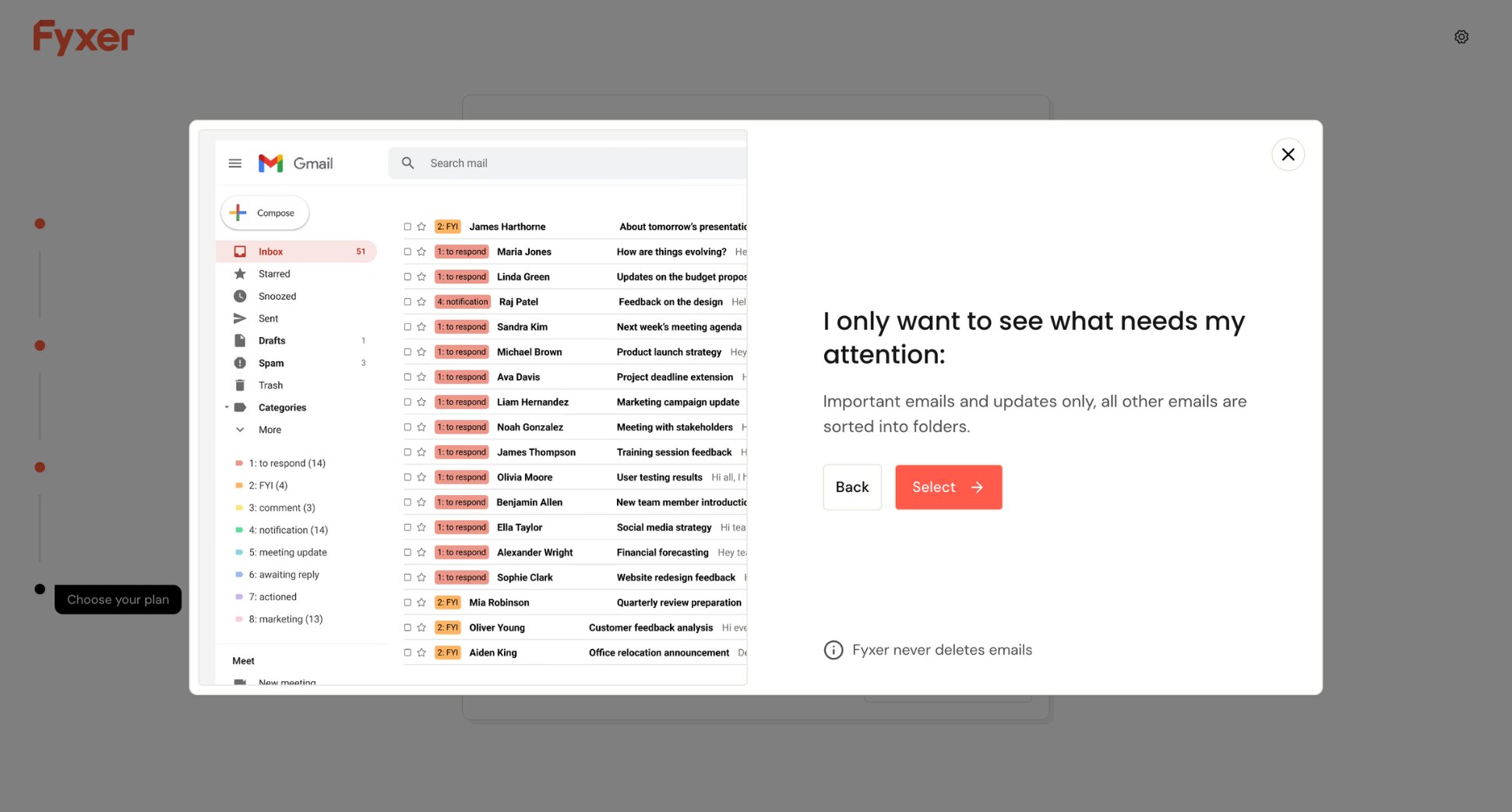
- Organises your inbox by automatically labelling emails into categories (To Respond, FYI, Notifications)
- Drafts replies in your writing style before you even open the thread
- Takes notes during meetings and generates follow-up emails automatically
- Lets you ask questions about your inbox through an AI chat interface
- Handles meeting scheduling so you don’t have to go back and forth on availability
The appeal is obvious. No new interface to learn, no migration headache, and results visible within minutes of setup. Fyxer claims 90% of users are still active after three months — unusually high retention for a productivity tool.
So why are people looking for alternatives?
- No free plan. Fyxer offers a 7-day trial, but there’s no permanent free tier. You’re committing $22.50/month from day one.
- Fixed categories. Fyxer sorts your inbox into preset labels. You can’t customize the categorisation logic, and some users report important emails ending up in the wrong folder.
- Inconsistent drafts. The AI can miss context in long email chains, producing replies that feel robotic or off-tone. Customising the AI’s voice is limited — a real drawback for anyone managing a brand.
- No inbox zero concept. Because Fyxer uses labels rather than inbox splits, there’s no clear separation between handled and unhandled emails — which can leave you second-guessing what’s been dealt with.
- Team features are underdeveloped. Analytics, advanced security, and multi-inbox support are locked behind the Professional plan or custom enterprise pricing.
If any of those are dealbreakers, here are the best alternatives ⤵️
The 7 Best Fyxer Alternatives
There are dozens of AI email management tools claiming they can replace Fyxer AI — from lightweight inbox filters to fully autonomous email agents. But not all of them are worth your time or money.
Here’s how we narrowed it down:
- Email provider support — does it work beyond Gmail, or is it just as limited as Fyxer AI?
- AI features — does it go further than Fyxer’s drafting and categorisation, or just replicate them?
- Ease of use — can you get value from it on day one without a steep learning curve?
- Privacy — does it handle your email data responsibly?
- Value for money — does it justify the price compared to Fyxer’s $30/month starting point?
Here’s how these AI email tools stack up:
| Tool | Free plan | Starts at | Rating | Best for |
|---|---|---|---|---|
| Mailmeteor | ✅ | $4.99/month | 4.9/5 | Gmail-native AI + outreach |
| Superhuman | ❌ | $30/month | 4.5/5 | Speed and AI combined |
| Shortwave | ✅ | $18/month | 4.4/5 | Gmail power users |
| Jace AI | ❌ | $17.50/month | 4.3/5 | Automating email workflows |
| Gmelius | ✅ | $21/user/month | 4.4/5 | Small teams running on Gmail |
| alfred_ | ❌ | $24.99/month | 4.5/5 | Email, calendar, and meeting notes |
| Missive | ✅ | $18/user/month | 4.7/5 | Team email collaboration |
Looking for platform-specific guides? Check out our roundups of the best AI assistants for Gmail and the best AI assistants for Outlook.
1. Mailmeteor — Best Gmail-Native Alternative
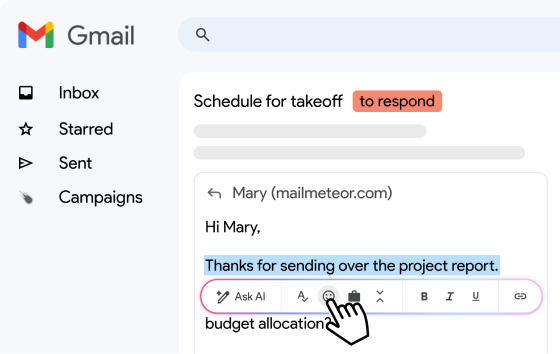
Mailmeteor is the strongest Fyxer AI alternative for Gmail users. It works directly inside Gmail as an AI email assistant — drafting replies in your voice, summarising long threads, and automatically categorising your inbox. Unlike Fyxer, it doesn’t stop at inbox management.
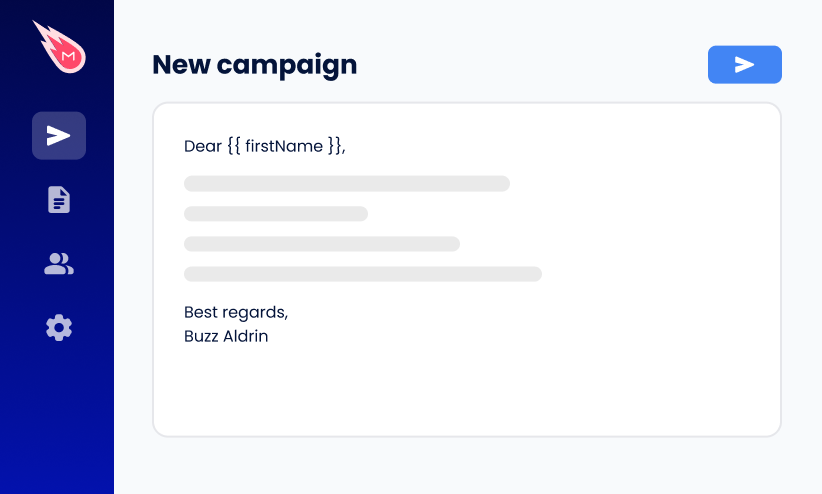
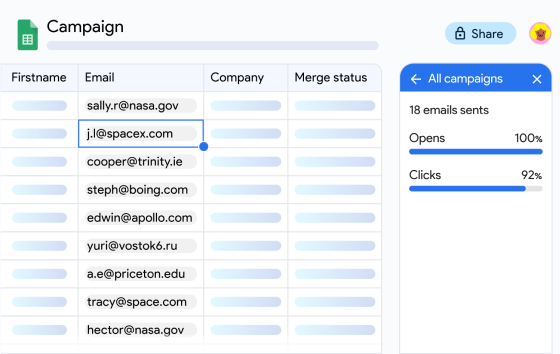
On top of that, Mailmeteor adds powerful outreach features to your inbox, like mail merge, real-time open and click tracking, and automated follow-ups. And unlike Fyxer AI, which locks important features behind higher tiers, Mailmeteor’s free plan gives you real value from day one — no trial clock, no credit card required.
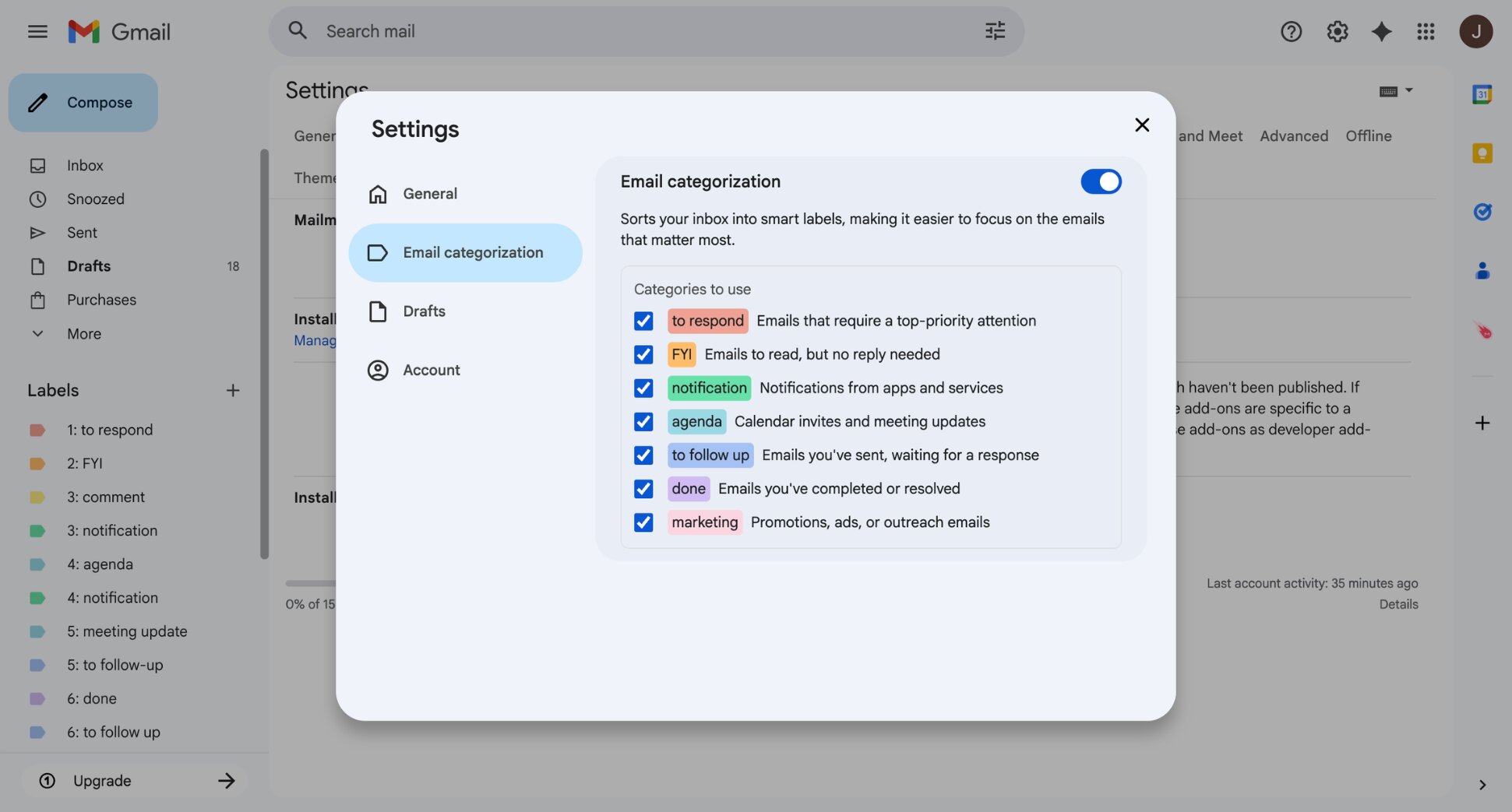
Key features:
- AI email drafting and thread summaries inside Gmail
- Automatic email categorisation
- Real-time open and click tracking
- Mail merge for personalized campaigns at scale
- Automatic follow-ups
- Works with Gmail, Outlook, and Zoho Mail
Pricing:
- Free plan includes up to 50 emails/day with basic tracking
- Starter from $4.99/month — email tracking, templates, verification
- Premium from $12.99/month — AI auto labels, auto drafts, follow-ups
- Professional from $29.99/month — team analytics, higher limits
Rating: 4.9/5 on Google Workspace Marketplace (11,000+ reviews)
Limitation: Mailmeteor is built around outreach and campaigns. If you’re primarily looking for meeting notes or AI scheduling — two of Fyxer AI’s strongest features — Mailmeteor doesn’t cover those.
2. Superhuman — Best for Speed and AI Combined
Superhuman is what you choose when Fyxer AI feels too passive. Where Fyxer AI works quietly in the background, Superhuman puts you in full control — with a keyboard-driven inbox designed for speed, AI draft replies that sound like you, and deep calendar integration.
Just type “find time with Alex after I land in SFO” and Ask AI books the meeting, drafts the invite, and gets out of your way. Superhuman supports both Gmail and Outlook, with no ceiling on team features or analytics. The trade-off is price: at $30/month with no free plan, it’s the most expensive option on this list.
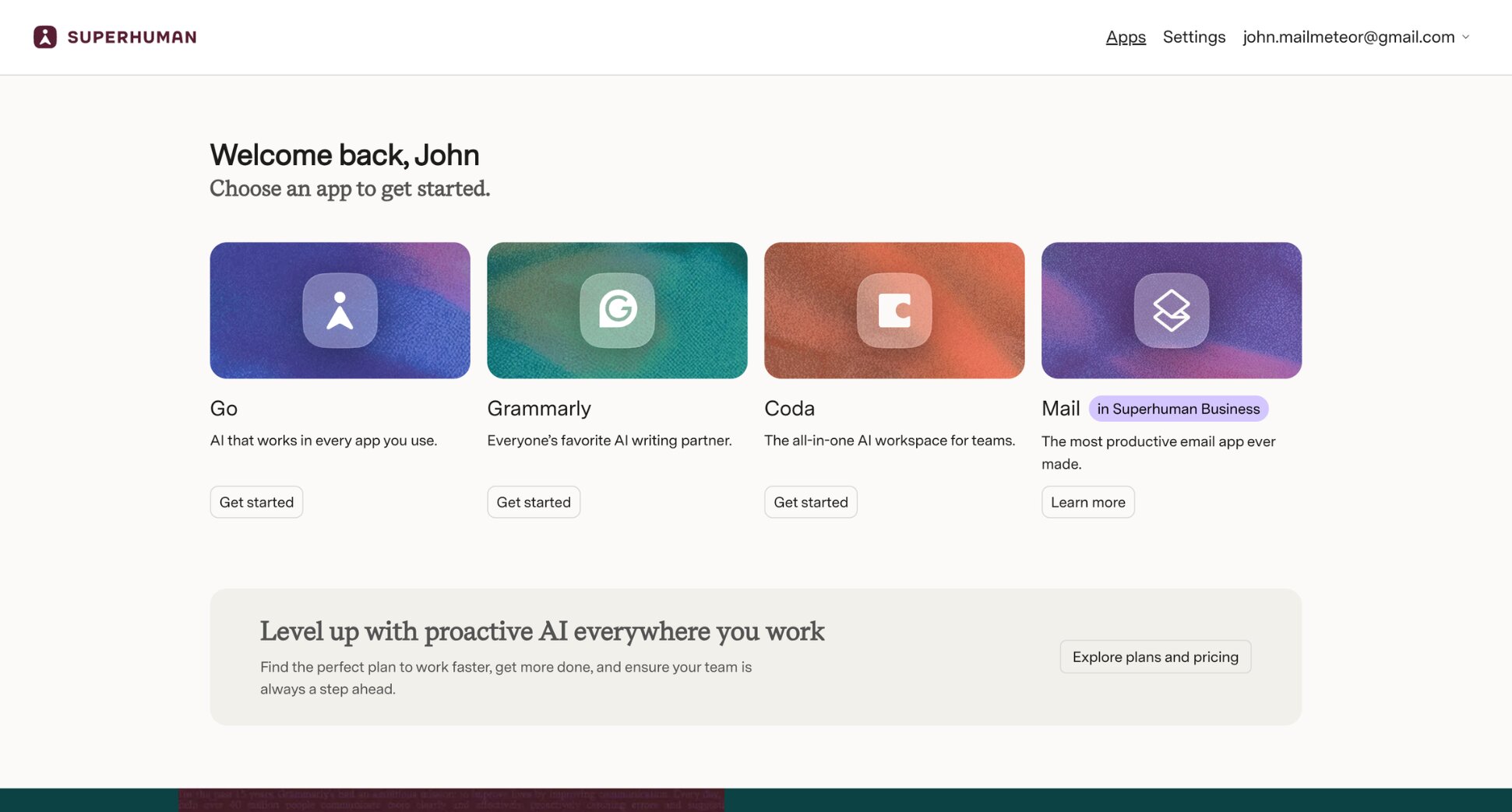
Key features:
- Keyboard-driven inbox with shortcuts for every action
- Split inbox and Auto Labels
- AI summaries and Ask AI
- AI-powered calendar
- AI draft replies
- Works with Gmail and Outlook
Pricing:
- No free plan — 7-day trial available
- Starter from $30/month
- Business from $40/month
Rating: 4.5/5 on G2
Limitation: Superhuman optimises speed, not autonomy. Unlike Fyxer AI, it doesn’t organise your inbox automatically or take meeting notes. You’re still doing the work — just dramatically faster.
3. Shortwave — Best for Gmail Power Users
Where Fyxer AI works as an invisible assistant layer on top of Gmail, Shortwave takes a different approach — it’s a fully redesigned AI email client that replaces your Gmail interface with a smarter one. You get automatic email bundling and natural language search across your full email history.
Shortwave also generates instant AI email summaries and drafts replies in your tone — with more context awareness than Fyxer AI. If you’re leaving Fyxer because you want AI that actually understands your inbox rather than just labelling it, Shortwave is the most powerful Gmail-native upgrade on this list.
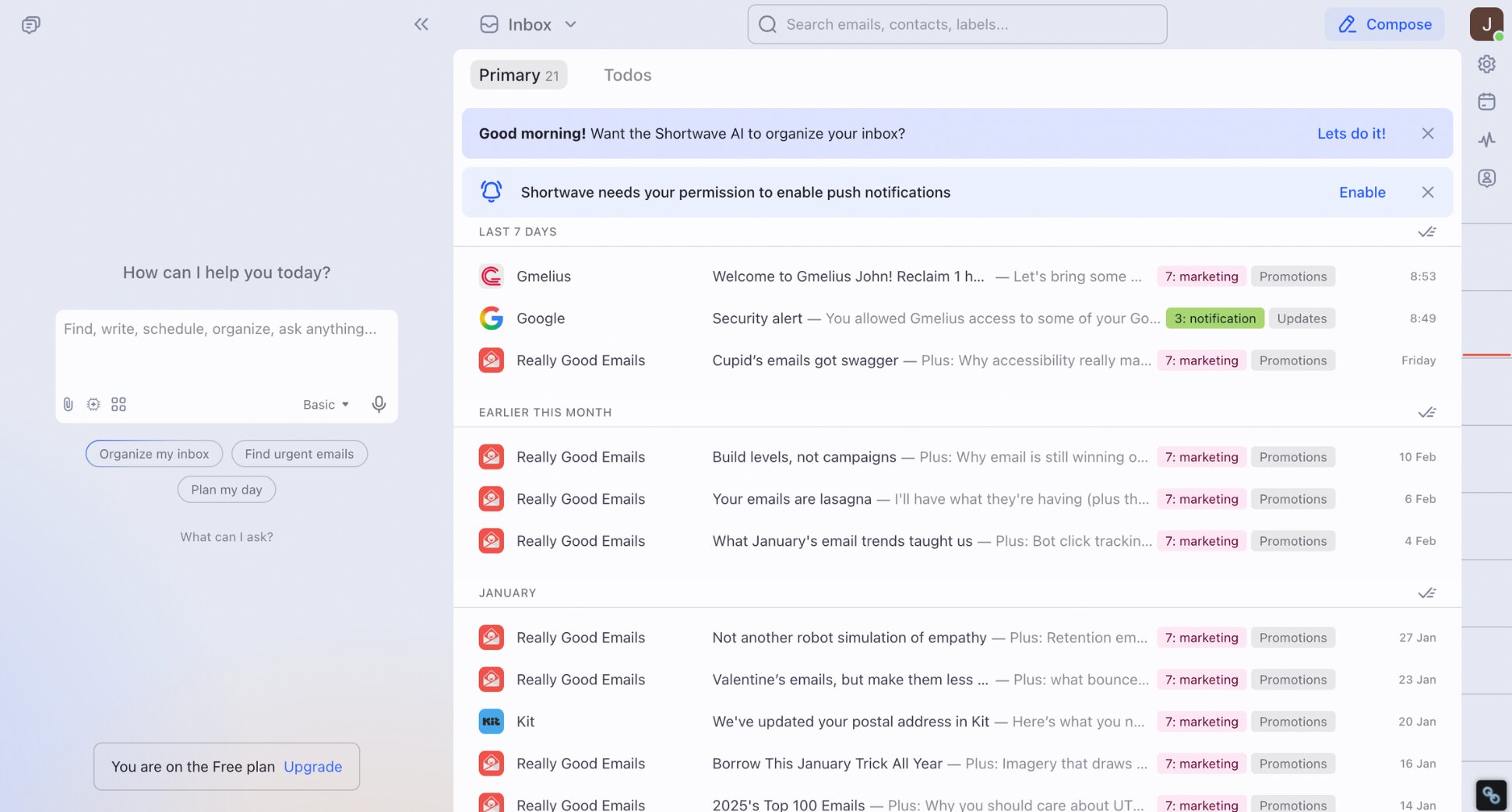
Key features:
- Automatic email bundling by type
- Natural language search across full email history
- AI thread summaries and reply drafting
- AI web browsing and agentic capabilities
- Works with Gmail and Google Workspace only
Pricing:
- Free plan available (90-day AI search history, limited quota)
- Pro from $18/month
- Business from $30/seat/month
Rating: 4.4/5 on G2
Limitation: Shortwave is Gmail-only — no Outlook support. It also doesn’t offer meeting notes, one of Fyxer AI’s most useful features. If you’re considering it, we’ve also compared the best Shortwave alternatives.
4. Jace AI — Best for Automating Email Workflows
Jace AI positions itself as an AI Chief of Staff for your inbox. Where Fyxer AI focuses on organising your inbox and drafting replies, Jace automates the workflows that happen around your email.
The standout feature is Smart Rules. Define custom instructions in plain English — “always CC my assistant when emailing clients”, “create a Jira ticket when a bug report arrives” — and Jace executes them automatically.
It also connects to Slack, Notion, Asana and 10+ other tools, so actions happen across your workflow the moment the right email arrives. For anyone who finds Fyxer AI too limited to their inbox, Jace is the most powerful automation-first alternative.
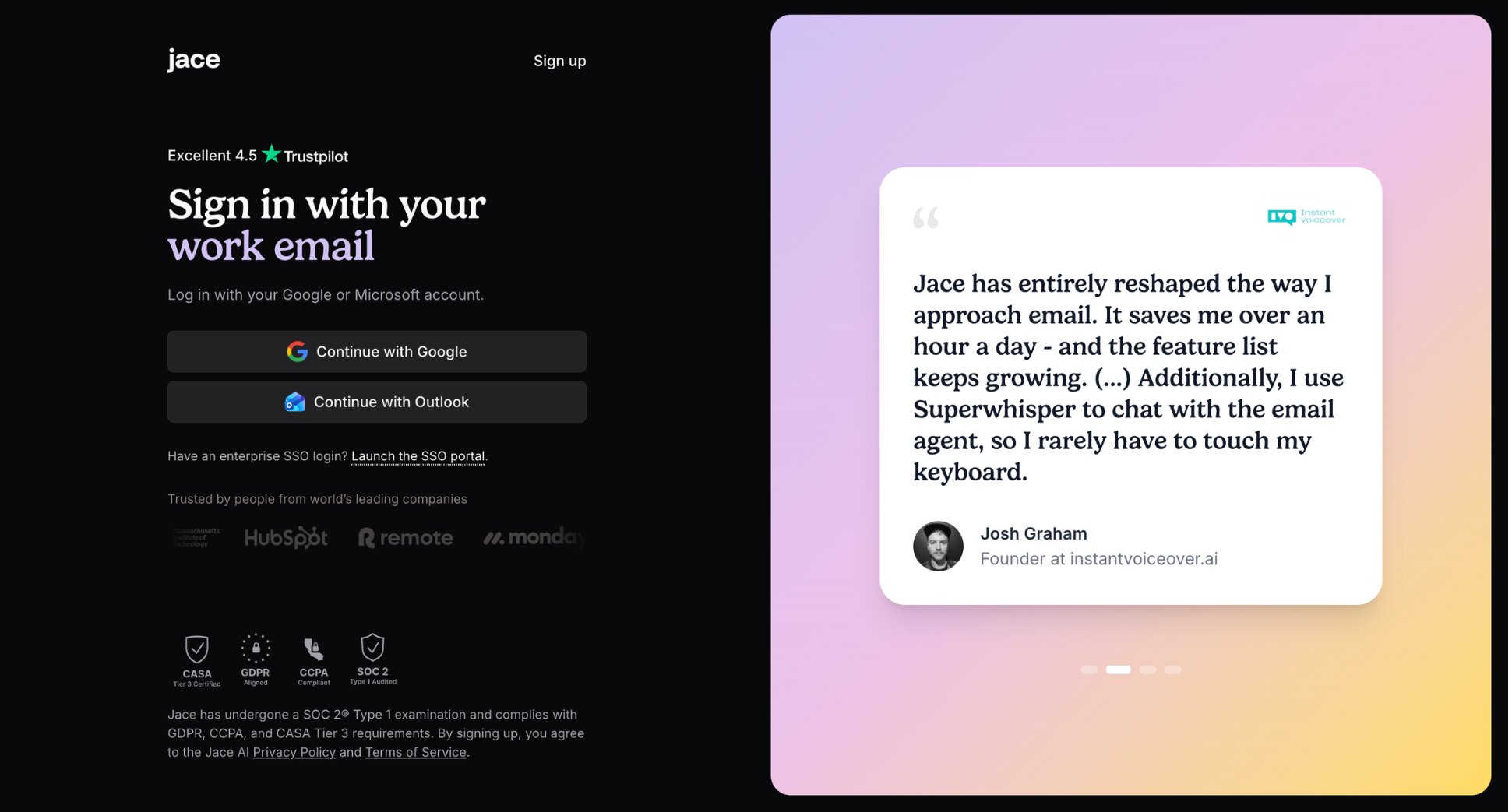
Key features:
- Smart Rules to automate CCs, templates, and actions in plain English
- Business integrations that create tickets, send Slack updates, and save documents from email
- AI email drafting with context from attachments, calendar, and Slack history
- AI inbox organisation and labelling
- Multi-inbox support (up to 8 inboxes)
- Works with Gmail and Outlook
Pricing:
- No free plan — 7-day trial available
- Plus from $25/month
- Pro from $50/month
Rating: 4.3/5 on Trustpilot
Limitation: Jace AI takes a few weeks to fully adapt to your communication patterns, so the first drafts may need more editing than you’d expect. And unlike Fyxer AI, it doesn’t offer meeting notes.
5. Gmelius — Best for Small Teams Running on Gmail
Gmelius is a direct Fyxer AI alternative built natively for Gmail. Its AI assistant Meli does what Fyxer AI does — drafts replies in your tone, sorts your inbox, schedules meetings — but adds team collaboration features that Fyxer AI doesn’t have, like shared inboxes, email assignments, internal notes and @mentions.
For individuals, Meli handles the daily inbox grind. For teams, Gmelius turns Gmail into a full collaboration hub — with shared labels, Kanban boards, SLA tracking, and analytics. If you’re leaving Fyxer AI because it doesn’t scale with your team, Gmelius is the most natural upgrade.
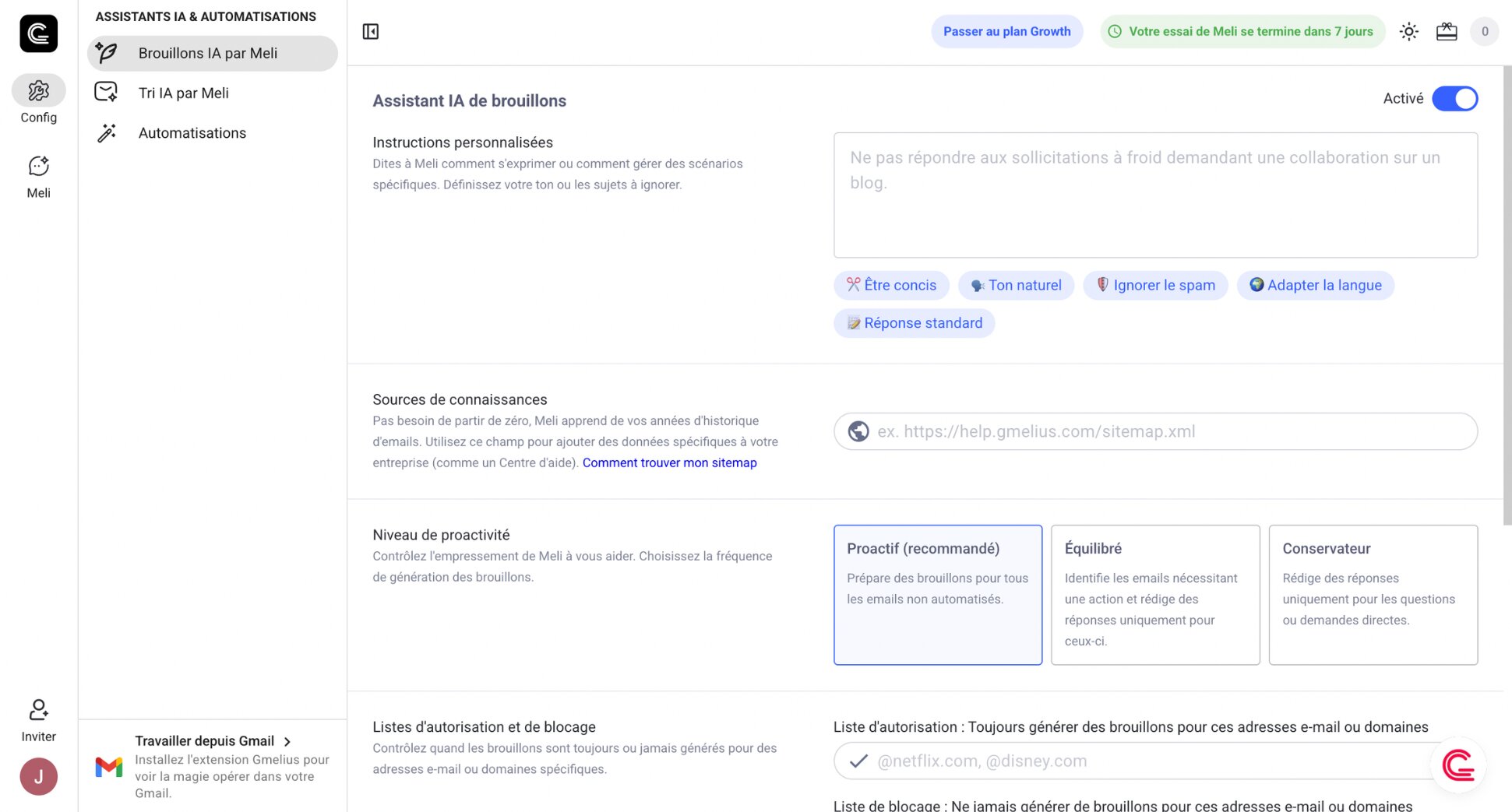
Key features:
- AI draft replies, inbox sorting, and meeting scheduling
- Shared inboxes with assignment, notes, and @mentions
- Automation rules and AI-powered email routing
- Kanban boards for visual email management
- Email analytics and SLA tracking
- Works with Gmail and Google Workspace only
Pricing:
- Free 7-day trial, no credit card required
- Meli from $21/user/month
- Growth from $33/user/month
- Pro from $50/user/month
Rating: 4.4/5 on G2 (776 reviews)
Limitation: Gmelius is Gmail-only. If you or your team use Outlook, it’s not an option. It’s also more feature-rich than most individuals need. The real value kicks in when you’re using it as a team.
6. alfred_ — Best for Email, Calendar, and AI Meeting Notes Combined
Fyxer AI handles your inbox and meeting notes separately. alfred_ combines all of it — email triage, AI draft replies, calendar management, task extraction, and meeting preparation — into a single AI executive assistant that works in the background, so you wake up to a structured daily briefing rather than an inbox full of decisions.
The key differentiator from Fyxer AI is the calendar intelligence. alfred_ doesn’t just take meeting notes — it prepares meeting briefs before calls, detects scheduling conflicts, extracts action items from meetings, and connects all of that context when drafting replies. Your email, calendar, and tasks all share the same AI brain.
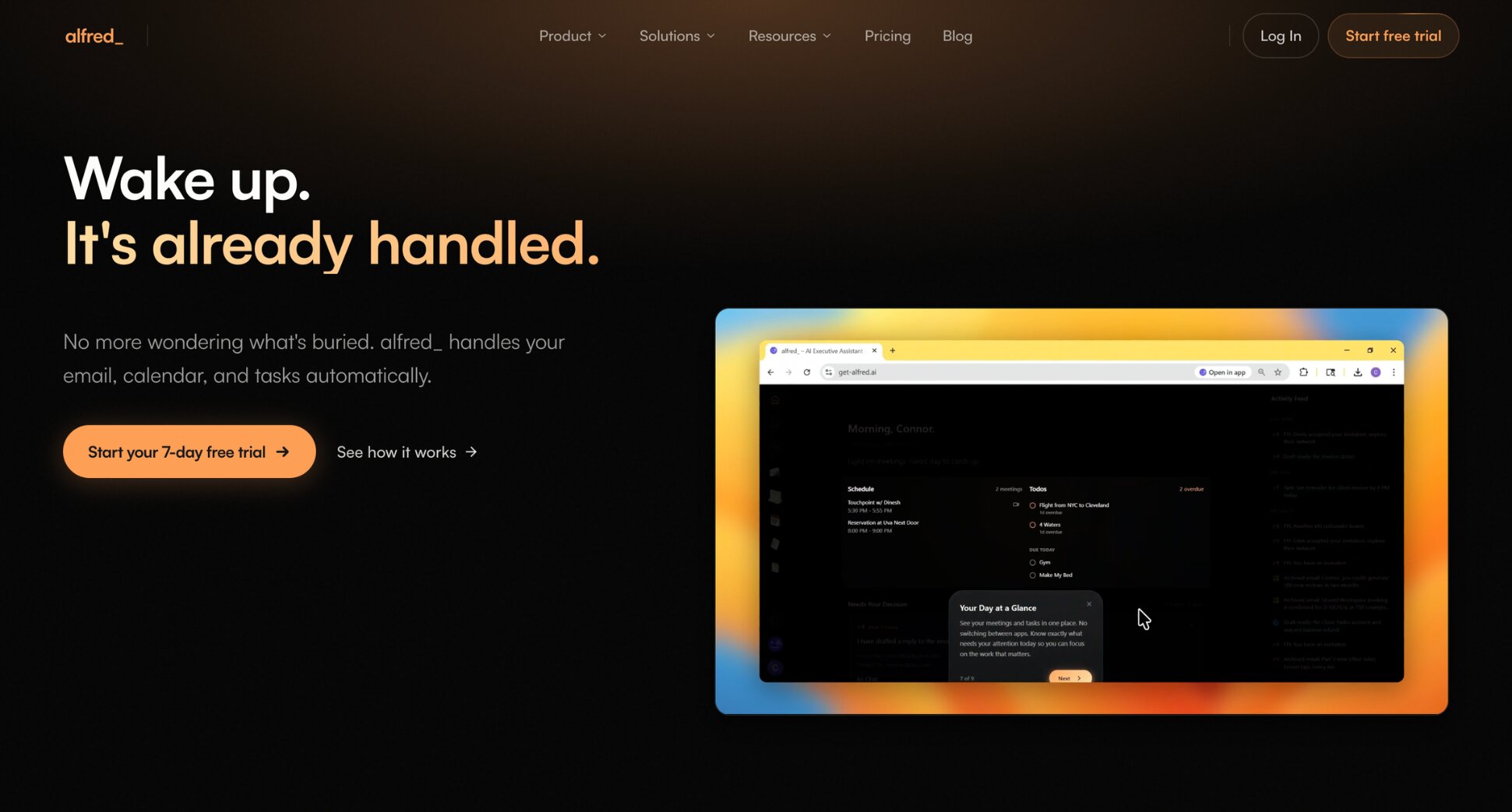
Key features:
- Autonomous email triage and AI draft replies
- Calendar management — meeting prep, conflict detection, scheduling
- Task extraction from emails and meetings with deadlines and priorities
- Daily briefing combining email, calendar, and tasks
- Works with Gmail and Outlook
Pricing:
- No free plan — 7-day trial available
- $24.99/month
Rating: 4.5/5 on G2
Limitation: alfred_ is built for autonomous handling. It acts on your behalf rather than waiting for instructions. If you prefer to personally read and process every email, the approach requires a degree of trust in AI that not everyone is comfortable with.
7. Missive — Best for Team Email Collaboration
Missive is what you choose when Fyxer AI’s team limitations are the dealbreaker. Fyxer AI is built for individual professionals — Missive is built for teams. It combines shared inboxes, internal chat on email threads, real-time collaborative drafting, and AI-powered routing rules into one platform.
No more emails falling through the cracks when teammates are out or overwhelmed. Missive also supports Gmail, Outlook, IMAP, SMS, and WhatsApp — all from a single interface, making it the most versatile tool on this list for teams managing multiple communication channels.
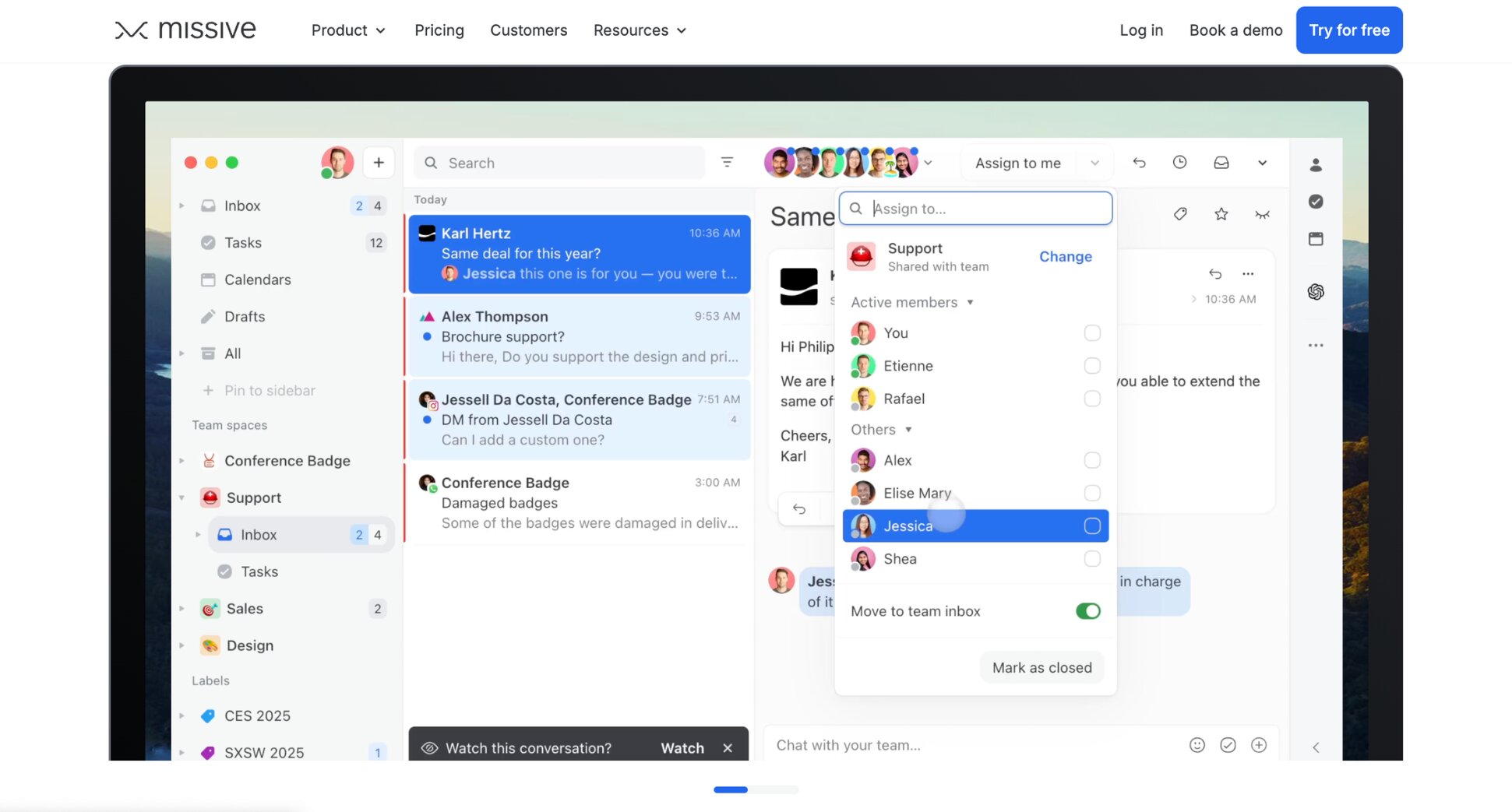
Key features:
- Shared inboxes with assignment and routing rules
- Internal chat on email threads
- Real-time collaborative drafting
- AI drafting and thread summarisation
- AI-powered routing rules
- Multi-channel support (email, SMS, WhatsApp, live chat)
- Works with Gmail, Outlook, and IMAP
Pricing:
- Free plan available
- Starter from $18/user/month
- Productive from $30/user/month
- Business from $45/user/month
Rating: 4.7/5 on G2
Limitation: Missive is overkill for individual users. AI features also require bringing your own OpenAI API key, which adds a setup step and an extra monthly cost that Fyxer AI doesn’t ask for.
Which Fyxer Alternative Is Right for You?
The right AI email tool depends on why you’re leaving Fyxer AI in the first place — whether that’s price, missing features, team limitations, or just wanting something more powerful. Here’s a quick breakdown to help you decide:
- If you want a free Gmail-native alternative with AI drafting and outreach, go with Mailmeteor. It covers Fyxer AI’s core features and adds campaign tools — without the monthly commitment.
- If you want full control and maximum speed, Superhuman is the answer. It drafts replies in your voice, handles scheduling through Ask AI, and works with both Gmail and Outlook — with a keyboard-driven speed that Fyxer AI can’t match.
- If you want a smarter Gmail interface with more powerful AI features, Shortwave replaces your Gmail UI entirely with better bundling, search, and more context-aware drafting.
- If you want your email connected to the rest of your workflow, Jace AI is the most automation-first option — it comes with Smart Rules and business integrations that Fyxer AI simply doesn’t have.
- If your team is outgrowing Fyxer AI’s individual focus, Gmelius is the natural upgrade. It gives you AI drafting plus shared inboxes, assignments, and team analytics, all inside Gmail.
- If your team manages multiple channels and needs a proper collaboration platform, Missive covers email, SMS, WhatsApp, and live chat from one interface, with no Gmail-only restriction.
- If you want AI to handle your inbox, calendar, and meeting notes in one place, alfred_ is the most complete Fyxer AI replacement. It includes autonomous triage, meeting prep, and a daily briefing so you never start the day blind.
FAQs
What is the best free Fyxer alternative?
Mailmeteor is the strongest free alternative for Gmail users — it includes AI email drafting and basic tracking on its free plan, with no trial clock and no credit card required. If you need a free option for Outlook, Superhuman offers a 7-day trial and Missive has a limited free plan that covers shared inbox basics.
What is the best Fyxer alternative for Outlook?
Superhuman is the strongest option for Outlook users who want a more powerful AI experience — it works natively with Outlook and goes further than Fyxer AI on speed, drafting, and calendar features. Jace AI and Missive also support Outlook if you need workflow automation or team collaboration respectively.
What is the best Fyxer alternative for Gmail?
Mailmeteor is the closest replacement for Gmail users. It works directly inside Gmail, drafts replies in your voice, and categorises your inbox automatically — without requiring you to switch to a new email client. For users who want a smarter Gmail interface rather than an AI assistant layer, Shortwave is worth considering.
How much does Fyxer cost?
Fyxer has no permanent free plan — only a 7-day trial. The Starter plan costs $22.50/user/month billed annually and covers one inbox and one calendar. The Professional plan is $37.50/user/month annually and adds multiple inboxes, attachment reading, and HubSpot integration.
Is Fyxer worth paying for?
For individual professionals spending 2+ hours a day on email, the AI drafting and inbox sorting can genuinely save time. The limitations become more apparent at team level — analytics and advanced security are locked behind enterprise pricing, and the only native CRM integration is HubSpot.
How does Fyxer compare to Copilot?
Both are AI assistants for Outlook, but they work differently. Microsoft Copilot is reactive — it helps when you ask it to. Fyxer is proactive — it organises your inbox and has draft replies ready before you open a single email. Copilot is a better fit if you’re already deep in the Microsoft 365 ecosystem.
Does Fyxer read your emails?
Yes — Fyxer requires access to your inbox to power its AI features. It reads your emails to learn your writing style, categorise messages, and generate draft replies. Fyxer states that your data is not used to train AI models, but your email content is processed by third-party AI services.
How do I switch from Fyxer to Mailmeteor?
Install the Gmail extension, and Mailmeteor will start surfacing AI drafts and organising your inbox automatically. Your Fyxer subscription can be cancelled from your Fyxer account settings. No data migration needed since both tools connect directly to your existing Gmail inbox.