Gmail is (by far) the most popular email service in the world. In fact, it’s used by over 1.8 billion people worldwide. But this doesn’t mean it’s the right choice for everyone. In this quick guide, we’ll share the 9 best Gmail alternatives for 2026.
Some users want more privacy and less data tracking. Others are looking for an email service that fits better with their work tools, their devices, or their values. And for businesses, Gmail isn’t always the most flexible or cost-effective option.
The challenge is that not all Gmail alternatives are created equal. Some focus on security, others on productivity or collaboration. A few aim to replace Gmail entirely, while others work best for specific use cases.
To keep this guide useful, we tested each option hands-on in 2026, on desktop and mobile, and compared them based on key criteria, like features, privacy, pricing, ease of use, and who they’re actually best for.
Here’s what we’ll cover:
- Why You Might Look for Gmail Alternatives
- The 9 Best Gmail Alternatives
- 1. Proton Mail — Best for Privacy
- 2. Outlook — Best for Microsoft Users
- 3. Zoho Mail — Best for Business
- 4. Tuta — Best European Alternative
- 5. Apple Mail — Best for Apple Users
- 6. Fastmail — Best for Power Users
- 7. Shortwave — Best AI-Powered Alternative
- 8. StartMail — Best for Security
- 9. Posteo — Best Ethical Alternative
- Which Gmail Alternative Should You Choose?
- How to Switch from Gmail to Another Email Provider
- A Different Option: Improve Gmail Instead of Replacing It
Sounds good? Then let’s dive in.
Why You Might Look for Gmail Alternatives
Gmail works well for many people. But depending on your needs, it can start to feel like the wrong fit. Most users who search for Gmail alternatives do so for one (or more) of these reasons:
- You want more privacy: Gmail is part of Google’s advertising ecosystem. If you’re uncomfortable with data collection, tracking, or ad-driven business models, privacy-focused email providers offer a different approach.
- You want more control over your inbox: Gmail keeps things simple — sometimes too simple. If you want advanced features like email recall, encryption, custom templates, or more aliases, alternatives often give you more flexibility.
- Gmail doesn’t fit your tools or devices: Gmail works best inside Google Workspace. If you use Microsoft apps, Apple devices, or prefer open standards (IMAP, CalDAV, CardDAV), other email services integrate more smoothly.
- You’re paying for features you don’t need: Google Workspace bundles email with many tools. For freelancers and businesses, this can mean higher costs for features you rarely use. Some alternatives focus on email only — and cost less.
- You care where your data lives: Some users prefer European providers, ethical companies, or services with clear sustainability and data-sovereignty commitments. Gmail doesn’t prioritize these concerns.
Gmail isn’t a bad email service. But when your priorities shift toward privacy, control, cost, or values, it can make sense to consider other options. Fortunately, there are plenty of credible Gmail alternatives.
The 9 Best Gmail Alternatives
Below is a quick comparison of the 9 best Gmail alternatives in 2026, based on our hands-on testing. This table is designed to help you scan your options fast — before diving into the detailed reviews below.
| Email service | Best for | Privacy level | Custom domain | Free plan | Starting price |
|---|---|---|---|---|---|
| Proton Mail | Privacy-first users | ⭐⭐⭐⭐⭐ | ✅ | ✅ | €0 / €3.99 |
| Outlook | Microsoft users | ⭐⭐☆☆☆ | ✅ | ✅ | €0 / $9.99 |
| Zoho Mail | Businesses & teams | ⭐⭐⭐⭐☆ | ✅ | ✅ | €0 / €0.90 |
| Tuta | European privacy | ⭐⭐⭐⭐⭐ | ✅ | ✅ | €0 / €3 |
| Apple Mail | Apple ecosystem | ⭐⭐⭐⭐☆ | ✅ (via iCloud+) | ✅ | €0 / €0.99 |
| Fastmail | Power users | ⭐⭐⭐⭐☆ | ✅ | ❌ | €4 |
| Shortwave | AI-powered inbox | ⭐⭐⭐☆☆ | ❌ (uses Gmail) | ✅ | $14 |
| StartMail | Secure email (PGP) | ⭐⭐⭐⭐☆ | ✅ | ❌ | €6.99 |
| Posteo | Ethical & minimalist | ⭐⭐⭐⭐⭐ | ❌ | ❌ | €1 |
How we selected these Gmail alternatives
We didn’t just list popular names. Each service was evaluated using the same criteria:
- Privacy & data usage (ads, tracking, encryption, jurisdiction)
- Email features (search, filters, aliases, spam protection)
- Ease of use (desktop, mobile, migration from Gmail)
- Pricing clarity (transparent plans, no forced bundles)
- Best-fit use case (personal, business, power user, privacy-focused)
The sections below break down each provider in detail, including who it’s really for — and who should skip it.
1. Proton Mail — Best for Privacy
If you’re looking to leave Gmail for privacy reasons, Proton Mail is the most established and credible alternative on this list. Based in Switzerland, Proton Mail is built around end-to-end encryption and a zero-access architecture — meaning even Proton itself can’t read the contents of your emails.
Unlike Gmail, which is designed around data processing and advertising, Proton treats privacy as the default. It limits tracking at the inbox level, blocks remote images by default, and reduces common email-based surveillance techniques like invisible tracking pixels.
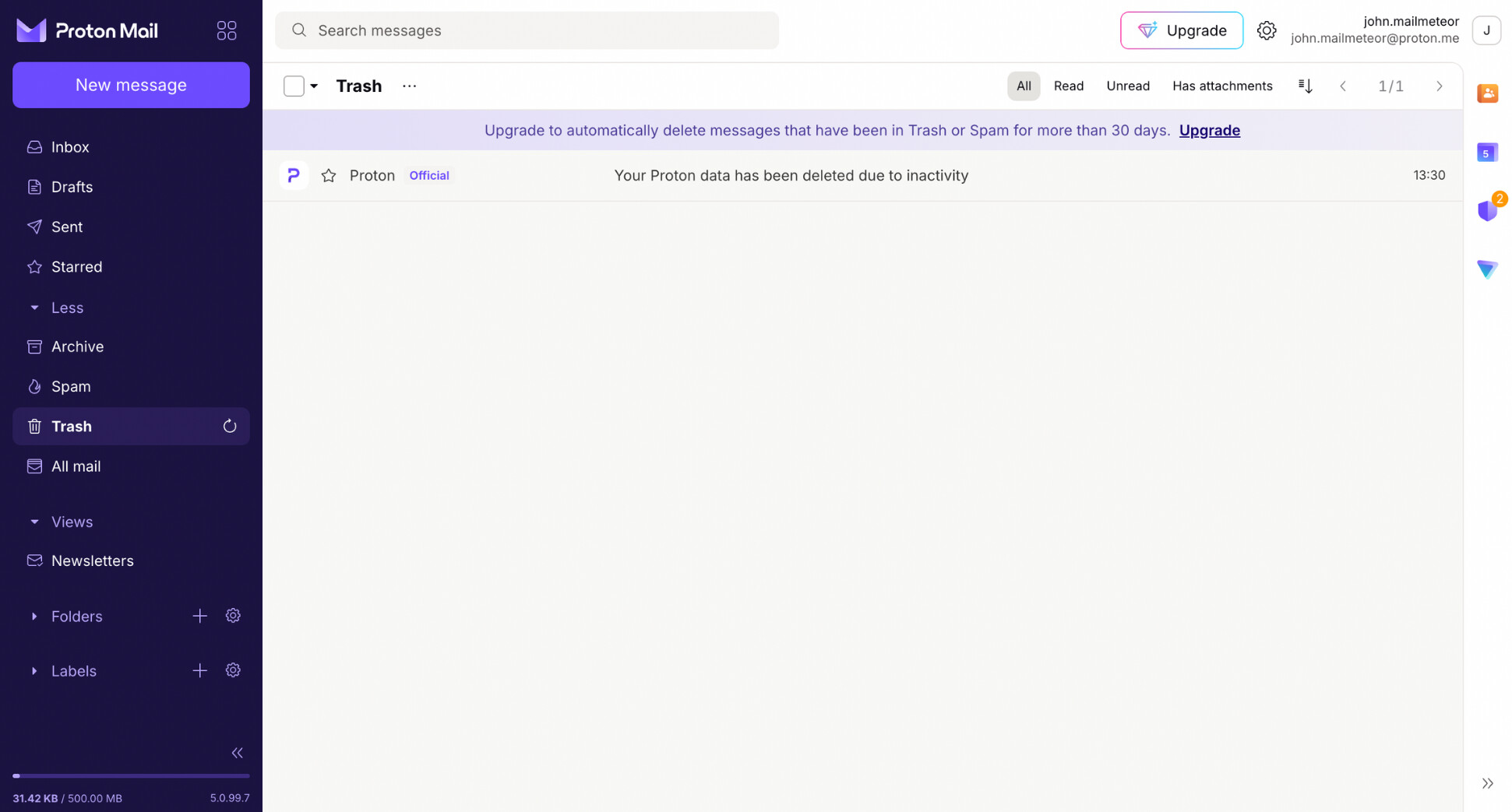
Why it’s a strong Gmail alternative:
✅ Privacy-first by design: End-to-end encryption and zero-access architecture keep your mailbox private.
✅ Swiss jurisdiction: Proton is based in Switzerland, which many privacy-focused users prefer for data-protection reasons.
✅ Extra security features: Options like expiring/self-destructing emails and robust account security (2FA, etc.).
✅ Privacy-aware AI writing help: Proton Scribe is a built-in AI writing assistant designed to keep user privacy in mind (it’s positioned as running locally rather than sending your drafts off to third-party servers).
What to know before switching:
❌ Stricter limits on the free plan: Storage and daily sending caps are much lower than Gmail’s, which can feel restrictive for heavy email users.
❌ Best used as a full replacement: Proton works best when you fully move your inbox, rather than using it as a secondary client.
❌ Some workflows feel different: End-to-end encryption can limit features like advanced search or certain automations you may be used to in Gmail.
❌ Desktop clients require Proton Bridge: To use Proton Mail with Outlook, Apple Mail, or Thunderbird, you’ll need to install and rely on Proton Bridge.
Pricing:
- Proton Free (€0/month): 500 MB to 1 GB mail storage, 1 email address, 150 messages/day, basic folders, labels, and filters.
- Mail Plus (€3.99/month): 15 GB total storage, up to 10 email addresses/aliases, unlimited folders/labels/filters, custom domain support, Proton Mail desktop app, dark web monitoring.
- Proton Unlimited (€9.99/month): 500 GB total storage, 15 email addresses, unlimited messages, support for 3 custom domains, unlimited folders/labels/filters, plus access to Proton VPN, Drive, Calendar, and Pass.
Best for: anyone who prioritizes privacy and security over “Google-style” convenience — journalists, founders, privacy-conscious users, and people who want an email provider that isn’t tied to ads or tracking.
2. Outlook — Best for Microsoft Users
If you’re already invested in Microsoft tools, Outlook is the most natural Gmail alternative. It’s not just an email client layered on top of another service — Outlook is a full email platform, deeply integrated into Microsoft 365. That means your inbox, calendar, files, and collaboration tools all live in the same ecosystem.
For many users, switching from Gmail to Outlook isn’t a dramatic change — it’s a lateral move into a different productivity stack. Outlook’s interface is more feature-rich than Gmail’s, but it’s built for work. Tools like Focused Inbox, shared calendars, or meetings and task integration help you manage email in context.
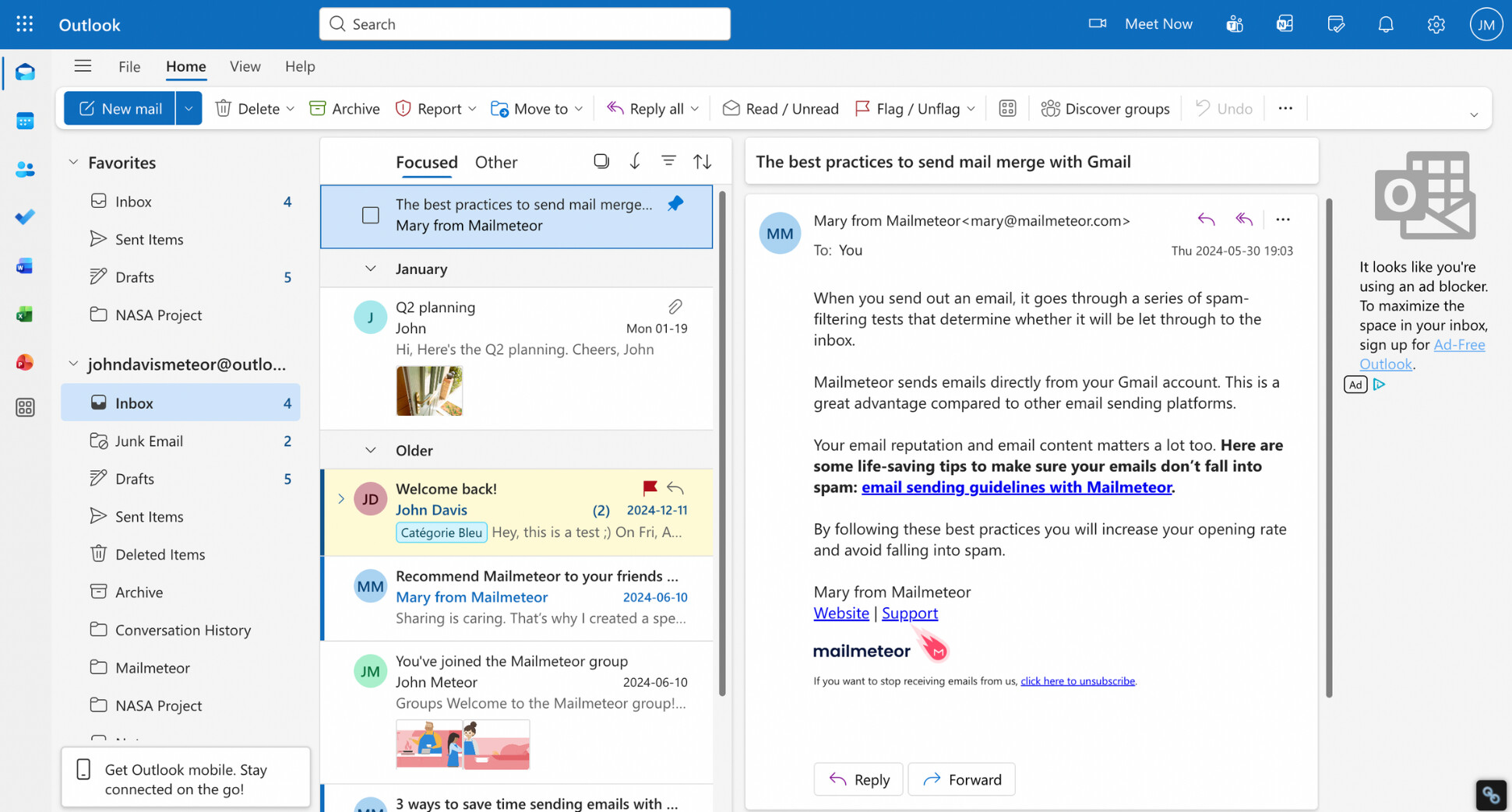
Why it’s a strong Gmail alternative:
✅ Deep Microsoft 365 integration: Outlook works seamlessly with Word, Excel, Teams, OneDrive, and Microsoft Calendar.
✅ Strong productivity features: Focused Inbox, scheduling, reminders, and built-in task management help reduce inbox noise.
✅ Works across platforms: Outlook is available on web, Windows, macOS, iOS, and Android — and works well even on Apple devices.
✅ Good spam and phishing protection: Microsoft’s filters are solid, especially for business and enterprise accounts.
What to know before switching:
❌ Ads in the free version: The free Outlook inbox includes visible ads, which can feel more intrusive than Gmail’s.
❌ Search isn’t as powerful as Gmail’s: Gmail still has an edge when it comes to fast, flexible email search.
❌ Privacy model is close to Gmail: Outlook doesn’t offer default end-to-end encryption for all emails, and Microsoft still processes data at the service level.
❌ Interface can feel busy: Compared to Gmail’s minimalist layout, Outlook may feel cluttered at first.
Pricing:
- Outlook Free (€0/month): free Outlook.com email with ads.
- Microsoft 365 Personal ($9.99/month): Outlook + Word, Excel, PowerPoint, 1 TB OneDrive storage.
- Microsoft 365 Family ($12.99/month): same features as Personal, for up to 6 people (1 TB per person).
- Microsoft 365 Business Basic ($6/user/month): custom business email, Outlook web/mobile, Teams, 1 TB storage per user.
- Microsoft 365 Business Standard ($12.50/user/month): adds desktop Outlook + Office apps, custom business email, Teams, 1 TB storage per user.
- Microsoft 365 Business Premium ($22/user/month): includes everything in Standard plus advanced security and device management.
Best for: Microsoft-centric users, professionals, and businesses that rely on Microsoft 365 and want a powerful email service that fits naturally into that ecosystem.
3. Zoho Mail — Best for Business
Zoho Mail takes a different approach from Gmail. Rather than starting as a consumer email product and scaling it up for businesses, Zoho designs email as a core business tool from day one. You get first-class support, granular admin controls, shared mailboxes, and predictable per-user pricing.
You can run Zoho Mail as a standalone professional inbox, or gradually connect it to Zoho’s broader ecosystem (CRM, Docs, Projects, Forms, Helpdesk, etc.). This modular approach gives teams more control over their stack and costs, making Zoho Mail a flexible Gmail alternative if you want business-grade email.
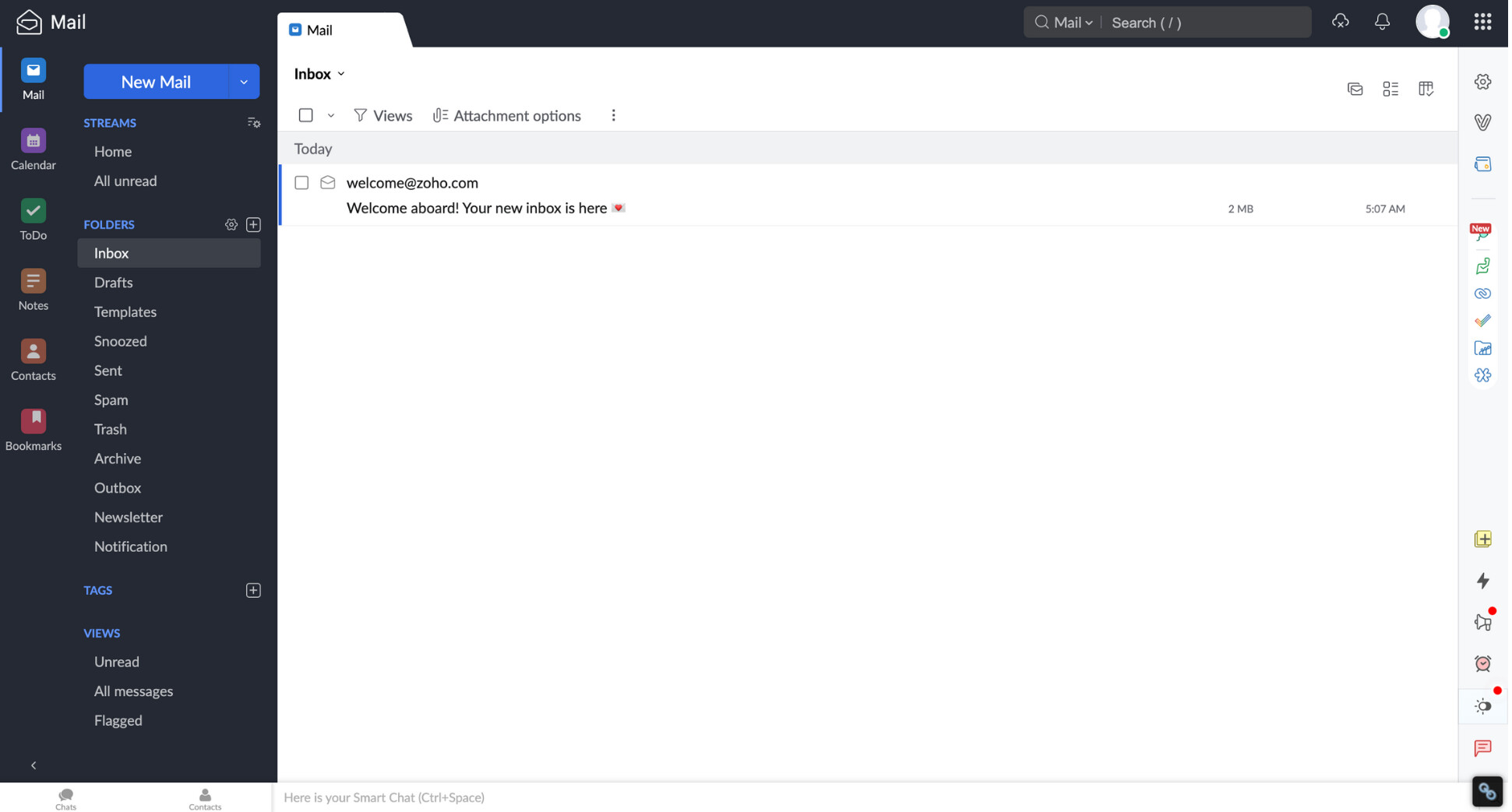
Why it’s a strong Gmail alternative:
✅ Built for business email: Zoho Mail is centered around custom domains, team management, and admin controls — not ads or consumer features.
✅ Ad-free by default: Even paid plans remain clean and distraction-free, with no inbox advertising.
✅ Strong admin & security tools: Email retention, eDiscovery, role-based access, MFA, and spam protection are available on higher tiers.
✅ Part of a broader business suite: Zoho Mail integrates naturally with Zoho Calendar, Docs, CRM, and other Zoho tools (optional, not forced).
What to know before switching:
❌ Interface is more utilitarian than Gmail: It’s efficient, but less polished and “consumer-friendly.”
❌ Search and AI are more basic: Gmail still leads when it comes to smart search and AI-driven suggestions.
❌ Best value is for teams: Solo users may find Zoho Mail overkill unless they need a custom domain.
Pricing (monthly):
- Zoho Mail Free (€0/month): free email hosting for one domain (up to 5 users), 5 GB storage per user, limited features.
- Mail Lite (€0.90/user/month): 5 GB mail storage per user, custom domain email, basic admin controls.
- Mail Premium (€3.60/user/month): 50 GB mail storage, advanced security, eDiscovery, and compliance features.
- Zoho Workplace Standard (€3.60/user/month): email + file storage + office apps (Docs, Sheets, Slides, Chat).
- Zoho Workplace Professional (€6.30/user/month): larger storage limits, advanced admin controls, and full collaboration suite.
Best for: freelancers, startups, and businesses that want professional email with a custom domain, strong admin controls, and lower costs than Google Workspace or Microsoft 365.
4. Tuta — Best European Alternative
If you want a Gmail replacement that combines strong privacy, European data sovereignty, and a minimalist approach, Tuta is one of the most compelling options available. Based in Germany, Tuta is built around end-to-end encryption by default — not only for emails, but also for calendars and contacts.
Unlike Gmail, which is part of an advertising-driven ecosystem, Tuta is designed around a zero-tracking model. There are no ads, no profiling, and no data monetization. The service deliberately avoids integrations with Big Tech platforms, which keeps the product simple, focused, and privacy-first.
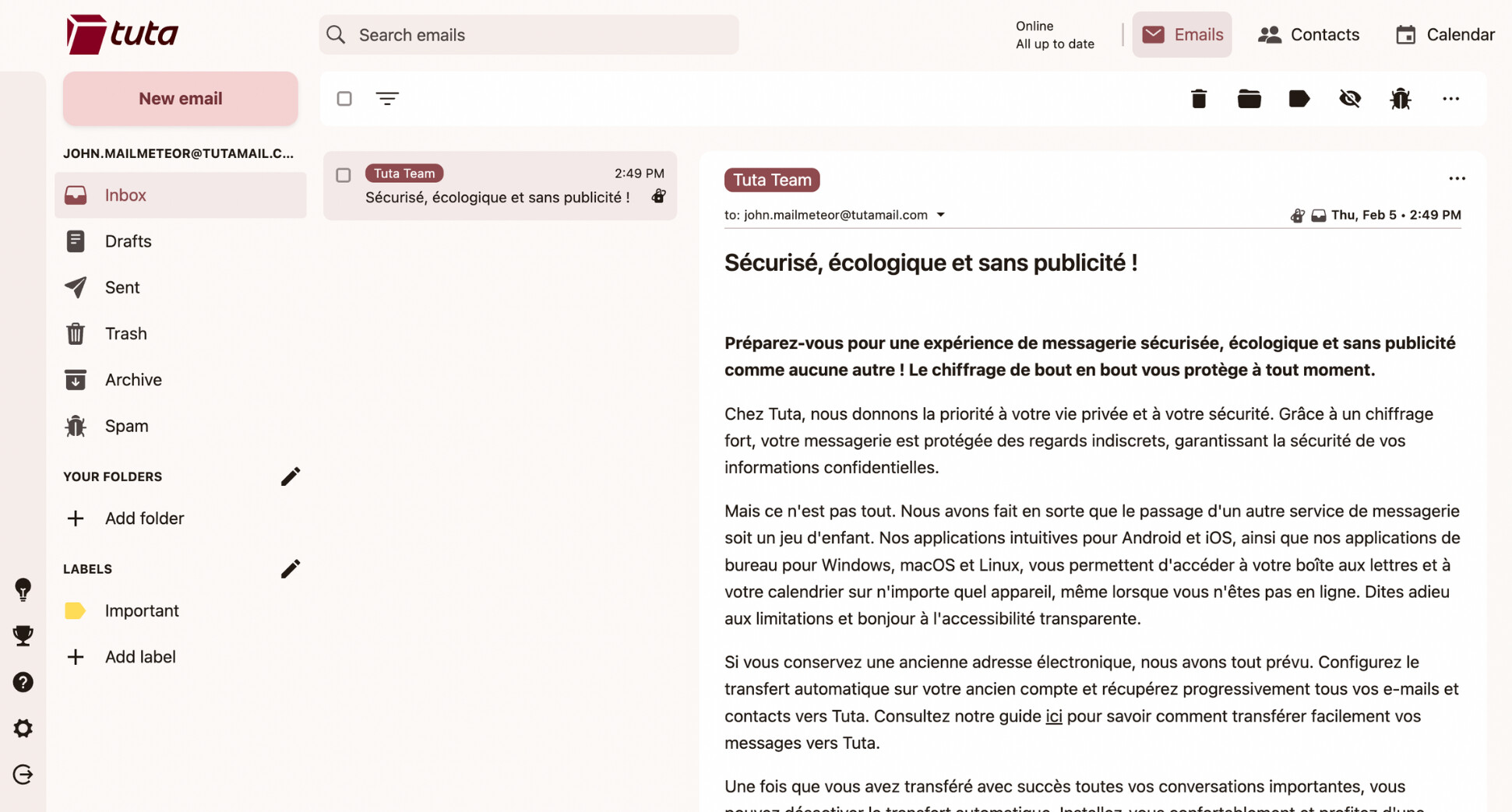
Why it’s a strong Gmail alternative:
✅ End-to-end encryption by default: Emails, calendars, and contacts are encrypted automatically — no manual setup required.
✅ European privacy standards: Tuta is based in Germany and fully GDPR-compliant, appealing to users who care where their data lives.
✅ Anonymous-friendly signup: You can create an account without providing personal information or a phone number.
✅ Open-source and ad-free: Tuta’s code is publicly auditable, and the business model doesn’t rely on ads or tracking.
What to know before switching:
❌ Limited integrations: Tuta doesn’t support IMAP/POP, which means you can’t use it with third-party email clients like Outlook or Apple Mail.
❌ Search is more basic: Because emails are encrypted, full-text search and advanced filtering are more limited than in Gmail.
❌ Not built for collaboration-heavy teams: Compared to Google Workspace or Zoho, Tuta is better suited to individuals than large teams.
Pricing:
- Tuta Free (€0/month): 1 GB storage, 1 calendar, 3 labels, fully encrypted email with no tracking.
- Revolutionary (€3/month): 20 GB storage, unlimited calendars and labels, 15 extra email addresses, support for 3 custom domains.
- Legend (€8/month): 500 GB storage, unlimited calendars and labels, 30 extra email addresses, support for 10 custom domains.
Best for: privacy-conscious individuals, journalists, activists, and European users who want a simple, encrypted Gmail alternative without ads, tracking, or Big Tech dependencies.
5. Apple Mail — Best for Apple Users
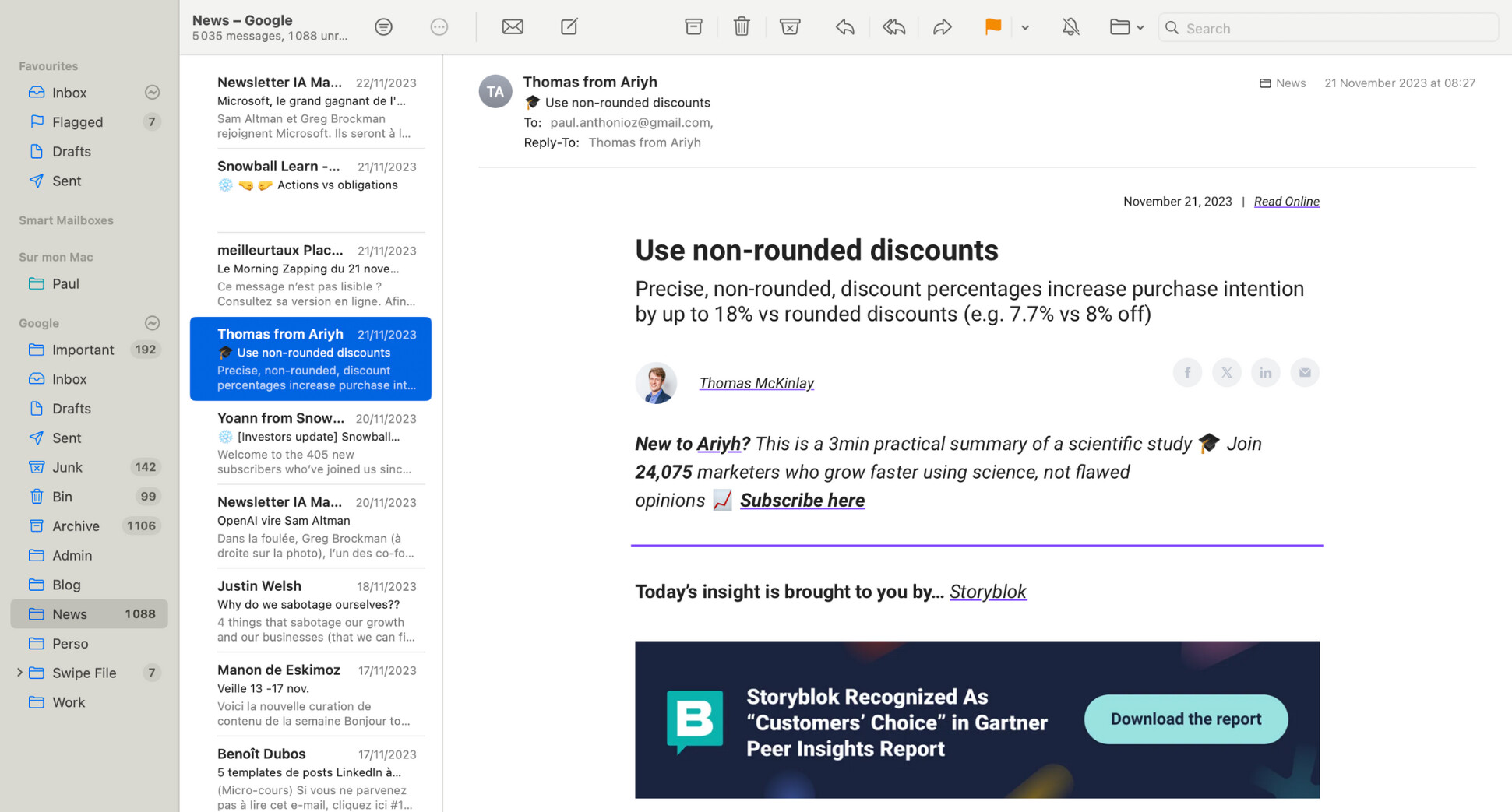
If you’re deeply embedded in the Apple ecosystem, Apple Mail is the most seamless Gmail alternative you can choose. Rather than being a standalone email provider, Apple Mail is an email client that integrates tightly with iCloud Mail and any other email account you connect (including Gmail, Outlook, or custom domains).
The real strength of Apple Mail isn’t flashy features — it’s how well it fits into macOS, iOS, and iPadOS. Email, calendar, reminders, Spotlight search, Siri, and system-wide privacy features all work together. For Apple users, this creates a calm, distraction-free email experience that feels more native than Gmail ever does.
Why it’s a strong Gmail alternative:
✅ Deep Apple ecosystem integration: Apple Mail works seamlessly with macOS, iPhone, iPad, Apple Watch, Siri, Spotlight, and system notifications.
✅ Strong privacy protections: Apple blocks tracking pixels by default, hides your IP address from senders, and limits email-based profiling.
✅ Works with any email provider: You’re not locked into iCloud — Apple Mail supports Gmail, Outlook, IMAP, Exchange, and custom domains.
✅ Distraction-free interface: No ads, no clutter, and no upsells — just cleanly organized emails.
What to know before switching:
❌ Not a full email service on its own: Apple Mail is a client, not a provider. You’ll still need iCloud Mail or another email host behind it.
❌ Limited power-user features: Compared to Gmail or Fastmail, advanced automation, filters, and rules are more basic.
❌ Best experience requires Apple devices: While iCloud Mail works on the web, Apple Mail shines primarily on macOS and iOS.
Pricing:
- Apple Mail (€0/month): included for free on all Apple devices.
- iCloud Mail (€0/month): free with 5 GB shared iCloud storage.
- iCloud+ (€0.99/month): 50 GB storage, custom email domain support, and additional privacy features (Hide My Email, Private Relay).
Best for: Apple users who want a clean, private, and deeply integrated email experience — and don’t need heavy collaboration tools or advanced business features.
6. Fastmail — Best for Power Users
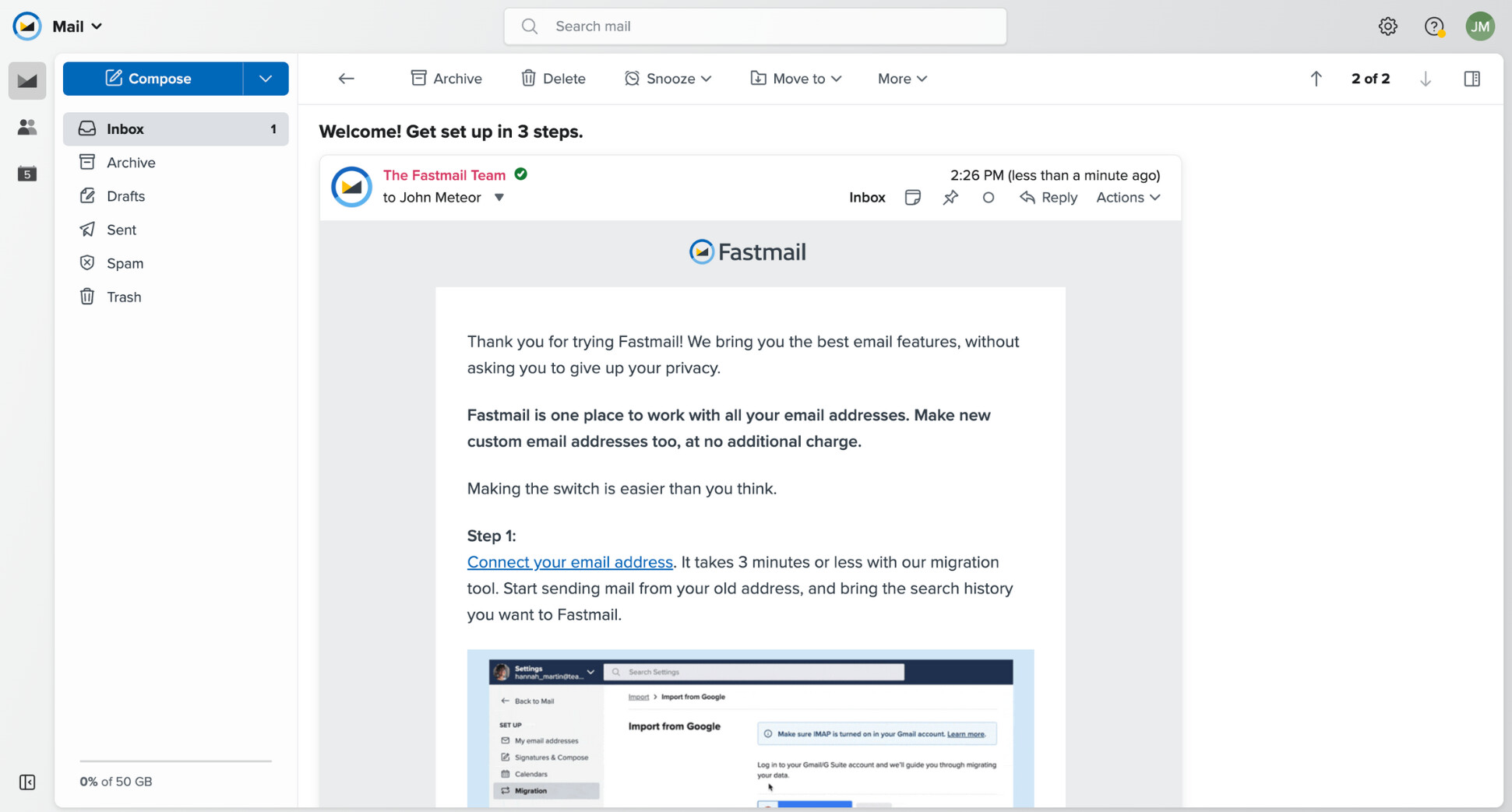
Fastmail is built for people who want full control over their email — without ads, tracking, or a bloated productivity suite attached. Unlike Gmail, Fastmail is a paid, privacy-focused email service that treats email as a productivity tool. Everything is designed around speed, customization, and standards compliance.
Fastmail doesn’t try to lock you into a closed ecosystem. It works with your own domains, supports advanced rules and filters, and plays nicely with third-party apps (Outlook, Apple Mail, Thunderbird, etc.). Under the hood, it’s built on modern open standards like JMAP, which is why it feels fast, even with very large inboxes.
Why it’s a strong Gmail alternative:
✅ Built for power users: Advanced rules, labels, folders, snooze, scheduled send, and thread muting give you fine-grained inbox control.
✅ Privacy by default: No ads, no tracking, and no data mining — Fastmail is funded entirely by subscriptions.
✅ Excellent custom domain support: Create many aliases on your own domain and manage them cleanly from one inbox.
✅ Works everywhere: Native apps on web, iOS, Android — plus first-class support for third-party email clients via open standards.
What to know before switching:
❌ No free plan: Fastmail is paid only (though there’s a 30-day free trial).
❌ No built-in office suite: Unlike Google Workspace or Zoho, Fastmail focuses on email, calendars, contacts, and files — not docs or spreadsheets.
❌ Interface favors function over flair: It’s extremely efficient, but less “polished” than Gmail at first glance.
Pricing:
- Basic (€4/user/month): 6 GB total storage, custom domains, shared mailboxes, calendars, and contacts.
- Standard (€6/user/month): 60 GB total storage, scheduled send, snooze, advanced rules, third-party app support.
- Professional (€10/user/month): 150 GB total storage, plus email retention archives for compliance needs.
Best for: power users, freelancers, developers, and small teams who want fast, private, highly customizable email — without ads, tracking, or being locked into a Big Tech ecosystem.
7. Shortwave — Best AI-Powered Alternative
Shortwave is the Gmail alternative for people who feel like email hasn’t evolved fast enough. Built by former Google engineers (including members of the original Gmail and Google Inbox teams), Shortwave reimagines email around AI, speed, and conversation-first workflows.
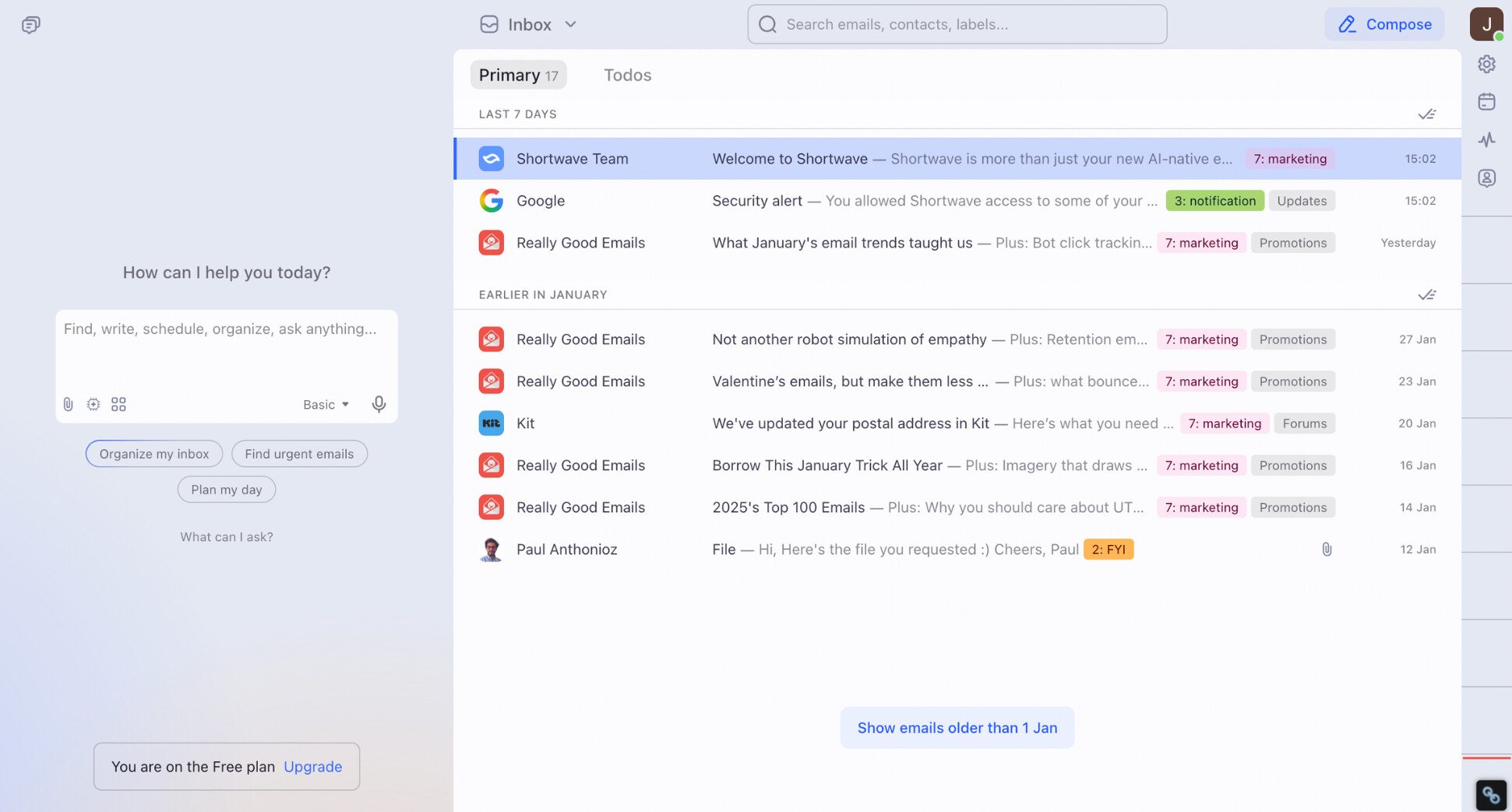
Rather than replacing Gmail’s backend, Shortwave layers a powerful AI-driven interface on top of your Gmail account. The result feels closer to modern chat apps than traditional email. Threads are bundled, long conversations are summarized, and AI helps you search, write, and triage email at scale.
Why it’s a strong Gmail alternative:
✅ Deep AI integration: Shortwave uses AI for search, summaries, writing assistance, inbox organization, follow-ups, and even attachment analysis.
✅ Inbox Zero–oriented design: Features like bundles, splits, delivery schedules, and AI-powered filters are designed to help you clear email faster.
✅ Built for modern workflows: Read receipts, link tracking, snippets, shared threads, and team comments make it ideal for collaborative work.
✅ Works with Gmail: You keep your Gmail address and data — Shortwave acts as a smarter interface, not a full migration.
What to know before switching:
❌ Depends on Gmail: Shortwave isn’t a standalone email provider — it requires a Gmail or Google Workspace account.
❌ AI-heavy by design: If you prefer a minimal, manual inbox, Shortwave may feel like “too much.”
❌ Pricing is higher than classic email tools: You’re paying for AI productivity, not just email hosting.
Pricing:
- Free ($0/month): limited AI usage, 90 days of search history, basic inbox features, “Sent with Shortwave” signature.
- Pro ($14/user/month): standard AI intelligence, AI summaries, autocomplete, web browsing, 3 years of AI search history.
- Business ($24/user/month): more AI usage, 5 years of AI search history, team collaboration, AI-powered filters.
- Premier ($36/user/month): advanced AI intelligence, unlimited AI search history, higher context limits, premium support.
- Max ($100/user/month): expert-level AI models, maximum usage limits, live 1:1 training.
Best for: founders, executives, operators, and teams who live in email all day and want AI to actively reduce workload — especially fans of the now-defunct Google Inbox.
8. StartMail — Best for Security
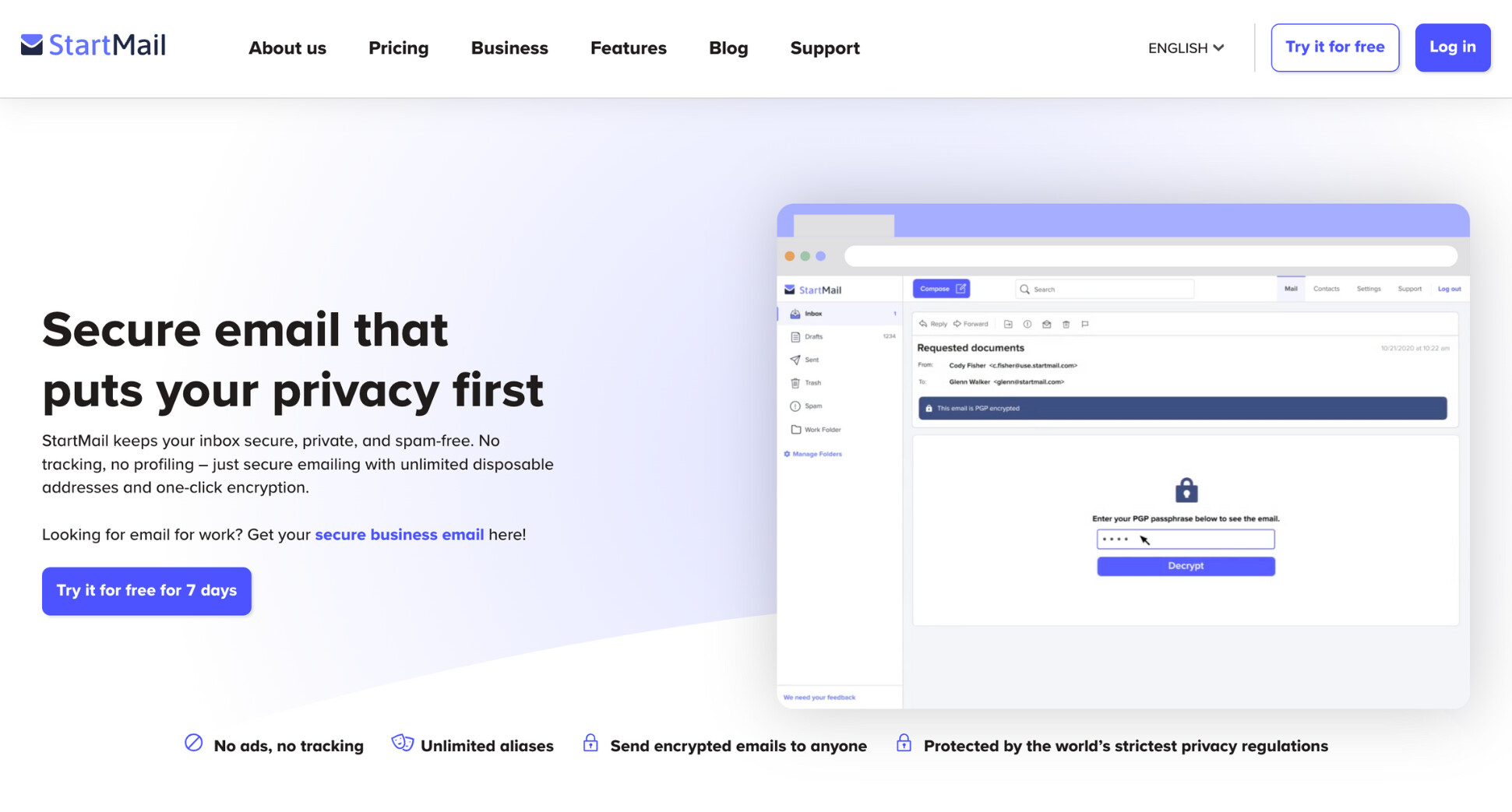
StartMail is an alternative email provider designed for people who want strong email security without changing how they use email. Unlike tools that reinvent the inbox, StartMail focuses on familiar workflows — while quietly adding encryption, aliasing, and tracking protection underneath.
Based in the Netherlands, StartMail is built by the team behind Startpage (the privacy-focused search engine). The service combines traditional email access (IMAP/webmail) with PGP encryption, disposable aliases, and GDPR compliance. You can use it with your favorite email app — or via StartMail’s web interface.
Why it’s a strong Gmail alternative:
✅ Strong encryption: StartMail supports PGP encryption and password-protected emails, without forcing you to change how you send or receive mail.
✅ Unlimited aliases: You can create unlimited aliases (including burner addresses) to protect your real inbox and reduce spam.
✅ Works with any email app: Full IMAP support means you can use StartMail with Apple Mail, Outlook, Thunderbird, or mobile clients.
✅ European privacy protections: StartMail is based in the Netherlands and fully GDPR-compliant, with no ads or tracking.
What to know before switching:
❌ No free plan: StartMail only offers a 7-day free trial — after that, it’s paid-only.
❌ Less collaboration-focused: Compared to Google Workspace or Zoho, StartMail is built for individuals and small teams, not large collaboration workflows.
❌ Interface is functional: The webmail experience is clean but fairly minimal. Nothing too flashy.
Pricing:
- Personal (€6.99/month): 20 GB storage, StartMail address or 1 custom domain, unlimited aliases, PGP encryption, IMAP/webmail access.
- Business (€8.99/month): 30 GB storage, unlimited custom domains, shared aliases, group subscriptions, advanced admin controls.
Best for: users who want a secure, no-tracking Gmail alternative that still works with traditional email apps — especially privacy-conscious professionals, freelancers, and families.
9. Posteo — Best Ethical Alternative
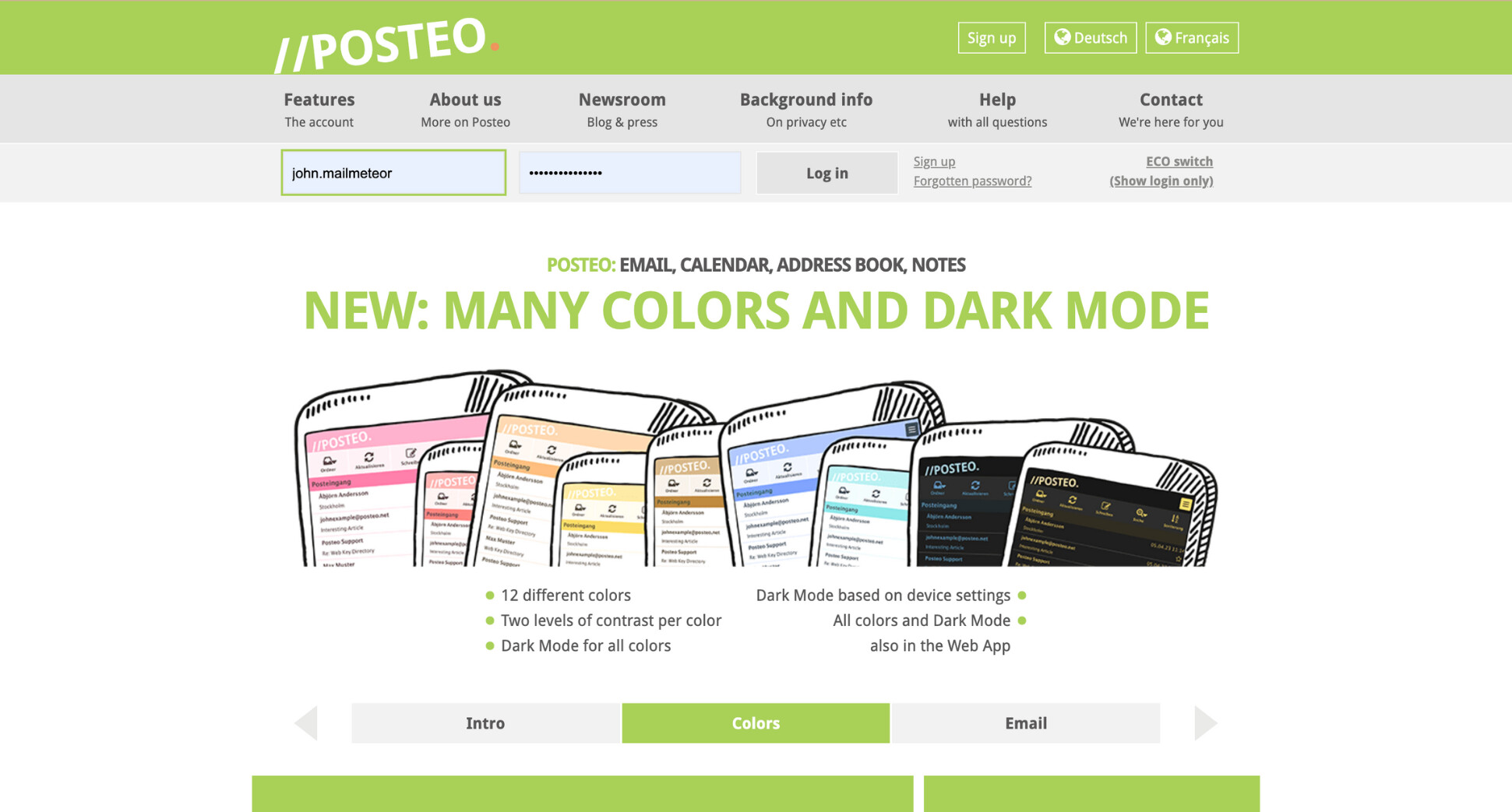
Posteo is one of the most principled Gmail alternatives available. Based in Germany, it’s built around a simple idea: email should be private, sustainable, and affordable — without ads, tracking, or upselling. There’s no free plan, no data monetization, and no venture-backed growth pressure. Just a straightforward, ethical email service.
Unlike Gmail, Posteo doesn’t require personal information to sign up, doesn’t track usage, and doesn’t lock you into an ecosystem. It supports open standards (IMAP, SMTP, CalDAV, CardDAV), works with any email client, and keeps the feature set intentionally minimal. The result is a calm, no-nonsense inbox.
Why it’s a strong Gmail alternative:
✅ Ethical by design: No ads, no tracking, no profiling, and no shareholder pressure — Posteo is independently run and transparent.
✅ Strong privacy protections: Emails, calendars, and contacts are encrypted at rest, with optional end-to-end encryption (PGP / S/MIME).
✅ Anonymous-friendly: You can create and pay for an account without providing personal data (including cash payments by mail).
✅ Open standards: Full IMAP, SMTP, CalDAV, and CardDAV support — works with Apple Mail, Thunderbird, Outlook, and mobile clients.
What to know before switching:
❌ No custom domains: Posteo intentionally does not support custom domain email addresses.
❌ Very minimal interface: There’s no AI, smart sorting, or productivity layer like Gmail or Shortwave.
❌ Not built for teams: Posteo is designed for individuals, not shared inboxes or collaboration-heavy workflows.
Pricing (monthly):
- Posteo (€1/month): full email account with all core features included.
- Extra storage: €0.25 per additional GB per month.
- Extra aliases: €0.10 per alias per month (2 included).
- Extra calendars: €0.10 per calendar per month (3 included).
- Optional S/MIME certificate: €3.65 per year.
Best for: users who value ethics, sustainability, and privacy above all else — and who want a lightweight, affordable Gmail alternative with no ads, no tracking, and no compromises.
Which Gmail Alternative Should You Choose?
It depends on why you want to leave Gmail. Here’s the fastest way to pick the right alternative depending on your needs:
- If privacy is your #1 priority (and you want encryption by default): Proton Mail (most established privacy-first option)
- If you want a European, minimalist, fully encrypted inbox: Tuta (Germany-based, no tracking, simple by design)
- If you want the most ethical + affordable option (no ads, no tracking, no upsells): Posteo (€1/month, intentionally minimal — but no custom domain)
- If you want a secure email service that still works with “normal” email apps (IMAP) + aliases: StartMail (PGP support, unlimited aliases, works with Apple Mail/Outlook)
- If you’re already using Word/Excel/Teams/PowerPoint every day: Outlook (best fit inside Microsoft 365).
- If you want business email without committing to Google Workspace or Microsoft 365 upfront: Zoho Mail (business-first email you can expand into Zoho’s suite later).
- If you’re on Apple devices and want the smoothest, most native experience: Apple Mail (best client for iPhone/Mac users; pair it with iCloud+ if you need a custom domain).
- If you want maximum control over rules, aliases, and inbox workflows (power user mode): Fastmail (fast, customizable, privacy-friendly — no free plan).
- If you want AI to actively reduce your email workload (summaries, AI search, inbox automation): Shortwave (clean AI experience, but it’s built on top of Gmail — not a full replacement)
→ Looking for a Shortwave alternative? See how Mailmeteor compares to Shortwave.
How to Switch from Gmail to Another Email Provider
Switching from Gmail to another email provider is easier than most people think — as long as you follow the right steps. Whether you’re moving for privacy, cost, or better features, this simple process helps you switch without losing emails.
Step 1: Create your new email account
Sign up with your new provider and complete the basic setup:
- Create your new email address
- Set a strong password and enable two-factor authentication
- Add your custom domain (if applicable)
- Configure spam filters and inbox preferences
Step 2: Import your Gmail emails and contacts
Most Gmail alternatives offer a built-in Gmail import or migration tool. This allows you to copy your existing emails, folders, and contacts automatically. Common options include:
- Connecting your Gmail account via IMAP
- Using Google Takeout to export your data
- Using the provider’s native Gmail import feature
Step 3: Forward new emails from Gmail
To avoid missing messages during the switch, set up an email redirection in Gmail:
- Go to Gmail > Settings > Forwarding.
- Add your new email address.
- Forward all incoming mail.
This ensures every new email sent to your Gmail address also arrives in your new inbox while you update your contacts.
Step 4: Update your email address everywhere
Once your new inbox is ready, start replacing your Gmail address:
- Online accounts and subscriptions
- Banking, billing, and admin services
- Newsletters and important senders
- Work tools, CRM, and team platforms
Do this gradually to reduce friction — there’s no need to rush everything in one day.
Step 5: Send a short “new email address” notice
If people contact you directly, a short heads-up can help:
“Hi! I’ve changed my email address. Please update your records — you can now reach me at [new email].”
You can also set up a Gmail auto-reply to notify senders for a few weeks.
Step 6: Keep or close your Gmail account
At this point, you have three options:
- Keep Gmail as a backup inbox (recommended for a few months)
- Use Gmail only for legacy accounts
- Delete your Gmail account once you’re fully confident
There’s no downside to keeping Gmail inactive for a while — storage is free, and it acts as a safety net. A gradual migration — with forwarding enabled — gives you peace of mind and avoids missed emails.
A Different Option: Improve Gmail Instead of Replacing It
Switching email providers isn’t the only way to fix Gmail. For many users, the real issue isn’t Gmail itself — it’s how much time email takes, how repetitive sending messages can be, and how hard it is to stay organized.
And here’s the thing. Moving to a new provider can introduce friction (migration, new habits, missed emails) without actually solving those problems. So instead of replacing Gmail, you might want to upgrade how you use it.
That’s exactly what Mailmeteor is built for. This simple add-on works directly inside Gmail to help you send emails more efficiently — without changing your inbox, your address, or your setup.
With Mailmeteor, you can:
- Reply to your emails faster with AI
- Send personalized emails at scale from Gmail
- Schedule follow-ups so you never forget to reply
- Improve deliverability to avoid spam filters
- Automatically move emails to the right folders to keep your inbox clean
- Track replies and engagement without bloated analytics
All that, while keeping everything inside the Gmail interface you already know. There’s no migration, no new inbox to learn, and no risk of losing important emails. You connect Mailmeteor to Gmail, and you’re ready to go in minutes.
👉 Try Mailmeteor for free and upgrade Gmail instead of replacing it.
FAQs
What are the best free Gmail alternatives?
If you want a Gmail alternative you can use for free, these are the strongest options right now:
- Proton Mail (Free): Best free option for privacy and encryption (limited storage and sending caps).
- Tuta (Free): Fully encrypted, no ads, no phone number required (limited features, no IMAP).
- Zoho Mail (Free): Free business email for custom domains (up to 5 users, basic features).
- Outlook.com (Free): Familiar interface and good spam filtering, but includes ads.
For a deeper breakdown, see our full guide to the best free email service providers.
What are the best Gmail alternatives for personal use?
For individuals and families, these options offer the best balance of privacy, usability, and price:
- Proton Mail: Best overall for privacy-conscious personal users.
- Apple Mail + iCloud+: Best choice if you use Apple devices daily.
- Shortwave: Best for people who want an AI-powered inbox experience (summaries, smart triage, faster search) while keeping their Gmail address.
- Posteo: Best low-cost, ethical option for minimalists (no custom domain).
What are the best Gmail alternatives for business?
If you’re replacing Gmail in a professional or team setting, these stand out:
- Zoho Mail: Best value for small businesses and startups (custom domains, admin controls).
- Outlook (Microsoft 365): Best for teams already using Word, Excel, and Teams.
- Fastmail: Great for small teams that want powerful email without a full office suite.
- StartMail: Good option for privacy-focused freelancers and small teams.
Is there a Gmail alternative without a phone number?
Yes. Several Gmail alternatives let you sign up without a phone number:
- Tuta
- Proton Mail
- Posteo
- StartMail
These providers are popular with users who want to avoid identity linking and extra verification steps.
What are the best Gmail Alternatives in Europe?
If data location, digital sovereignty, and GDPR compliance matter to you, these European providers are strong choices:
- Proton Mail (Switzerland)
- Tuta (Germany)
- Posteo (Germany)
- StartMail (Netherlands)
All four are ad-free, privacy-focused, and operate under strict European data-protection laws.
Is there a Gmail alternative without ads?
Yes — most paid Gmail alternatives are completely ad-free. The best ones include:
- Proton Mail
- Tuta
- Fastmail
- Zoho Mail
- StartMail
- Posteo
Among free options, Proton Mail and Tuta remain ad-free, unlike free Outlook.com or Yahoo Mail.
Which email service is safer than Gmail?
From a security and privacy standpoint, these services are considered safer than Gmail:
- Proton Mail: End-to-end encryption, zero-access architecture.
- Tuta: Default encryption for emails, calendars, and contacts.
- StartMail: Strong PGP support and tracking protection.
- Posteo: Encrypted storage, anonymous signup, optional end-to-end encryption.
Gmail has strong infrastructure security — but it does not offer end-to-end encryption by default and remains part of an ad-driven ecosystem.


