Wake up to drafts already written, your inbox already sorted, and tickets already created in Jira. That’s the promise of Jace AI. For high-volume email users, it delivers smart rules, contextual drafting, and deep integrations that go well beyond what most AI email tools offer.
But it’s not the right fit for everyone. There’s no free plan, the starting price is $25/month, and the tool is highly automated by design. Great if you trust AI to act on your behalf, less so if you don’t.
Whether you’re looking for something cheaper, more hands-on, or built for a different workflow, there’s a better fit out there for you. We’ve tested the 5 best Jace AI alternatives to help you find the right one.
Here’s what we found ⤵️
TL;DR: The 5 best Jace AI alternatives in 2026:
- Mailmeteor — Best Gmail-native alternative.
- Superhuman — Best for keyboard-driven speed.
- Shortwave — Best for Gmail power users.
- Fyxer AI — Best for hands-off inbox management.
- Gmelius — Best for small teams.
Here’s what we’ll cover:
- What Jace AI does (and where it falls short)
- The 5 best Jace AI alternatives
- Which Jace AI alternative is right for you?
Sounds good? Then let’s dive in.
What Jace AI Does (And Where It Falls Short)
Jace AI is an AI email assistant that sits on top of Gmail or Outlook. It’s not a replacement for your inbox, but an intelligent layer that works before you even open your laptop.
It drafts replies in your voice, organises your inbox with automatic labels, schedules meetings, connects to your workflow tools via Smart Rules and integrations, and even lets you chat with your inbox in natural language.
The standout feature is contextual awareness. Jace pulls context from your email history, calendar, attachments, Notion, and Slack history to generate drafts that feel genuinely accurate — not generic templates.
Smart Rules also let you define custom instructions in plain English: “always CC my assistant when emailing clients”, “create a Jira ticket when a bug report arrives.” Actions happen automatically the moment the right email arrives.
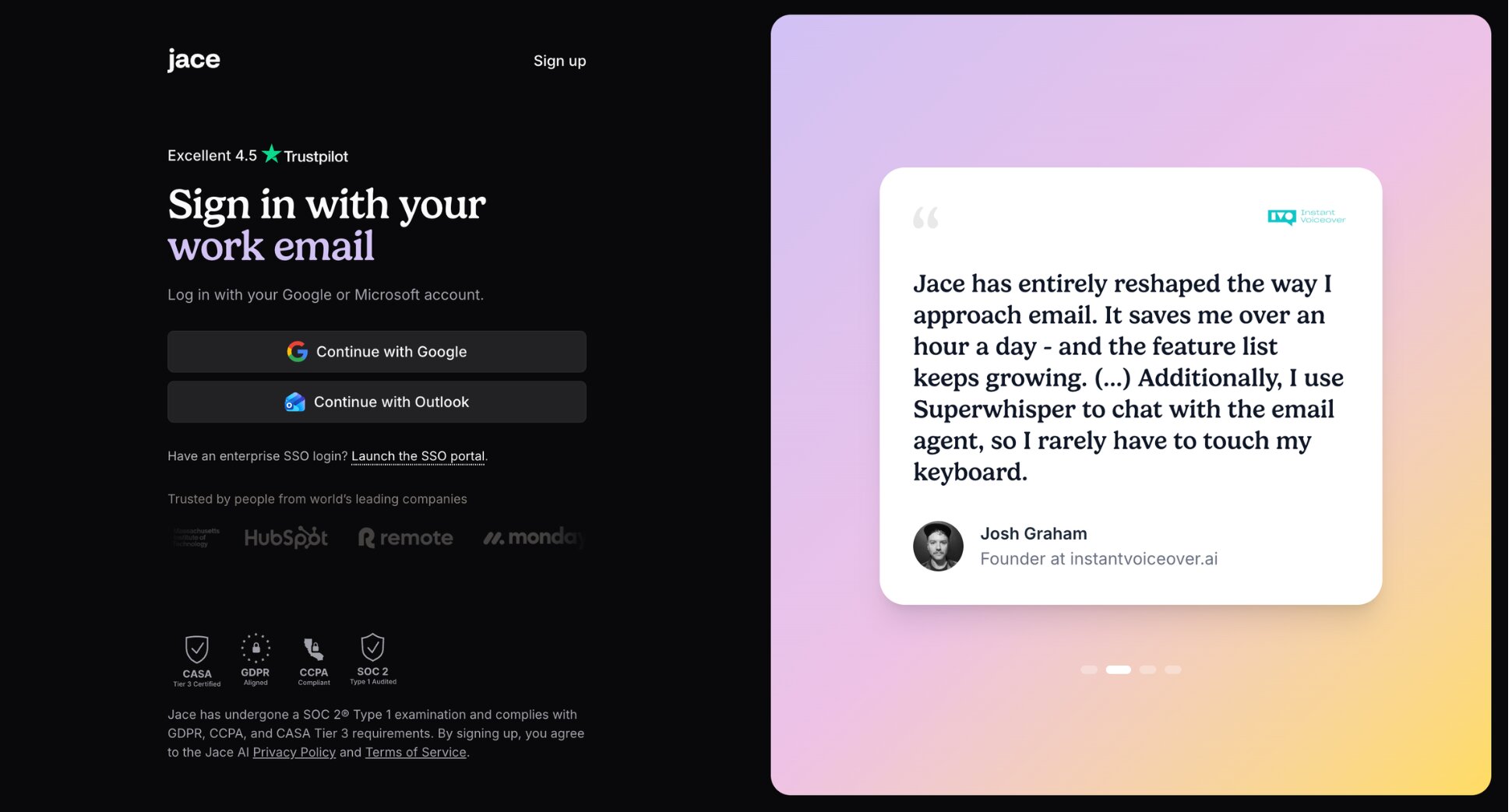
So why are people looking for alternatives?
- No free plan: Jace AI offers a 7-day trial and a 30-day money-back guarantee, but there’s no permanent free tier. At $25/month for the Plus plan, it’s one of the more expensive AI email tools on the market.
- Credit-based pricing: Jace recently switched from an email-based pricing model to a credit system. Some users on annual plans have found the new credit limits more restrictive than expected.
- High automation: Jace AI is designed to act on your behalf and automate parts of your workflow. If you prefer to stay in control of every email decision, the hands-off approach can feel like too much.
- No team workspace: Jace operates through your Gmail or Outlook account. There’s no shared inbox or team collaboration layer. If your team needs to work together in the same inbox, look elsewhere.
If any of those are dealbreakers, here are the best alternatives ⤵️
The 5 Best Jace AI Alternatives
Not all Jace AI alternatives are created equal. Some are cheaper. Some give you more control. Some are built for teams rather than individuals. To find the best options, we evaluated each tool across five criteria:
- Email provider support — does it work on Gmail and Outlook?
- AI features — does it go further than Jace AI’s drafting and automation, or just replicate them?
- Ease of use — can you get value from it on day one without a steep learning curve?
- Privacy — does it handle your email data responsibly?
- Value for money — does it justify the price compared to Jace AI’s $25/month starting point?
Here’s how the top Jace AI alternatives stack up ⤵️
| Tool | Free plan | Starts at | Rating | Best for |
|---|---|---|---|---|
| Mailmeteor | ✅ | $4.99/month | 4.9/5 | Gmail-native AI + outreach |
| Superhuman | ❌ | $40/month | 4.5/5 | Keyboard-driven speed |
| Shortwave | ✅ | $18/month | 4.4/5 | Gmail power users |
| Fyxer AI | ❌ | $22.50/month | 4.1/5 | Hands-off inbox management |
| Gmelius | ✅ | $21/user/month | 4.4/5 | Small teams on Gmail |
1. Mailmeteor — Best Gmail-Native Alternative
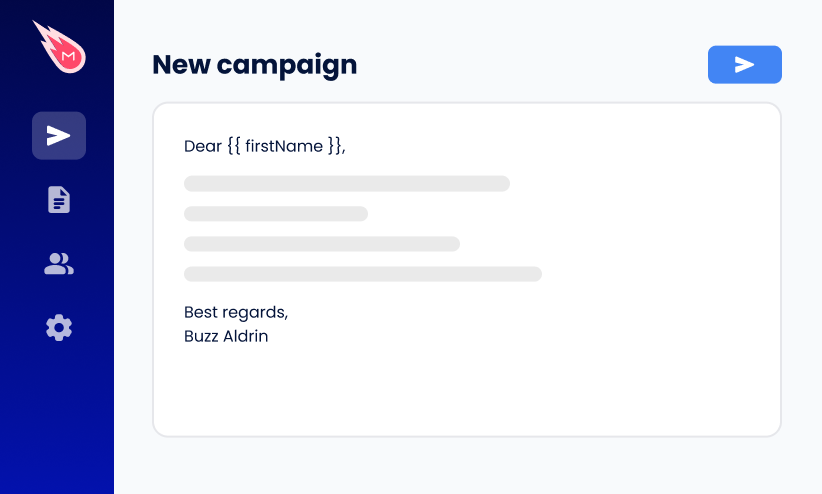
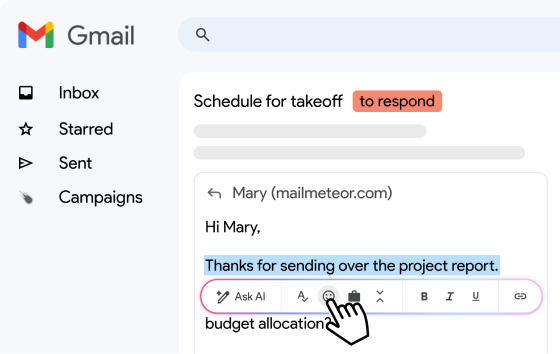
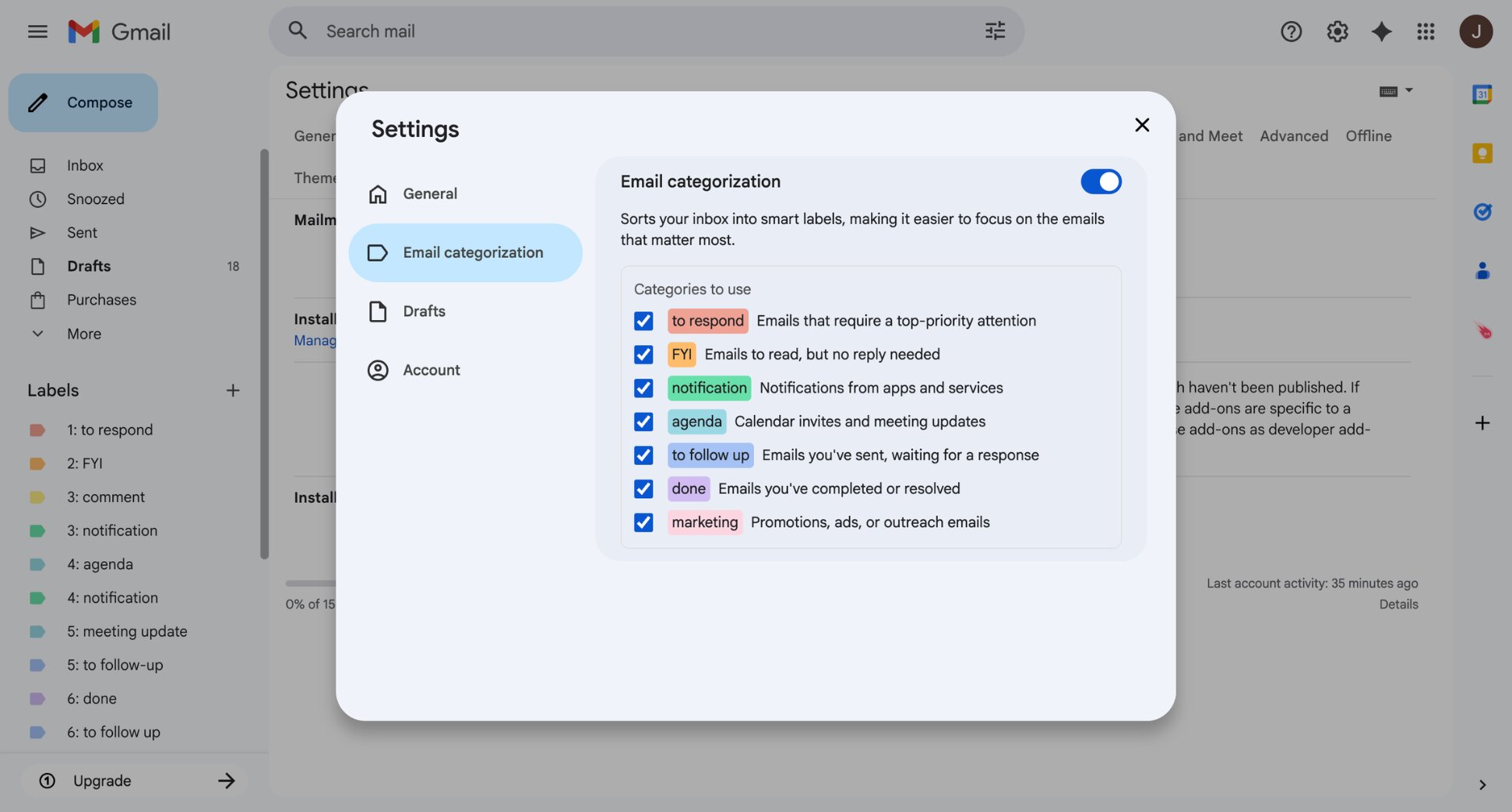
Mailmeteor is the strongest free Jace AI alternative for Gmail users. It works directly inside Gmail as an AI email assistant — drafting replies in your voice, summarising long threads, and categorising your inbox automatically. Unlike Jace AI, it also adds mail merge, tracking, and automated follow-ups.
The biggest differentiator from Jace AI? Mailmeteor’s free plan gives you real value from day one — no trial clock, no credit card required. And unlike Jace AI, there’s no learning period before it starts being useful. Simply connect your Gmail account and it works from the first email.
Key features:
- AI-generated reply drafts and email summaries inside Gmail
- Automatic inbox organisation and categorisation
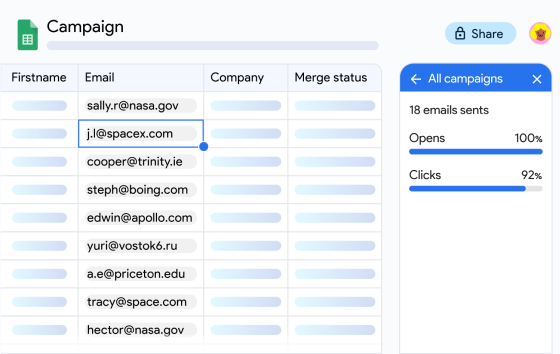
- Real-time tracking of opens and clicks
- Mail merge to send personalized emails to hundreds of contacts at once
- Follow-up automation to keep conversations moving
- Compatible with Gmail, Outlook, and Zoho Mail
Pricing:
- Free plan includes up to 50 emails/day with basic tracking
- Starter from $4.99/month — email tracking, templates, verification
- Premium from $12.99/month — AI labels, AI drafts, auto follow-ups
- Professional from $29.99/month — team analytics, higher limits
Rating: 4.9/5 on Google Workspace Marketplace
Limitation: Mailmeteor is built around outreach. If you want Jace AI’s built-in Smart Rules and native workflow automation — triggering Jira tickets or Slack updates directly from your inbox — Mailmeteor doesn’t cover that natively, though it does integrate with Zapier.
2. Superhuman — Best for Keyboard-Driven Speed
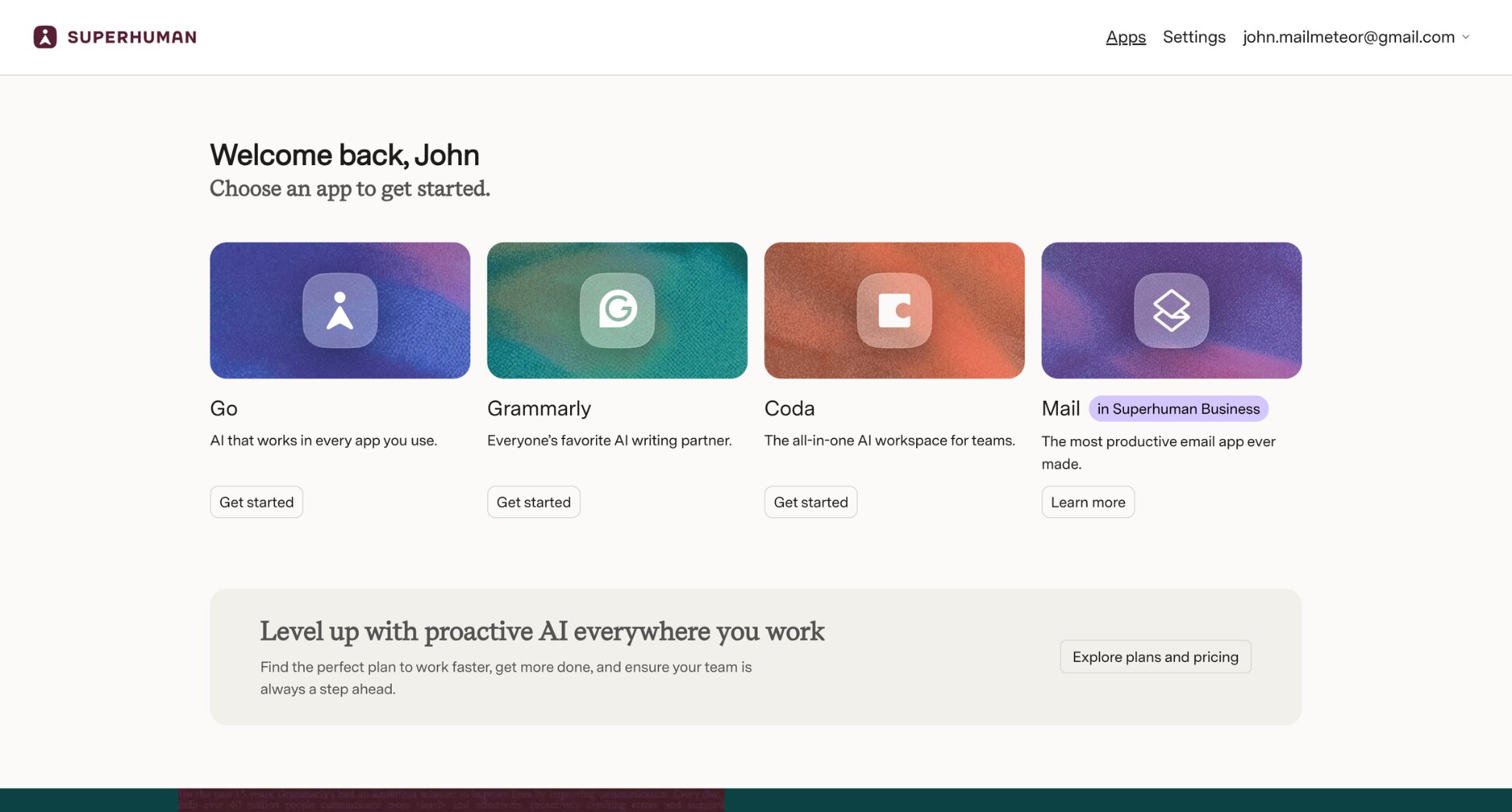
Jace AI works in the background so you don’t have to think about email. Superhuman puts you in the driving seat with a keyboard-driven inbox designed to make you faster. Every action has a shortcut, AI drafts replies in your voice, and Ask AI handles scheduling so you never have to leave your inbox.
But while Jace AI gets smarter over time with minimal effort from you, Superhuman demands full commitment from day one. The keyboard-first workflow takes weeks to master and the learning curve is steep by design. Superhuman isn’t trying to do the work for you. It’s trying to make you better at doing it yourself.
Key features:
- Keyboard-driven inbox with shortcuts for every action
- Split inbox and Auto Labels
- AI summaries, Ask AI, and auto-draft replies
- AI-powered calendar and scheduling
- Works with Gmail and Outlook
Pricing:
- No free plan — trial available
- Business from $40/month
Rating: 4.5/5 on G2
Limitation: Superhuman optimises speed, not automation — you still process every email yourself, just faster. At $40/month, it’s also the most expensive option on this list, so if price is your main reason for leaving Jace AI, check out our guide to Superhuman alternatives.
3. Shortwave — Best for Gmail Power Users
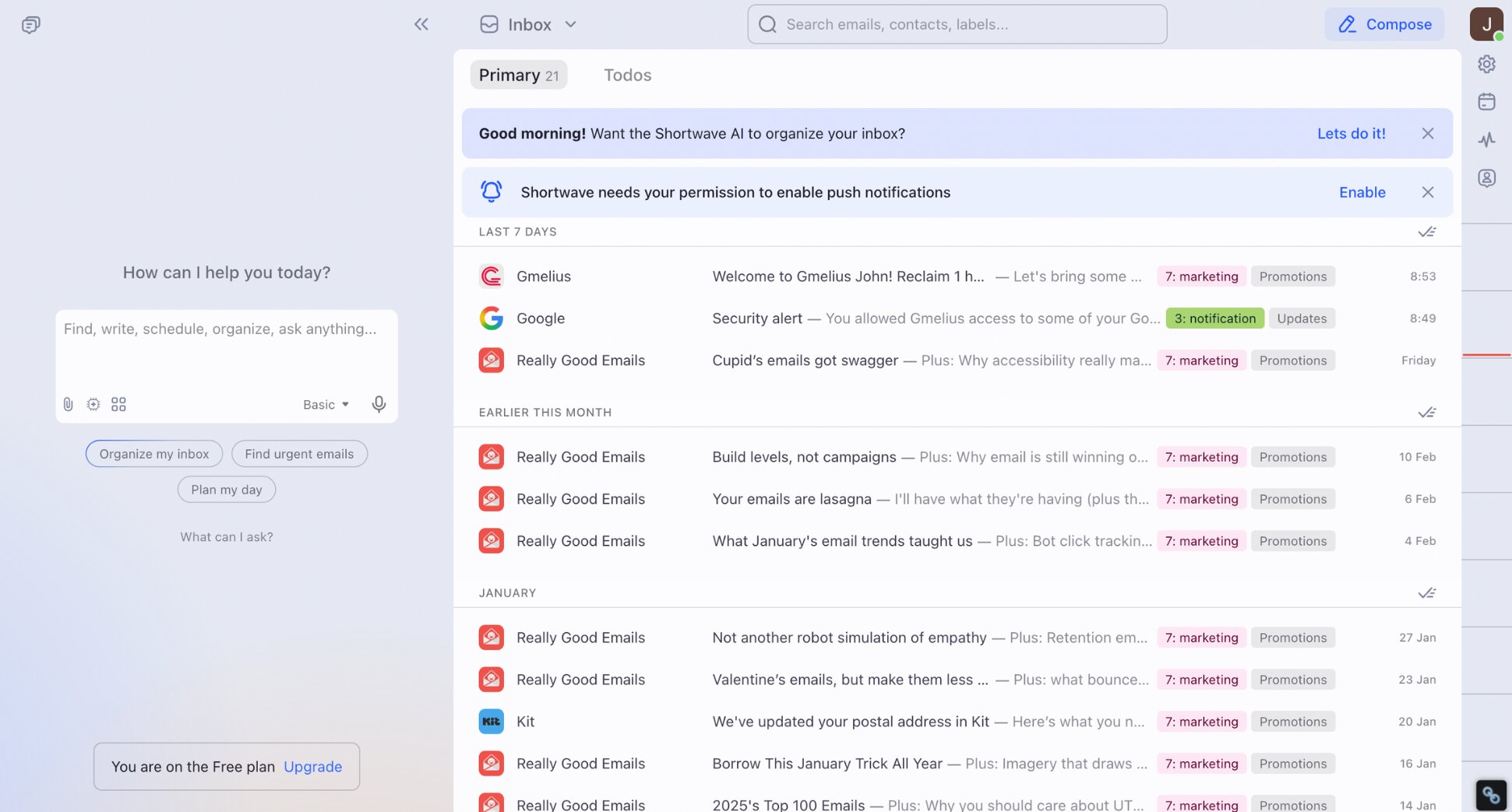
Shortwave takes a different approach to email AI than Jace AI. Rather than acting as an invisible assistant layer, it replaces your Gmail interface with a purpose-built AI email client that bundles messages by type, lets you search your entire email history in plain English, generates instant thread summaries, and drafts replies.
The key distinction from Jace AI is transparency. Shortwave doesn’t make decisions behind the scenes. You see exactly how your inbox is organised, why emails are grouped the way they are, and what the AI is doing at every step. Perfect for users who found Jace AI’s automation too opaque.
Key features:
- Automatic email bundling by type
- Natural language search across full email history
- AI thread summaries and reply drafting
- AI web browsing and agentic capabilities
- Works with Gmail and Google Workspace only
Pricing:
- Free plan available (90-day AI search history, limited quota)
- Pro from $18/month
- Business from $30/seat/month
Rating: 4.4/5 on G2
Limitation: Shortwave is Gmail-only — no Outlook support. It also doesn’t offer meeting notes or Smart Rules. If you’re already considering it, we’ve also compared the best Shortwave alternatives.
4. Fyxer AI — Best for Hands-Off Inbox Management
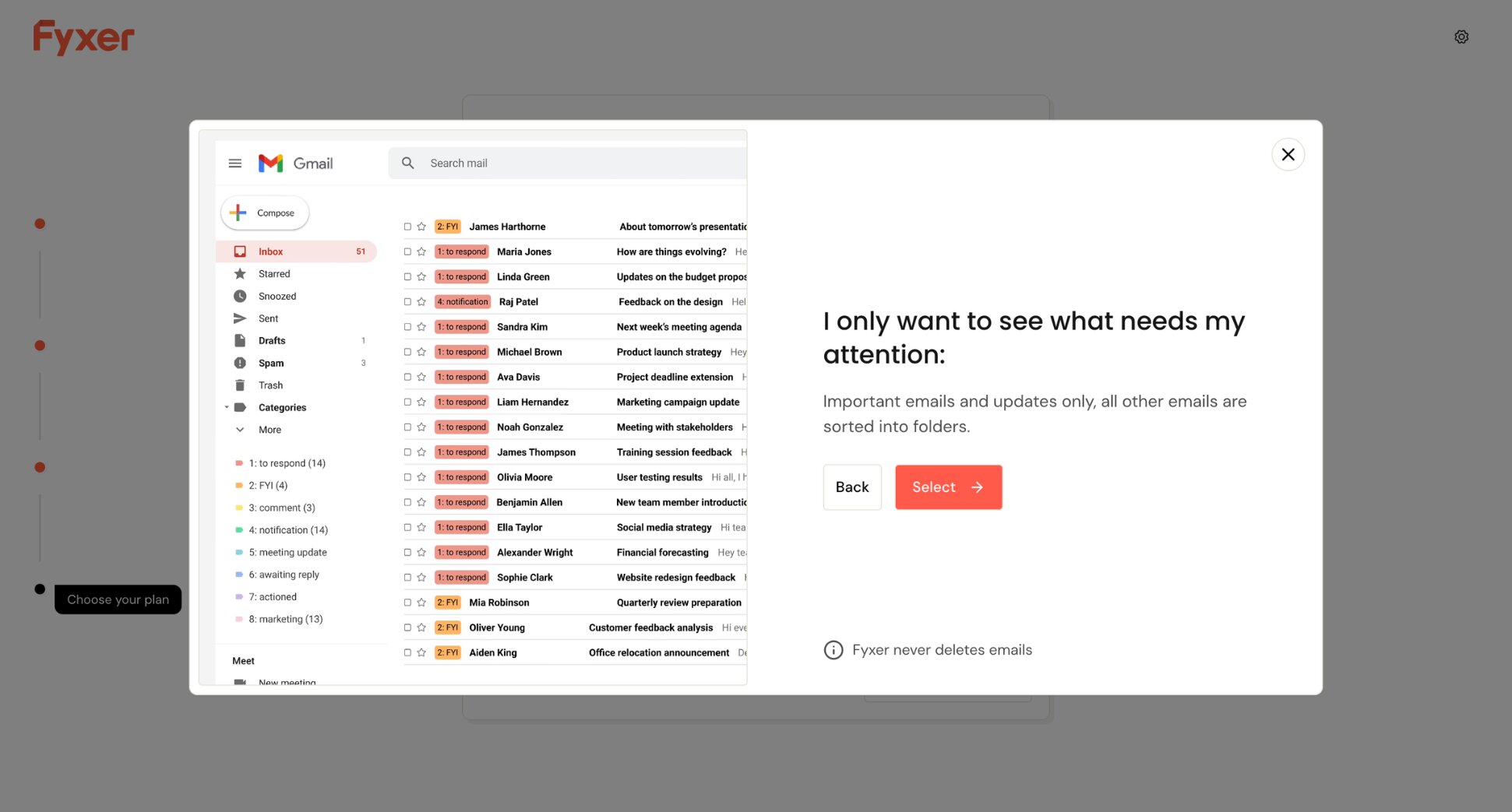
If Jace AI’s approach resonates but the complexity doesn’t, Fyxer AI is the most natural alternative. It covers the same core territory — drafting replies, organising your inbox, taking meeting notes, and handling scheduling — but strips away everything that makes Jace AI hard to set up.
No Smart Rules to configure, no credit system to track, no integrations to wire up. Connect your Gmail or Outlook inbox and it starts working immediately. The trade-off is depth. You can’t define rules in plain English, and there are no native integrations to trigger actions in Jira, Slack, or Notion when an email arrives.
Key features:
- AI draft replies before you open the thread
- Automatic inbox organisation and labelling
- Meeting notes and follow-up emails generated automatically
- AI chat to query your inbox
- Meeting scheduling
- Works with Gmail and Outlook
Pricing:
- No free plan — 7-day trial available
- Starter from $30/month
- Professional from $50/month
Rating: 4.1/5 on G2
Limitation: Fyxer AI’s inbox categories are fixed. You can’t customise the labelling logic the way Jace AI’s Smart Rules allow. If workflow automation and third-party integrations are what you’re after, Jace AI goes further. We’ve compared the best Fyxer AI alternatives if you want to explore more options.
5. Gmelius — Best for Small Teams
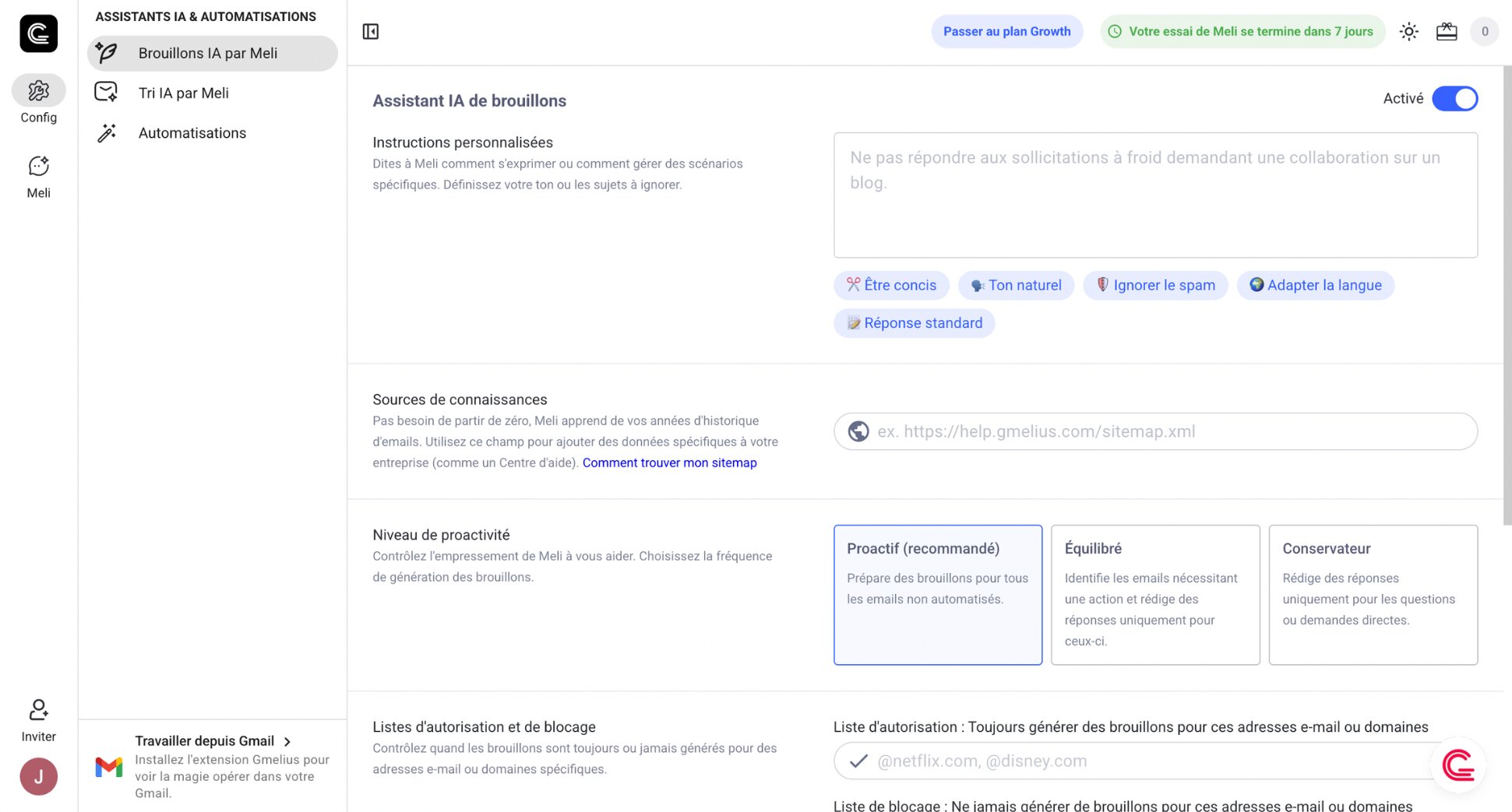
Jace AI is built for individuals. Gmelius is built for teams. Its AI assistant Meli does what Jace AI does. It drafts replies in your tone, sorts your inbox, and schedules meetings. But it also adds team collaboration features that Jace AI doesn’t have, like shared inboxes, email assignments, internal notes and @mentions.
For individuals, the AI assistant, called Meli, handles the daily inbox grind. For teams, Gmelius turns Gmail into a full collaboration hub, with shared labels, Kanban boards, SLA tracking, and analytics. If you’re leaving Jace AI because it doesn’t scale with your team, Gmelius is the most natural upgrade.
Key features:
- AI draft replies, inbox sorting, and meeting scheduling
- Shared inboxes with assignment, notes, and @mentions
- Kanban boards for visual email management
- Email analytics and SLA tracking
- Works with Gmail and Google Workspace only
Pricing:
- Free 7-day trial, no credit card required
- Meli from $21/user/month
- Growth from $33/user/month
- Pro from $50/user/month
Rating: 4.4/5 on G2
Limitation: Gmelius is Gmail-only. If your team uses Outlook, it’s not an option. It’s also more feature-rich than most individuals need, and the per-seat pricing adds up quickly for larger teams. The real value kicks in when you’re using it as a team.
Which Jace AI Alternative Is Right for You?
The right Jace AI alternative depends on why you’re leaving — whether that’s the price, the lack of control, or just wanting an AI email management tool that scales with your team.
Here’s a quick breakdown:
- If you want a free Gmail-native alternative with AI drafting and outreach, go with Mailmeteor. It covers Jace AI’s core features and adds campaign tools — starting free with no trial clock.
- If you want speed and control instead of automation, Superhuman is the answer. Where Jace AI works in the background, Superhuman puts you in the driving seat — a keyboard-driven inbox with AI drafting and calendar integration.
- If you want a smarter Gmail interface with more transparency, Shortwave replaces your Gmail UI with better bundling, search, and more predictable AI — without acting autonomously on your behalf.
- If you want Jace AI’s hands-off approach without the complexity, Fyxer AI is the closest match. Less configuration, no credit system to track. It drafts replies, takes meeting notes, and handles scheduling — all without a steep setup.
- If your team is outgrowing Jace AI’s individual focus, Gmelius adds everything Jace AI is missing for teams on Gmail, like shared inboxes, email assignments, internal chat on threads, and team analytics.
FAQs
What is the best free Jace AI alternative?
Mailmeteor is the strongest free alternative. It includes AI email drafting and basic tracking on its free plan, with no trial clock and no credit card required. Shortwave also has a free plan that covers most individual needs, though AI search history is capped at 90 days.
Does Jace AI work with Outlook?
Yes. Jace AI works with both Gmail and Outlook, including Microsoft 365 and Outlook.com. Your existing folders, categories, and rules are imported and kept in sync when you connect your Outlook account.
How much does Jace AI cost?
Jace AI has no free plan — only a 7-day free trial with a 30-day money-back guarantee. The Plus plan costs $25/month and includes up to 2 inboxes and 1 year of email history. The Pro plan costs $50/month and adds up to 8 inboxes, 3 years of email history, and custom integrations. Enterprise pricing is available on request.
What is the best Jace AI alternative for Gmail?
Mailmeteor is the closest Gmail-native replacement — it drafts replies in your voice, categorises your inbox automatically, and adds outreach features like mail merge and tracking that Jace AI doesn’t offer. Shortwave is the better pick if you want a smarter Gmail interface with deeper AI search and bundling.
What is the best Jace AI alternative for Outlook?
Fyxer AI is the strongest Outlook-native option. It drafts replies, organises your inbox, manages your calendar, and takes meeting notes automatically. Superhuman is the better pick if what you actually want is speed and keyboard-driven control rather than hands-off automation.
Is Jace AI worth paying for?
For founders and executives processing 100+ emails a day, the contextual drafting and Smart Rules can save real time. The main caveats? No free plan, drafts need a few weeks to fully adapt to your style, and the tool is highly automated. If you prefer to stay in control of every email decision, it may feel like too much.
How do I switch from Jace AI to Mailmeteor?
Install the Gmail extension and Mailmeteor will start crafting AI drafts and organising your inbox automatically. You can cancel your Jace AI subscription from your account settings at jace.ai. No data migration needed since both tools connect directly to your existing Gmail inbox.