See the DNS configuration, blacklist status, and email reputation of every sender you use. No tool switching. Free for all users.
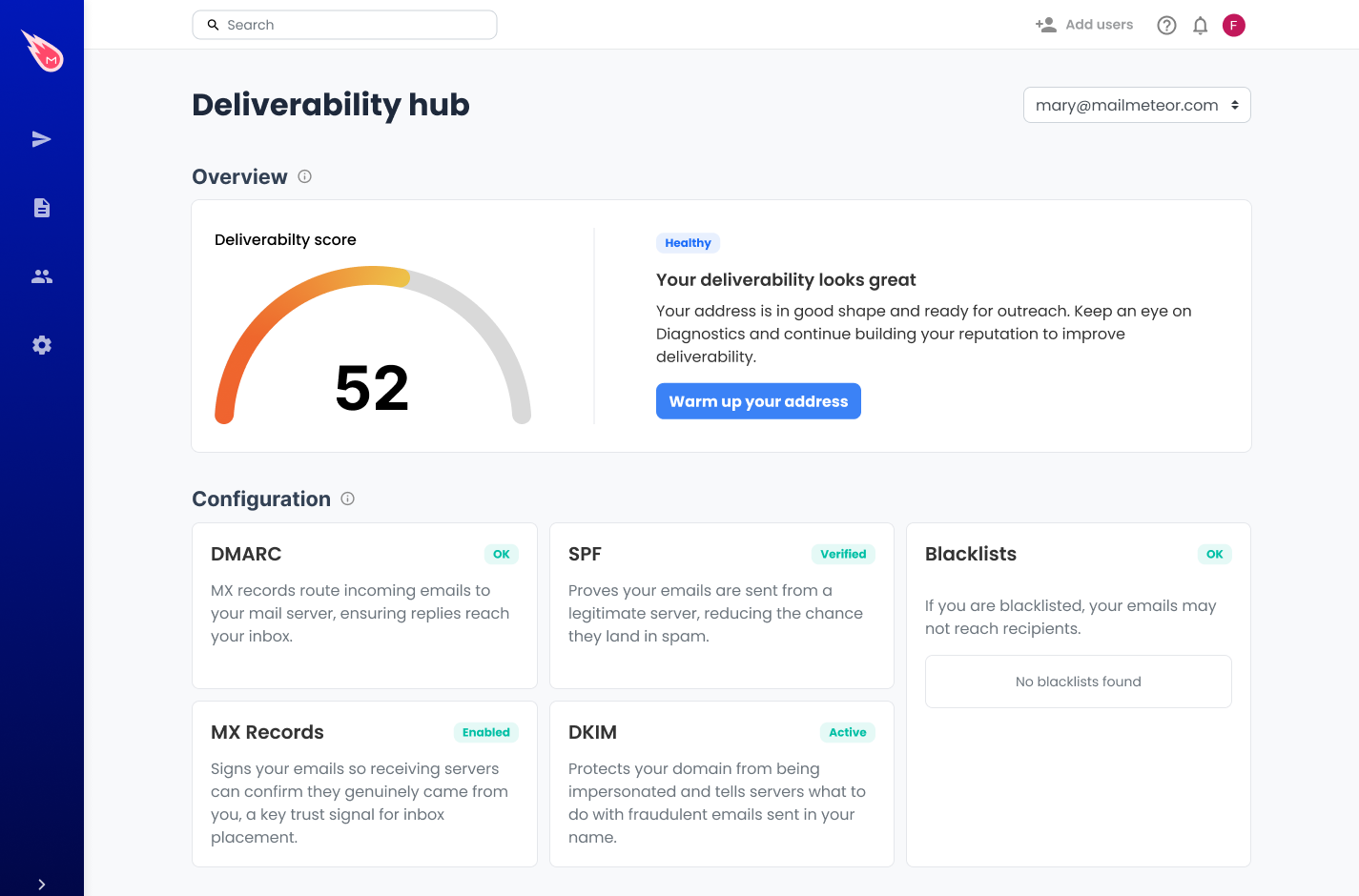
The Deliverability Hub checks your senders automatically. Open it anytime to see what's healthy, what's broken, and what to fix.
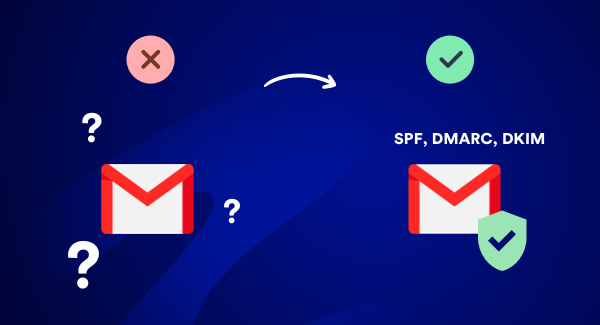
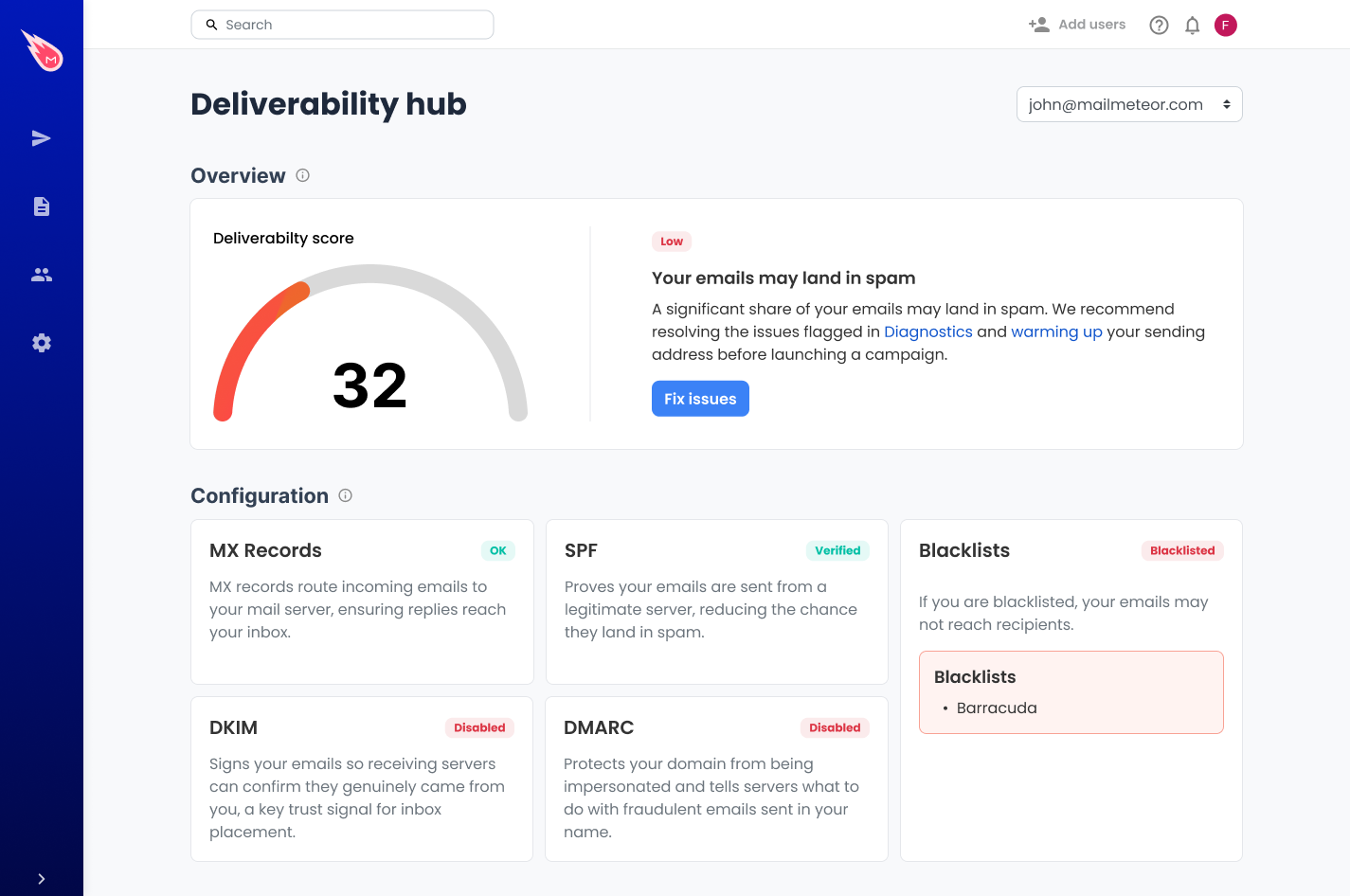
Your DNS records tell inbox providers whether to trust your emails. The Hub checks MX, SPF, DKIM, and DMARC for each sender and shows a clear pass/fail status. If something is misconfigured, you'll know exactly what to fix.
Learn more
If your domain or IP is blacklisted, inbox providers may filter or reject your emails silently. The Hub checks against major blacklists so you catch it early.
Check your senders →
Your reputation score reflects how inbox providers perceive your sending history. The Hub pulls this data directly from our email reputation tool, with no extra steps.
Check your reputation →
Each sender in your account gets its own health snapshot. If you send from multiple domains or addresses, you can monitor all of them from the same place.
Manage your senders →The Deliverability Hub is available on all plans, including free. No upgrades needed to check your sender health.
It's built directly into your Mailmeteor account. Open the Deliverability Hub and your senders are already there.
DNS misconfigurations and blacklist flags often go unnoticed until open rates drop. The Hub surfaces them before that happens.
Whether you're sending cold outreach, newsletters, or transactional emails, your sender health matters.
Protect your domain reputation and make sure every outreach email actually reaches the inbox.
Catch DNS issues or blacklist flags before they affect your next campaign send.
Ensure your emails are landing in candidates' inboxes, not getting filtered out.
Monitor multiple domains from one place as your team and sending volume grow.
Keep an eye on sender health across all the accounts you manage without switching tools.
Make sure your reputation stays clean so your pitches and proposals always land.
Not sure where your sender score stands? Run a quick check with our free tool.
Companies & organizations from all over the world trust Mailmeteor. Read all reviews.
Companies & organizations, from all over the world trust Mailmeteor. Read all 10,000+ reviews.
I recently started using Mailmeteor for my email campaigns, and I couldn't be happier with the results! The user interface is incredibly intuitive, making it easy to personalize and send emails in bulk. The integration with Google Sheets is seamless, allowing me to manage my contacts efficiently. I particularly appreciate the tracking features, which provide valuable insights into open rates and engagement. This has helped me refine my approach and improve my overall communication strategy. Overall, Mailmeteor has significantly streamlined my email marketing efforts. I highly recommend it to anyone looking for an effective and user-friendly solution!
Chrome Web Store
Mailmeteor is super easy to use and really helps me send personalized emails quickly and professionally. Highly recommended!
Chrome Web Store
Thanks guys, because publipostage with Word and Excel doesn't connect correctly to Outlook and I don't know why. With your extension, everything is clearcut.
Capterra
I’ve been using MailMeteor for a while now. I originally signed up when they launched through a Lifetime Deal (LTD) on AppSumo. From past experience, I’ve noticed that companies often let their customer service slide over time, especially for LTD users. But with MailMeteor, it’s been the exact opposite. Their customer service has been consistently excellent (definitely 5-star), and the tool itself is solid, reliable, and packed with useful features.
Chrome Web Store
I have tried others like mailchimp, however i found mailmeteor easier to configure and get the campaign run quickly and doesn't need expertise. I have been using this for last 3 years. Recommend you to try it out.
Capterra
so smooth to use!!
Trustpilot
Mailmeteor is very convenient to use. We saved a lot of time using it. highly recommended!
Trustpilot
So far found this tool very useful. It allows me to quickly export to Excel all the emails I've sent so I can see who I've emailed (and don't need to email again) and who I've not yet emailed.
Chrome Web Store
Each year Google recommends a shortlist of 16 apps that enhance the Google Workspace experience. Mailmeteor has come out on top each year since 2022.
Have questions about the Deliverability Hub? Find answers below.
The Deliverability Hub is a built-in feature in Mailmeteor that shows you the health of every sender configured in your account. It checks:
Yes. The Deliverability Hub is available to all Mailmeteor users, including free accounts. No upgrade is needed to check your sender health.
Sign in to the Mailmeteor Dashboard and open the Deliverability section in the sidebar. All your senders are listed there with their health status.
It means one or more of your DNS records (SPF, DKIM, DMARC, or MX) is missing or misconfigured. This can cause inbox providers to reject or filter your emails. You’ll need to log in to your domain registrar and update the record. Changes can take up to 48 hours to propagate.
First, identify which blacklist flagged your domain. The Hub shows you this. Then visit the blacklist’s website and follow their removal process. Most have a self-service delisting form. Before requesting removal, make sure you’ve addressed the root cause (spam complaints, bad list hygiene, high bounce rates).
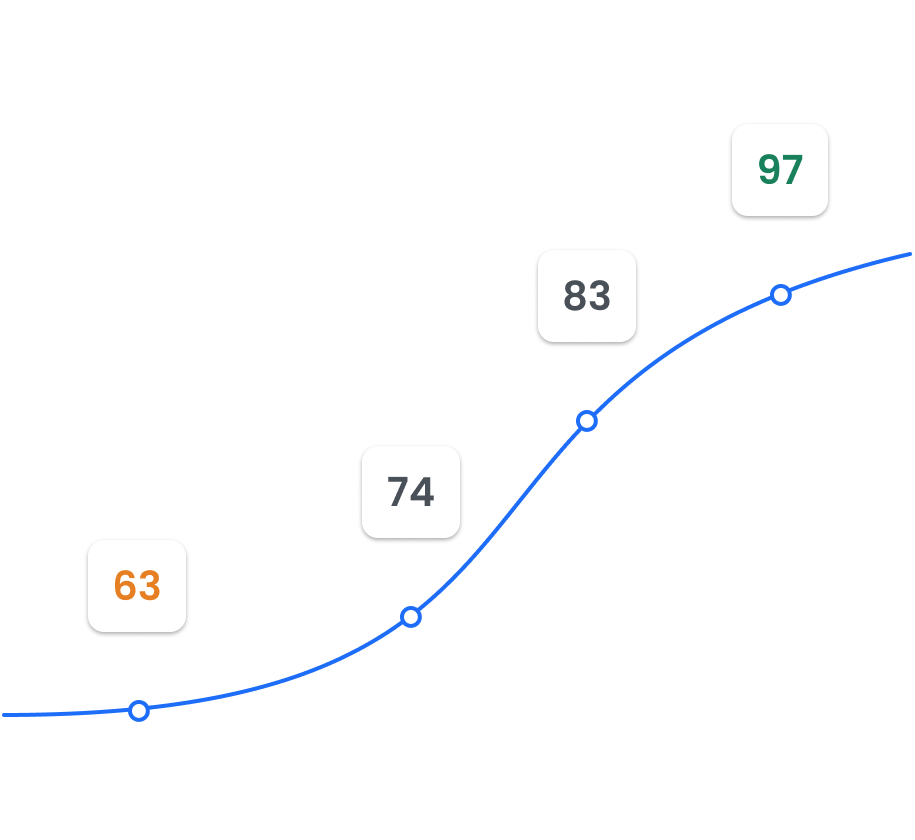
Your reputation score (out of 100) reflects how trustworthy your sending domain is in the eyes of inbox providers. It’s based on factors like spam complaint rates, bounce rates, and DNS configuration. A score above 80 is healthy. Below 50 means you should take action before sending campaigns.
Yes. Every sender you’ve configured in Mailmeteor gets its own health snapshot in the Deliverability Hub. If you send from multiple email addresses or domains, each one is checked independently.
The Hub checks are run on-demand. Open your sender’s Deliverability tab anytime to get the latest status. If you’ve made a DNS change, wait 24–48 hours for propagation before running the check again.
The Deliverability Hub tells you where you stand. Email warm-up helps you improve. Together, they give you everything you need to build and protect your sender reputation.
Free for all users. No setup required.