Canceling a campaign
Want to stop any further emails from being sent? Mailmeteor lets you cancel your campaigns. Here’s how to do it.
How to cancel a campaign?
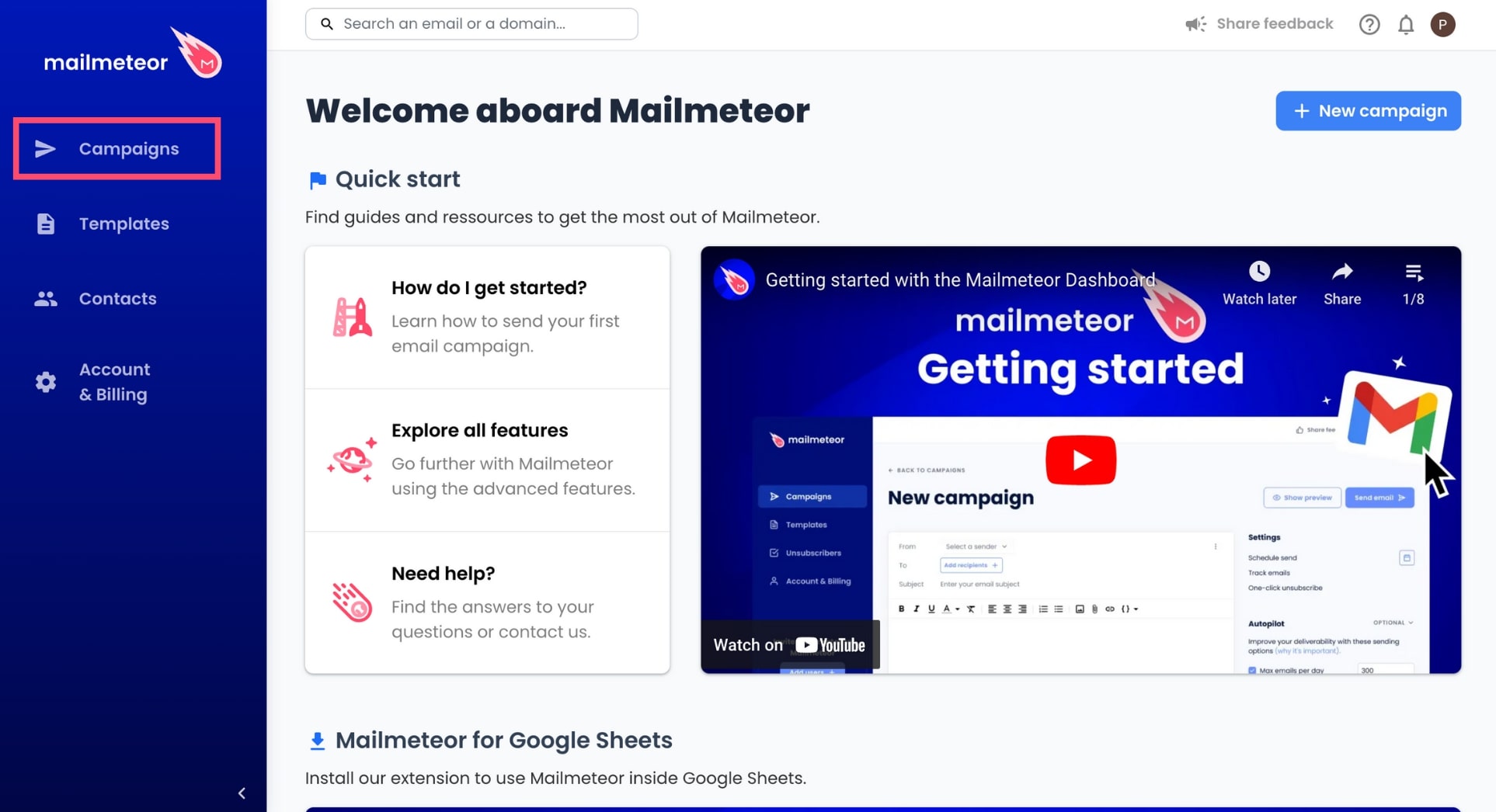
- Open Mailmeteor Dashboard.
-
Go to Campaigns.
-
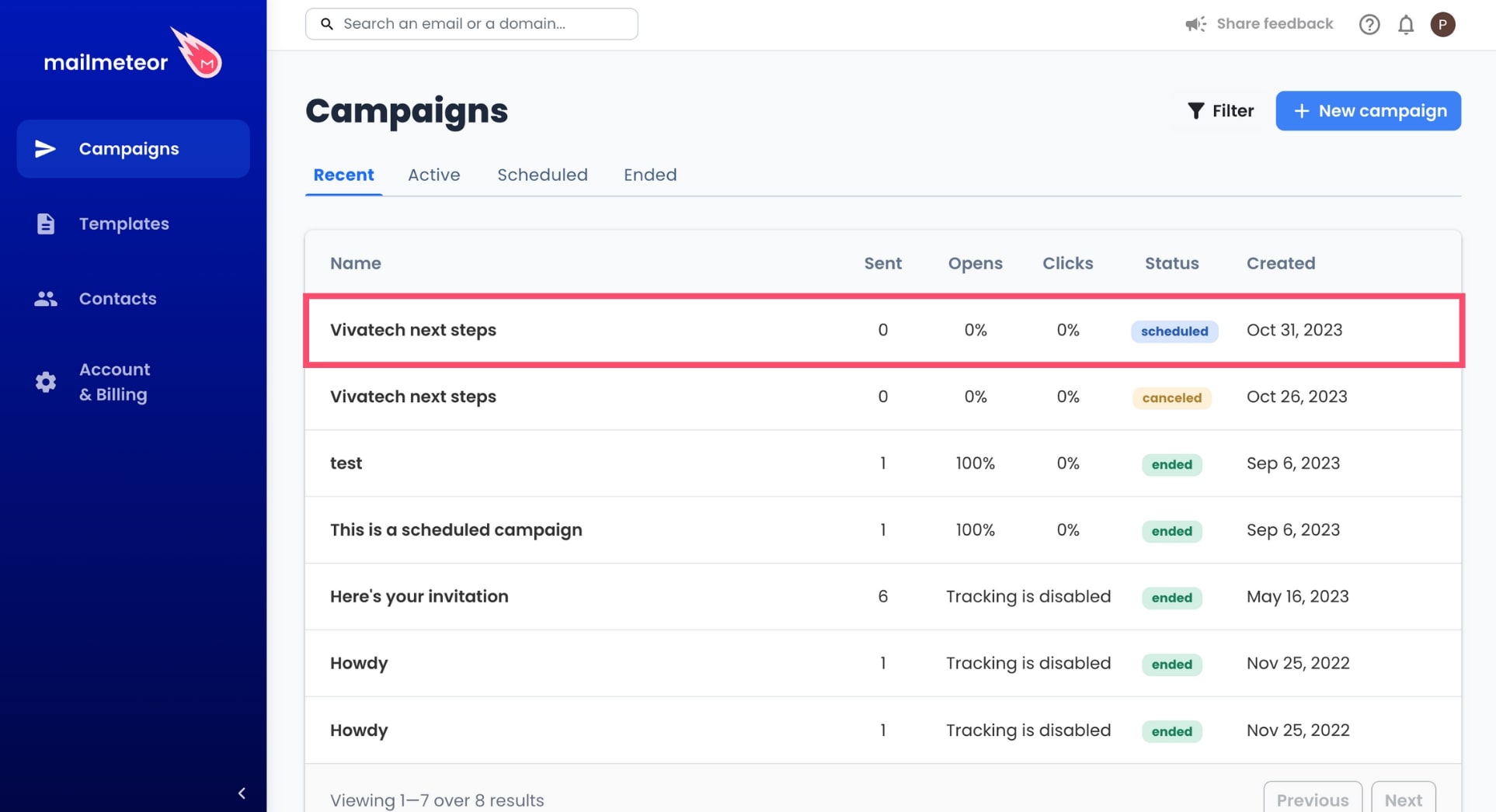
Select an ongoing or scheduled campaign.
-
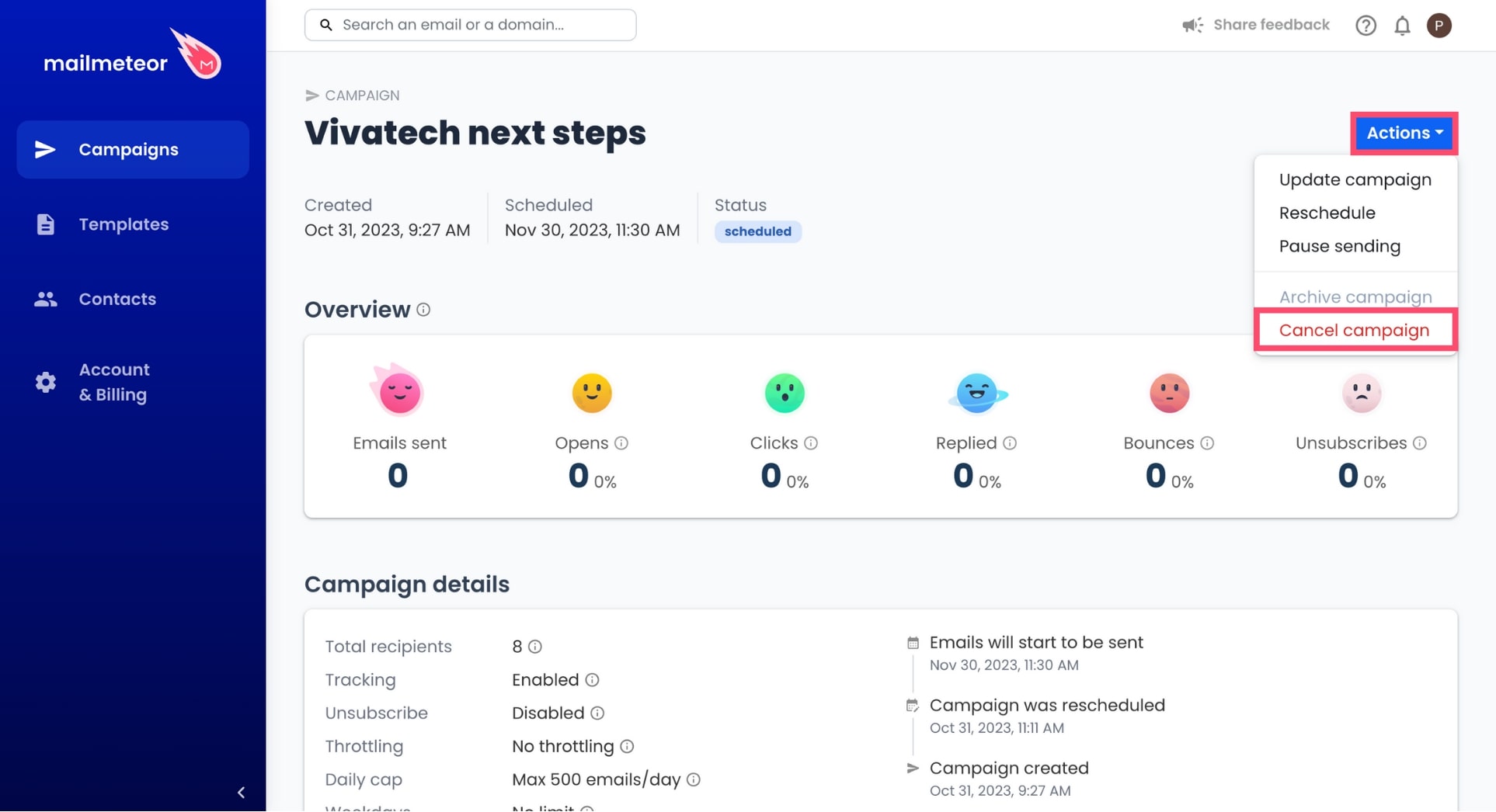
Go to Actions and select Cancel campaign.
-
To confirm, click Cancel campaign.
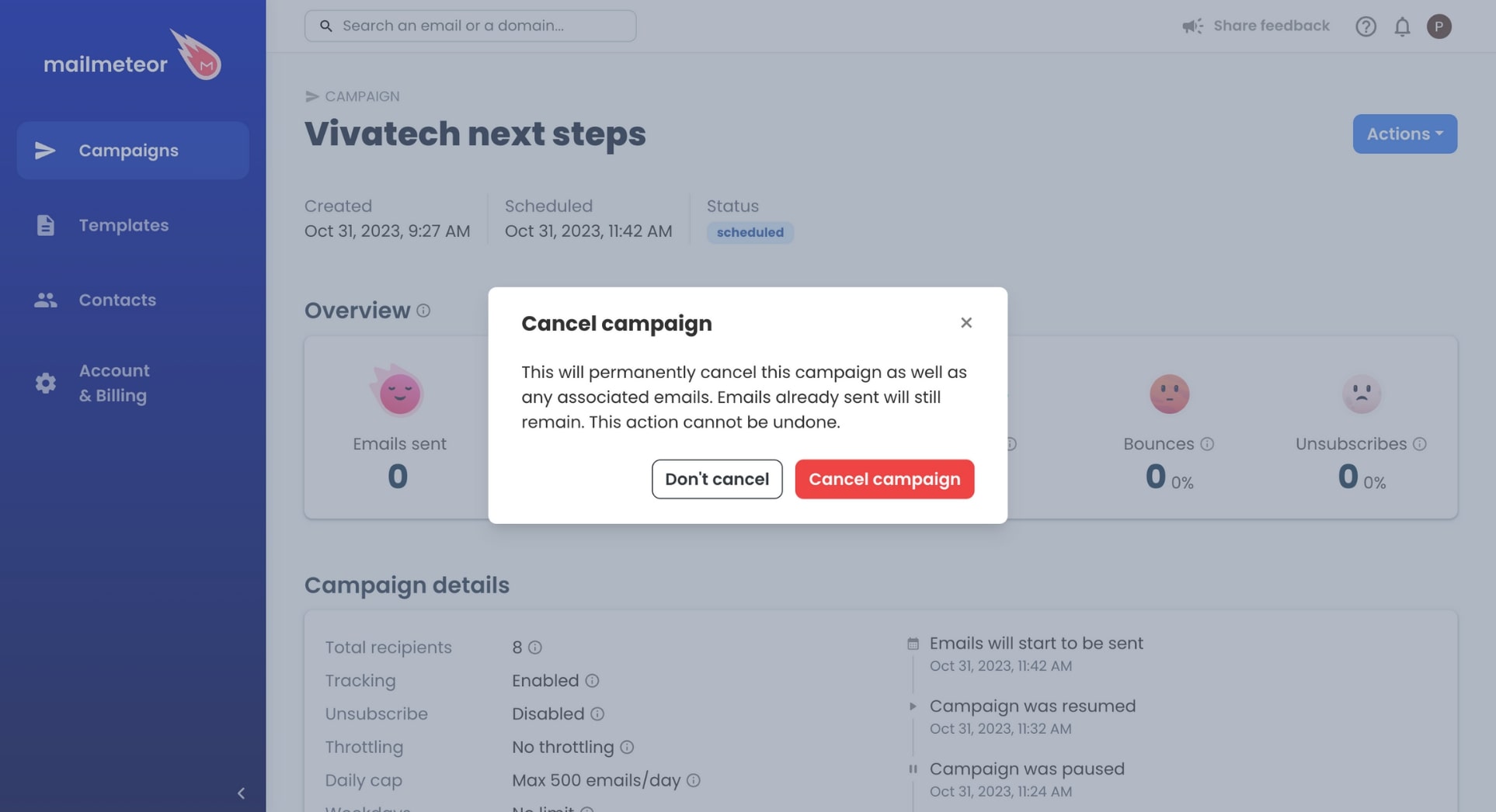
Once you cancel a campaign, it’s permanent. You can’t resume sending afterward. So if you want to stop a campaign temporarily, use the Pause sending feature instead.
Also, canceling a campaign will only stop pending emails from being sent. Emails already sent won’t be recalled.