Editing an existing campaign
Just realized there’s a typo in the subject line of your campaign. Or forgot to add someone to your list of recipients? No worries. You can edit a running Mailmeteor campaign in just a few clicks. Here’s how it works.
How to edit a campaign?
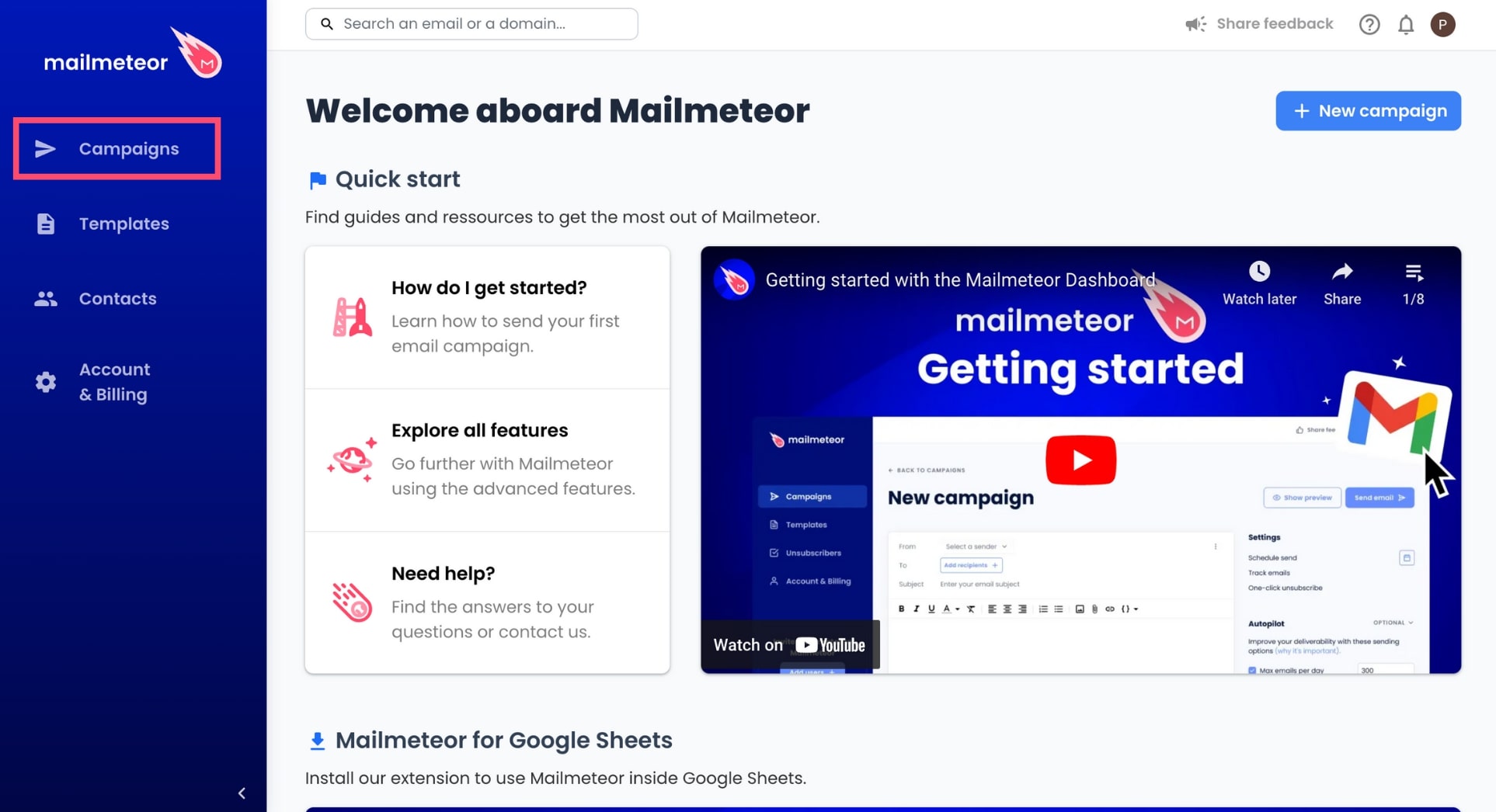
- Open the Mailmeteor Dashboard.
-
Go to Campaigns.
-
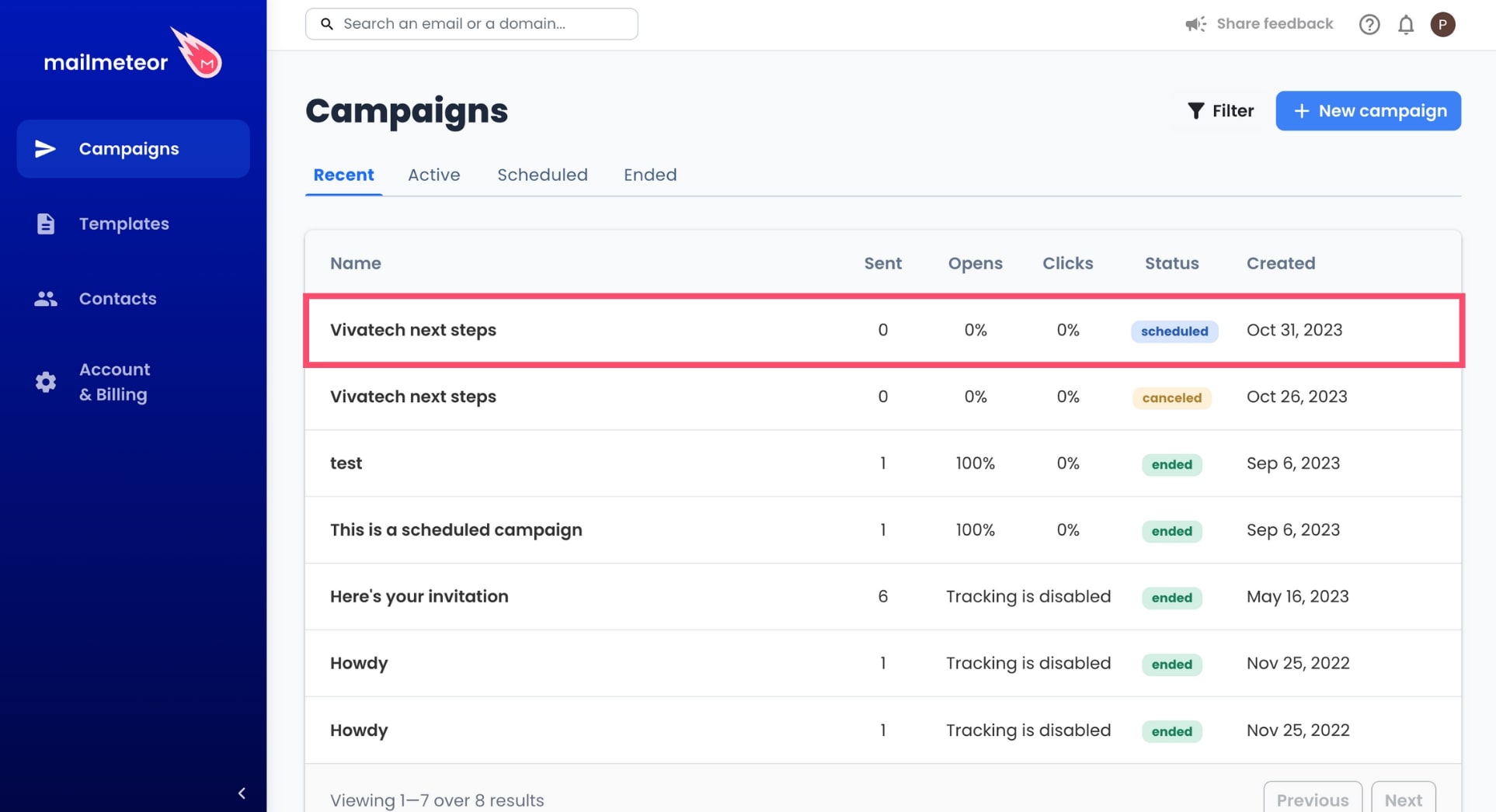
Select the campaign you want to edit.
-
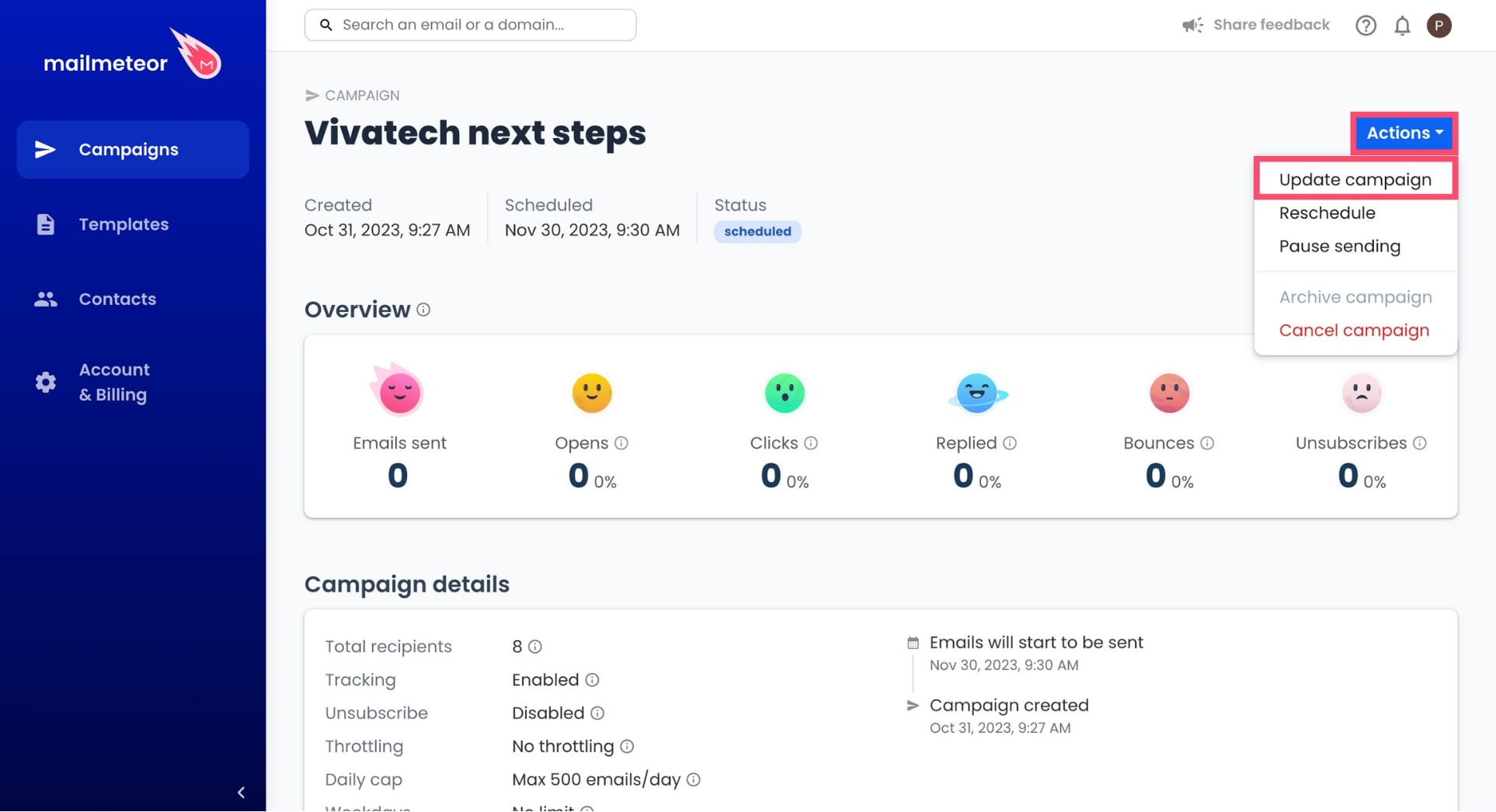
Go to Actions and select Update campaign.
-
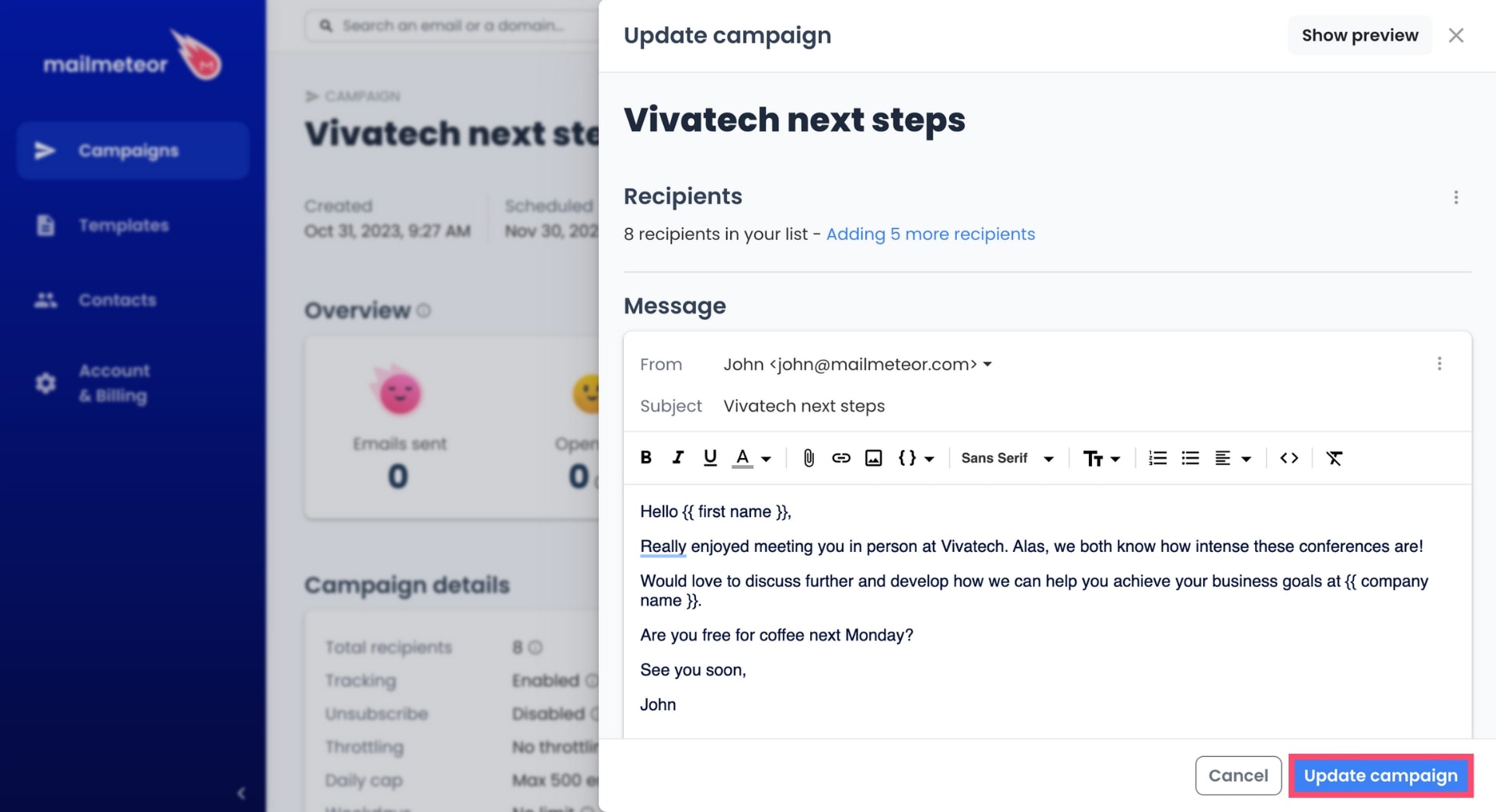
A new panel will open. From there, here’s what you can edit:
- Select an alias
- Add new recipients
- Remove some recipients
- Reschedule to a later date
- Edit the content of your email
-
Once you’re done, click Update campaign to save your changes.
And there you go, your campaign has been successfully updated. Mailmeteor will now send your emails, taking into consideration the changes you’ve made.