Duplicate
Mailmeteor lets you duplicate your campaign in just a few clicks. It copies the entire campaign, including its settings, into a new draft. This feature allows you to reuse your best-performing campaigns and keep improving them.
How to duplicate a campaign in Mailmeteor?
- Open the Mailmeteor Dashboard.
-
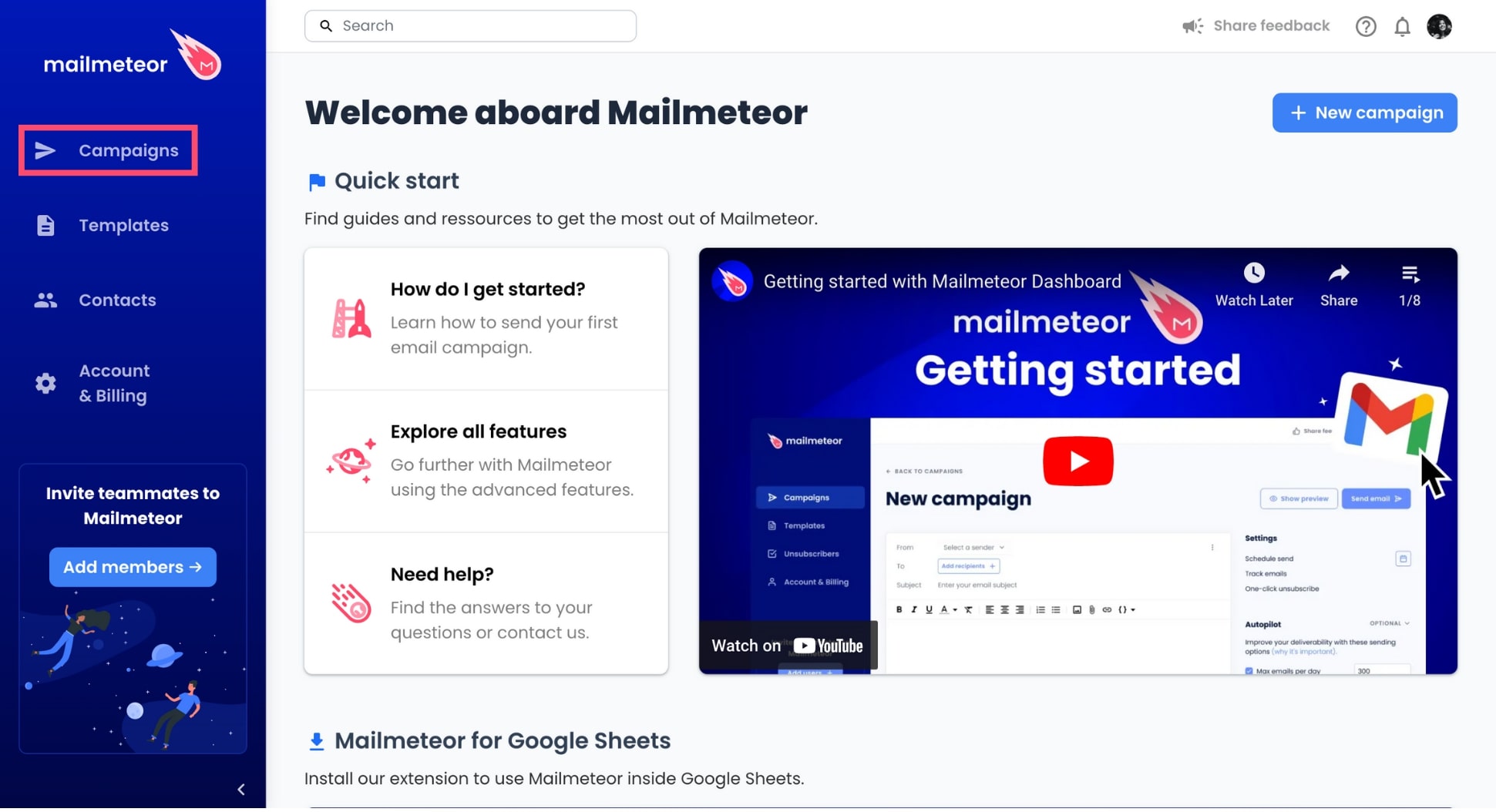
Go to Campaigns.
-
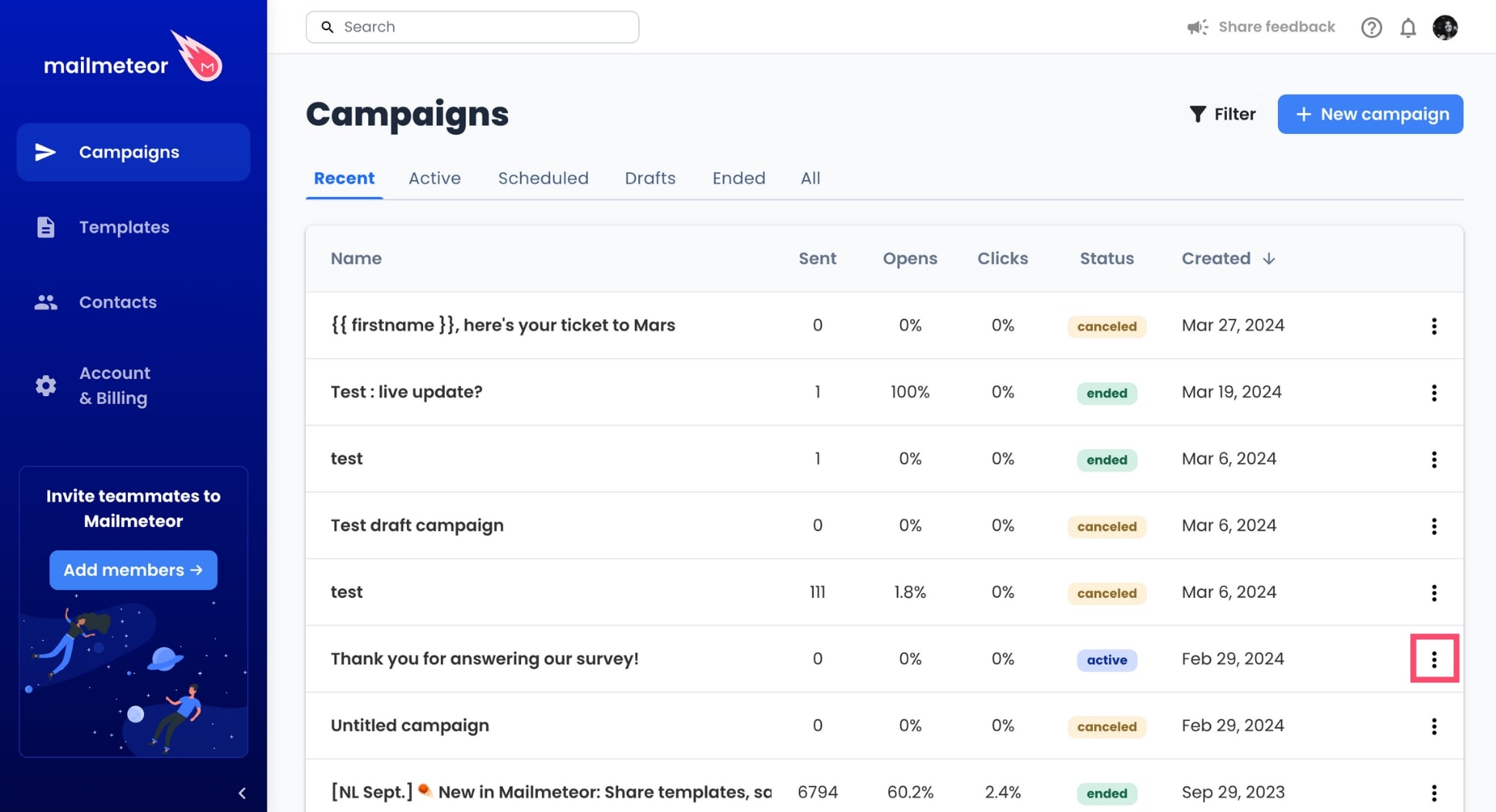
Find the campaign you want to duplicate. Then click the three vertical dots next to this campaign.
-
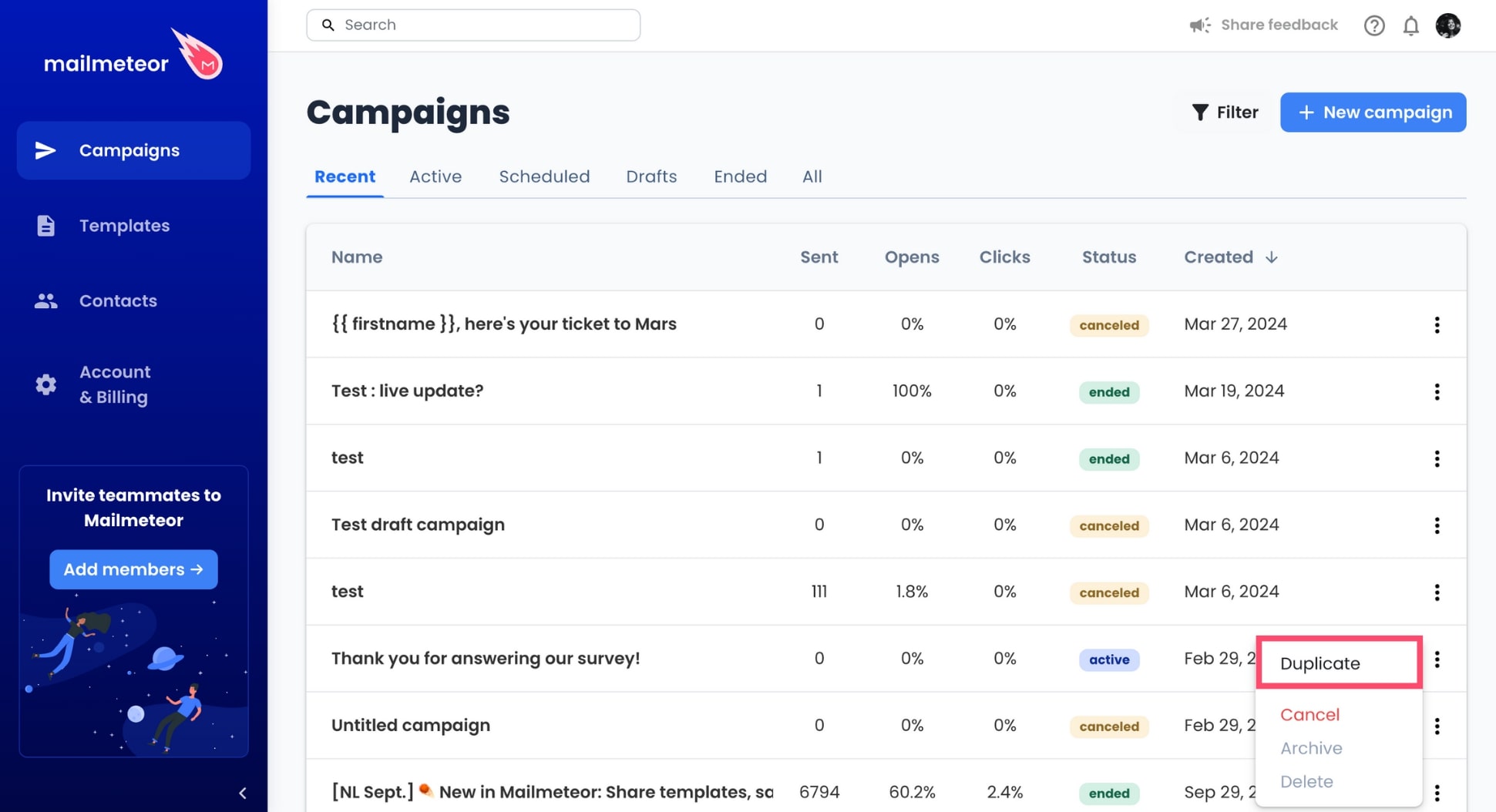
In the dropdown menu, select Duplicate.
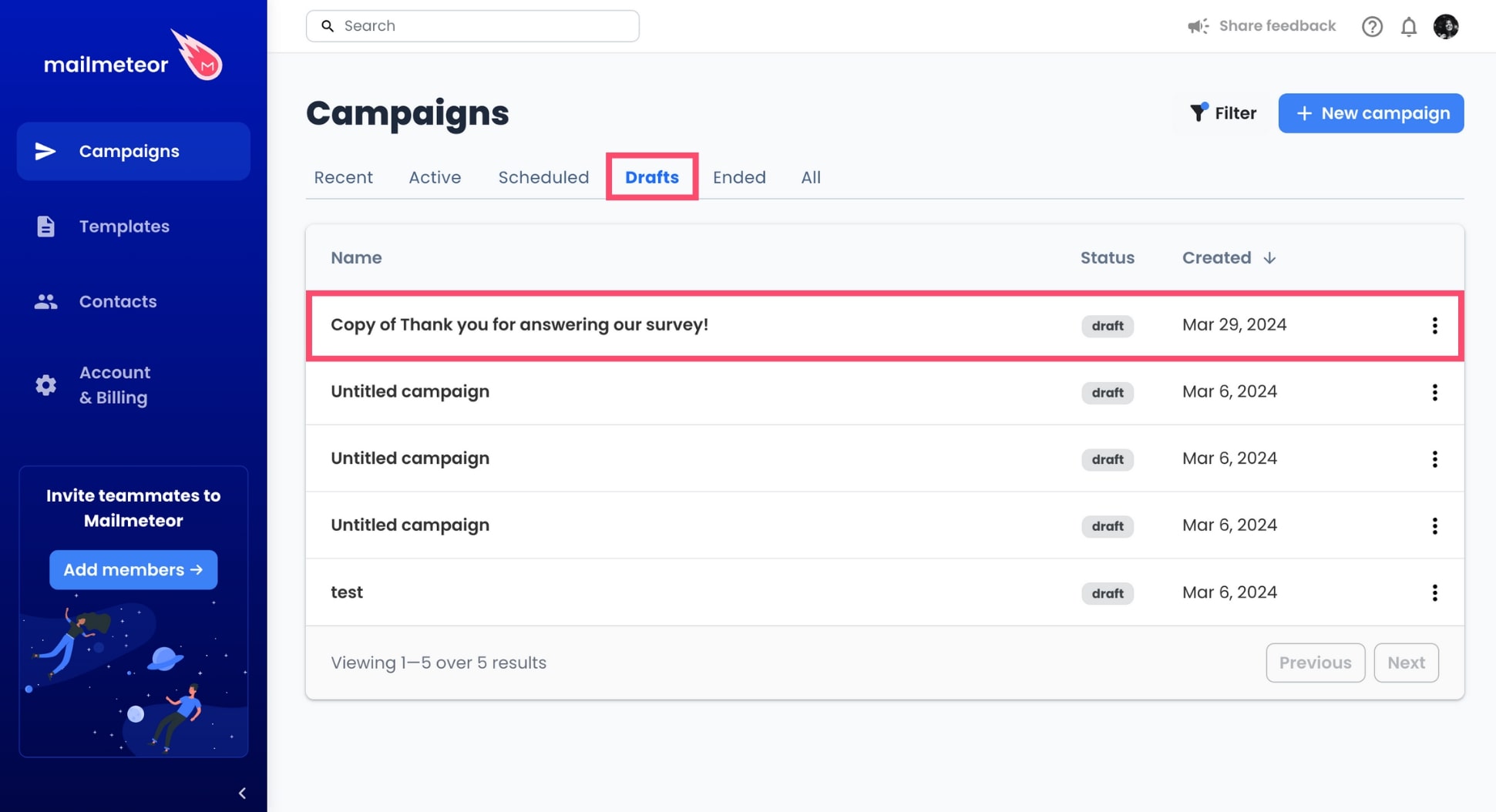
And voilà. Mailmeteor will now automatically make a copy of your campaign and save it as a draft.
How to edit a duplicated campaign?
Your duplicate campaign can be found in Campaigns > Drafts. Click the campaign to start editing the content and the settings of your emails before sending or scheduling your brand new campaign.