Do Not Track
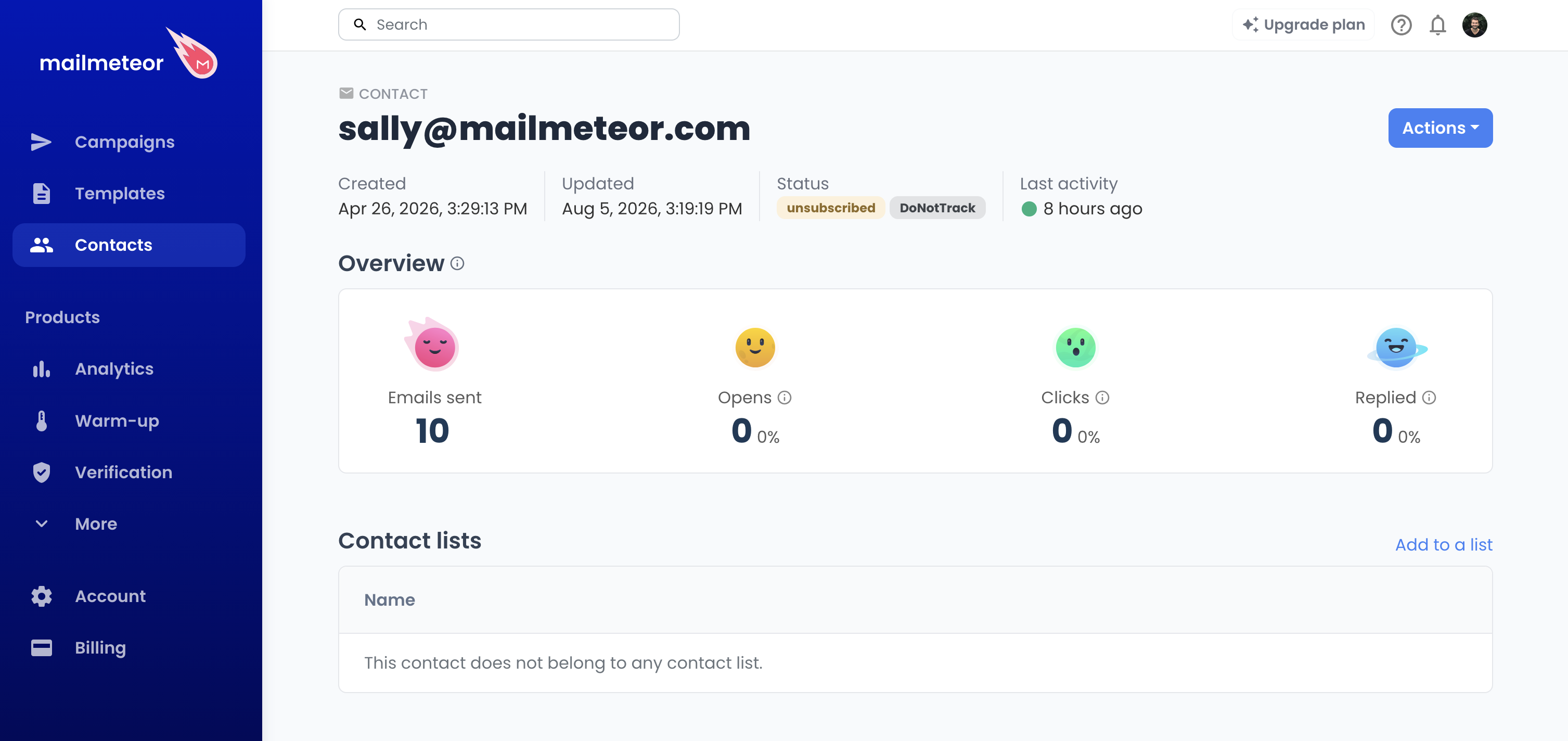
The Do Not Track badge shown on a contact’s page means this recipient withdrew their tracking pixel consent and no longer wants to be tracked when they open your emails or click links inside them.
How does a contact get the DoNotTrack badge?
A contact only gets this badge when they open the manage preferences page for one of your emails and turn off Email tracking. Mailmeteor never sets it automatically.
Do Not Track is independent from unsubscribing. A contact can have neither badge, either one, or both — turning off tracking doesn’t stop your emails from being sent, and unsubscribing doesn’t necessarily mean the recipient also opted out of tracking.
What does it mean for you as a sender?
Once a contact has the Do Not Track badge, Mailmeteor stops adding a tracking pixel and personalized links to the emails you send them, so opens and clicks are no longer recorded in your future campaigns and follow-ups. You’ll keep sending them emails as usual, unless they’ve also unsubscribed.
You can see every contact who opted out of tracking from your contacts list, filtered by tracking preference.
Respecting your recipients’ tracking preferences helps you build trust with your audience and follow good sending practices. Some countries require this by law.