Select a template
Once you’ve created a template, you can reuse it anytime to send emails.
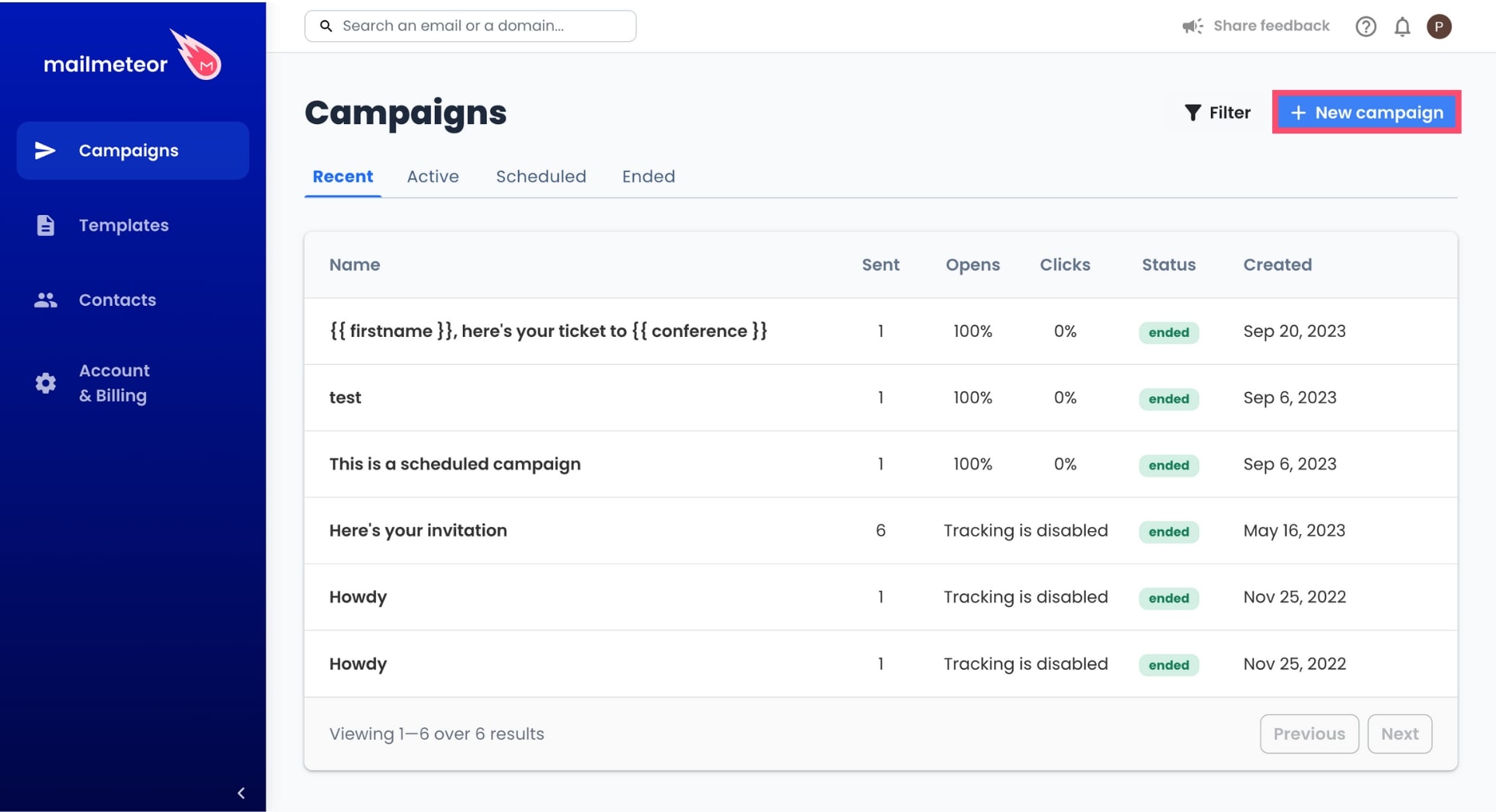
- To create a campaign, go to Campaign.
-
Click New campaign.
-
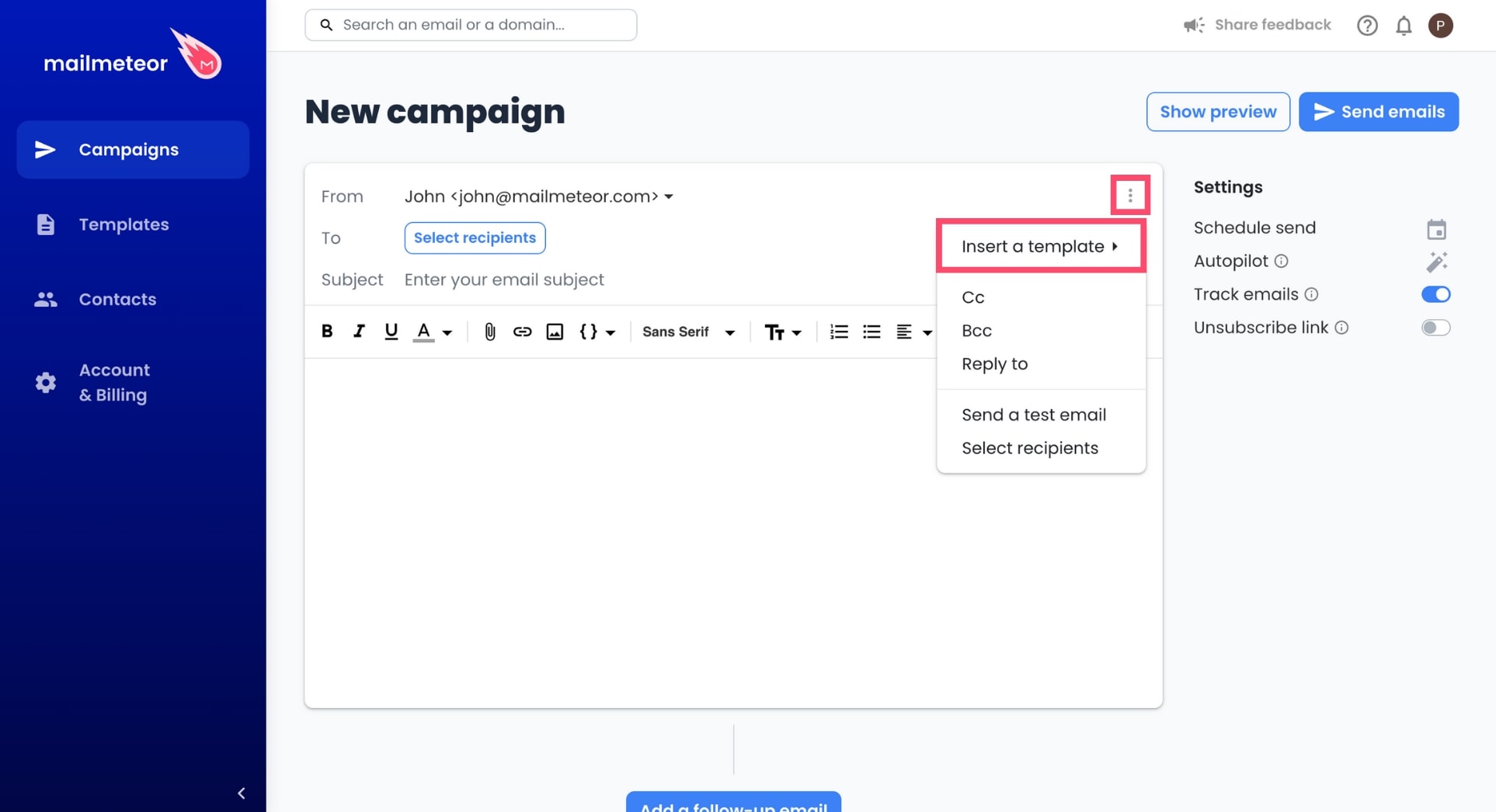
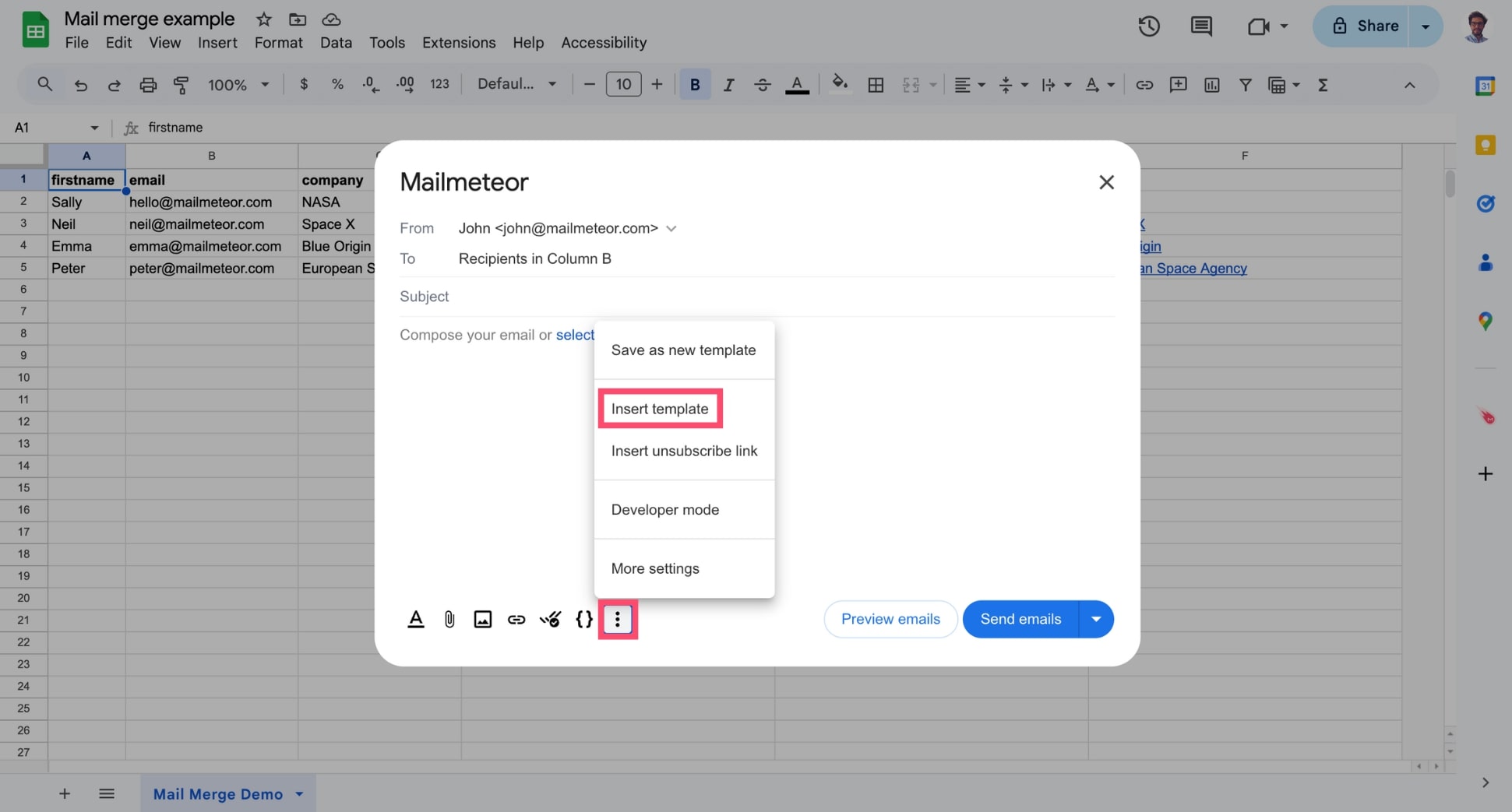
From there, click the three vertical dots and select Insert a template.
-
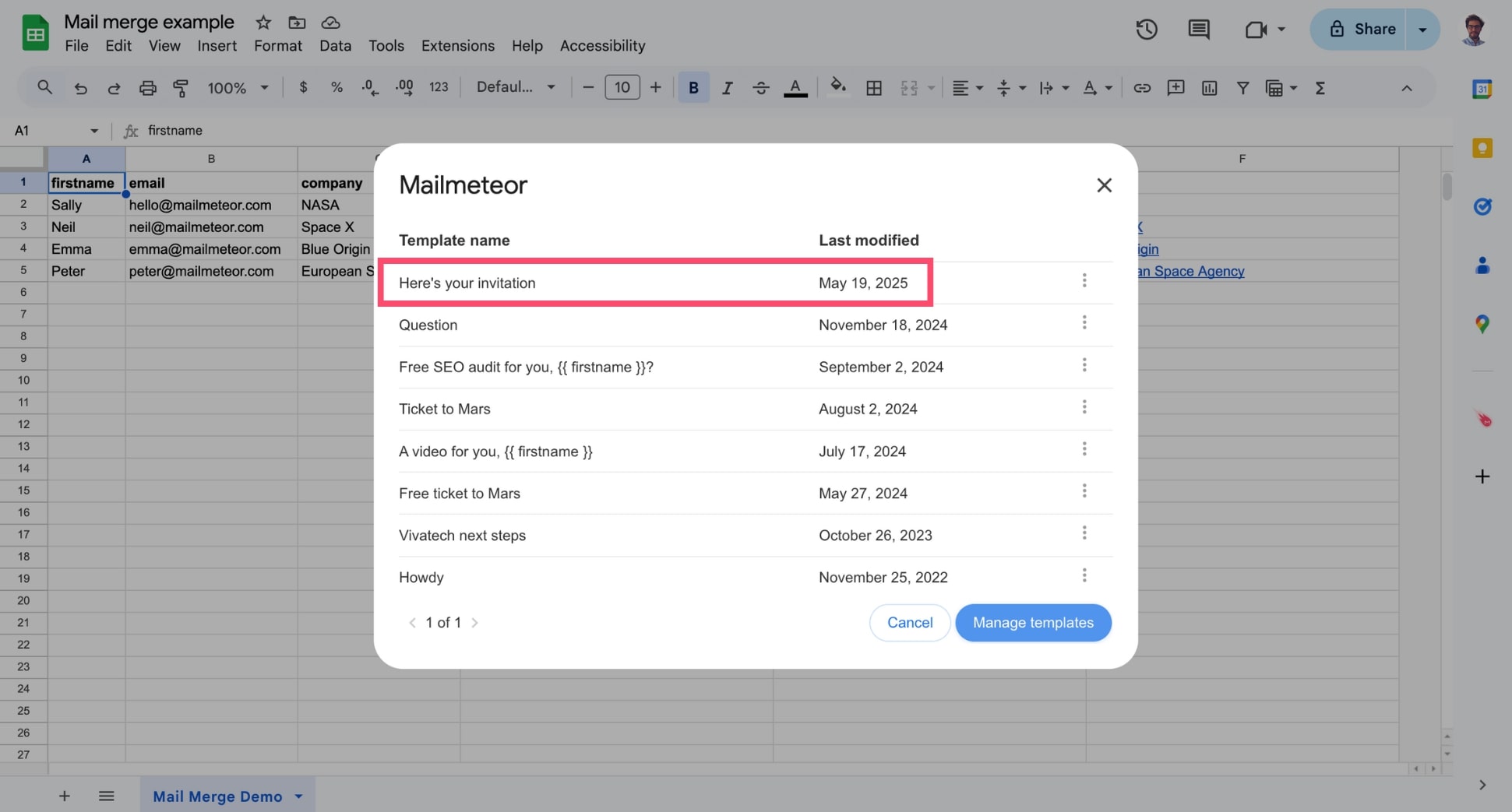
Select your template in the list.
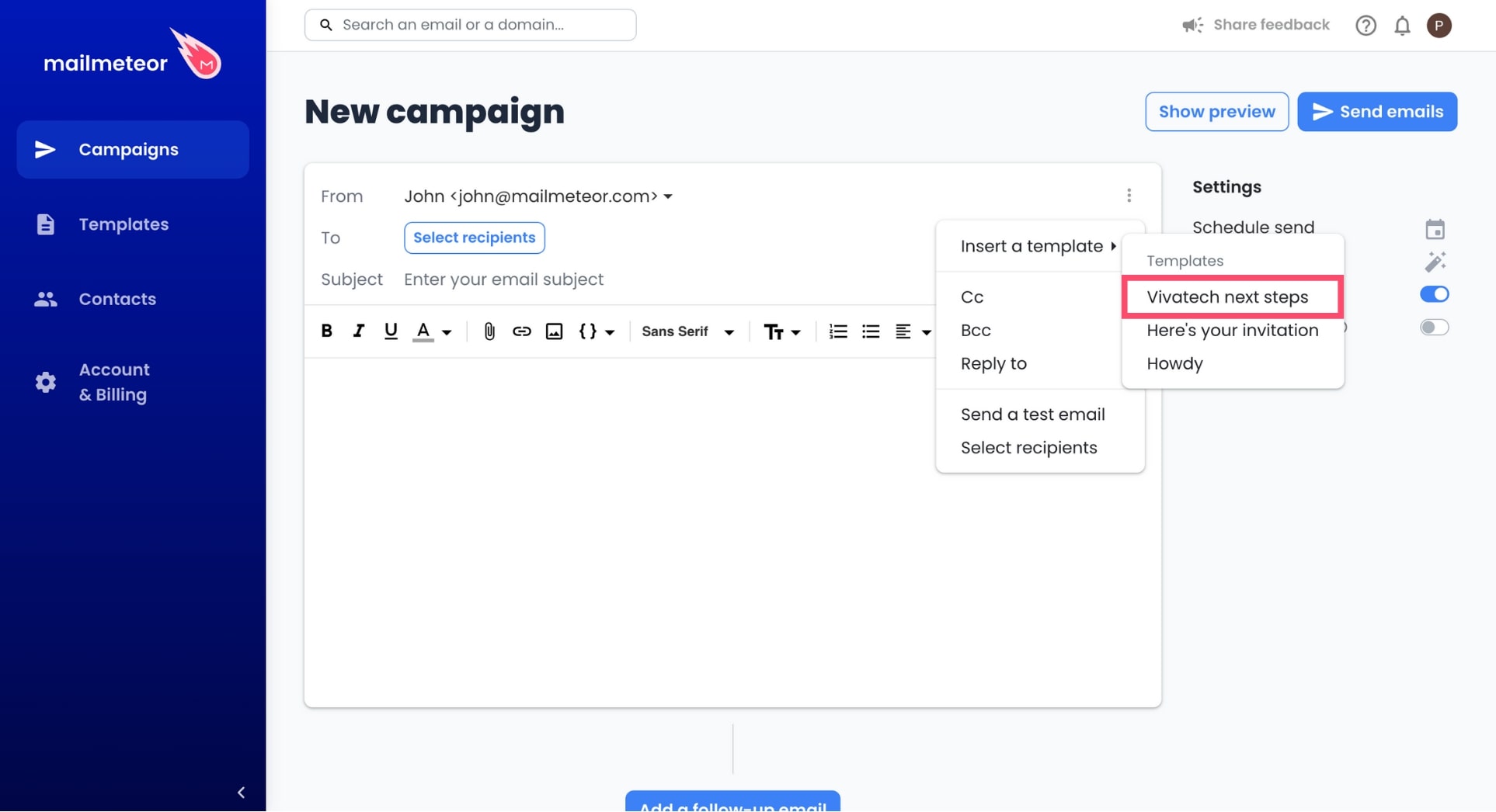
You can now edit your template, add your recipients, preview your emails, and send your campaign.
-
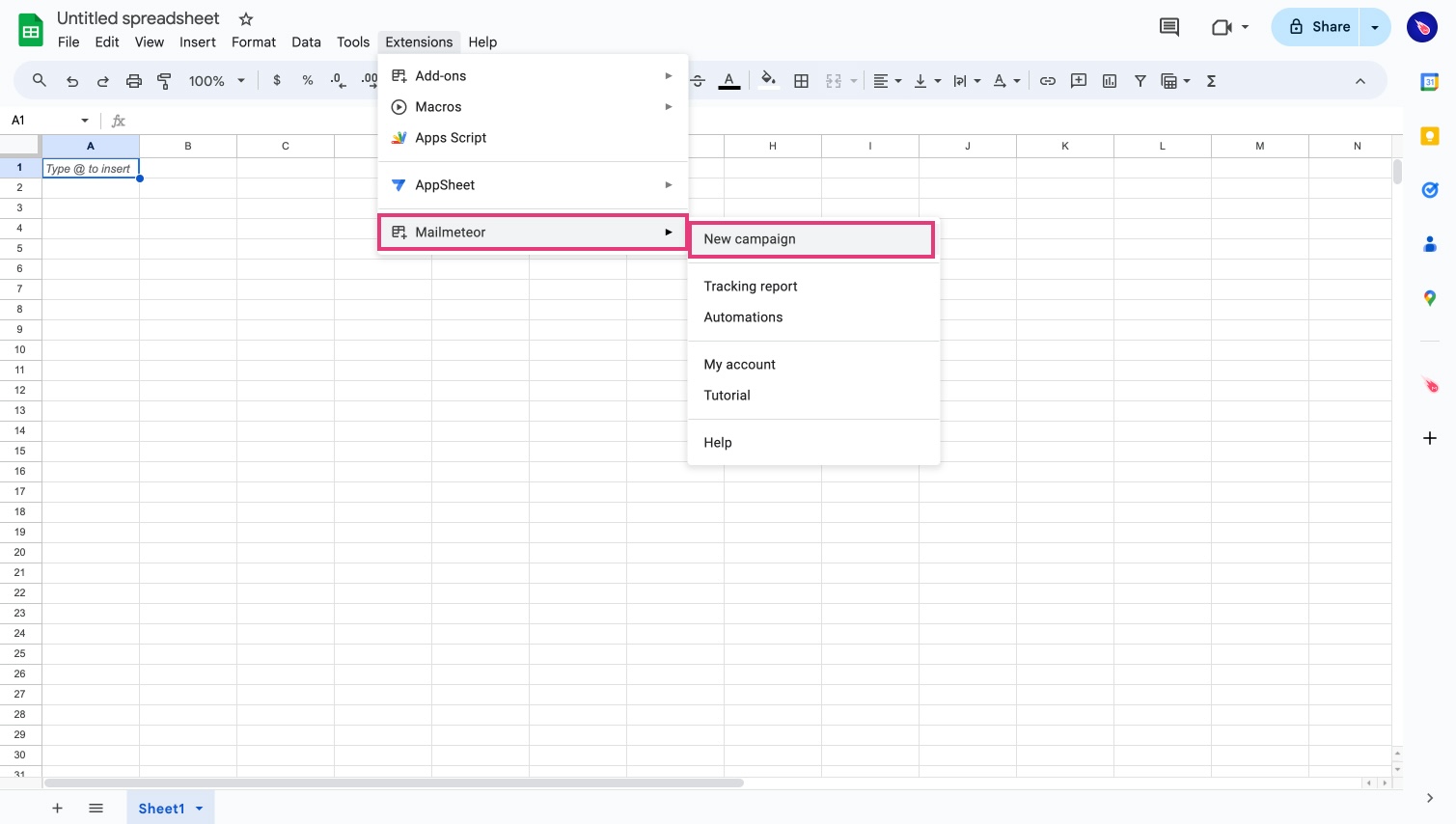
Open Mailmeteor.
-
Click Select template. Alternatively, you can click the three vertical dots. Then click Insert template.
-
Select an existing template.
And voilà. You can now edit this template, add images or attachments, personalize it with variables, or preview it and click Send emails to send it as it is.