Gmail
Mailmeteor for Gmail brings powerful features directly into your Gmail inbox, boosting your productivity. With over 30,000 users, it’s among the fastest-growing add-ons for Gmail.
This browser extension, available on the Google Chrome Web Store, provides a seamless experience in Gmail. Many Gmail extensions either clutter the interface, making Gmail clunky, or force you to work in separate dashboards that disrupt your workflow.
Mailmeteor for Gmail is different from other solutions. It integrates smoothly into your Gmail inbox and offers a rich set of features, including:
How to install the Gmail extension?
- Go to the Chrome web store.
-
Click Add to Chrome.
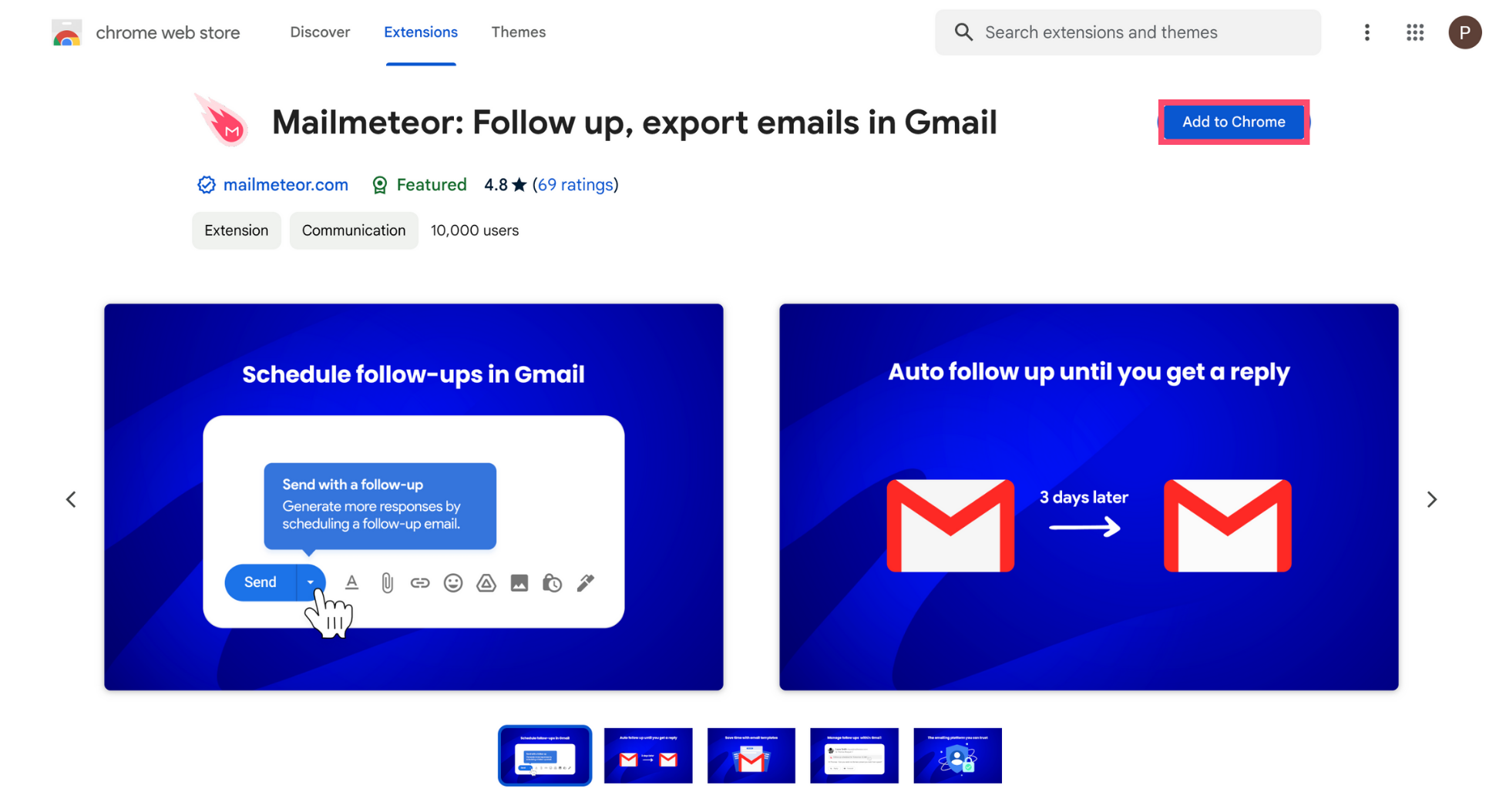
-
Click Add extension.
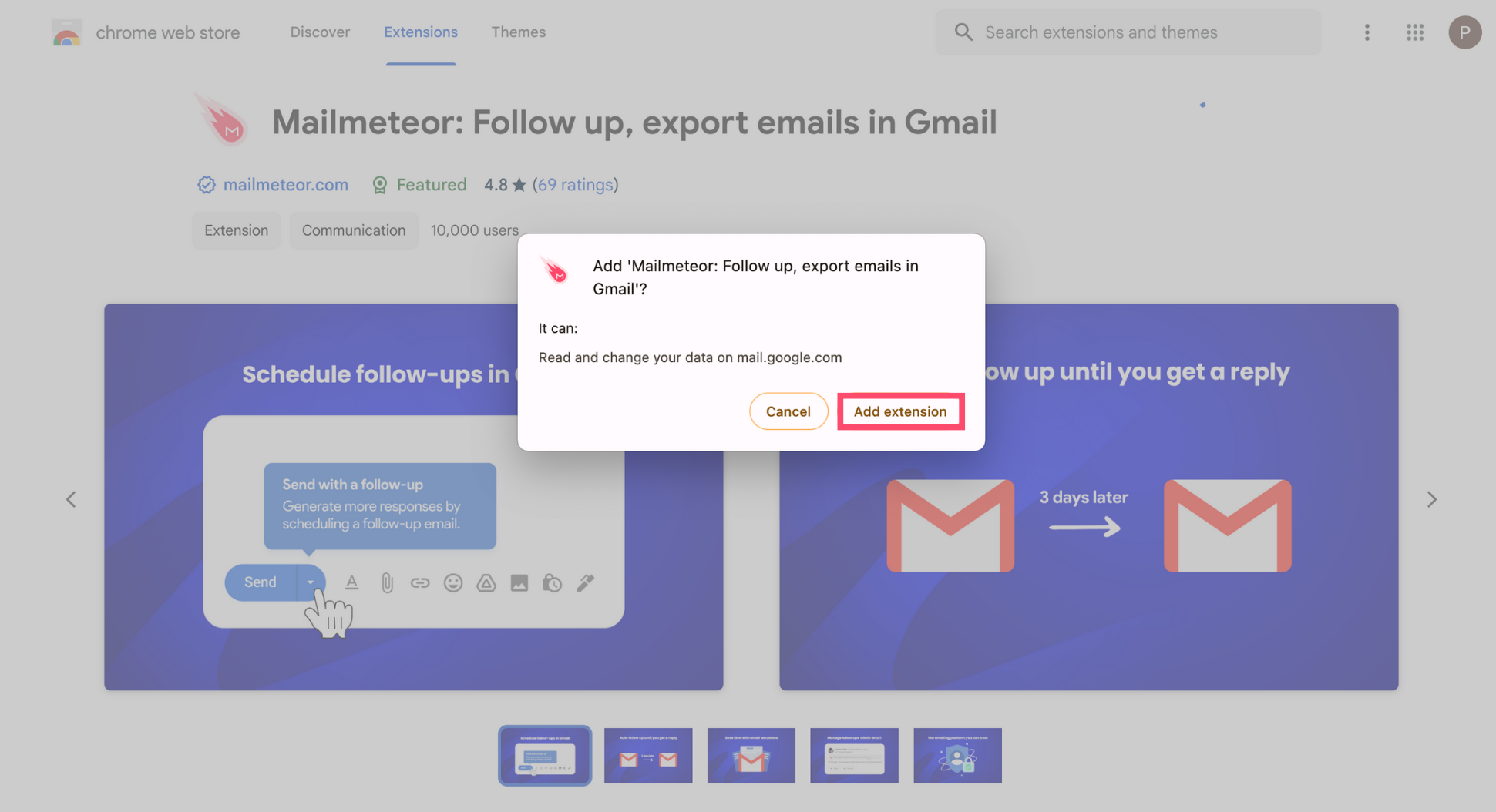
And voilà. Mailmeteor has been installed successfully. You can now use the app to send mass personalized emails, schedule follow-ups, track your emails in real-time, and much more.
Mailmeteor is a recommended by Google app with 7+ million users and a 4.9 rating out of 11K+ reviews. The app is secure and designed to respect your privacy.