Rescheduling a campaign
Rescheduling campaigns with Mailmeteor is now easier than ever. You can quickly postpone or send campaigns sooner than planned.
How to reschedule your email campaigns
- Open Mailmeteor Dashboard.
-
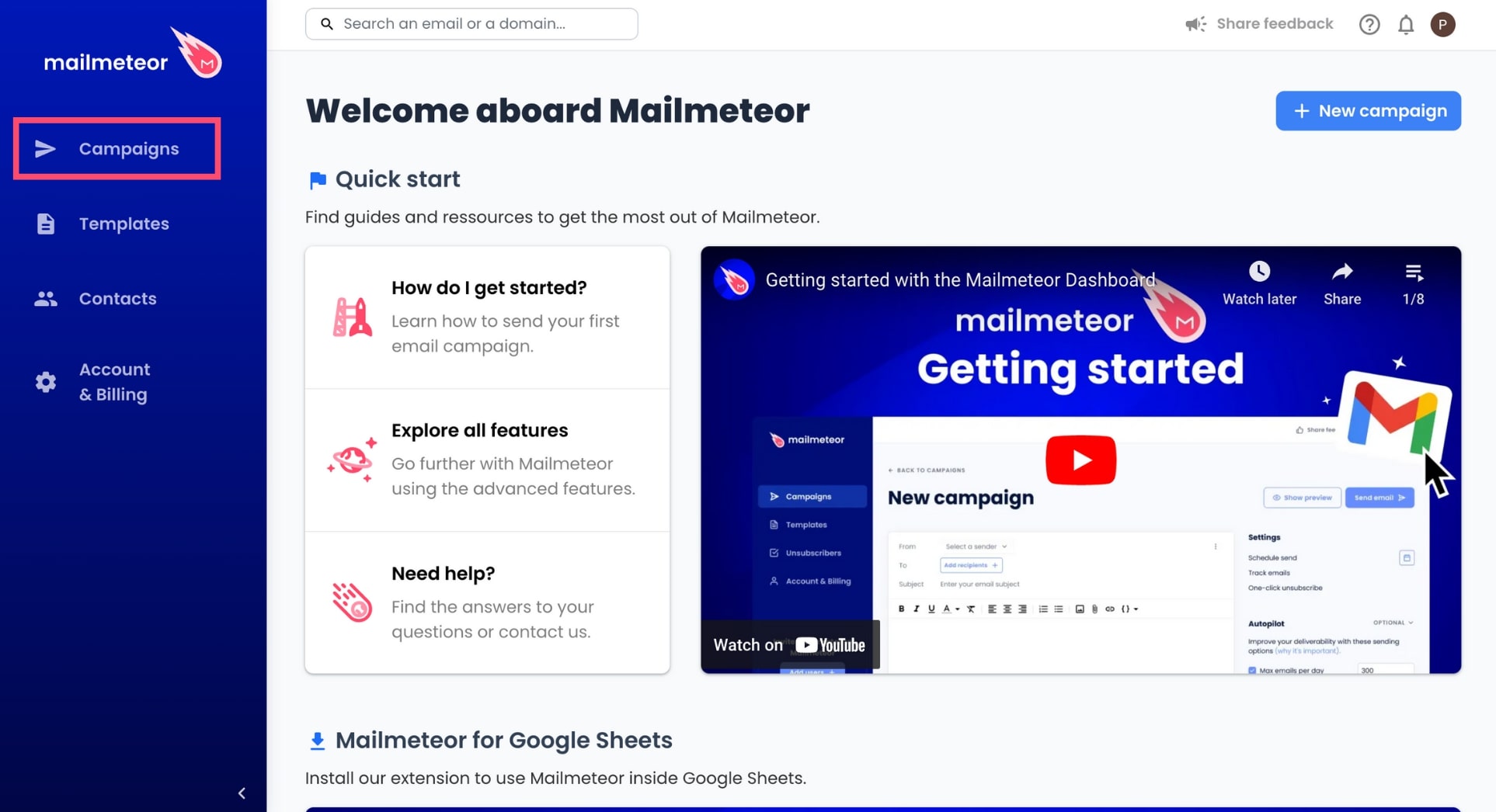
Go to Campaigns.
-
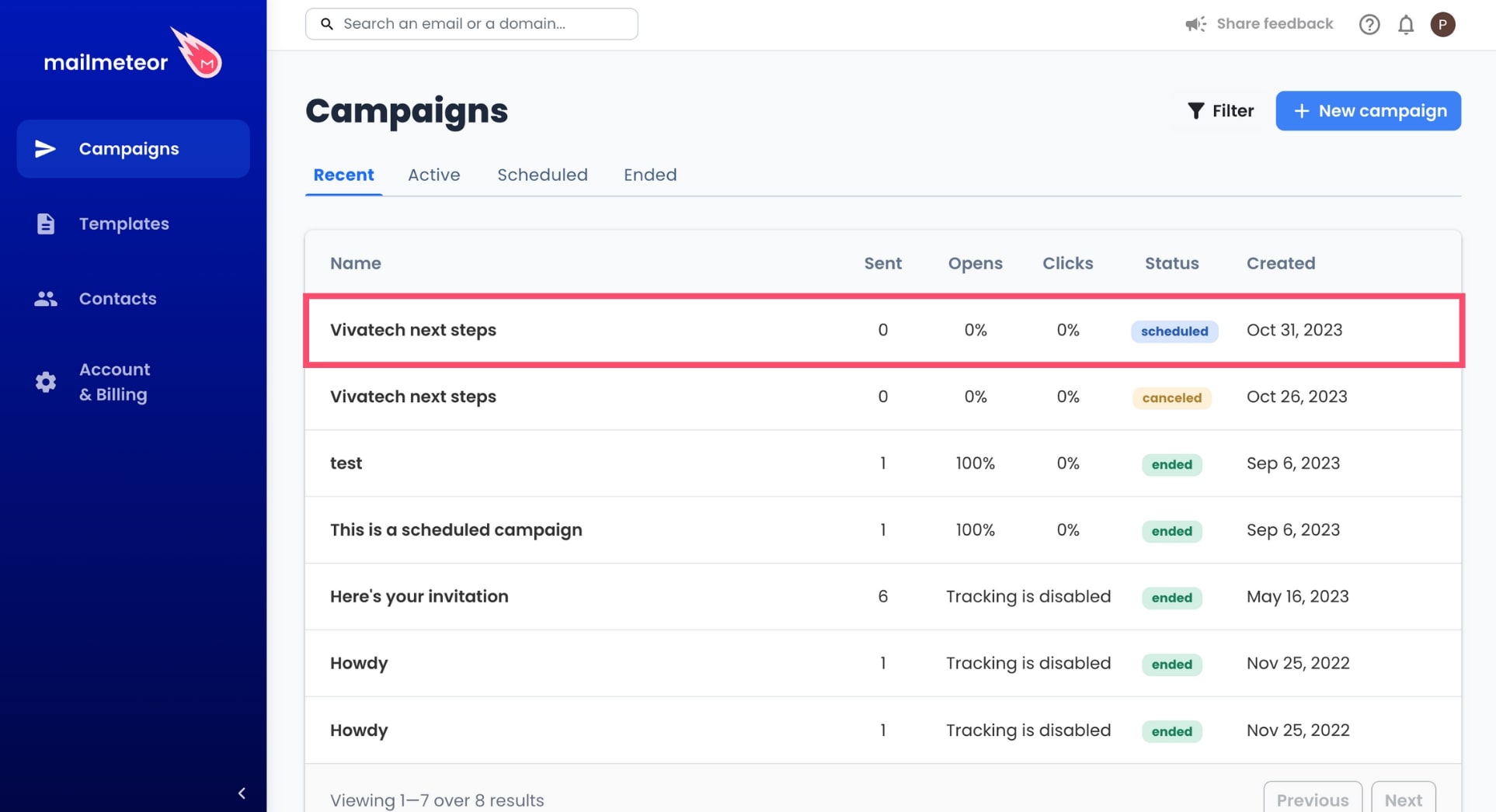
Select an active or scheduled campaign.
-
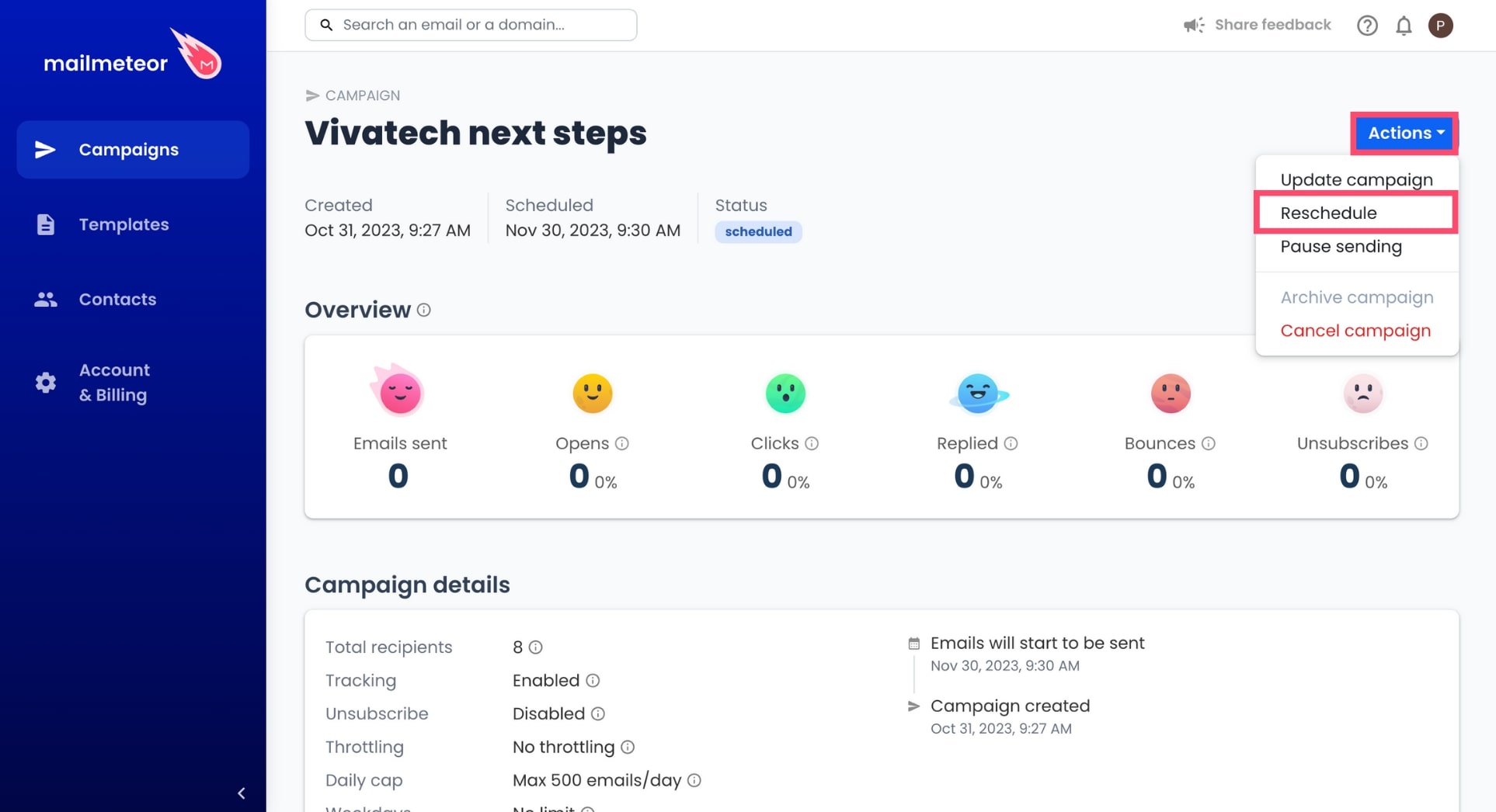
Go to Actions and select Reschedule.
-
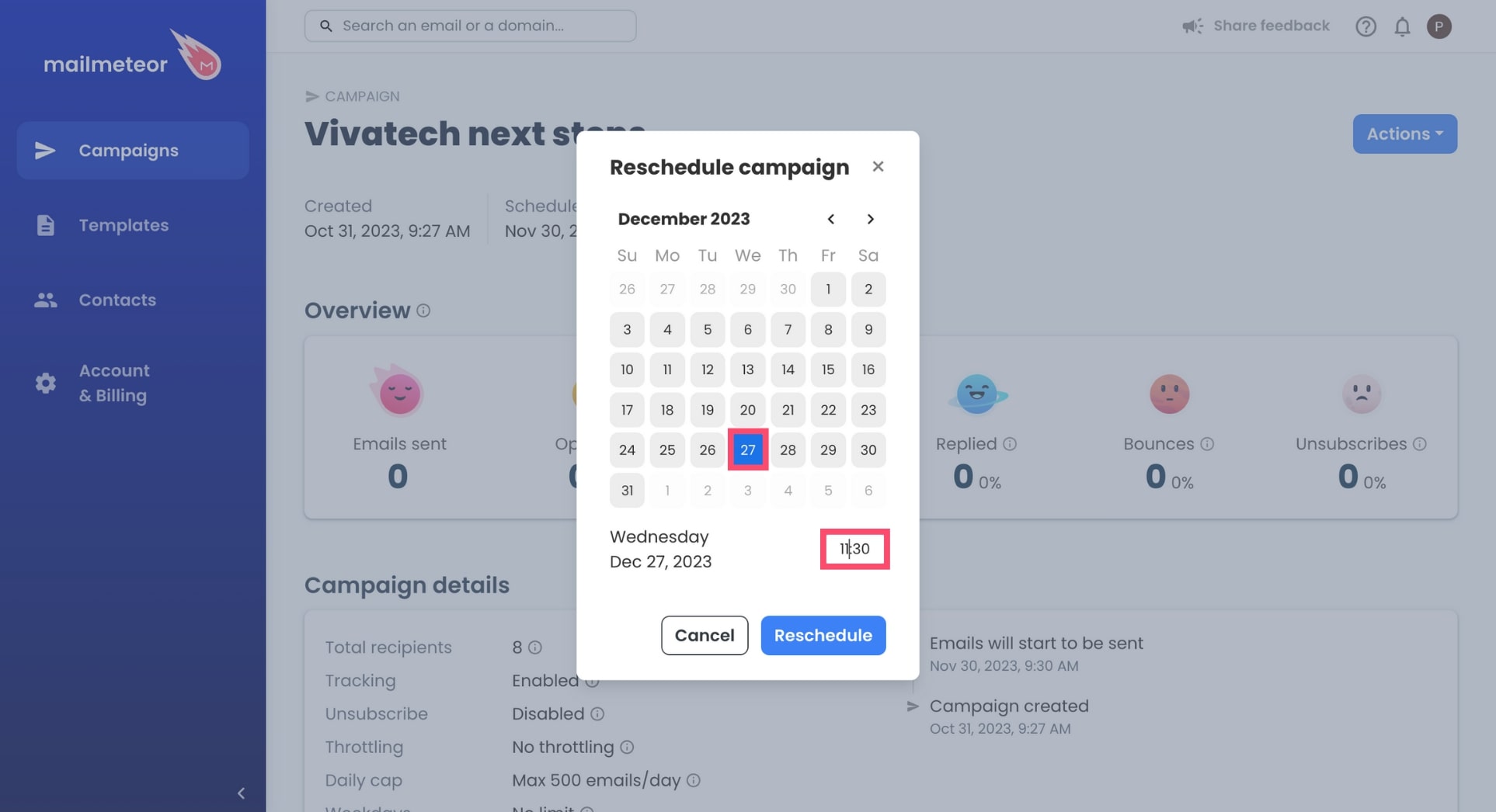
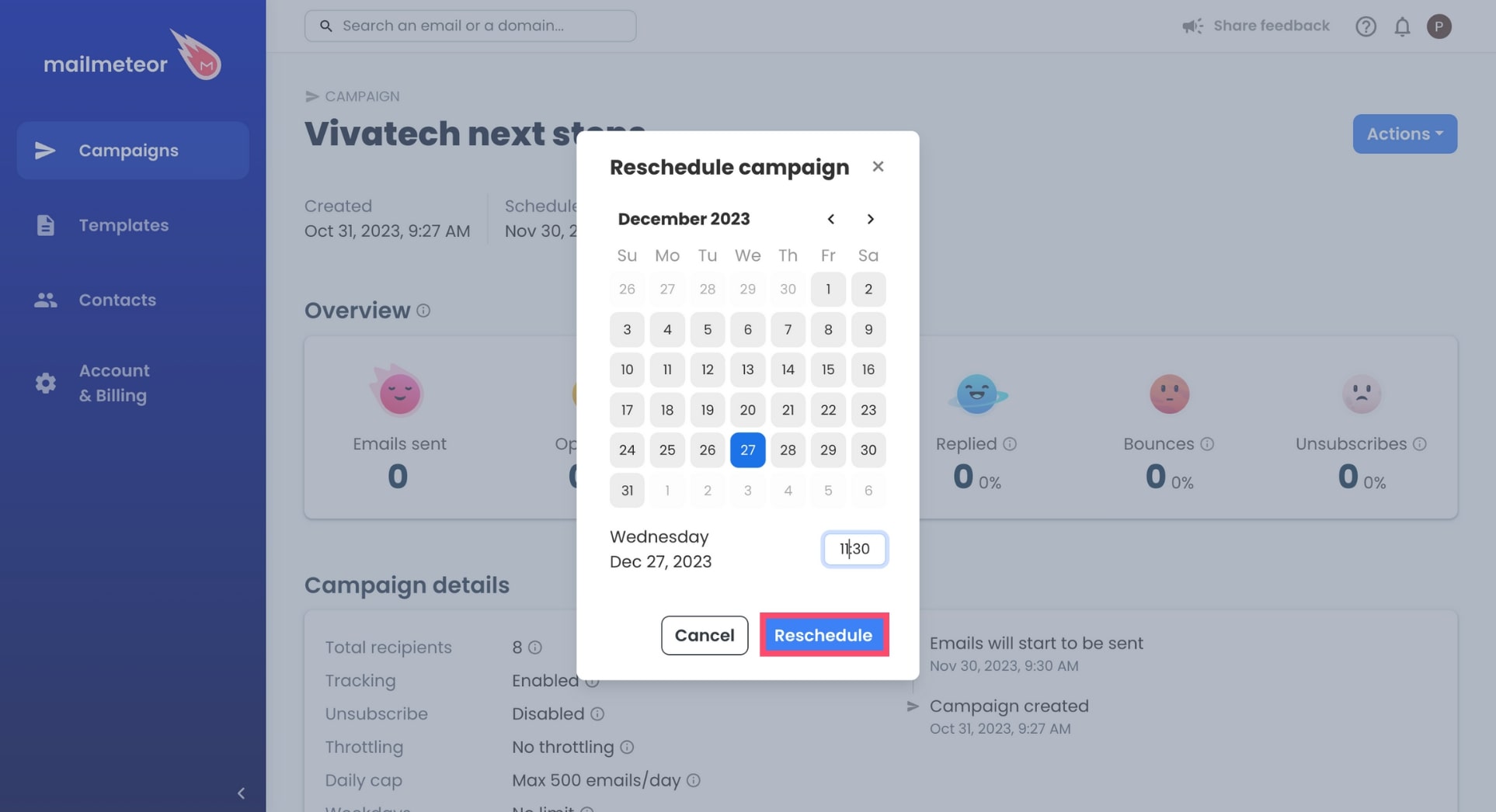
Select the new date and time of your campaign.
-
To confirm, click Reschedule.
And done. You’ve successfully rescheduled your Mailmeteor campaign. Congratulations 🎉